
Daily Wage Worker Directory App is an app template for organizing and finding workers who are available for short-term, daily, or project-based assignments. Contractors, construction teams, field supervisors, staffing coordinators, property managers, and community employment groups can use it to keep worker information accessible in one place. Users can browse worker profiles, review key details such as experience, location, and availability, and call a suitable worker directly. This reduces time spent searching through scattered contacts and helps teams identify nearby labor for urgent shifts, seasonal work, site support, repairs, moving projects, and other temporary jobs.
Jotform Apps helps organizations turn this Daily Wage Worker Directory App into a branded, mobile-friendly resource without writing code. Its no-code app builder and drag-and-drop interface make it easy to adjust pages, navigation, images, and worker listings. Teams can connect forms to support data collection, organize records through related workflows, and update directory content as staffing needs change. Jotform App Templates can also be shared by link or QR code, giving coordinators and authorized users convenient self-service access from phones, tablets, or computers.
Related templates
Independent Contractor Time Tracking App
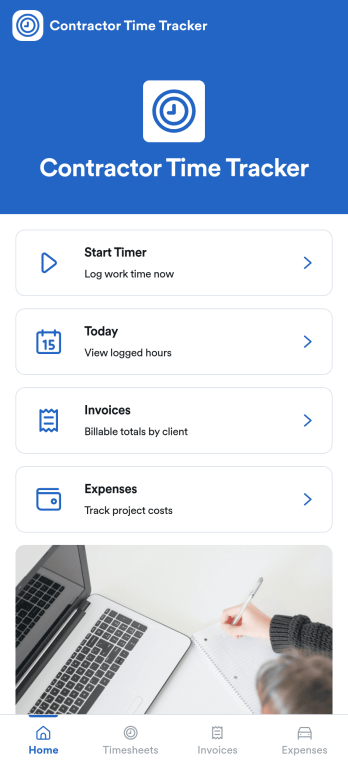
Independent Contractor Time Tracking App helps freelancers and independent contractors record hours worked in a simple, focused place when they need a quick way to document time for clients, projects, or daily tasks. With a single page and clear on-screen guidance, it fits service providers who want a lightweight option for capturing work time during the day and keeping personal records consistent, whether they’re on-site, traveling, or working from home.Jotform makes it easy to turn this use case into a shareable, branded experience using its no-code app builder and drag-and-drop interface. Start with Jotform App Templates, adjust the page content to match how you track time, and connect the app to your broader workflow for data collection and self-service when you’re ready to expand beyond a basic layout.
Go to Category:Activity Tracking Apps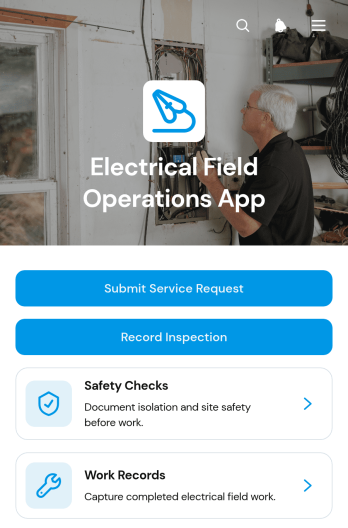
Electrical Field Operations App
Electrical Field Operations App gives electrical contractors, field technicians, supervisors, and facilities teams a central place to manage work performed at customer and project sites. Users can submit service requests, review site and urgency details, record inspections, complete safety checks, and document finished work with technician and completion information. It supports maintenance calls, installation follow-ups, fault investigations, routine inspections, and other field service scenarios where accurate records and clear handoffs matter. By keeping requests and work records accessible in one mobile-friendly experience, teams can improve visibility, reduce missing information, and maintain a reliable history of on-site activity.Jotform Apps helps organizations turn processes like this into interactive experiences without writing code. Start with the Electrical Field Operations App template, then use the no-code app builder and drag-and-drop interface to adjust pages, navigation, branding, and connected forms. Jotform App Templates can link data collection with tables, notifications, approvals, and other workflow steps, helping office and field teams stay coordinated. Publish the app through a direct link, personalized URL, embedded experience, or QR code so technicians can access tasks and self-service resources from phones, tablets, or computers.
Go to Category:Field Service Apps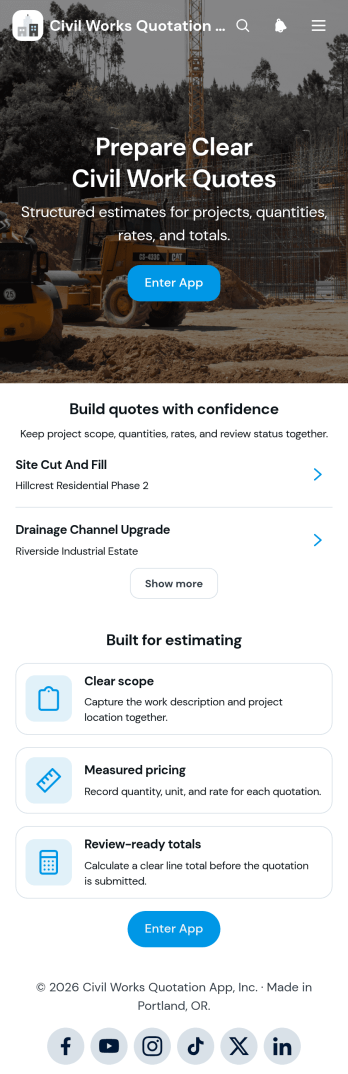
Civil Works Quotation App
The Civil Works Quotation App is a ready-to-use app template for contractors, estimators, civil engineering teams, project managers, and construction businesses preparing itemized project quotations. It brings quotation creation, cost calculation, and quote review into one organized experience. Teams can define the work scope, record quantities and rates, calculate estimated costs, and view review-ready totals before presenting a quotation. It is well suited to earthworks, drainage, concrete work, road repairs, site preparation, and other civil projects where clear pricing and accurate project details support faster decisions. Users can also browse existing quotations, open project summaries, and refer to common quotation questions when checking estimates.Jotform makes this Civil Works Quotation App easy to adapt without coding. Its drag-and-drop app builder lets businesses update pages, buttons, content, and branding to match their estimating workflow. Connected forms support consistent data collection, while tables and automated workflows can help teams organize records and follow up on new quotes. Publish the app with a shareable link or QR code so office and field teams can access it from phones, tablets, or computers. Jotform App Templates provide a practical starting point for creating a mobile-friendly quotation workspace with self-service access to essential estimating tools and project information.
Go to Category:Estimation Apps
Contract Driver Application App
Contract Driver Application App is a ready-to-use application hub for transportation companies, delivery businesses, fleet operators, staffing teams, and independent drivers. It brings driver applications, qualification requirements, and application guidance into one accessible experience. Candidates can review expectations before opening the connected application form, helping them prepare relevant employment history, license details, driving experience, and other requested information. Hiring teams can use this app template to create a consistent intake journey, reduce incomplete applications, answer common applicant questions, and make contractor recruitment easier to manage across locations or service areas.Jotform Apps helps organizations turn recruitment and contractor intake processes into mobile-friendly, self-service experiences without writing code. Start with customizable App Templates, then use the no-code app builder and drag-and-drop interface to update pages, branding, buttons, instructions, and navigation. Connect forms to data collection workflows, organize responses in tables, add approval steps, and receive notifications when applicants take action. Once the Contract Driver Application App is ready, share it through a direct link or QR code so prospective drivers can access the latest information and apply from any device.
Go to Category:Contractor Apps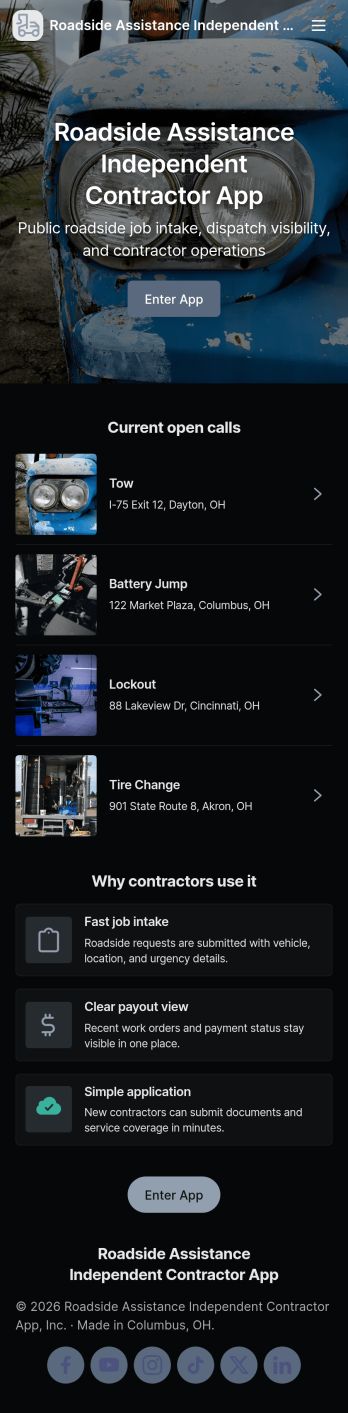
Roadside Assistance Independent Contractor App
Roadside Assistance Independent Contractor App keeps independent drivers and tow providers organized from the moment a dispatch comes in to the moment the work is wrapped up. It gives contractors a simple way to send a new job request, browse open jobs, review job details tied to a dispatch ID, and stay ready with quick equipment check reporting. It also includes built-in contact options for reaching the dispatch desk by phone or emailing contractor support, which helps reduce missed calls and confusion during busy shifts.Jotform makes it easy to tailor this app template to your roadside operation with a no-code app builder and a drag-and-drop interface. Connect the app to your existing forms and tables for reliable data collection, then share a single self-service link with your contractor network. As jobs and equipment checks are submitted, your workflow stays organized and searchable, so coordinators and contractors can move faster with fewer manual updates.
Go to Category:Automotive Apps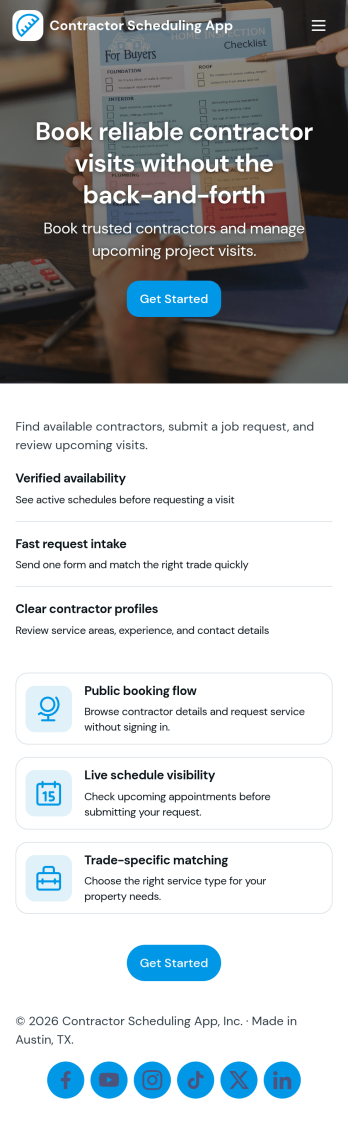
Contractor Scheduling App
Contractor Scheduling App helps teams coordinate contractors, projects, and day-to-day assignments in one organized place. Use it to keep a clear roster of who you work with, capture project details as they come in, and connect each job to the right people and dates. It’s a practical fit for construction companies, home service businesses, property managers, and operations teams that need quick visibility into upcoming work without relying on scattered messages or spreadsheets.With Jotform’s app templates, you can turn your scheduling process into a mobile-friendly experience powered by a no-code app builder and a drag-and-drop interface. Connect forms for adding contractors and projects, display assignment lists for easy self-service access, and keep data collection consistent across your workflow. Customize pages, branding, and navigation so everyone knows where to go to view schedules, update job information, and stay aligned.
Go to Category:Construction Apps