
Game Production Tracker App gives game development teams a central place to coordinate projects from early planning through production. Studios, independent developers, producers, designers, artists, and technical teams can browse active projects, log production tasks, and track milestones without relying on scattered documents. Clear project details such as production stage, target platform, workstream, and milestone status help contributors understand priorities and monitor progress. The template supports day-to-day production oversight, sprint reviews, cross-functional coordination, and portfolio visibility, making it easier to identify delayed work and keep releases moving toward their targets.
With Jotform, teams can customize this app template using a no-code app builder and an intuitive drag-and-drop interface. Add branded pages, adjust navigation, connect forms for data collection, and organize project information around your preferred workflow. Jotform App Templates can also connect with tables, notifications, approvals, and other processes to reduce manual updates. Publish the finished app with a shareable link or QR code so authorized team members can access production resources and self-service tools from a phone, tablet, or computer.
Related templates
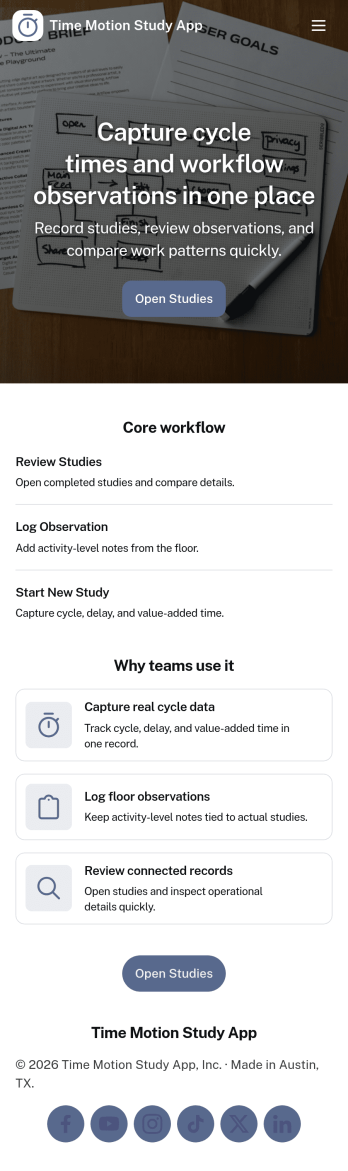
Time Motion Study App
Time Motion Study App helps teams capture how work is performed so they can understand cycle times, spot delays, and standardize repeatable processes. Use it on the floor, in the field, or in an office setting to log a study as it happens, keep a centralized list of studies, and review insight-ready records without relying on scattered notes. It’s a practical fit for operations leaders, industrial engineers, continuous improvement teams, supervisors, and analysts who need consistent time-and-motion documentation across shifts, sites, or job types.With Jotform, you can turn this app template into a branded, self-service experience that’s easy to share and update. Using Jotform’s no-code app builder and drag-and-drop interface, you can connect your study logs to forms and data collection workflows, organize studies into navigable lists, and give stakeholders a simple way to view recent studies and drill into details. As your process changes, you can adjust the app layout and connected workflow in minutes so the same hub keeps supporting ongoing improvement.
Go to Category:Engineering Apps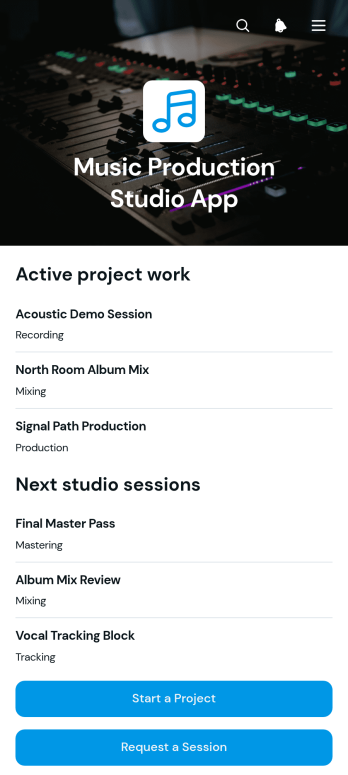
Music Production Studio App
Music Production Studio App gives recording studios, producers, engineers, artists, and project coordinators a central place to manage incoming production work. Clients can start a music project, request a studio session, or ask for deliverables through dedicated forms, while studio teams can browse organized project, session, and deliverable records. This app template is useful for independent studios, production collectives, audio professionals, and creative teams that want to reduce scattered requests, clarify client needs, and keep active work visible from initial inquiry through final file delivery.With Jotform Apps, teams can adapt this Music Production Studio App without writing code. The drag-and-drop app builder makes it easy to update pages, buttons, visual elements, and navigation to match a studio’s services and branding. Connected forms support consistent data collection, while tables, approvals, notifications, and other workflow tools can help staff route requests and coordinate next steps. Publish the app with a direct link, share it through a QR code, or embed it for convenient mobile-friendly self-service. Jotform App Templates offer a practical starting point that can be customized as studio operations, services, and client volumes change.
Go to Category:Entertainment Apps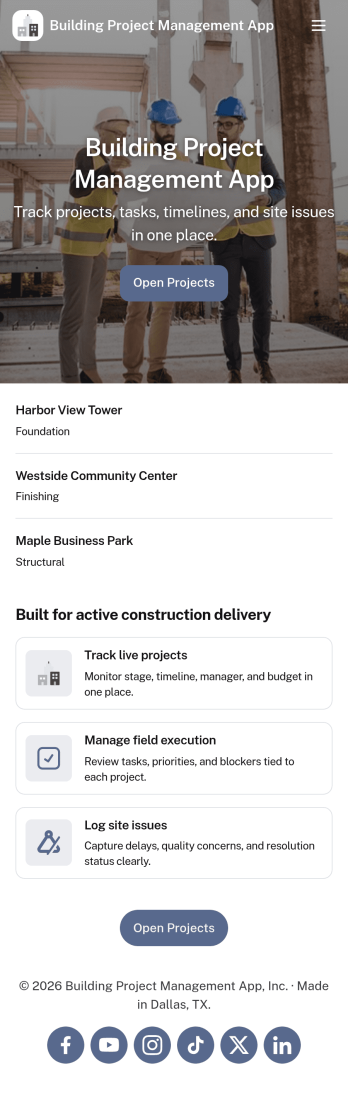
Building Project Management App
Building Project Management App helps teams organize active builds by keeping project records and day-to-day work in one place. It’s a practical fit for construction managers, general contractors, engineering teams, and operations leads who need a clear view of projects, open tasks, and what needs attention next. With dedicated areas to view projects, review open tasks, and add a task directly from a specific project, the app supports smoother handoffs and fewer missed action items as work moves from planning to execution.Jotform makes it simple to publish this kind of workflow as a polished, shareable experience using App Templates and a no-code app builder. Customize pages with a drag-and-drop interface, connect your app to forms and tables for reliable data collection, and keep work moving with a workflow that your team can access from a single link. Whether you’re coordinating multiple job sites or managing internal build initiatives, Jotform helps you turn project updates into a self-service hub your team will actually use.
Go to Category:Construction Apps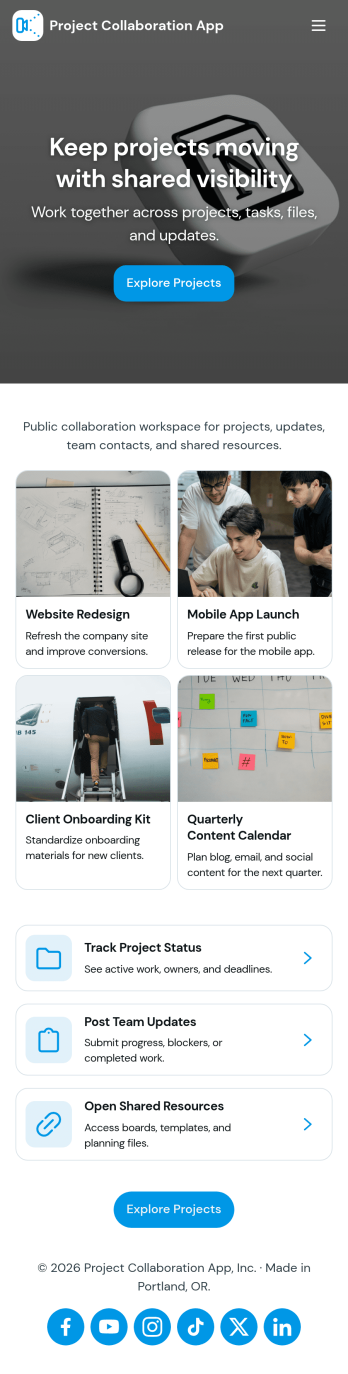
Project Collaboration App
Project Collaboration App brings your team’s project work into one shared, easy-to-navigate space where everyone can stay aligned from kickoff to delivery. Use it to capture new project requests, organize active projects, and keep day-to-day execution moving with a dedicated tasks area and a simple updates feed. It’s a practical fit for agencies, consultants, product teams, and internal departments that need clearer ownership, fewer missed handoffs, and a single place to check what’s happening across projects.Built with Jotform App Templates, this app template can be tailored in a no-code app builder with a drag-and-drop interface, so you can match the flow to your process without engineering help. Connect your project intake and task capture buttons to forms, keep records organized in linked tables, and make self-service access easy with shareable links. With Jotform, teams can manage data collection and workflow steps in one app experience that’s simple to roll out and maintain.
Go to Category:Company Portal Apps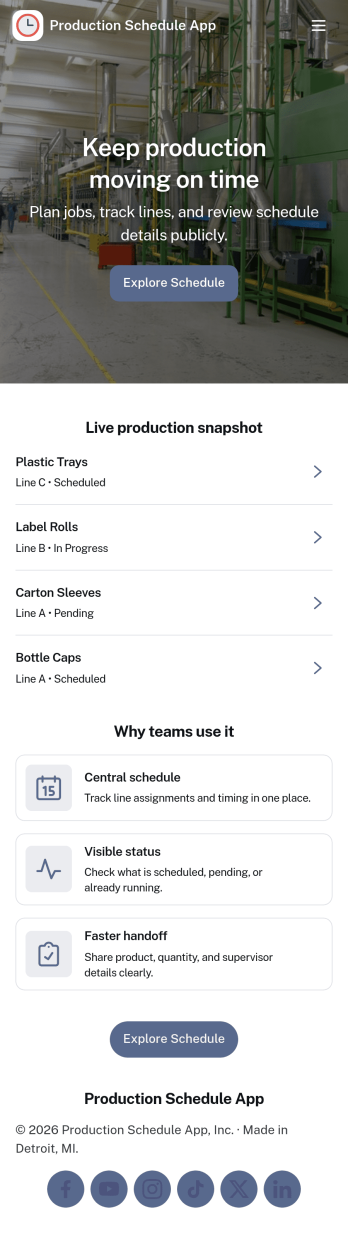
Production Schedule App
A production schedule app brings visibility to what’s planned, what’s in progress, and what’s coming next so teams can coordinate work without relying on scattered spreadsheets. Use it to review scheduled work orders, capture intake for new jobs, and keep a clear view of capacity needs across shifts or work centers. It’s especially helpful for production managers, schedulers, operations leads, and shop-floor supervisors who need a single place to spot bottlenecks, prioritize orders, and keep everyone aligned on job timing.With Jotform, you can turn your production schedule into a mobile-friendly, self-service experience that’s easy to share with the right stakeholders. Using Jotform App Templates and the no-code app builder, you can adjust pages and navigation with a drag-and-drop interface, connect the app to your data collection workflows, and keep scheduling information organized as operations change. Publish with a link so teams can check the schedule, add new work requests, and stay on top of production planning in real time.
Go to Category:Operations & Logistics Portal Apps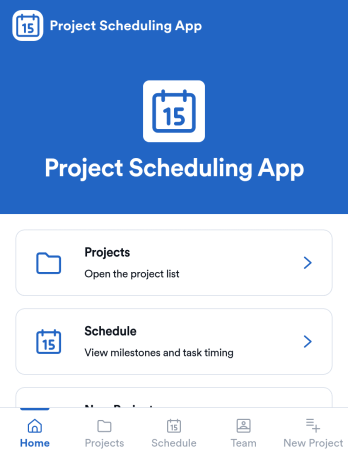
Project Scheduling App
Project Scheduling App brings project timelines, milestones, and task status into a single, easy-to-navigate workspace for teams that need to keep delivery dates visible and work moving. Use it to monitor active projects, spot the next milestone at a glance, and surface overdue tasks before they derail your plan. The built-in dashboard view supports weekly planning and capacity awareness, while project pages help standardize ownership and keep each project’s details, tasks, and team context accessible when decisions need to be made.With Jotform App Templates, you can publish a branded scheduling experience without coding and update it as your workflow evolves. Jotform’s no-code app builder and drag-and-drop interface make it simple to organize pages, link users to a dashboard or project list, and connect an Add Task form for consistent data collection. Share your app through a link for quick self-service access, and keep scheduling information aligned by connecting the app to the same workflow your team uses to capture and review updates.
Go to Category:Management Apps