
HR Conference Agenda App is an event information template for human resources conferences, leadership summits, workplace seminars, and professional development gatherings. It gives attendees, organizers, speakers, and HR teams one convenient place to browse the agenda, review session details, meet speakers, and find venues. Conference and session feedback forms also help organizers collect useful responses during or after the event. By replacing scattered schedules and printed materials with a mobile-friendly resource, this app template helps guests plan their time, locate relevant sessions, and stay informed throughout single-day or multiday programs.
Jotform App Templates make it easy to create polished event experiences without writing code. Use the no-code app builder and drag-and-drop interface to adapt pages, navigation, colors, typography, and visual elements to your conference. Organizers can connect forms and tables to support data collection, feedback workflows, and timely updates from one place. Once customized, the HR Conference Agenda App can be shared through a direct link or QR code, giving attendees convenient self-service access from phones, tablets, or computers.
Related templates
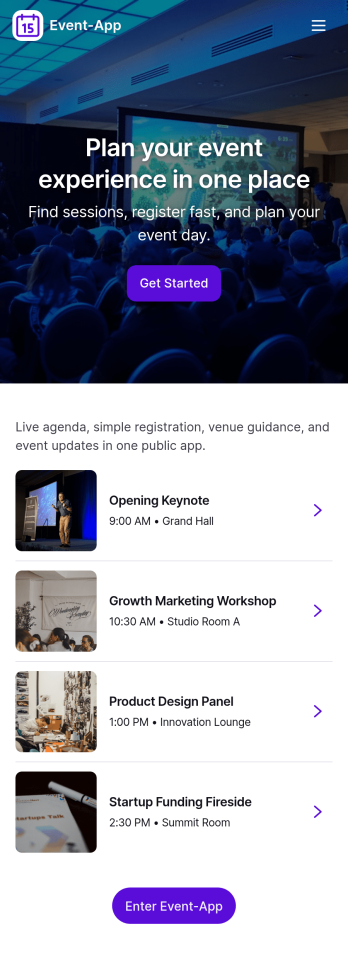
Event-App
Event-App brings your event details and attendee actions into one easy, mobile-friendly hub. Use it to publish upcoming events, let people browse what’s happening, and capture RSVPs without sending users through multiple links. It’s a practical fit for event planners, venues, schools, nonprofits, community organizers, and internal teams running trainings or company meetups. With dedicated areas to browse events and review My Registrations, attendees can quickly find the right event and keep track of what they’ve signed up for.Built with Jotform App Templates, this app template can be customized in a no-code app builder with a drag-and-drop interface so you can match your event branding and workflow. Connect buttons to your RSVP form for fast data collection, organize upcoming events in a list view, and keep registration records accessible through a linked submissions view for simple self-service. Share the Jotform app through a link or QR code so guests can register on the go while your team keeps event information and responses organized.
Go to Category:Event Planner Apps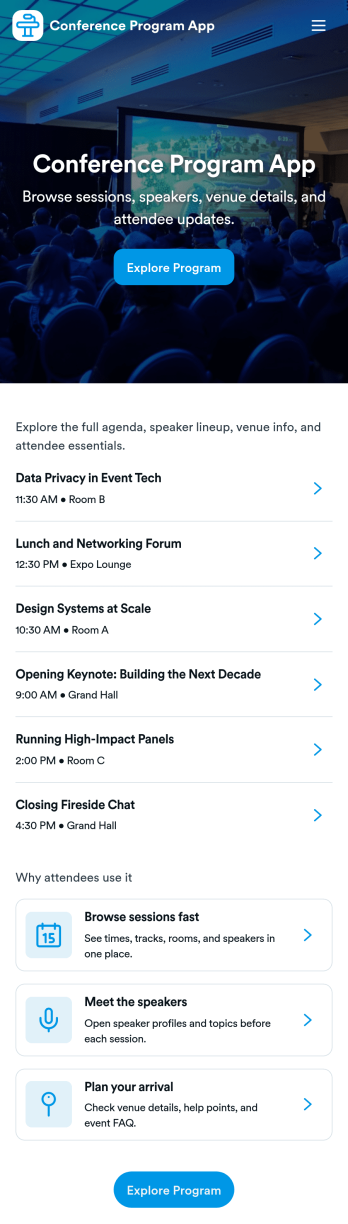
Conference Program App
Conference Program App helps event organizers publish a clear, mobile-friendly program that attendees can use before and during the conference. Share the schedule, highlight sessions, and introduce speakers in one place, with simple navigation to view the full agenda, browse speaker bios, and jump into registration when someone is ready to attend. It’s a practical fit for conferences, summits, multi-track meetups, and internal company events where participants need quick answers without hunting through emails or PDFs.With Jotform, you can build and personalize app templates like this using a no-code app builder and a drag-and-drop interface. Connect the experience to your existing workflow by linking to a registration form, organizing session and speaker details for easy browsing, and updating content as plans evolve. When you’re ready, share the app through a link or QR code so attendees can self-service key event information on any device.
Go to Category:Event Planner Apps
Audience Voting App
Audience Voting App is an interactive app template for collecting audience opinions during live events, competitions, presentations, community programs, classroom activities, and online campaigns. Event organizers, educators, entertainment teams, marketers, and community leaders can present polls, help participants browse questions and available choices, and provide a clear path for casting a vote. Bringing voting access into one organized experience reduces confusing instructions, makes participation easier on mobile devices, and gives audiences a convenient self-service option. It can support anything from choosing a contest winner to gathering quick feedback on a topic.Jotform App Templates help teams create polished digital experiences without writing code. Customize the Audience Voting App with the no-code app builder, adjust pages and navigation through a drag-and-drop interface, and connect forms or other workflow assets for data collection. Branding, text, images, buttons, and poll content can be adapted to suit a specific event or campaign. Once the app is ready, share it through a direct link or QR code so participants can reach the voting experience from their preferred device.
Go to Category:Customer Engagement Apps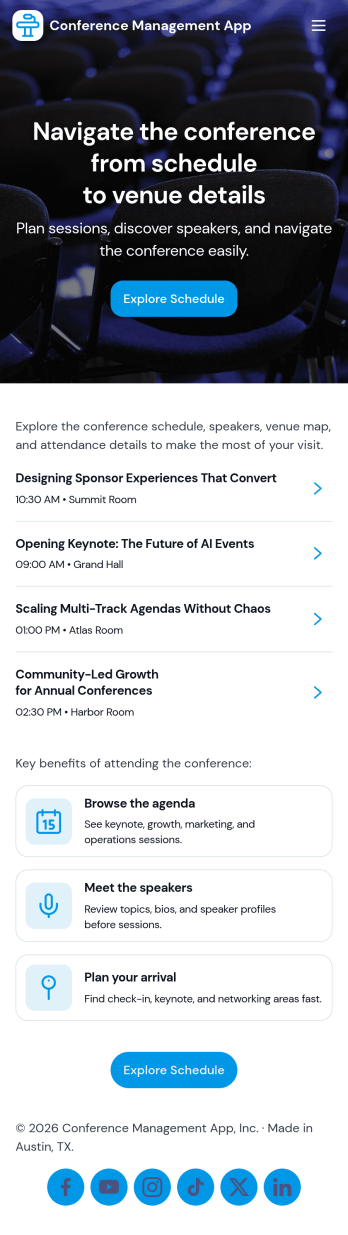
Conference Management App
Conference Management App brings your event experience into one place so attendees and organizers can stay aligned from planning through post-event follow-up. Use it to publish the conference agenda, highlight speakers, and guide participants to key actions like registration, check-in, and feedback without sending them across multiple links. It fits in-person, virtual, or hybrid conferences run by event teams, associations, corporate marketing departments, and community organizers who need a clear, mobile-friendly way to share schedules and reduce day-of confusion.Jotform makes it easy to turn conference workflows into a polished, shareable app experience using its no-code app builder and drag-and-drop interface. Connect the app to Jotform forms for data collection like registrations, on-site check-ins, and attendee feedback, then update your agenda and speaker information as plans change. With Jotform App Templates, you can launch quickly, match your branding, and deliver convenient self-service access from a single link.
Go to Category:Event Planner Apps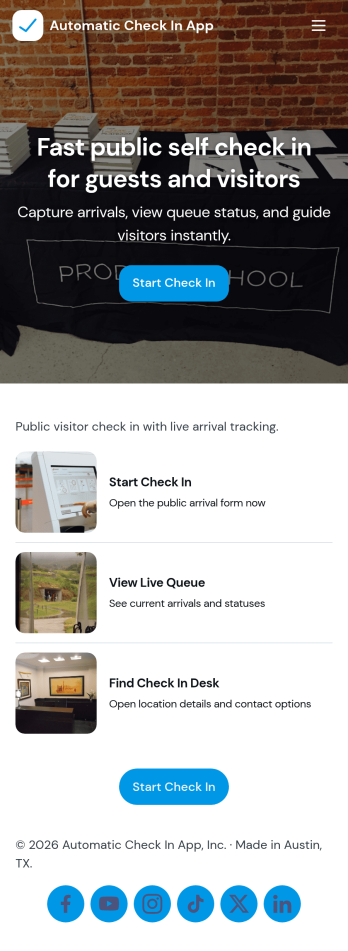
Automatic Check In App
Automatic Check In App helps organizations record arrivals quickly and consistently without relying on manual logs. From front desks and lobbies to events, classrooms, clinics, and shared workspaces, it gives staff a clear flow to start a check in, view arrivals as they happen, and keep a searchable history for follow-ups. Teams can capture repeat visits with a fast New Check In action, reduce lines during busy periods, and maintain a dependable record of who came in and when.Jotform makes it easy to turn this experience into a branded, mobile-friendly tool using customizable app templates and a no-code app builder. With a drag-and-drop interface, you can adjust pages, buttons, and lists to match your process, then connect the app to the included form and table views for ongoing data collection and simple workflow handoffs. Share it by link or QR code so staff can use it on-site and managers can review activity from anywhere.
Go to Category:Event Registration Apps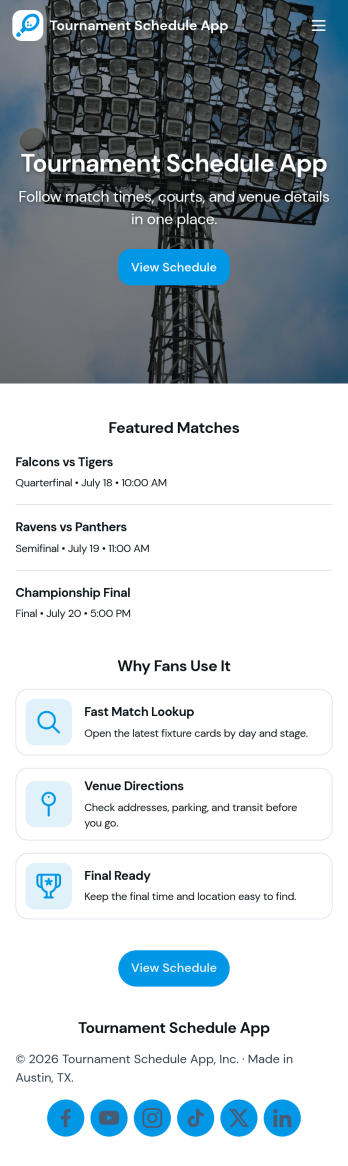
Tournament Schedule App
A tournament schedule app brings teams, matchups, and key game details into one place so organizers and participants can stay aligned throughout an event. This template helps you collect team registrations, schedule matches, and browse upcoming games in an easy, mobile-friendly layout. It’s a strong fit for sports leagues, school athletics, esports organizers, community rec centers, and clubs running single-day tournaments or multi-week brackets where last-minute changes can quickly cause confusion.Built with Jotform, this app template combines self-service access with structured data collection and an organized workflow. Use the no-code app builder and drag-and-drop interface to adjust pages, update navigation, and connect your team and match forms to Jotform Tables for clearer oversight. Share the app link with players and staff, keep schedules accessible, and manage tournament information without juggling spreadsheets, group chats, or scattered updates.
Go to Category:Event Planner Apps