Label Printing Management App helps teams centralize label printing requests and keep label details organized in one place. It’s a practical fit for warehouses, retail operations, e-commerce teams, and small manufacturers that need consistent labels for products, bins, shelves, shipments, or assets and want fewer mix-ups when information changes.
Jotform makes it easy to turn this use case into a simple, shareable experience with its app templates and no-code app builder. With a drag-and-drop interface, you can publish a branded app, connect it to data collection workflows, and keep label-related information accessible for self-service across devices, so your process stays clear as volume grows.
Related templates
Inventory Stock App
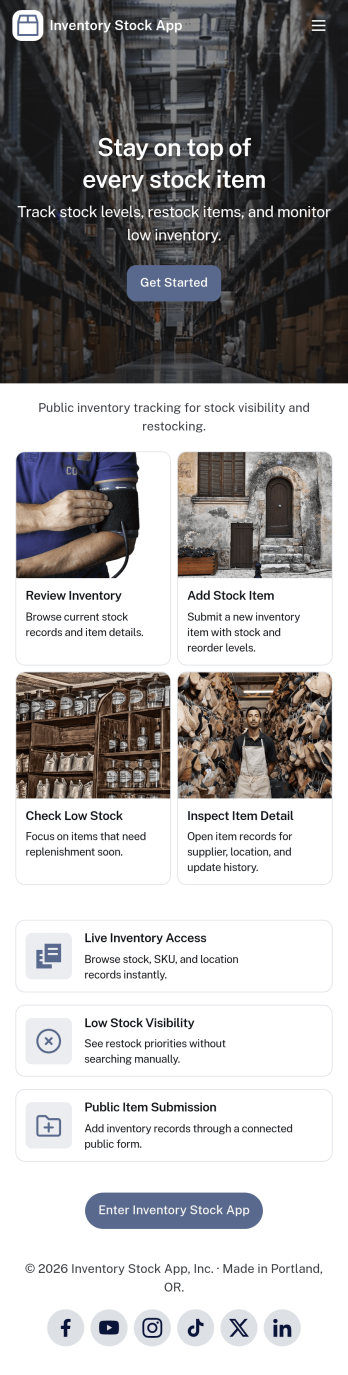
Inventory Stock App keeps your inventory counts accurate and easy to access in day-to-day operations. Use it to browse items, spot low-stock products early, and record adjustments when stock levels change. It’s a practical fit for retail teams, warehouses, storerooms, schools, nonprofits, and small manufacturers that need a clear view of what’s on hand without relying on scattered spreadsheets. With simple navigation and item lists, staff can quickly find what they need, add new items, and maintain consistent records across locations or departments.Jotform makes it simple to turn inventory processes into a mobile-friendly experience using App Templates and a no-code app builder. Customize pages with a drag-and-drop interface, connect buttons to forms for fast data collection, and keep an organized stock log for better visibility over time. Share your Inventory Stock App with your team through a link so updates happen where the work happens, helping you keep inventory workflows consistent and information up to date.
Go to Category:Inventory Apps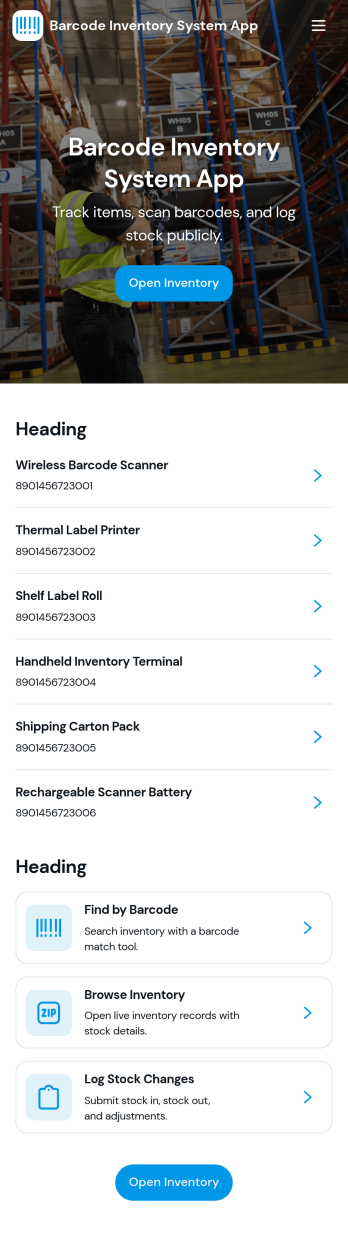
Barcode Inventory System App
Barcode Inventory System App helps teams track stock movement with a simple, scan-first flow that keeps inventory records current without spreadsheets. It’s built for retail shops, warehouses, back offices, and growing operations that need a consistent way to log incoming goods, review on-hand items, and document changes. Staff can scan and record stock receipts, browse inventory lists for quick lookups, and add adjustments when counts change due to damage, transfers, or corrections, making it easier to stay aligned across shifts and locations.Jotform makes it easy to turn this barcode inventory workflow into a shareable self-service experience using its no-code app builder and drag-and-drop interface. Connect buttons and pages to forms and tables to support data collection, keep a running receipt log, and centralize adjustment history in one place. Customize the layout, add your branding, and publish the app as a link or QR code so your team can update inventory from the floor, the loading dock, or the stockroom.
Go to Category:Inventory Apps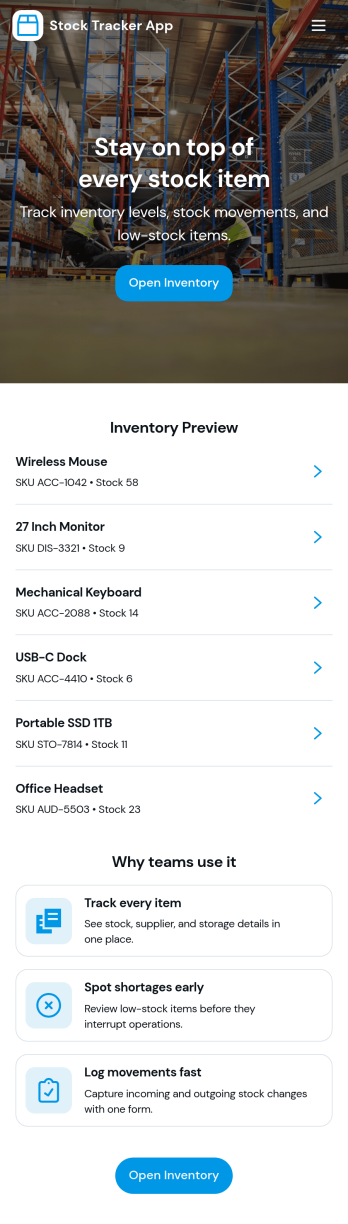
Stock Tracker App
Stock Tracker App helps teams monitor inventory levels, spot low-stock items early, and keep a clear record of stock activity in one place. It’s built for retailers, warehouse teams, small manufacturers, office managers, and anyone responsible for keeping products or supplies available without overordering. With an inventory summary dashboard, an inventory list you can browse, and dedicated actions for adding stock and adjusting stock, the app supports day-to-day stock control while keeping item details easy to access when questions come up.Jotform makes it simple to turn this Stock Tracker App into a branded, mobile-friendly experience using its no-code app builder and drag-and-drop interface. Connect your app to forms and tables for ongoing data collection, keep inventory updates consistent across your team, and share the app as a self-service destination for internal users. As your workflow evolves, you can refine pages, permissions, and connected processes so your inventory tracking stays organized and dependable.
Go to Category:Inventory Apps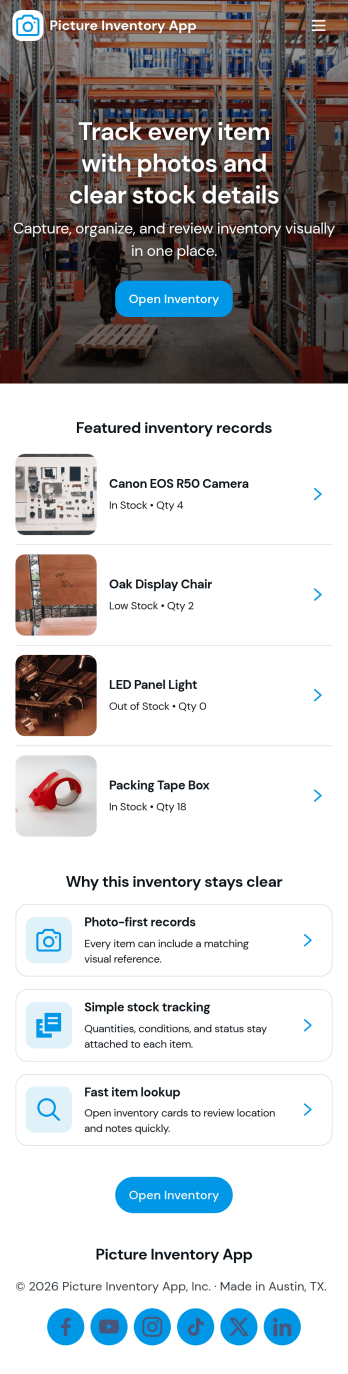
Picture Inventory App
Picture Inventory App helps you capture, organize, and review photo-based inventory records in one place. It’s a practical option for teams that need visual proof of items on hand, such as retail stockrooms, equipment rooms, warehouses, property managers, field services, and small businesses tracking assets across multiple locations. With quick navigation to add new photos and a gallery for browsing what’s already been recorded, the app supports consistent documentation without relying on scattered camera rolls or long email threads.Built with Jotform, this app template pairs a simple front-end experience with connected record keeping so your team can submit photos, view an organized gallery, and open a detailed view for each item when needed. Use Jotform’s no-code app builder and drag-and-drop interface to tailor pages, control what information is collected with each image, and keep inventory data collection and workflows easy to manage as your needs grow.
Go to Category:Inventory Apps
Material Request Management App
The Material Request Management App is an app template for collecting, organizing, and reviewing internal requests for supplies and materials. Employees can submit a request, browse available materials, and view organized request records from one location. Procurement, warehouse, construction, facilities, and operations teams can use it to capture requester details, department information, quantities, required dates, and the purpose of each request. Centralizing these details reduces incomplete requests, improves visibility into material needs, and helps teams plan purchasing and distribution.Jotform App Templates make it easy to create a branded experience without coding. Customize this Material Request Management App with the no-code app builder and drag-and-drop interface, then connect forms, tables, notifications, and workflows to support data collection and follow-up tasks. Teams can adjust pages, navigation, colors, and content to match their processes. Once published, the app can be shared by direct link or QR code, giving employees convenient mobile-friendly self-service access wherever requests originate.
Go to Category:Inventory Management Apps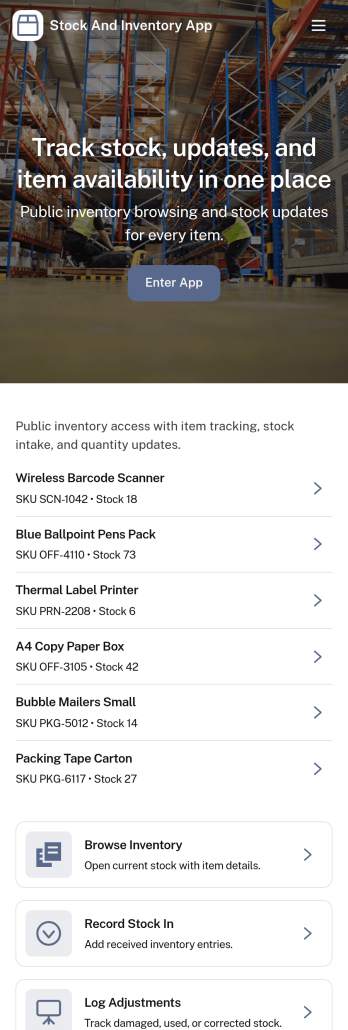
Stock and Inventory App
Stock and Inventory App helps teams track items, monitor stock levels, and document inventory movement in one place. Use it to browse item lists, open item details, add new items, and keep a clear history of stock changes over time. It’s a practical fit for retail shops, warehouses, field operations, studios, and small manufacturers that need a shared source of truth for what’s on hand, what’s running low, and what has recently moved.Built with Jotform App Templates, this app template can be tailored to match your workflow without code. With Jotform’s no-code app builder and drag-and-drop interface, you can connect forms and tables to support data collection, create a self-service experience for staff, and keep inventory workflows organized across pages. Share the app with a link so teammates can review items, record stock in, and check movement history from desktop or mobile.
Go to Category:Inventory Apps