
Ministry Project Management App is an app template for ministry leaders, program managers, administrative teams, nonprofit organizations, and community groups coordinating mission-driven projects. It provides a central place to submit and browse project proposals while giving stakeholders clear access to milestones, operational plans, risks, expected outcomes, project leads, schedules, and required resources. Teams can use it to evaluate new initiatives, follow active programs, identify potential obstacles, and keep responsibilities visible throughout each project. This shared view supports better planning and informed decision-making across outreach programs, internal improvements, community services, and other ministry activities.
Jotform App Templates help organizations turn connected information and workflows into accessible digital experiences. Using the no-code app builder and its drag-and-drop interface, teams can customize this app template with branded pages, navigation, forms, tables, approval steps, and notifications. Project data collection can remain connected to the resources staff need for day-to-day coordination, reducing scattered records and making project information easier to review. Once ready, the app can be shared through a direct link or QR code, giving contributors and decision-makers mobile-friendly self-service access from nearly any device.
Related templates
Issue Tracking App
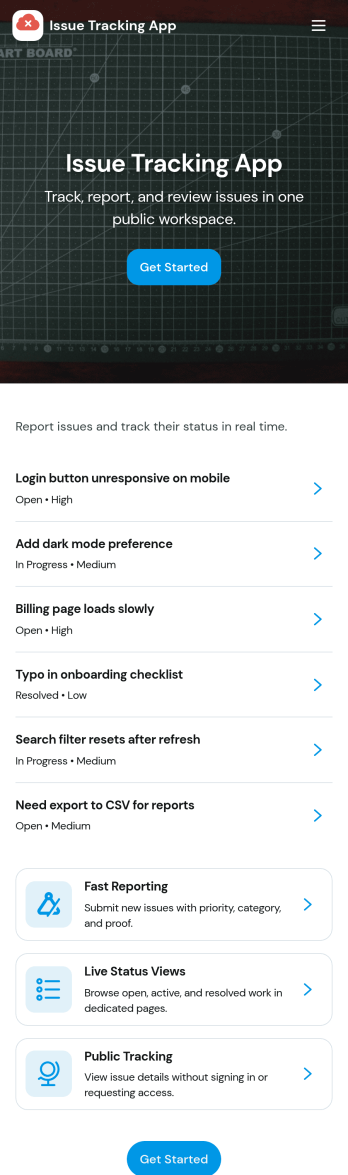
Issue Tracking App helps teams capture, organize, and follow up on problems without losing context. Use it to report new issues as they come up, submit a new ticket in seconds, and keep a personal view of what you’ve raised through My Issues and My Submissions. It fits IT support, engineering, operations, and internal service teams that need a clear place for employees or customers to flag bugs, service interruptions, and process blockers, then monitor what’s still pending review.Built with Jotform App Templates, this app template turns everyday issue reporting into a simple self-service experience you can share as a link or QR code. Customize pages with a drag-and-drop interface, connect the report form to your data collection workflow in Jotform, and keep issue records organized for faster triage and better visibility across the team.
Go to Category:Information Technology Apps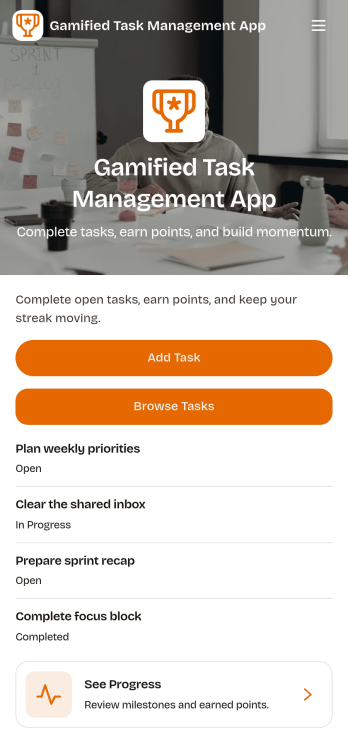
Gamified Task Management App
Gamified Task Management App turns everyday to-dos into a motivating experience by pairing task tracking with points, milestones, and a leaderboard-style view of progress. Use it to capture new work quickly, browse active and completed tasks, and keep priorities and due dates visible so nothing slips through. It’s a great fit for team leads, small businesses, student groups, and anyone who wants more follow-through from a shared task list without adding complicated project overhead.Jotform App Templates make it easy to publish a branded, self-service experience from a no-code app builder with a drag-and-drop interface. Connect your app to forms and data collection so updates flow into a single workflow, then share it by link or QR code for fast access on any device. With Jotform, you can adjust pages, navigation, and visuals to match how your team actually works while keeping progress clear and engaging.
Go to Category:Task Management Apps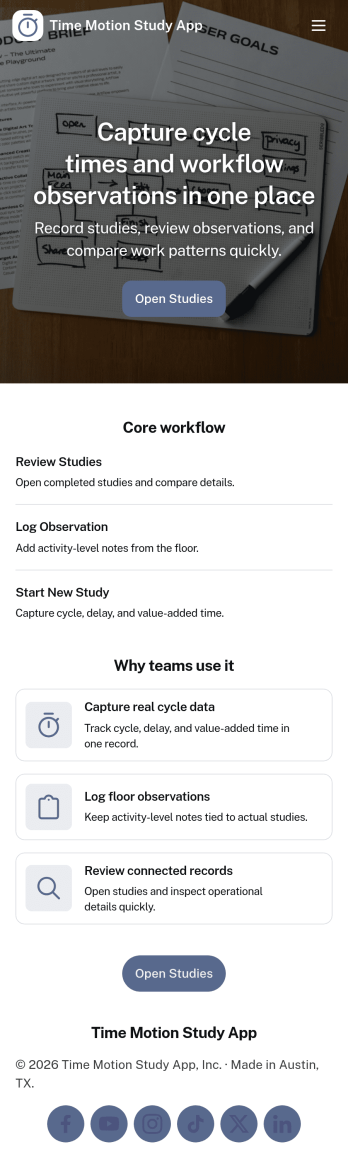
Time Motion Study App
Time Motion Study App helps teams capture how work is performed so they can understand cycle times, spot delays, and standardize repeatable processes. Use it on the floor, in the field, or in an office setting to log a study as it happens, keep a centralized list of studies, and review insight-ready records without relying on scattered notes. It’s a practical fit for operations leaders, industrial engineers, continuous improvement teams, supervisors, and analysts who need consistent time-and-motion documentation across shifts, sites, or job types.With Jotform, you can turn this app template into a branded, self-service experience that’s easy to share and update. Using Jotform’s no-code app builder and drag-and-drop interface, you can connect your study logs to forms and data collection workflows, organize studies into navigable lists, and give stakeholders a simple way to view recent studies and drill into details. As your process changes, you can adjust the app layout and connected workflow in minutes so the same hub keeps supporting ongoing improvement.
Go to Category:Engineering Apps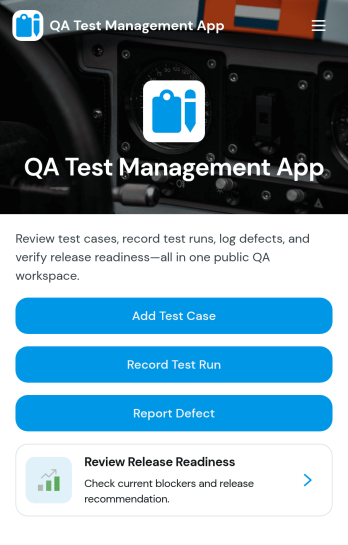
QA Test Management App
QA Test Management App brings your quality assurance work into one place so teams can browse test cases, capture execution results, and review outcomes without hopping between tools. It’s a practical fit for software teams, agencies, and product groups that run repeatable testing for releases, hotfixes, or regression cycles and want a simple way to keep test case details, ownership, and environment context easy to find. With guided navigation from test case lists to a record-result flow, testers can log what happened during execution and link results back to the related case for faster follow-up.Built with Jotform, this app template can be customized in a no-code app builder using a drag-and-drop interface, so you can adapt the pages to your QA process in minutes. Connect the app to forms and tables for reliable data collection, share it with your team on any device, and keep everyone aligned with a workflow that supports self-service access to current QA workspaces, submitted results, and ongoing test execution.
Go to Category:Information Technology Apps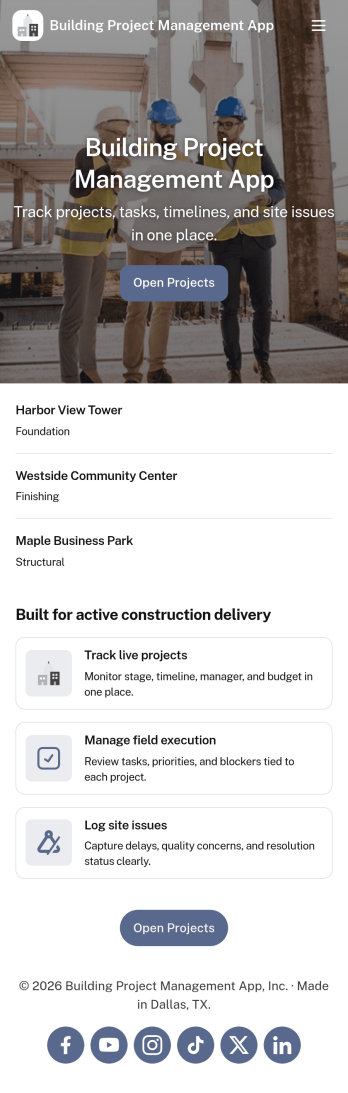
Building Project Management App
Building Project Management App helps teams organize active builds by keeping project records and day-to-day work in one place. It’s a practical fit for construction managers, general contractors, engineering teams, and operations leads who need a clear view of projects, open tasks, and what needs attention next. With dedicated areas to view projects, review open tasks, and add a task directly from a specific project, the app supports smoother handoffs and fewer missed action items as work moves from planning to execution.Jotform makes it simple to publish this kind of workflow as a polished, shareable experience using App Templates and a no-code app builder. Customize pages with a drag-and-drop interface, connect your app to forms and tables for reliable data collection, and keep work moving with a workflow that your team can access from a single link. Whether you’re coordinating multiple job sites or managing internal build initiatives, Jotform helps you turn project updates into a self-service hub your team will actually use.
Go to Category:Construction Apps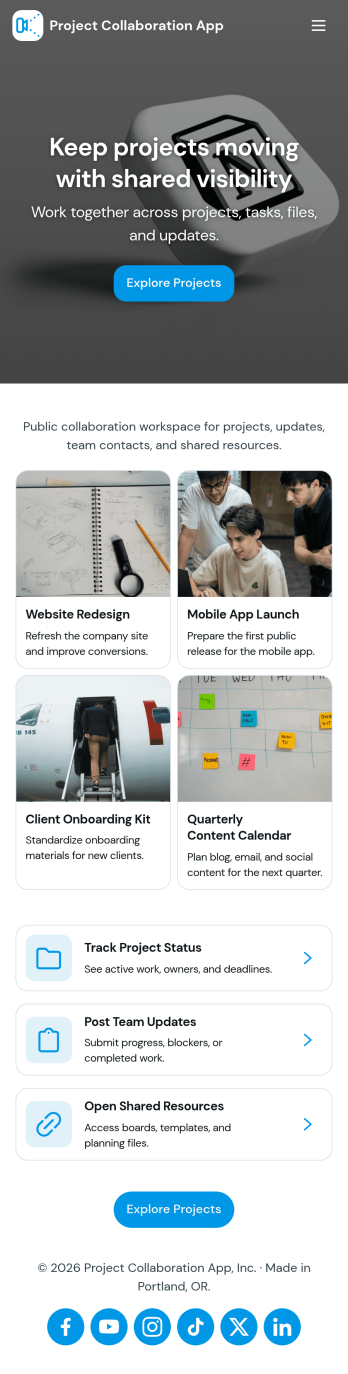
Project Collaboration App
Project Collaboration App brings your team’s project work into one shared, easy-to-navigate space where everyone can stay aligned from kickoff to delivery. Use it to capture new project requests, organize active projects, and keep day-to-day execution moving with a dedicated tasks area and a simple updates feed. It’s a practical fit for agencies, consultants, product teams, and internal departments that need clearer ownership, fewer missed handoffs, and a single place to check what’s happening across projects.Built with Jotform App Templates, this app template can be tailored in a no-code app builder with a drag-and-drop interface, so you can match the flow to your process without engineering help. Connect your project intake and task capture buttons to forms, keep records organized in linked tables, and make self-service access easy with shareable links. With Jotform, teams can manage data collection and workflow steps in one app experience that’s simple to roll out and maintain.
Go to Category:Company Portal Apps