
The Nursery Order Picking App helps plant nurseries organize customer orders and give picking teams clear access to the information needed for fulfillment. Staff can create nursery orders, browse order lists, and review requested plants, customer contact details, order notes, and references from a central location. It is well suited to retail and wholesale nurseries, garden centers, greenhouse operations, and plant suppliers that need to reduce misplaced paperwork and make order details easier to find. Managers, sales staff, and pickers can use the app to coordinate work, prepare plants for collection or delivery, and respond to customer questions with better visibility.
Jotform Apps provides a no-code app builder for adapting this app template to everyday nursery operations. Its drag-and-drop interface makes it easy to update pages, buttons, branding, and navigation without programming. Teams can connect forms, tables, notifications, approvals, and other workflow steps to support data collection and order handling. Like other Jotform App Templates, the finished app can be shared by direct link or QR code, giving staff mobile-friendly access while they work across sales counters, greenhouses, storage areas, and plant rows.
Related templates

Storage Products Catalog App
The Storage Products Catalog App is a ready-to-use catalog for retailers, storage suppliers, warehouse teams, home organization consultants, and product managers who need to present storage products in one accessible location. Users can browse products by category, review essential specifications such as dimensions, materials, capacity, and price, and consult storage guidance before making a selection. Teams can also accept new product submissions and give contributors a convenient place to review what they have sent. This app template helps replace scattered product sheets and disconnected resources with a clear, mobile-friendly browsing experience for staff, customers, or business partners.Jotform App Templates make it easy to turn product information and data collection processes into an interactive experience without coding. Customize the Storage Products Catalog App with the drag-and-drop app builder, update pages and navigation, connect forms or tables, and apply visual elements that suit your organization. The app can support self-service product research and a more organized submission workflow while keeping related resources together. Once it is ready, publish and share it through a direct link or QR code so users can access the latest catalog from phones, tablets, or computers.
Go to Category:Inventory Management Apps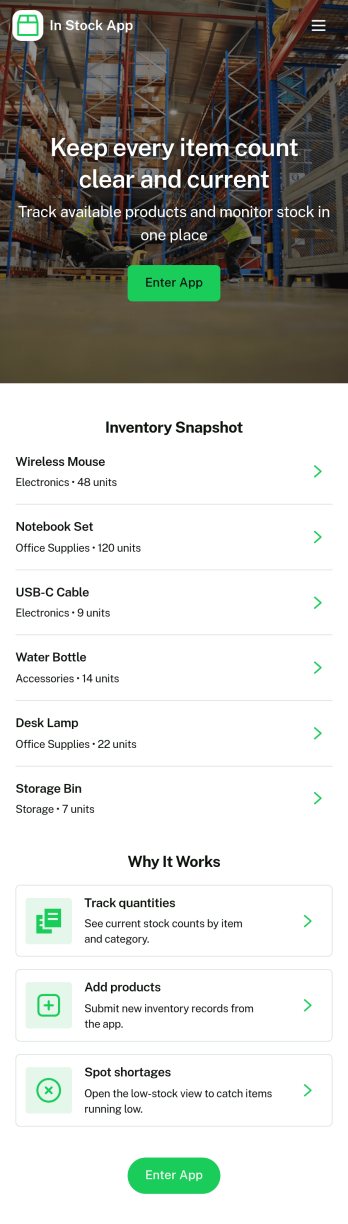
In Stock App
In Stock App gives teams a clear, day-to-day way to see what items are available, review item details, and keep inventory accurate as stock moves. Use it to browse an item list, open individual item cards, and handle common inventory actions like receiving new stock and making adjustments when counts change. It fits retail shops, warehouses, storerooms, ecommerce back offices, schools managing supplies, and any operation that needs a simple place for staff to check availability before fulfilling orders or restocking shelves.Jotform offers App Templates like this one so you can publish a mobile-friendly inventory experience without coding. With a no-code app builder and drag-and-drop interface, you can tailor pages, buttons, and navigation to match your workflow, connect the app to forms and tables for data collection, and keep updates organized in one self-service hub. Share a link or QR code with your team so stock checks and updates happen faster and with fewer mistakes.
Go to Category:Inventory Apps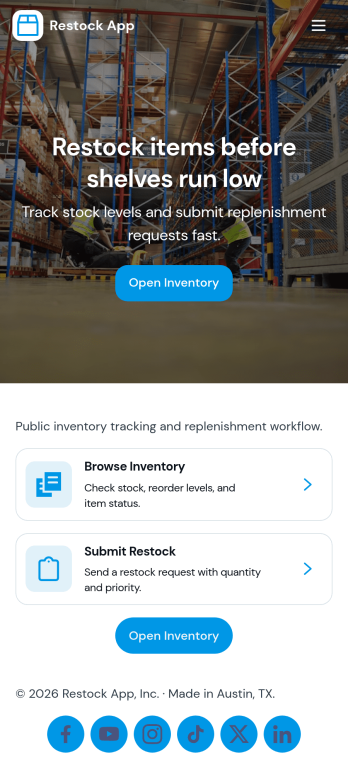
Restock App
Restock App helps teams keep shelves, storerooms, and supply closets replenished by centralizing item visibility, supplier contacts, and restock requests in one place. Use it to browse stock items, submit a new request when quantities run low, and review all requests so nothing gets missed during busy shifts. It fits retail back rooms, restaurants, warehouses, offices, and field teams managing consumables, parts, or packaging, especially when multiple people need a consistent process for asking, tracking, and following up.With Jotform, you can turn this restocking workflow into a shareable self-service experience using a no-code app builder and a drag-and-drop interface. Connect the app to your existing data collection and workflow needs by linking requests to tables, updating records as inventory changes, and keeping supplier details handy for faster outreach. Customize pages, buttons, and navigation to match how your team works, then share the app by link or QR code so staff can create requests and check status from anywhere.
Go to Category:Inventory Apps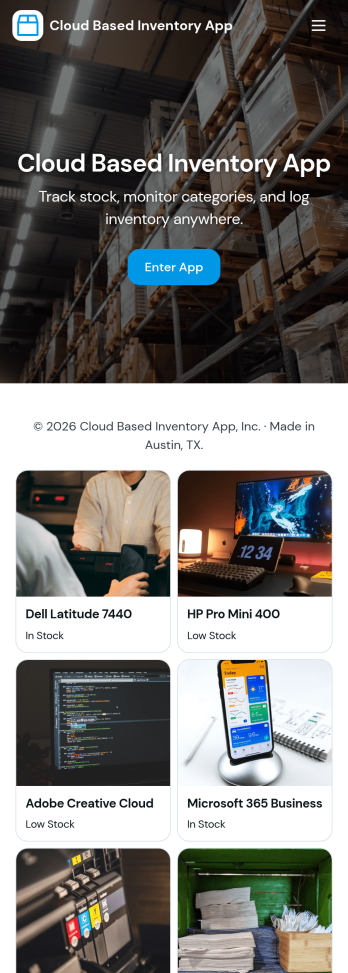
Cloud Based Inventory App
Cloud Based Inventory App helps teams track products, stock levels, and item activity from one central place, making it easier to keep shelves, storage rooms, and remote locations in sync. Use it to maintain a clear catalog, review current stock, and capture incoming items through guided intake so updates don’t get lost in messages or spreadsheets. It works well for retail operations, warehouses, field teams, growing e-commerce brands, and multi-location businesses that need a practical way to add items and adjust quantities as inventory changes.Built with Jotform, this app template can be tailored with a no-code app builder and a drag-and-drop interface so you can match your workflow without development time. Connect the app to forms for data collection, route updates through the right workflow, and keep inventory actions consistent across your team. Share a single link for self-service updates, standardize how item records are created, and keep information organized as your inventory grows.
Go to Category:Inventory Apps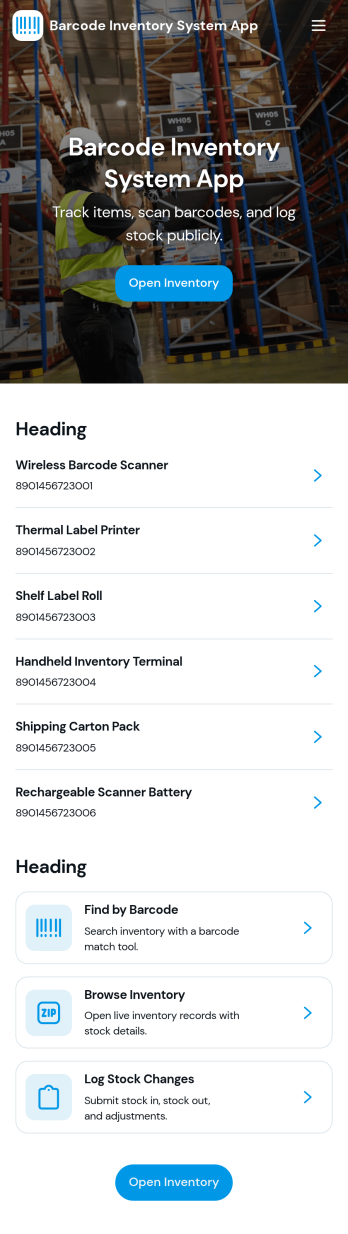
Barcode Inventory System App
Barcode Inventory System App helps teams track stock movement with a simple, scan-first flow that keeps inventory records current without spreadsheets. It’s built for retail shops, warehouses, back offices, and growing operations that need a consistent way to log incoming goods, review on-hand items, and document changes. Staff can scan and record stock receipts, browse inventory lists for quick lookups, and add adjustments when counts change due to damage, transfers, or corrections, making it easier to stay aligned across shifts and locations.Jotform makes it easy to turn this barcode inventory workflow into a shareable self-service experience using its no-code app builder and drag-and-drop interface. Connect buttons and pages to forms and tables to support data collection, keep a running receipt log, and centralize adjustment history in one place. Customize the layout, add your branding, and publish the app as a link or QR code so your team can update inventory from the floor, the loading dock, or the stockroom.
Go to Category:Inventory Apps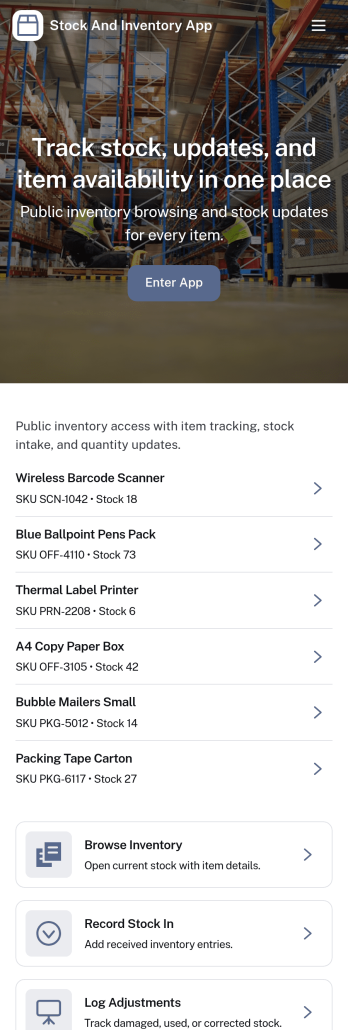
Stock and Inventory App
Stock and Inventory App helps teams track items, monitor stock levels, and document inventory movement in one place. Use it to browse item lists, open item details, add new items, and keep a clear history of stock changes over time. It’s a practical fit for retail shops, warehouses, field operations, studios, and small manufacturers that need a shared source of truth for what’s on hand, what’s running low, and what has recently moved.Built with Jotform App Templates, this app template can be tailored to match your workflow without code. With Jotform’s no-code app builder and drag-and-drop interface, you can connect forms and tables to support data collection, create a self-service experience for staff, and keep inventory workflows organized across pages. Share the app with a link so teammates can review items, record stock in, and check movement history from desktop or mobile.
Go to Category:Inventory Apps