
Occasion Reminder App is an app template for recording important occasions and keeping birthdays, anniversaries, celebrations, renewals, and other meaningful dates visible in one organized place. Individuals, families, assistants, customer engagement teams, and small businesses can add a reminder, browse saved entries, and review upcoming occasions before they are overlooked. Each entry can include the occasion date, a preferred reminder lead time, and a note for gift ideas, preparation details, or planned outreach. This clear overview reduces reliance on scattered calendars and handwritten lists while helping users prepare for personal commitments, customer milestones, and recurring events.
Jotform makes this Occasion Reminder App easy to adapt with a no-code app builder and a drag-and-drop interface. Users can adjust pages, cards, buttons, colors, fonts, and navigation to create a polished experience that fits personal or organizational needs. The app template can also connect with forms, tables, notifications, and workflows to support data collection and ongoing reminder management. Once customized, it can be shared through a direct link, QR code, or embedded experience, giving users mobile-friendly self-service access wherever they plan their upcoming occasions.
Related templates
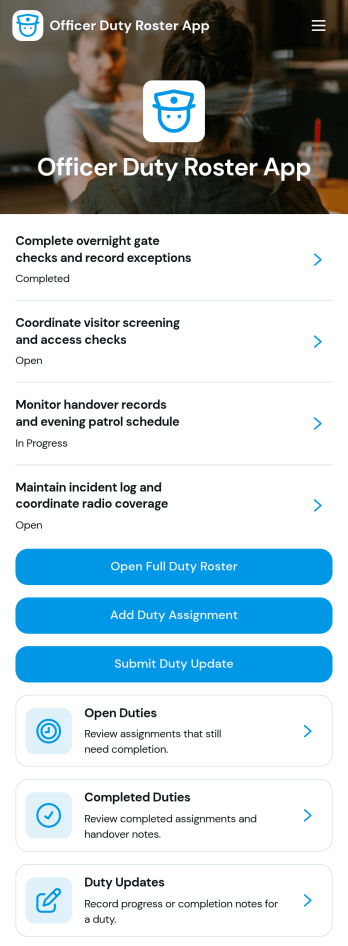
Officer Duty Roster App
The Officer Duty Roster App gives police departments, security teams, public safety units, and other officer-based organizations a central place to coordinate duty assignments. Supervisors can publish roster entries, add new assignments, review open and completed duties, and receive duty updates from personnel. Each assignment can present the responsible officer, shift, station, current status, briefing notes, and completion notes, helping teams understand who is working, where they are assigned, and what requires attention. It is especially useful for daily deployment planning, shift handovers, station coverage, event security, patrol coordination, and other operations where timely roster information supports accountability and continuity.Jotform makes this app template easy to adapt with a no-code app builder and a drag-and-drop interface. Teams can update pages, navigation, colors, fonts, images, and buttons to reflect their procedures and branding, then connect forms and tables to support data collection and workflow management. The finished app can be shared by direct link or QR code for convenient mobile access, giving officers and supervisors a practical self-service resource wherever duties are performed. Jotform App Templates also help organizations launch faster while retaining the flexibility to revise assignments, resources, and connected processes as operational needs change.
Go to Category:Scheduling and Planning Apps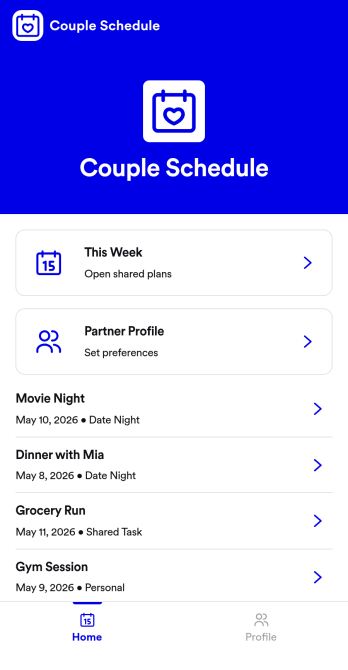
Couple Schedule App
Couple Schedule App helps partners coordinate plans, keep a shared calendar view, and stay on top of everyday responsibilities without juggling multiple chats or scattered notes. It’s a practical fit for couples managing busy workweeks, long-distance routines, co-parenting logistics, or shared household commitments. With quick actions like adding a plan, opening the schedule to review what’s next, and keeping shared tasks visible in one place, it supports smoother day-to-day coordination and fewer missed details.Built with Jotform, this app template is easy to tailor for your relationship’s routine using a no-code app builder and a drag-and-drop interface. Connect the app to a form for simple data collection, then keep plans organized and accessible with a mobile-friendly self-service experience you can share in seconds. As your workflow changes, you can adjust pages, update labels, and refine how you capture plans and tasks, all without writing code.
Go to Category:Daily Planner Apps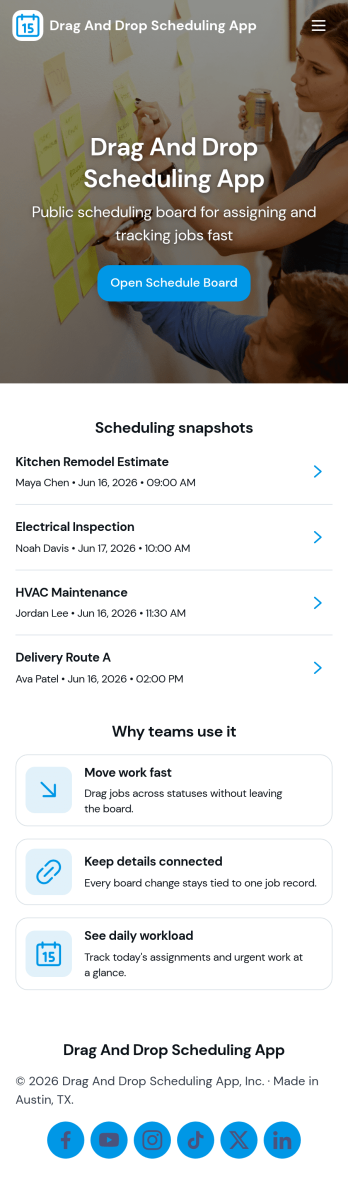
Drag and Drop Scheduling App
Drag and Drop Scheduling App helps teams build and manage shift schedules in a simple, visual way. Use it to create shifts, view the schedule, open a full schedule view, and quickly move between employee-specific pages so managers can confirm coverage and spot gaps. It’s a practical fit for restaurants, retail stores, clinics, field teams, and any operation that needs recurring shift planning, last-minute updates, or clear day-to-day visibility for staff.With Jotform, you can turn scheduling workflows into a shareable self-service app experience using App Templates and a no-code app builder with a drag-and-drop interface. Connect your schedule to forms for fast data collection when adding shifts or capturing requests, keep information organized, and publish updates instantly so everyone works from the same source of truth.
Go to Category:HR Portal Apps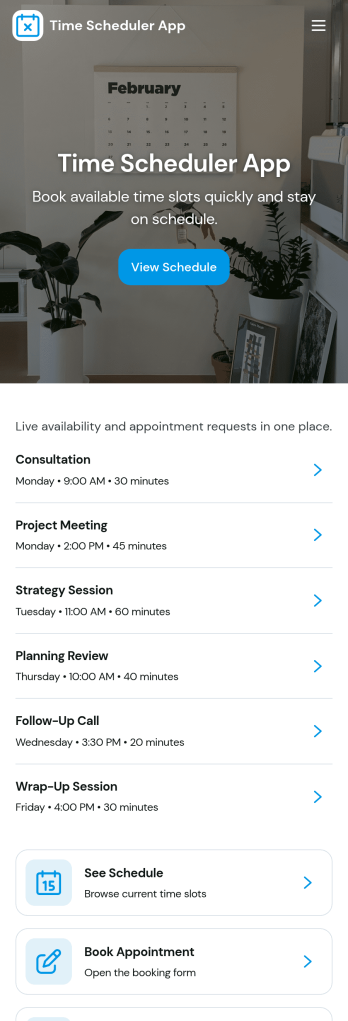
Time Scheduler App
Time Scheduler App helps individuals and teams publish available time slots and accept bookings in one simple place. It fits appointment-based businesses, shared resources, and anyone coordinating time-sensitive meetings, from consultants and tutors to clinics, salons, and small service teams. With clear actions like booking a slot, viewing open times, and checking availability, it reduces missed connections and keeps schedules organized without relying on scattered messages.Jotform makes it easy to turn this scheduling flow into a polished, shareable experience using its no-code app builder and drag-and-drop interface. Connect the app to your booking form for fast data collection, keep upcoming requests in one workflow, and share a link or QR code so people can self-service from any device. Customize pages, buttons, and branding to match how your schedule works, then update availability as your hours or capacity change.
Go to Category:Appointment & Booking Apps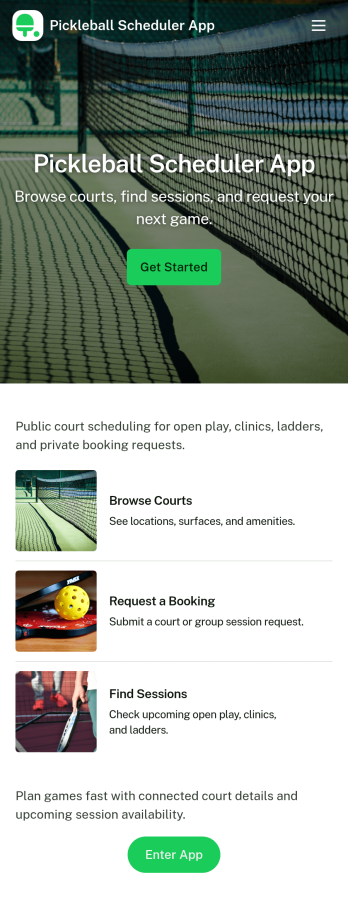
Pickleball Scheduler App
Pickleball Scheduler App helps clubs, recreation centers, and community groups organize court time and keep reservations easy to find. Use it to route players to Court 1, Court 2, or Court 3, collect booking details through a simple reservation form, and give everyone a clear place to review upcoming sessions. With dedicated actions like Make a Booking and My Reservations, the experience stays focused on reducing double-booking, missed time slots, and confusion around who reserved which court.Jotform makes it simple to turn scheduling into a polished self-service experience using App Templates and a no-code app builder. Customize pages with a drag-and-drop interface, connect your booking and member forms, and keep data collection organized behind the scenes so staff can spend less time coordinating and more time running great play sessions.
Go to Category:Booking Apps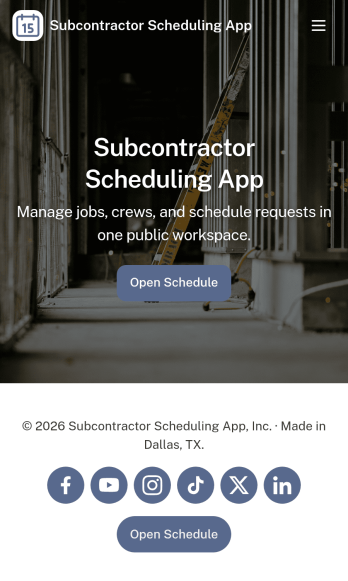
Subcontractor Scheduling App
Subcontractor Scheduling App helps teams coordinate subcontractor workloads, assign jobs, and keep schedules visible in one place. It fits construction and home services businesses, project coordinators, and operations managers who juggle multiple crews, job sites, and changing timelines. With dedicated areas to schedule jobs, track availability, and share a job board, the app supports day-to-day dispatching without relying on scattered texts, spreadsheets, or last-minute calls.Built with Jotform, this app template turns scheduling into a simple self-service experience your team can keep up to date. Customize pages and cards with a drag-and-drop interface, connect the Create Assignment form to your workflow, and centralize ongoing data collection so assignments stay consistent and searchable. Share the app by link for quick access in the field, then update roles, branding, and navigation as your subcontractor network grows.
Go to Category:Construction Apps