Online Safety Guide App gives organizations a simple way to publish safety guidance and help people take action from one place. Use it to organize safety topics into easy-to-browse pages, provide a quick safety check for self-assessment, and invite ongoing feedback so your content stays relevant. It fits teams that need a clear, shareable safety hub, such as HR and operations groups, schools, nonprofits, community programs, or IT teams rolling out online safety practices for staff, students, or volunteers.
With Jotform App Templates, you can create a branded experience without code and keep information easy to access on any device. Build your Online Safety Guide App with Jotform’s no-code app builder and drag-and-drop interface, then connect key actions like a safety check form and a feedback form to support data collection and a repeatable workflow. Share a single link or QR code so people can quickly browse resources, complete the check, and send input whenever they need help.
Related templates
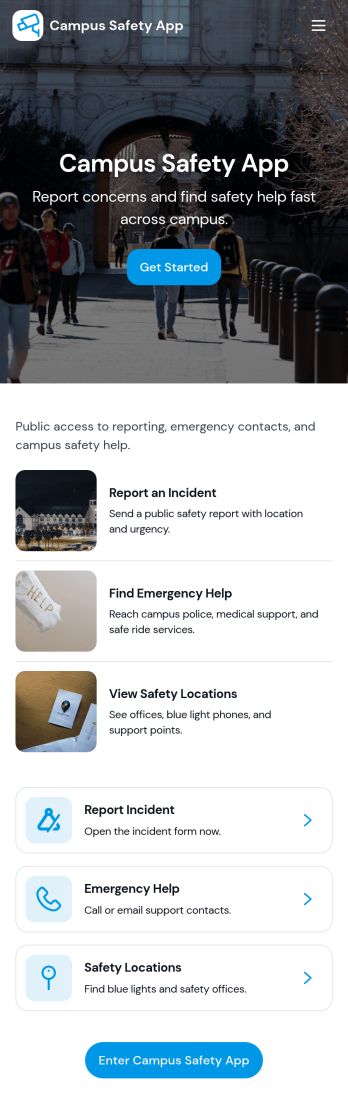
Campus Safety App
Campus Safety App gives schools a central place to support safer day-to-day operations by making it simple for students, staff, and visitors to report concerns and find help fast. It brings together incident reporting, a view into open incidents, and an organized set of safety resources so the right information is available when it matters. Whether you manage a university, community college, or K–12 campus, this app helps standardize how issues are raised, logged, and followed up while keeping key contacts and services within easy reach.With Jotform, you can tailor this app template to match your campus workflows using a no-code app builder and a drag-and-drop interface. Connect the app to forms and tables for consistent data collection, route updates through internal workflow steps, and publish a self-service experience you can share by link or QR code. From collecting incident details to guiding users toward resources and safety requests, Jotform makes it easier to keep information organized and accessible across your campus community.
Go to Category:Education Apps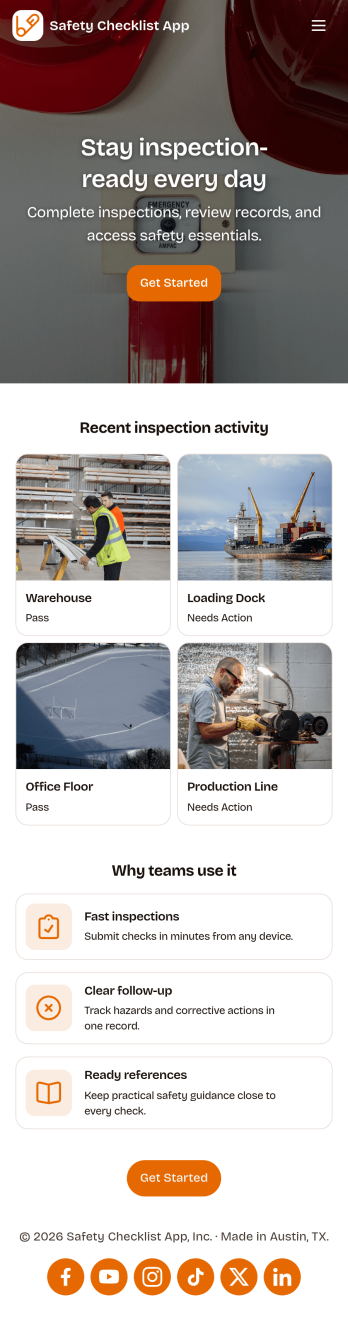
Safety Checklist App
Safety Checklist App helps teams run repeatable inspections, document checks by location, and surface problems before they become incidents. It fits day-to-day use in warehouses, construction sites, retail stores, schools, facilities, and field operations where staff need a clear path to start an inspection, review completed checks, and keep track of open issues. The app’s navigation cards guide users to begin an inspection, browse check records, and jump into open items, while a built-in issue reporting form makes it easy to flag hazards or concerns from the same place.Jotform lets you turn this Safety Checklist App into a branded, mobile-friendly experience without coding. Use the drag-and-drop no-code app builder to tailor pages for your locations and inspection routine, connect your check data to tables for organized tracking, and share the app with a link or QR code for quick self-service access. As your workflow evolves, you can update the layout, adjust the reporting form, and keep everyone aligned with a single source for safety checks and issue follow-up.
Go to Category:Checklist Apps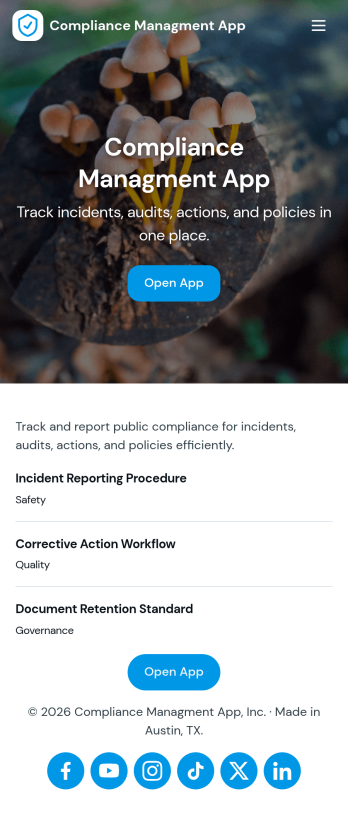
Compliance Managment App
Compliance Managment App brings your day-to-day compliance work into one place so teams can keep controls visible, document what happened, and stay ready for reviews. It’s built for operations leaders, IT and security teams, HR, and managers who need a practical way to organize controls, report incidents as they occur, log audits, and maintain supporting documents without hunting across folders or email threads.With Jotform you can turn this app template into a branded self-service workspace using a drag-and-drop interface and a no-code app builder. Connect the app to forms and tables to support ongoing data collection, route key steps through a workflow, and keep updates consistent across controls, incidents, audits, and documents. Share it with internal stakeholders through a link, tailor pages to your process, and keep information easy to access on any device.
Go to Category:Information Technology Apps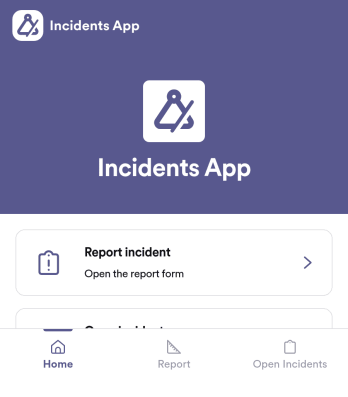
Incidents App
Incidents App gives teams a clear, consistent way to capture incident details the moment something happens and keep visibility on what’s still unresolved. It’s a practical fit for workplaces, schools, property teams, event operations, and service organizations that need staff to report issues quickly, then follow progress without hunting through emails or spreadsheets. With an in-app path to report an incident, review open incidents, and reference incident history, the app supports faster handoffs and better follow-through across shifts and locations.Built with Jotform, this app template pairs self-service reporting with organized recordkeeping so teams can collect data in one place and act on it. Use Jotform’s no-code app builder and drag-and-drop interface to tailor pages, wording, and navigation for your process, then connect the app to the underlying form and table for ongoing workflows. Share the app through a link or QR code, control who can access reporting views, and keep your incident information easy to search and manage as volume grows.
Go to Category:Log Apps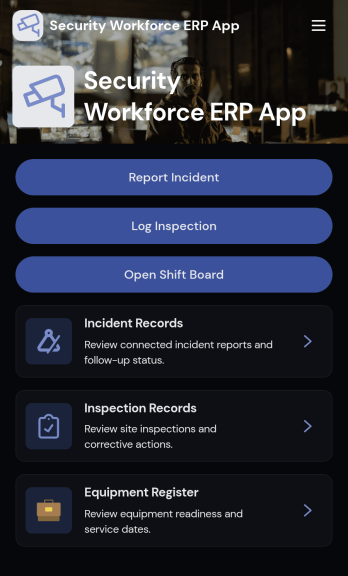
Security Workforce ERP App
Security Workforce ERP App brings your guard force and site operations into one place so supervisors can add workforce records, set up security sites, record shift coverage, and capture incident reports without juggling spreadsheets or scattered messages. It’s built for security companies, contract guarding teams, and in-house security departments that need a dependable way to keep rosters current, track who covered which shift, and document incidents with clear details for follow-up and review.Jotform makes it easy to turn these everyday workflows into a polished, shareable experience with App Templates you can customize in minutes. Using Jotform’s no-code app builder and drag-and-drop interface, you can organize pages for workforce, coverage, sites, and incidents, connect forms for data collection, and keep your workflow moving with a self-service hub that works on any device. As records grow, you can continue adapting the app to match how your team schedules, responds, and reports in the field.
Go to Category:Operations & Logistics Portal Apps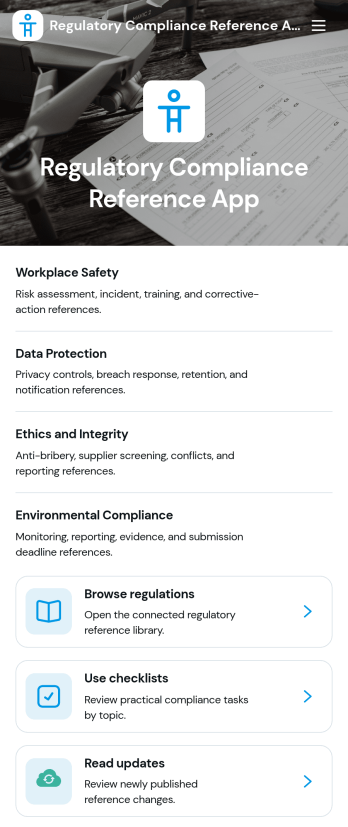
Regulatory Compliance Reference App
Regulatory Compliance Reference App brings your organization’s key regulations, checklists, and update notes into one easy-to-browse reference library. It’s built for compliance leads, operations managers, risk teams, and distributed departments that need a reliable place to review requirements by topic, confirm jurisdictions and effective dates, and keep internal guidance aligned with the latest reference status. With quick navigation to browse regulations, open source references, and use checklists tied to real responsibilities like owners and review frequency, teams can reduce time spent hunting for the right information and keep day-to-day decisions consistent.Jotform makes it simple to publish this app template as a self-service resource without coding. Using a drag-and-drop interface, you can tailor pages, organize your reference lists, and connect the app to a form for ongoing data collection when new regulations, checklist updates, or internal notes need to be added. Share the finished app with a link or QR code, keep content current in one place, and support clearer workflows across teams with Jotform.
Go to Category:Safety and Compliance Apps