Photo Consent Management App helps photographers, marketing teams, schools, event organizers, nonprofits, and creative agencies collect and organize permission for using photographs. It provides a central experience for submitting photo consent, reviewing consent records, checking active permissions, and consulting usage guidelines. Teams can identify the photo subject and project, view consent status and expiration dates, and confirm permitted uses before publishing an image. This reduces scattered records, supports consistent review practices, and gives authorized staff clearer visibility across campaigns, events, student activities, community programs, and media projects.
Jotform makes this app template easy to adapt with a no-code app builder and a flexible drag-and-drop interface. Customize pages, navigation, colors, fonts, and branding, then connect forms, tables, notifications, and approval workflows to support organized data collection. Jotform App Templates can be shared through a direct link or QR code, giving team members convenient mobile access wherever photo permissions are collected or reviewed. The finished app can serve as a self-service resource for consent submission and an organized workspace for ongoing record management.
Related templates
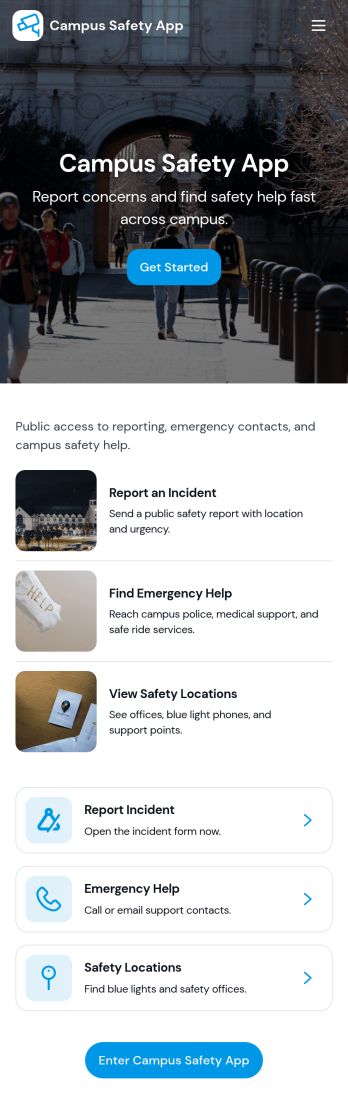
Campus Safety App
Campus Safety App gives schools a central place to support safer day-to-day operations by making it simple for students, staff, and visitors to report concerns and find help fast. It brings together incident reporting, a view into open incidents, and an organized set of safety resources so the right information is available when it matters. Whether you manage a university, community college, or K–12 campus, this app helps standardize how issues are raised, logged, and followed up while keeping key contacts and services within easy reach.With Jotform, you can tailor this app template to match your campus workflows using a no-code app builder and a drag-and-drop interface. Connect the app to forms and tables for consistent data collection, route updates through internal workflow steps, and publish a self-service experience you can share by link or QR code. From collecting incident details to guiding users toward resources and safety requests, Jotform makes it easier to keep information organized and accessible across your campus community.
Go to Category:Education Apps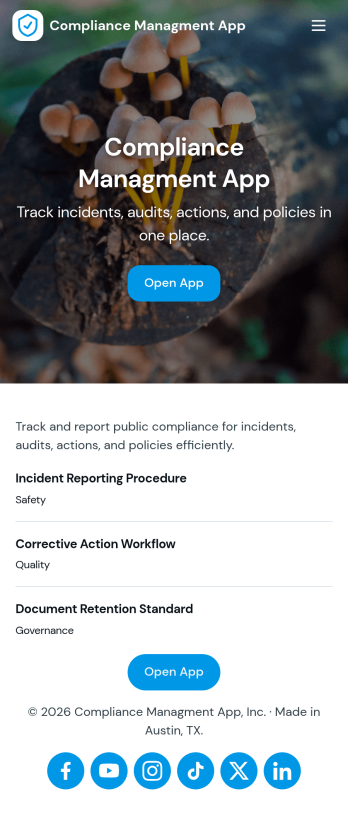
Compliance Managment App
Compliance Managment App brings your day-to-day compliance work into one place so teams can keep controls visible, document what happened, and stay ready for reviews. It’s built for operations leaders, IT and security teams, HR, and managers who need a practical way to organize controls, report incidents as they occur, log audits, and maintain supporting documents without hunting across folders or email threads.With Jotform you can turn this app template into a branded self-service workspace using a drag-and-drop interface and a no-code app builder. Connect the app to forms and tables to support ongoing data collection, route key steps through a workflow, and keep updates consistent across controls, incidents, audits, and documents. Share it with internal stakeholders through a link, tailor pages to your process, and keep information easy to access on any device.
Go to Category:Information Technology Apps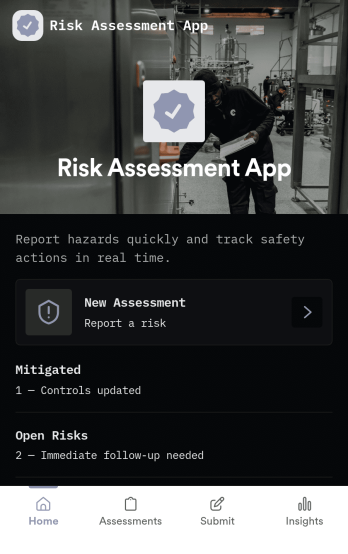
Risk Assessment App
Risk Assessment App helps teams capture new assessments and review open records in one place, so risk checks don’t get buried in email threads or scattered files. Use it to document hazards, rate likelihood and impact, and keep a clear log of what was assessed and when. It’s a practical fit for safety leads, operations managers, project teams, and supervisors who need a repeatable way to run assessments across sites, equipment, tasks, or events while keeping progress visible.Built with Jotform, this app template combines simple navigation with connected data collection to support day-to-day risk work. Create a new assessment through an embedded form, browse record lists for quick follow-up, and share the app as a self-service link for internal teams. With Jotform’s no-code app builder and drag-and-drop interface, you can tailor the layout, add your own fields, and evolve the workflow as your risk process changes.
Go to Category:Inspection Apps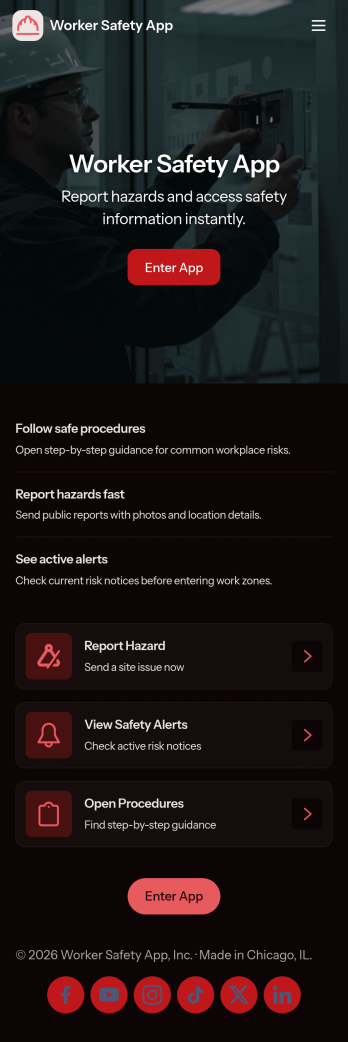
Worker Safety App
Worker Safety App brings incident reporting and routine inspections into one mobile-friendly place so teams can act fast when something goes wrong and stay consistent with day-to-day safety checks. It works well for construction crews, warehouses, manufacturing floors, field service teams, and any workplace that needs a simple way for employees to report issues, run inspections on-site, and review past activity by alert, incident type, or area.With Jotform App Templates, you can turn your safety workflow into a shareable, branded experience without coding. Use Jotform’s no-code app builder and drag-and-drop interface to customize pages, connect your inspection and incident forms, and keep data collection organized for supervisors and admins. Publish the app in minutes, share it by link or QR code, and give teams a self-service hub they can use from the job site or the office.
Go to Category:Construction Apps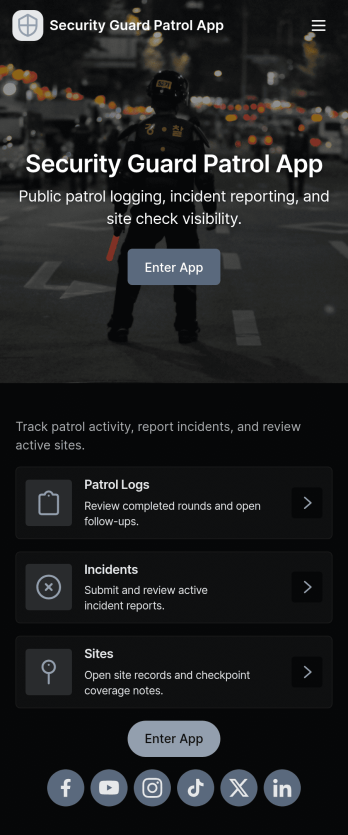
Security Guard Patrol App
Security Guard Patrol App keeps patrol teams organized during every shift by bringing check-ins, incident reporting, and patrol history into one easy place. It’s a practical fit for security companies, property managers, HOAs, warehouses, campuses, and event venues that need guards to start shifts consistently, log patrol activity, and document issues as they happen without relying on paper notes or scattered messages.With Jotform, you can turn this app template into a tailored self-service experience using a no-code app builder and a drag-and-drop interface. Connect the app to your forms for shift activity and incident reports, route information to the right people, and review records in a central workflow for faster follow-ups and clearer visibility across sites and teams.
Go to Category:Log Apps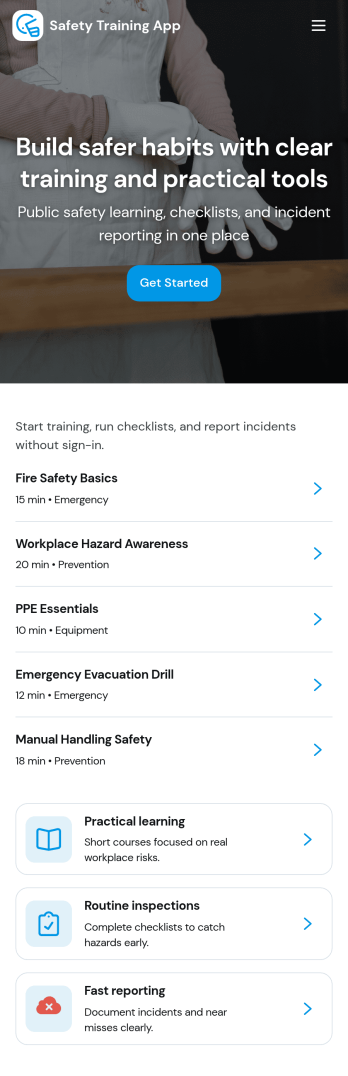
Safety Training App
Safety Training App helps teams organize safety courses, track learning progress, and keep personal training records in one place. Use it to publish a clear course library employees can browse, provide a simple way to log completed training, and give staff a self-service view of their progress over time. It’s a strong fit for operations leaders, HR teams, site supervisors, and safety coordinators who need training information to be easy to find, easy to update, and consistent across locations and roles.With Jotform, you can turn this app template into a branded training experience using a no-code app builder and a drag-and-drop interface. Connect the app to your training workflows by linking it to forms and tables for data collection, progress tracking, and admin oversight, then share it with your workforce using a link or QR code. As your program grows, you can adjust pages, navigation, and records management so the app keeps supporting everyday self-service and internal workflow needs.
Go to Category:HR Portal Apps