
The Practice Paper Planning App is a ready-to-use app template for students, tutors, teachers, and academic support teams coordinating exam preparation. It brings practice paper planning, study session scheduling, review records, and progress monitoring into one accessible experience. Users can schedule papers by subject and date, record completion and review outcomes, and add notes that inform future study sessions. Instead of managing separate calendars, notebooks, and spreadsheets, learners gain a clearer view of completed work and upcoming priorities. Tutors and educators can also use it to encourage consistent practice, identify areas that need attention, and support more focused revision.
Jotform makes this app template easy to adapt with a no-code app builder and an intuitive drag-and-drop interface. Customize pages, cards, buttons, fonts, colors, and navigation to fit an individual study plan, tutoring program, or classroom workflow. Connected forms simplify data collection, while organized records support ongoing progress reviews and learner self-service. The app can be shared through a direct link or QR code for convenient mobile access. With customizable app templates from Jotform, educators and learners can create a polished planning resource without writing code.
Related templates
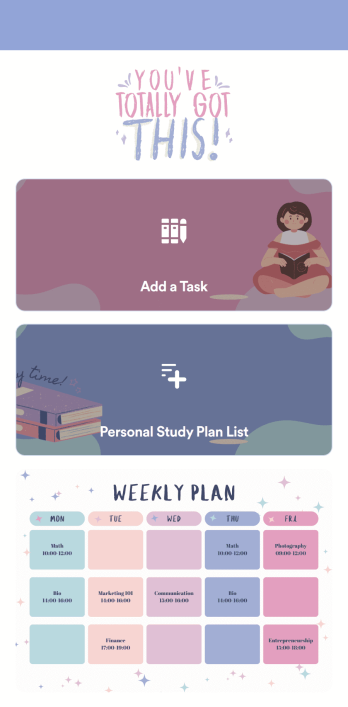
Customizable Study Planning App
A study planning app lets students create a student plan and track it on their mobile device. With this ready-made Study Planning App from Jotform, you can quickly and efficiently start tracking tasks, schedules, and study plans no matter where you are. Just customize the app to meet your study needs and download it for iOS, Android, or onto your computer for easy access.Need to make changes to this Study Planning App template? No problem — just drag and drop to get the design you want. Split your app into multiple pages, add more forms or tables, and make other changes in seconds with no coding knowledge required. You can even connect your app to 250+ other platforms like Trello, Asana, and more to monitor your study plans in your other accounts!
Go to Category:Organization Apps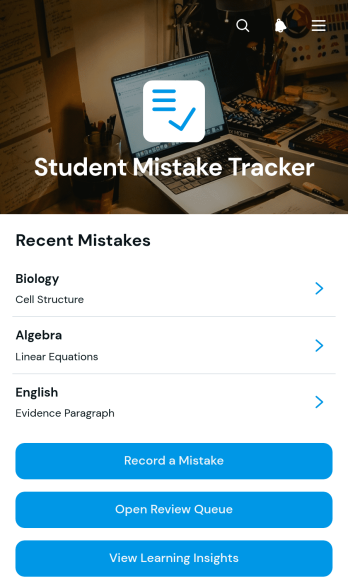
Student Mistake Tracker App
The Student Mistake Tracker App is an app template that helps students record academic errors, review corrections, and recognize learning patterns over time. It gives learners quick access to mistake recording, a review queue, and learning insights while keeping details organized by subject. Students can use it after homework, quizzes, practice tests, tutoring sessions, or independent study to turn incorrect answers into useful study material. Teachers, tutors, academic coaches, and families can also use the app to support reflection, plan targeted practice, and monitor whether previously identified concepts have been reviewed.With Jotform Apps, you can adapt this Student Mistake Tracker App without writing code. The no-code app builder and drag-and-drop interface make it easy to adjust pages, navigation, colors, typography, and content for a class, tutoring program, or personal study routine. Connect forms and tables to support data collection, organize each review workflow, and keep resources available through a mobile-friendly self-service experience. Jotform App Templates can be published and shared by direct link or QR code, helping learners maintain a consistent review habit wherever they study.
Go to Category:Student Planner Apps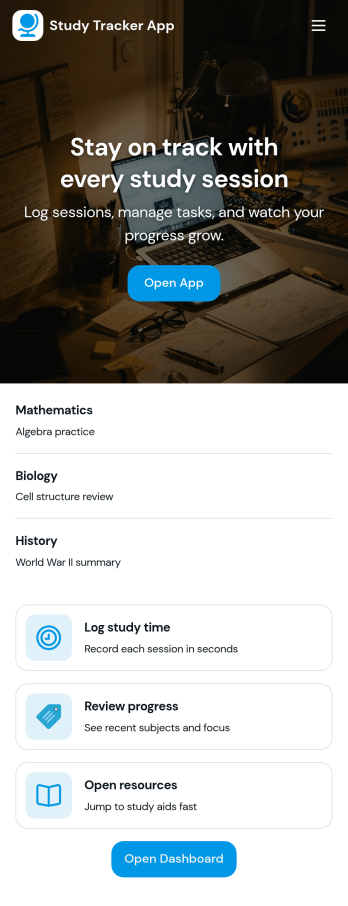
Study Tracker App
Study Tracker App helps students and lifelong learners build consistent study habits by logging study time, organizing sessions by subject, and keeping a clear view of progress over time. Use it to record each session with quick add buttons, revisit your top focus areas, and review what you covered across different topics. It’s a practical fit for high school and college students, exam takers, tutors, and study groups who want a simple way to track effort, spot patterns, and stay accountable without juggling multiple tools.Jotform makes it easy to turn this Study Tracker App into a personalized self-service experience using its no-code app builder and drag-and-drop interface. Connect your session logging form to your data collection workflow, present entries in clean lists and cards, and share the app with a link so it’s always available on any device. You can also tailor pages for progress review and study resources, helping you keep tracking and reference materials in one place with Jotform App Templates.
Go to Category:Education Apps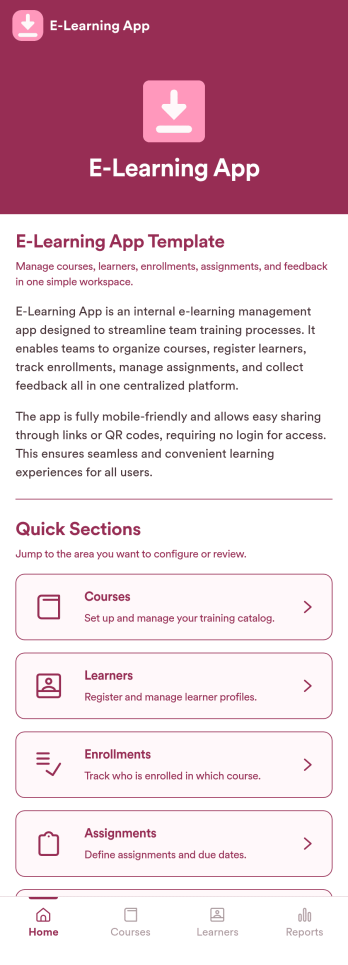
E-Learning App
E-Learning App is an app template designed to foster the creation and management of online learning experiences, specifically tailored for educators, training providers, schools, and organizations. It provides a structured platform for the seamless delivery of educational content and training programs, creating a centralized hub for learning materials, assignments, quizzes, and discussions. The integrated data collection feature ensures the capture of vital learner data, such as enrollment details, progress tracking, and feedback, making it a comprehensive solution for educational and training workflows. It is commonly used for distance learning, corporate training, and continual professional development programs, and is best suited for those needing a ready-to-use, robust platform for delivering a streamlined e-learning experience.Jotform’s intuitive, no-code app builder makes customizing your E-Learning App a breeze. Personalize the app to align with your organizational branding: swap out forms, choose fonts and colors, and upload your logo without a single line of code. Its cross-platform compatibility allows your learners to access the app on any smartphone, tablet, or desktop, ensuring a consistent learning experience across different devices. With the added convenience of electronic signature collection, authentication of important documents such as consent forms and agreements becomes effortless. Take advantage of Jotform's seamless integration with Sheets for easy management and visualization of collected data, and generate comprehensive reports to track learner progress and course effectiveness. With Jotform, managing your online learning program becomes an easy, efficient, and rewarding process.
Go to Category:Activity Tracking Apps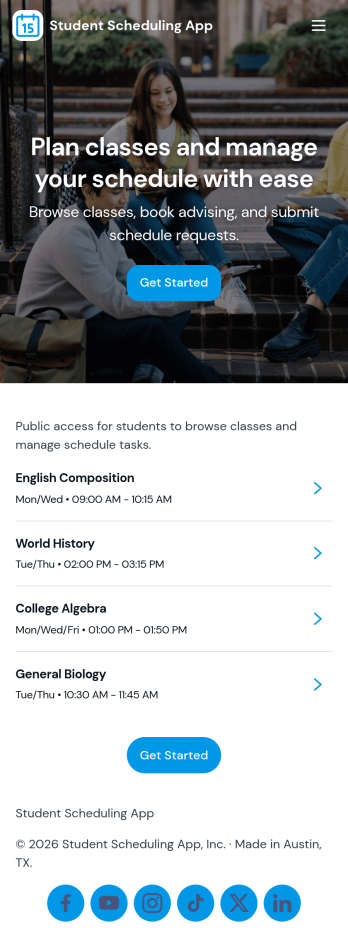
Student Scheduling App
A student scheduling app gives students and staff one place to request, book, and review academic support sessions without confusion about timing or availability. This template fits tutoring centers, advising offices, student success teams, and instructors who need a simple way to route session requests and keep daily plans visible. With quick access to book a session, view today’s schedule, and check my requests, it supports self-service scheduling while keeping requests organized for follow-up.Jotform makes it easy to publish this experience as a shareable app using a no-code app builder and a drag-and-drop interface. Connect the app to your Jotform form and linked data so students can send requests, staff can track updates in real time, and everyone can navigate schedules from any device. As your workflow changes, you can adjust pages, buttons, and lists in minutes, then share the updated app instantly with a link or QR code.
Go to Category:Scheduling Apps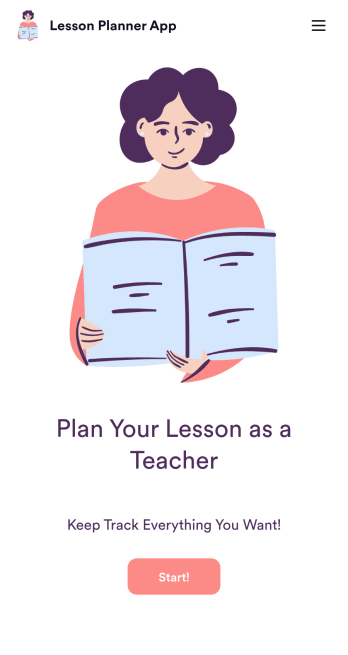
Lesson Planner App
Create and manage your classroom lesson plan with this free Lesson Planner app from Jotform. Download this app onto any device and start adding courses, start and end dates, lesson titles and objectives, tasks, resources, and more. There are also separate forms for entering student information and creating daily assignment checklists. Submissions are aggregated and stored in a color-coded and easy-to-understand spreadsheet using Jotform Tables.Want to make changes to this Lesson Planner App? No problem! With Jotform’s no-code app builder, you can build a custom app that meets your classroom’s needs in seconds. Simply drag and drop to add or change form elements, edit text fields and checklist items, install integrations and widgets, change fonts and colors, and more. When you’re done, you can access and download your app onto any smartphone, tablet, or desktop and start using it right away. Manage all your lesson plans and assignments from a single location with this mobile-friendly Lesson Planner App.
Go to Category:Daily Planner Apps