
Private Shared Content App is an app template for teams that need a central, limited-audience space for collecting, reviewing, and revisiting useful content. Staff, project groups, consultants, educators, and membership coordinators can use it to organize internal articles, research, reference materials, and curated links without scattering them across messages or documents. Contributors can submit content through a connected form, browse shared entries, view supporting context such as topics and contributor details, open original source links, and review insights. This setup supports knowledge sharing, content curation, research libraries, and collaborative resource collections while helping participants find relevant material more easily.
Jotform makes this Private Shared Content App easy to adapt with a no-code app builder and a flexible drag-and-drop interface. Customize pages, cards, buttons, colors, and navigation to match the needs of your group, then connect data collection to tables, notifications, approvals, or other workflow steps. Jotform App Templates provide a ready-made foundation that can be published quickly and shared by direct link or QR code. The result is a mobile-friendly self-service resource that brings content submission, discovery, and follow-up into one organized experience.
Related templates
Work Order Management App
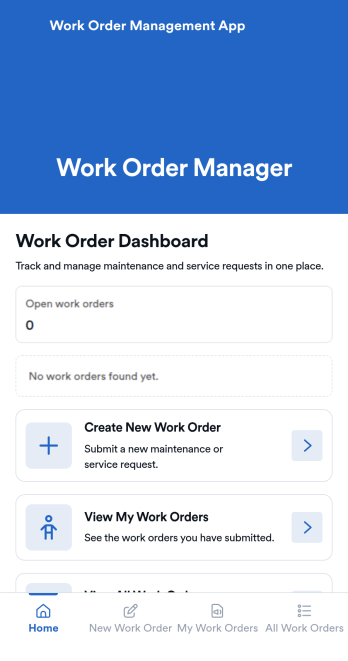
Work Order Management App is an app template designed to streamline the process of creating, assigning, and tracking work orders. Designed for maintenance teams, operations managers, service providers, and organizations, this ready-to-use template facilitates efficient task management, timely task completion, and improved operational visibility. This app template aids in the collection of essential data related to work orders, such as task details, assigned personnel, expected completion time, and status updates, providing a comprehensive overview of all ongoing tasks. It's an invaluable aid for service providers and organizations that require a centralized system for managing service requests and tasks.With Jotform's intuitive interface, customizing the Work Order Management App is a breeze. You can modify the template to suit your organization's specific needs, all without writing a single line of code. The drag-and-drop feature allows for easy adjustments and additions, ensuring that your work order management system is tailored just for you. One standout feature is the capability to collect electronic signatures, making it easier to authorize work orders digitally. This combined with the ease of use, allows for a more streamlined and efficient workflow. The data collected can be conveniently converted into sheets and reports, providing a tangible snapshot of ongoing tasks and their statuses. Harness the full potential of Jotform’s Work Order Management App to optimize your work order management process.
Go to Category:Management Apps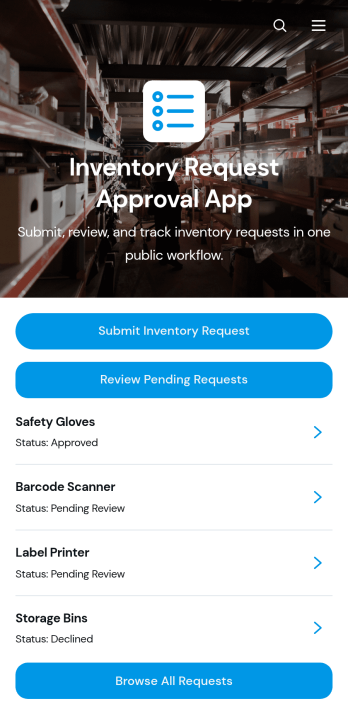
Inventory Request Approval App
Inventory Request Approval App gives employees, department leads, warehouse teams, and purchasing managers one place to submit, review, and manage internal inventory requests. Staff can request an item, specify the quantity and required date, and provide requester and department information. Reviewers can browse all requests, focus on pending entries, open detailed request records, and contact requesters when clarification is needed. This app template is well suited to offices, warehouses, retailers, schools, hospitality businesses, and growing organizations that want clearer oversight of supply demand. It reduces scattered emails, improves visibility across departments, and helps teams make purchasing and allocation decisions using consistent information.Jotform App Templates make it easy to adapt this experience to an organization’s inventory workflow without coding. Using Jotform’s no-code app builder and drag-and-drop interface, teams can update pages, buttons, branding, and navigation while connecting forms, tables, notifications, and approval steps. The finished app can support employee self-service and organized data collection from any device. Share it through a direct link or QR code so requesters and reviewers can access the right actions wherever work happens.
Go to Category:Inventory Management Apps
Custom Time Tracker App
A time tracker app is used to keep track of employees’ hours and tasks. With Jotform’s free Time Tracker App, managers can keep a complete record of the times employees punch in or out, task details and the amount of time employees spend on them, and view all the information in a professional spreadsheet. All submissions are stored securely in your Jotform account and ready to access on any device.Need to make changes to this app template? Be sure to add your logo, change the background image, and choose new fonts and colors for a personalized touch. You can also customize the spreadsheet layouts and make changes to the app’s forms to collect other types of information — then share the app for your employees to download onto their devices. Better manage employee information with a free Time Tracker App from Jotform.
Go to Category:Management Apps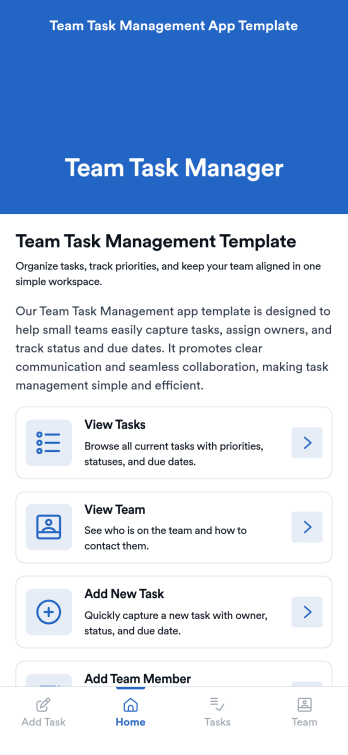
Team Task Management App Template
Team Task Management App Template is an app template designed to streamline the process of collecting and organizing patient appointment requests. It is perfect for healthcare providers, clinics, medical offices, and healthcare organizations seeking a reliable and efficient system for managing their scheduling requests. This template optimizes data collection, providing clarity and consistency in capturing essential details such as patient name, contact information, preferred appointment dates, and reasons for the visit. Notably, it excels in settings where efficient scheduling and coordination of healthcare services are paramount. The Team Task Management App Template is commonly used for handling a high volume of appointment requests and is best suited for service providers and administrators that need a unified system for managing patient scheduling requests.With Jotform's intuitive interface, customizing the Team Task Management App Template is as easy as a few clicks. You can adapt it to your unique operational needs, reflecting your brand's specific aesthetic and functional requirements. Through Jotform, you can effortlessly collect e-signatures from patients, providing a seamless and straightforward way for them to confirm their appointment requests digitally. Whether you're generating reports, creating custom sheets for data tracking, or managing your overall appointment requests, Jotform's Team Task Management App Template brings a level of simplicity and ease of use to your operations, making the often daunting task of managing high volumes of appointment requests manageable and efficient.
Go to Category:Task Management Apps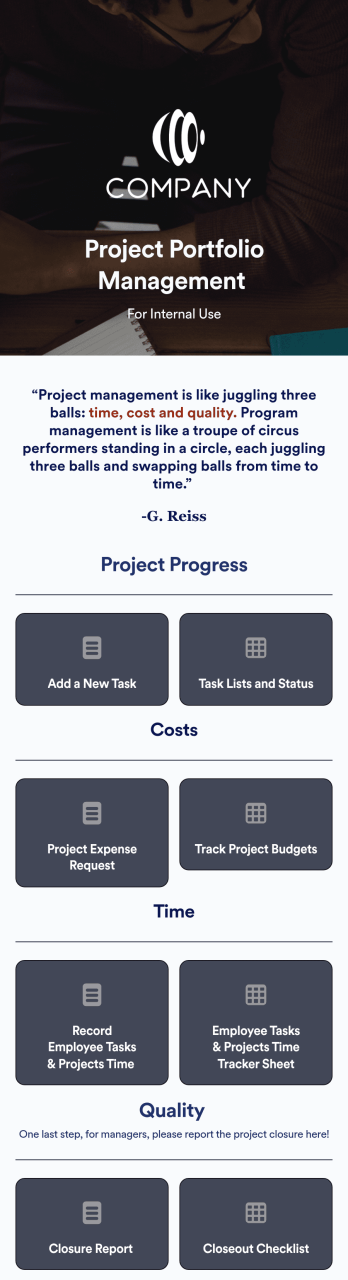
Project Portfolio Management App
A project portfolio management app is used by employees to seamlessly track and manage company projects. For businesses big or small, this ready-made Project Portfolio Management App from Jotform makes it easy to keep projects on track for success. Add project deadlines, create tables with form data, generate visual reports, and more depending on what your team needs to succeed.Personalizing this Project Portfolio Management App is a breeze with our online drag-and-drop app builder. Enrich your app by uploading personal branding assets, adding project images or videos, integrating with helpful payment or scheduling widgets, and picking fonts and colors you like. Set your team up for success with this free app from Jotform.
Go to Category:Company Portal Apps
Secure Messaging App
Secure Messaging App helps teams and organizations share sensitive updates, quick instructions, and internal notes in one private place, especially when email threads and public chat tools feel too exposed. Use it for employee communications, client check-ins, on-call announcements, incident coordination, or confidential project discussions where clarity and controlled access matter most. It fits HR teams, IT and operations groups, healthcare and nonprofit staff, and any distributed team that needs a simple, focused channel for protected communication.With Jotform, you can build and publish a branded, mobile-friendly experience using a no-code app builder and a drag-and-drop interface. Start from this app template, tailor the content to your workflow, and share it by link or QR code for fast self-service access. As your needs grow, you can connect the app to Jotform forms and workflows to support structured data collection, internal requests, and organized follow-ups without adding complexity.
Go to Category:Customer Engagement Apps