
Product Sample Tracking App provides product development, quality, merchandising, laboratory, and operations teams with a central place to follow samples from receipt through final disposition. Teams can register samples, review records by sample ID, capture evaluations, and document disposition decisions without relying on scattered spreadsheets or email threads. It is useful for manufacturers, retailers, distributors, testing teams, and growing businesses that need clearer visibility into batch details, sample status, reviewer findings, recommendations, handling responsibility, and key dates. By keeping each stage connected, the app supports consistent reviews, faster handoffs, and a dependable history for internal reference.
Jotform makes this app template easy to adapt with a no-code app builder and an intuitive drag-and-drop interface. Add or reorganize pages, update buttons and visual elements, apply your branding, and connect forms, tables, notifications, approvals, or other workflows as your process evolves. Data collection stays connected to the app experience, helping staff enter updates and find sample records from one mobile-friendly location. Publish the finished app with a direct link or QR code to give authorized team members convenient self-service access wherever product samples are received, evaluated, or handled.
Related templates
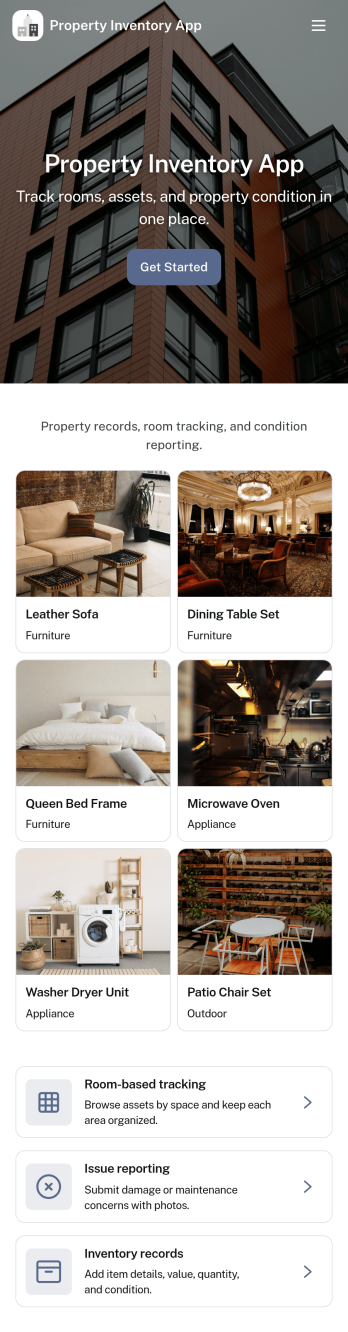
Property Inventory App
Property Inventory App helps you keep a clear, room-by-room record of what’s inside a home, unit, or managed property. Use it to add inventory items with key details, browse rooms to see tracked items at a glance, and flag issues when something is damaged, missing, or needs attention. It’s a practical fit for landlords, property managers, short-term rental hosts, housing providers, and inspection teams who want consistent documentation for turnovers, maintenance follow-ups, and ongoing asset tracking.With Jotform App Templates, you can launch a mobile-friendly inventory experience and tailor it to how your properties operate. Use Jotform’s no-code app builder and drag-and-drop interface to adjust pages, refine data collection fields, and connect the app to your existing workflow, so updates stay organized and easy to share with staff or stakeholders when needed.
Go to Category:Inventory Apps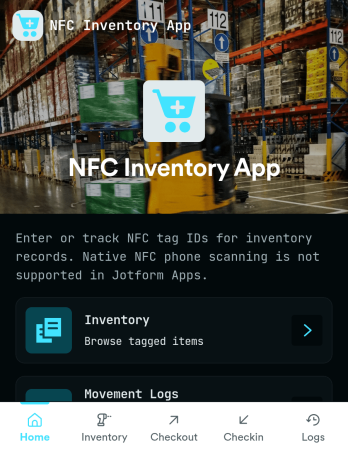
Nfc Inventory App
Nfc Inventory App helps teams track assets by scanning tagged items, logging movement, and reviewing inventory history in one place. It works well for IT closets, equipment rooms, warehouses, school departments, studios, and field teams that need a quick way to identify items, confirm where they are, and keep a consistent record of changes without relying on spreadsheets. With simple navigation for scanning items, recording movement entries, and browsing an asset list, this app supports day-to-day inventory checks, handoffs, and audits while keeping everyone aligned on the latest status.Jotform makes it easy to publish this kind of self-service inventory experience using a no-code app builder and a drag-and-drop interface. Connect your app to a form to collect data consistently, route updates through a workflow your team follows, and keep records organized for fast lookup. You can customize pages, buttons, and branding to match your process, then share the app link with staff so inventory updates happen right when work happens.
Go to Category:Inventory Apps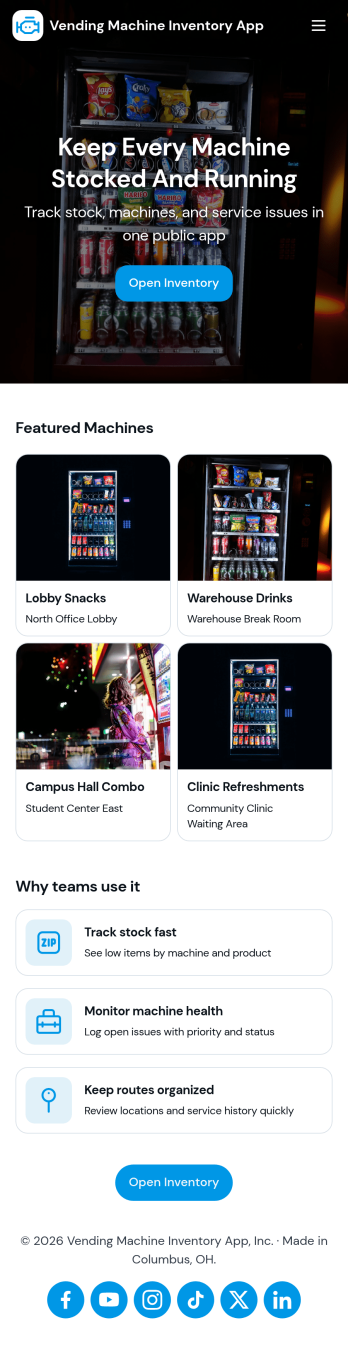
Vending Machine Inventory App
Vending Machine Inventory App helps vending operators and route drivers keep product levels organized across machines and locations while making day-to-day restocking easier to manage. Use the Inventory area to review what’s on hand per machine, then jump into Restock to log restock entries as you refill slots and track what was added on each visit. The Inspect section supports routine checks so teams can record machine condition and keep service notes consistent across the route.Jotform makes it simple to turn this kind of workflow into a shareable, mobile-friendly experience using App Templates and a no-code app builder. With a drag-and-drop interface, you can adjust pages, buttons, and navigation to match your routes, machine IDs, and products, then connect forms and tables to keep data collection and workflow steps in one place. Share the app with your team through a link or QR code so updates happen right at the machine, not back at the office.
Go to Category:Inventory Apps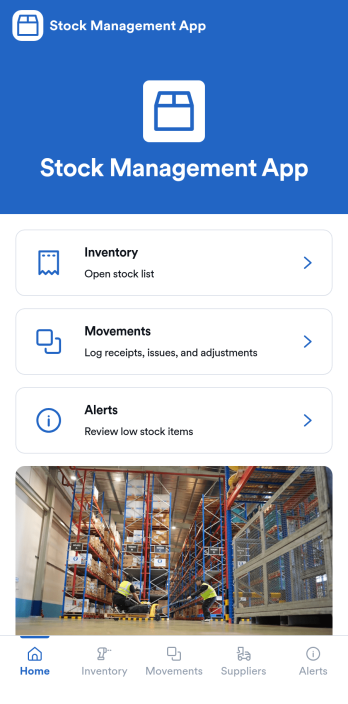
Stock Management App
Stock Management App helps teams track inventory levels, record stock movements, and follow up on low-stock alerts without juggling spreadsheets. It’s a practical fit for retailers, warehouses, small manufacturers, clinics with supply rooms, and field service businesses that need quick visibility into what’s on hand and what’s running out. With dedicated areas for inventory, movements, and alerts, staff can log updates as items are received, used, returned, or adjusted, so everyone works from the same source of truth.Built with Jotform, this app template pairs a mobile-friendly interface with organized navigation and connected data collection. You can add new items, record movements through linked forms, and keep supplier information alongside your inventory records, then share the app as a self-service tool for your team. Using Jotform’s no-code app builder and drag-and-drop interface, it’s easy to adapt the layout, fields, and workflow to match your stock process across one location or multiple sites.
Go to Category:Inventory Apps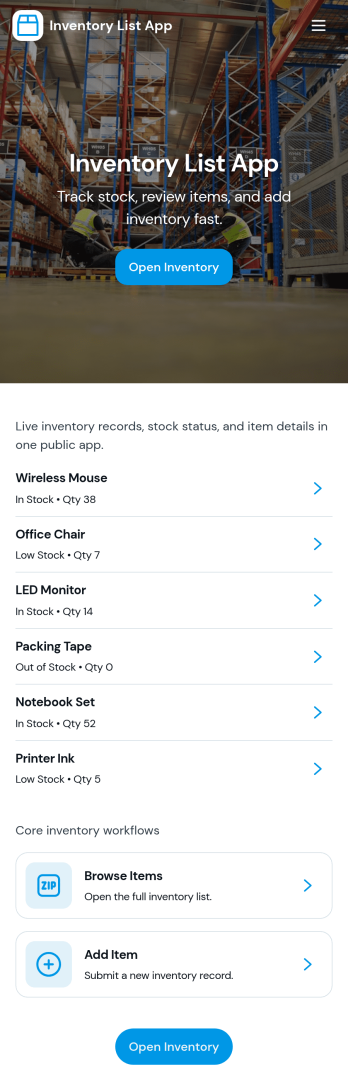
Inventory List App
Inventory List App gives teams a simple way to view what’s in stock, add new items as they come in, and keep a running record of stock movements in one place. It’s a practical fit for retail shops, warehouses, field teams, school departments, studios, and small businesses that need quick visibility into item status without juggling spreadsheets. With an easy Browse Inventory experience and a dedicated Add Item path, staff can keep product records up to date while managers get a clearer picture of what’s available and what needs attention.Built with Jotform App Templates, this app template can be customized in minutes using Jotform’s no-code app builder and drag-and-drop interface. Connect the app to your Jotform form for consistent data collection, then share it as a self-service inventory reference for employees or collaborators. As your workflow evolves, you can adjust pages, navigation, and connected data so inventory updates and stock tracking stay organized across locations and teams.
Go to Category:Inventory Apps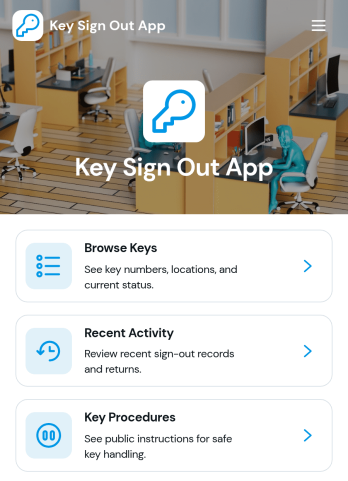
Key Sign Out App
The Key Sign Out App is an app template for recording who has borrowed a key, when it was checked out, and when it was returned. It gives facilities teams, office administrators, property managers, schools, hospitality businesses, warehouses, and service departments a central place to oversee shared keys. Users can browse available keys and review their locations and current status before signing one out. They can also record returns and check recent activity, helping teams maintain clear custody records, resolve questions about missing keys, and replace paper logs or scattered messages. Built-in procedure access can reinforce consistent handoff practices for employees, contractors, and other authorized borrowers.Jotform makes this Key Sign Out App easy to adapt without writing code. Use the no-code app builder and drag-and-drop interface to adjust pages, navigation, colors, fonts, and branding for your organization. You can connect forms and tables to support data collection, organize key records, and create a workflow that fits daily operations. As one of Jotform’s customizable App Templates, it can be shared through a direct link or QR code for convenient mobile access. Teams can publish a polished self-service experience that keeps sign-outs, returns, status checks, procedures, and activity records accessible from one location.
Go to Category:Logbook Apps