
Remote Teaching Recruitment App gives schools, tutoring providers, education programs, and recruitment teams a central place to connect qualified educators with remote teaching roles. Candidates can browse teaching opportunities, review essential role information, and submit an application from one convenient experience. Application guidance helps applicants understand the process before they apply. By bringing opportunity discovery and candidate intake together, this app template reduces scattered inquiries, gives recruiters a consistent recruitment journey, and makes openings easier to access across locations and devices.
Jotform Apps helps organizations turn recruitment processes into interactive, mobile-friendly experiences without coding. Start with this Remote Teaching Recruitment App from Jotform App Templates, then use the no-code app builder and drag-and-drop interface to update pages, branding, navigation, and content. Teams can connect forms, tables, notifications, approvals, and other workflow tools to support data collection and application review. Once customized, the app can be published and shared by direct link or QR code, giving candidates convenient self-service access while helping recruiters manage hiring activity from one organized destination.
Related templates
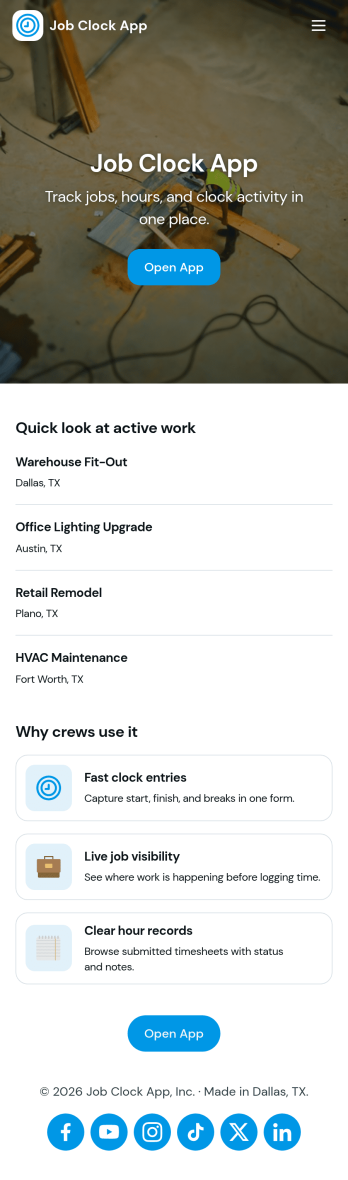
Job Clock App
Job Clock App helps teams track time across different jobs from a single, easy-to-use hub. Employees can clock in as they start work, jump to a Jobs area to choose what they’re working on, and review Timesheets so hours stay clear for payroll and job costing. It’s a practical fit for field services, construction crews, agencies, and any business that needs consistent time entries tied to specific work without chasing texts, emails, or paper notes.Built with Jotform, this app template turns time tracking into a simple self-service experience you can share in minutes. Use Jotform’s no-code app builder and drag-and-drop interface to adjust navigation, add guidance text, and connect the app to your time entry form and job list data collection. As your workflow evolves, you can keep everything organized in one place and make it easy for managers to review entries while employees focus on getting started fast.
Go to Category:Activity Tracking Apps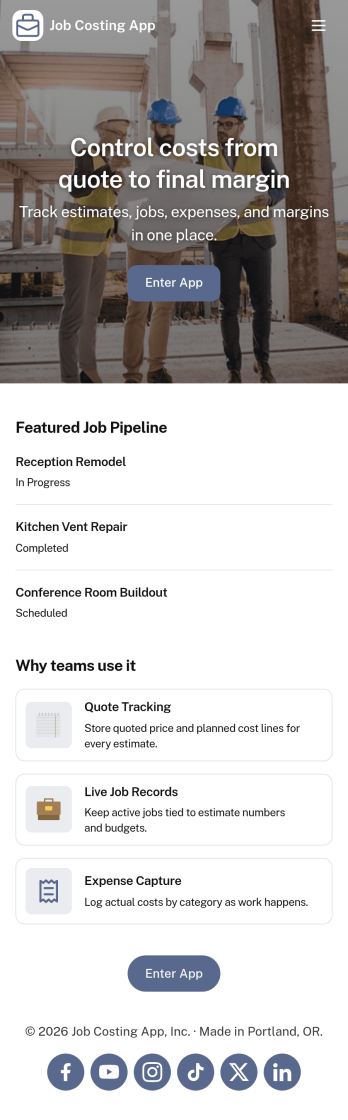
Job Costing App
Job Costing App brings job and cost tracking into one place so teams can see what each project is really costing as work moves forward. Use it to organize jobs, capture cost entries, review job details, and keep an eye on approved spend without hunting through spreadsheets or scattered messages. It fits construction crews, home service businesses, agencies, and internal operations teams that need clear visibility into labor, materials, and other expenses per job.With Jotform, you can turn this app template into a self-service workspace that’s easy to share and simple to maintain. Customize pages with a drag-and-drop interface, connect forms for data collection, and keep records organized for day-to-day workflow tracking. Whether you’re monitoring active jobs, logging new costs, or reviewing totals, Jotform makes it straightforward to publish a branded app experience and keep everyone aligned with up-to-date information.
Go to Category:Construction Apps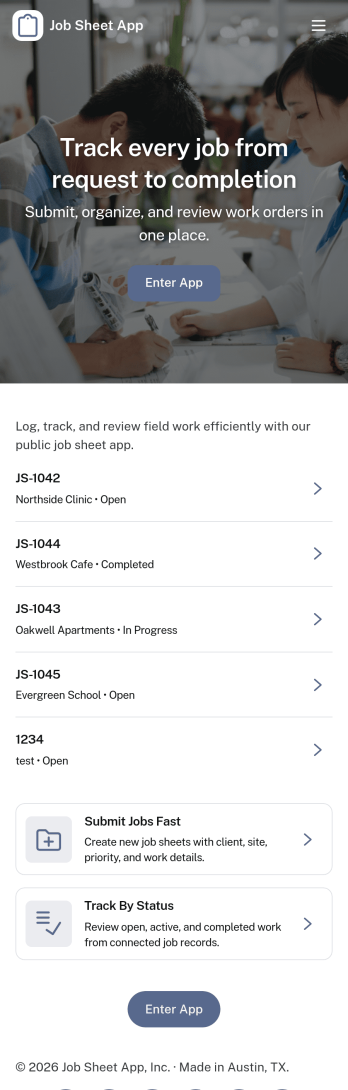
Job Sheet App
A Job Sheet App gives field teams and service businesses a clear place to view open jobs, capture progress updates, and keep work details consistent from start to finish. Use it to reduce missed steps on site visits, standardize job notes across technicians, and keep everyone aligned on what’s next. With quick navigation to Open Jobs and a simple Submit Update path, it works well for contractors, maintenance crews, home services teams, and operations managers who need job information to stay current while work is happening.Jotform makes it easy to publish this kind of job tracking experience without coding using its no-code app builder and drag-and-drop interface. Connect the app to a form for fast data collection, organize job records in a connected workflow, and share a self-service link with your team so updates can be submitted from anywhere. As your process grows, you can adjust pages, add new steps, and keep insights accessible in one mobile-friendly place with Jotform App Templates.
Go to Category:Operations & Logistics Portal Apps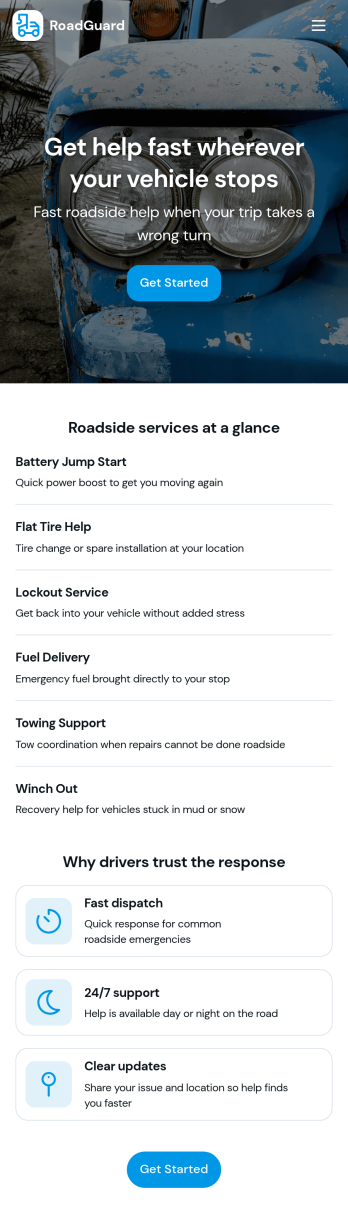
Roadside Assistance Job App
Roadside Assistance Job App helps towing and roadside teams handle active service calls from one place, from dispatch to completion. Use it to view open jobs, keep a dispatch queue organized, and review job details like status, assignment, and priority guidance so technicians know what to do next. It’s a practical fit for roadside assistance companies, fleet operators, and on-call service providers who need clear visibility into what’s in progress and who’s handling each request.Built with Jotform, this app template can be tailored with a no-code app builder and a drag-and-drop interface so you can match your workflow without development work. Connect your job records to tables for consistent data collection, let staff submit a new report when needed, and share a single self-service workspace with dispatchers and drivers through a link or QR code. As your operation grows, you can update pages, layouts, and connected resources to keep day-to-day coordination simple and reliable.
Go to Category:Automotive Apps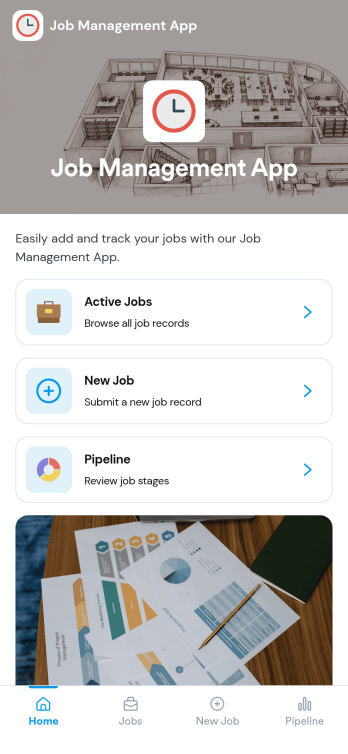
Job Management App
Job Management App brings your hiring workflow into one place so teams can post open roles, route candidates to the right listings, and keep applications organized as they come in. Use it to share a clear set of Open Jobs, publish role details, and guide candidates to Apply Now with a simple in-app application form. It’s a practical fit for growing businesses, HR departments, and operations leaders who need an easy way to keep recruiting moving without losing track of who applied to what.With Jotform, you can build and tailor app templates like this using a no-code app builder and a drag-and-drop interface, then connect your app experience to forms and tables for reliable data collection. Keep your workflow consistent by linking job listings to an application form, giving internal users a view of all applications, and offering candidates a self-service way to review their own applications. Share the app through a link or QR code, update content as roles change, and collaborate across teams as hiring needs evolve.
Go to Category:HR Portal Apps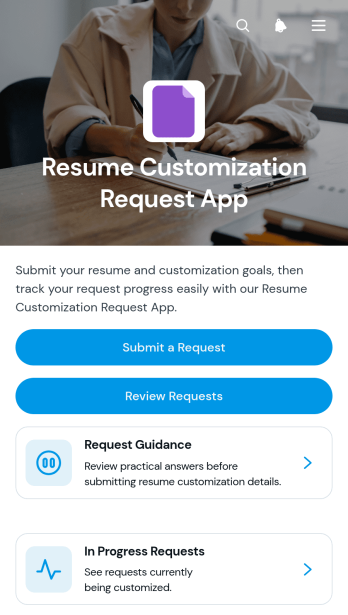
Resume Customization Request App
Resume Customization Request App is an app template for collecting, organizing, and reviewing requests to tailor resumes for specific roles. It gives career consultants, freelance resume specialists, education teams, workforce programs, and internal career services a central place to receive customization goals and target role details. Requesters can submit their needs and consult guidance, while service providers can review each request, check its status, and monitor work in progress. This organized experience reduces scattered messages, clarifies expectations, and helps teams manage multiple resume requests without losing important context.Jotform makes this Resume Customization Request App easy to adapt with a no-code app builder and a drag-and-drop interface. Start from one of Jotform’s App Templates, update the branding and content, and connect forms or other workflow resources without writing code. The app builder supports streamlined data collection and self-service access, whether the app is used by clients, students, job seekers, or staff. Once published, it can be shared through a direct link or QR code and opened on mobile devices, helping requesters and reviewers access the information they need from one convenient location.
Go to Category:Job Apps