
The Repair Job Management App is a ready-to-use app template for repair businesses, maintenance teams, contractors, field technicians, and home service providers that need one place to coordinate incoming work. Customers or staff can submit repair requests, browse recorded jobs, and check status updates without relying on scattered messages or spreadsheets. Each job can present essential service information such as the reported issue, address, contact details, preferred and scheduled dates, work notes, and completion records. This shared view helps dispatchers assign priorities, technicians prepare for visits, and office teams keep customers informed throughout the repair process.
Jotform App Templates make it easy to adapt this experience to different repair workflows without writing code. Use the no-code app builder and drag-and-drop interface to update pages, navigation, colors, and branding, then connect forms and tables for organized data collection. Teams can create a practical self-service destination, manage job information as work progresses, and share the finished app through a direct link or QR code. Whether handling appliance repairs, property maintenance, equipment servicing, or general contractor jobs, Jotform helps bring requests, updates, and service records into a mobile-friendly workspace.
Related templates

Maintenance Work Order Management App
Maintenance Work Order Management App helps teams receive, organize, and follow up on maintenance requests in one place, from new issues reported by staff to repairs assigned to technicians. It’s built for facilities teams, property managers, operations leaders, and service organizations that need a clearer way to route requests, review details by work order, and keep everyone aligned on what’s being worked on. With quick navigation to submit a new work order, browse all requests, and open a maintenance dashboard, the app supports faster intake, better visibility, and more consistent handoffs across locations, buildings, and assets.Jotform makes it simple to create and publish app templates like this with a no-code app builder and a drag-and-drop interface, so you can match the experience to your workflow without developer help. Connect the app to your work order form and keep records organized for ongoing data collection, updates, and internal self-service. As your process evolves, you can adjust pages, refine what users see, and share the app through a link or QR code to make maintenance reporting and coordination easier for everyone involved.
Go to Category:Equipment Maintenance Software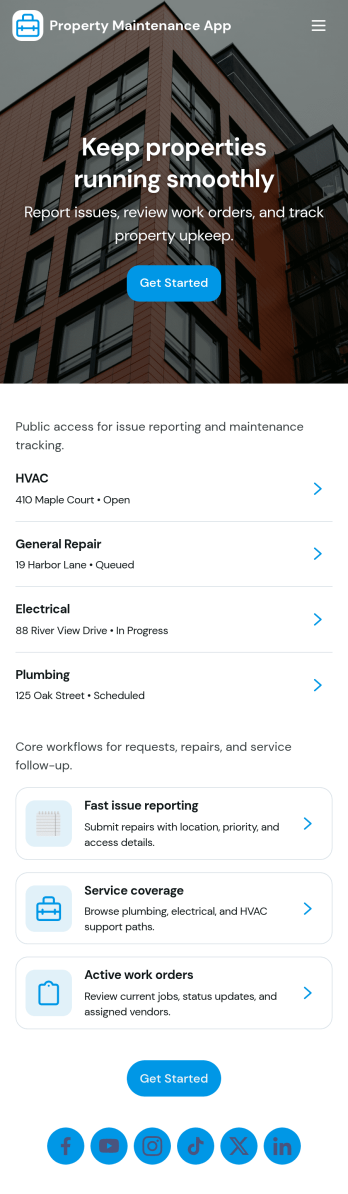
Property Maintenance App
Property Maintenance App gives teams a clear place to log maintenance issues, route them to the right property, and keep work moving without losing context. It’s a practical fit for property managers, landlords, HOAs, and service coordinators who handle recurring repairs across multiple locations and need an easy way to capture new requests, review properties, and follow what’s already been reported.Built with Jotform, this app template brings together self-service request intake and ongoing request visibility in one mobile-friendly experience. Using Jotform’s no-code app builder and drag-and-drop interface, you can tailor pages for your process, connect requests to your data collection, and centralize updates so your maintenance workflow stays organized as volume grows.
Go to Category:Equipment Maintenance Software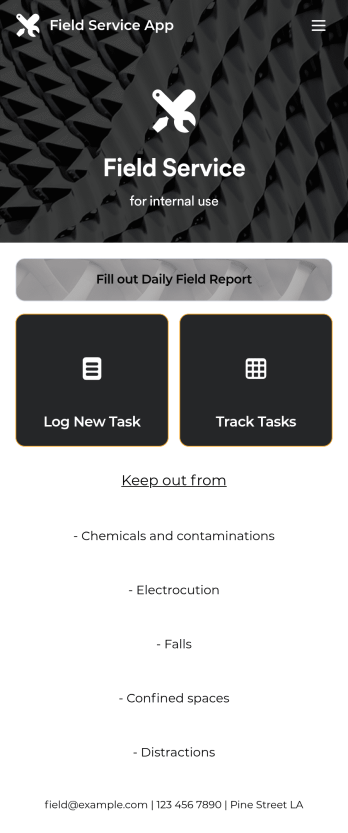
Custom Field Service App
A field service app makes it easier for technicians and other employees who work offsite to submit reports while in the field. Instead of using paper forms or waiting until you’re back at your office computer to submit reports, use this free Field Service App powered by Jotform to work anywhere, anytime. This customizable app template includes forms for submitting daily reports, logging new tasks, and tracking completed tasks. All submissions are instantly synced to your secure Jotform account.Need to modify this Field Service App to meet your needs? Just use our drag-and-drop builder to add forms, links, documents, buttons, pages, text, images, videos, tables, data grids, and much more. When it’s ready to use, download your app onto your smartphone, tablet, laptop, or computer for easy access. You can also share it with others via the app link or email invites. Get work done wherever you are with a custom, easy-to-use Field Service App.
Go to Category:Company Portal Apps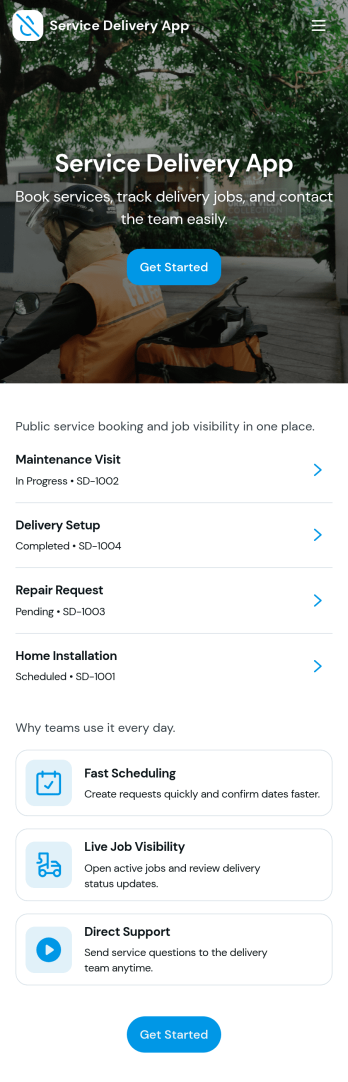
Service Delivery App
Service Delivery App helps service teams capture new requests, keep active jobs organized, and close out completed work without losing track of details. It fits field service providers, internal operations teams, and managed service groups that need one place to collect incoming work and monitor progress from start to finish. With quick navigation to a new request flow and clear sections for active and completed jobs, it supports everyday service delivery when volume is high and turnaround time matters.Jotform makes it easy to turn service workflows into a mobile-friendly self-service experience using App Templates and a no-code app builder. With a drag-and-drop interface, you can tailor pages, buttons, and lists to match how your team works, then connect the app to Jotform forms and tables for consistent data collection and smoother workflow handoffs. Share the app with a link or QR code so customers or staff can submit requests and review updates in one streamlined space.
Go to Category:Online Service Apps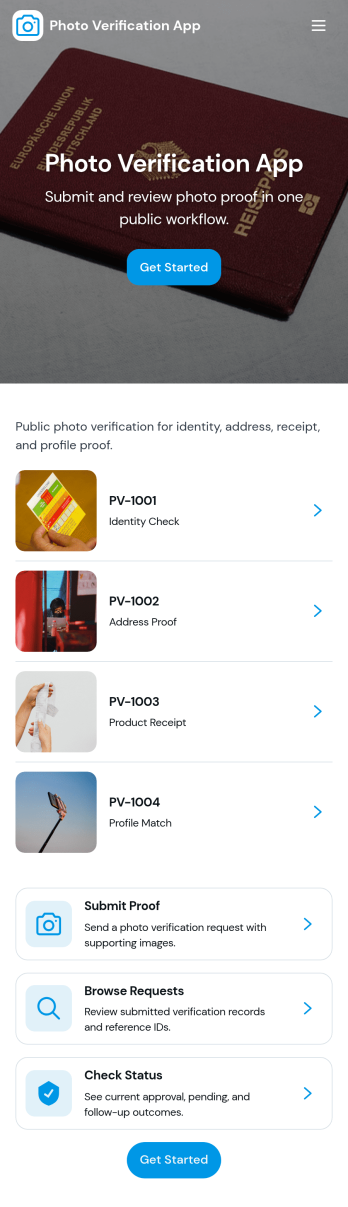
Photo Verification App
Photo Verification App helps teams collect photo-based proof and review it in one organized flow, making it easier to confirm identity, condition, or completion before moving work forward. It fits field service companies validating completed jobs, property managers confirming move-in or move-out conditions, event teams checking credential photos, and operations groups that need quick visual confirmation without relying on scattered messages. With a clear start verification entry point and a dedicated review queue, reviewers can sort what needs attention, open individual records, and keep photo checks consistent across staff.Jotform makes it simple to publish this app template and adapt it to your process using a no-code app builder and a drag-and-drop interface. Connect your verification form to a central list for tracking, route entries to the right reviewers, and keep data collection structured as volume grows. Share the app through a link or QR code so submitters can send photos from mobile, while your team stays focused on approvals, follow-ups, and keeping the workflow moving.
Go to Category:Inspection Apps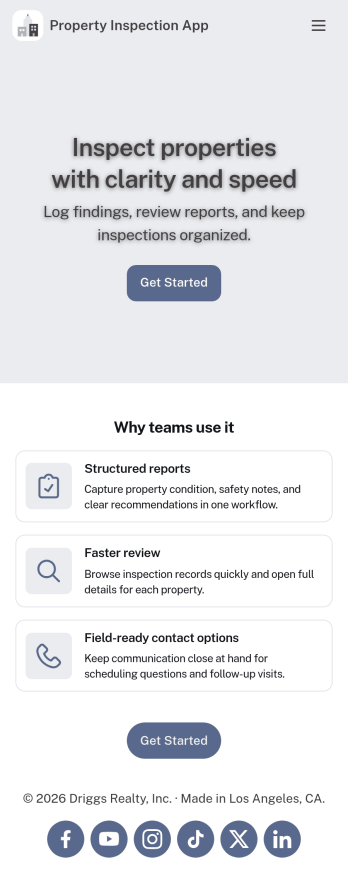
Property Inspection App
A property inspection app makes it easy for property inspectors and contractors to record and submit reports from any device. Build your own Property Inspection App without any coding using our free, fully-customizable template. This ready-to-use app comes with an online Rental Inspection Report Form that can be easily filled out from your smartphone or tablet. Submitted inspection reports and repair requests will be stored in your secure Jotform account, ready to view, download, and share.Customize your Property Inspection App without any coding. Simply drag and drop to add other report forms, embed links to other websites, upload branding elements, and change app settings such as name and icon. When it’s ready to use, you can download it onto your favorite device for easy access and share it with others via app link. Make it easier to identify, record, and solve issues in a rental property or building with an easy-to-use and fully-customizable Property Inspection App in hand.
Go to Category:Home Inspection Apps