
A restaurant ordering system app gives guests a simple way to browse your menu, check today’s specials, and place orders from one central, mobile-friendly experience. This template works well for dine-in, takeout, and limited delivery operations that want to reduce phone congestion and help customers order with fewer questions. Use it to guide guests to key ordering pages, highlight featured items with visuals, and offer a quick call option for customers who still prefer speaking with your team.
With Jotform, you can turn this app template into a branded ordering flow using a no-code app builder and a drag-and-drop interface that’s easy to maintain as your menu changes. Connect your ordering and request forms to support data collection, route details to the right staff with workflow automation, and keep the experience consistent across devices so customers can self-service from a link or QR code.
Related templates
Restaurant Employee Screening App
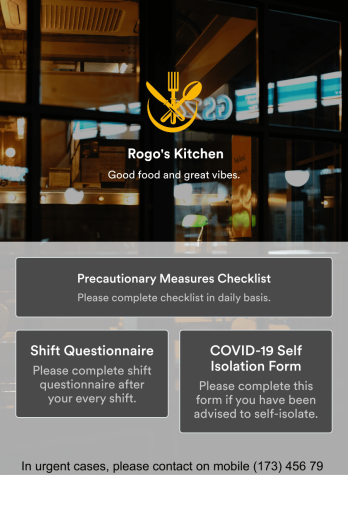
A restaurant employee screening app is used by restaurant managers to screen employees for COVID-19 before shifts. With Jotform’s Restaurant Employee Screening App — which includes a COVID-19 Self Isolation Form, Staff Shift Questionnaire, and Precautionary Measures Checklist — you can collect all the information and e-signatures you need to ensure a safe environment for both your employees and your customers.Need to make changes to this free app? Add or remove forms, include your branding, and personalize other design elements to make this app work better for you. Employees can then download your app onto any device in a few quick clicks! All form responses are stored securely in your Jotform account and can be protected with HIPAA friendly features. Ditch messy paper forms and get organized with this Restaurant Employee Screening App.
Go to Category:Healthcare Apps
Kitchen Inventory App
Tracking inventory in your kitchen is the key to success for your restaurant. Make inventory a breeze with our free, customizable Kitchen Inventory App! It lets you bundle multiple forms in one app, so you can access our Restaurant Inventory Template and other kitchen forms from anywhere. Supervisors or employees can open the app on any smartphone, tablet, or computer to record stock inventory, report on kitchen operations, and track daily cleaning.This Kitchen Inventory App is ready to use as is, but feel free to make any modifications if necessary. Without any coding, you can add forms, text, images, links, and more. You can even change the name, icon, and splash page for your app for a fully-custom design! Monitor food usage and keep track of your inventory more efficiently with a custom Kitchen Inventory App for your restaurant.
Go to Category:Inventory Apps
Restaurant Menu App
Need to know how to sell restaurant food online? A restaurant menu app is used by restaurants, cafes, and diners for managing table reservations and taking food and drink orders. This Restaurant Menu App contains three forms which allow customers to reserve tables and order from separate food and drink menus. Customers can place orders before they get to the restaurant, or specify orders for pick-up or delivery. Submissions are instantly synced to your Jotform account, which you and your staff can access from any device.Customize this app template to match your restaurant’s branding using Jotform’s no-code form builder. Just drag and drop to add or change form elements, choose fonts and colors, upload your logo, create a custom app icon, and more. You can also include thumbnail images for menu items and showcase popular dishes on your app’s splash screen. After you’re done, simply share a link on your website or social media, and customers can access and download your app on any smartphone, tablet, desktop. Manage reservations and sell restaurant food online from one convenient app with this Restaurant Menu App.
Go to Category:Food & Beverage Apps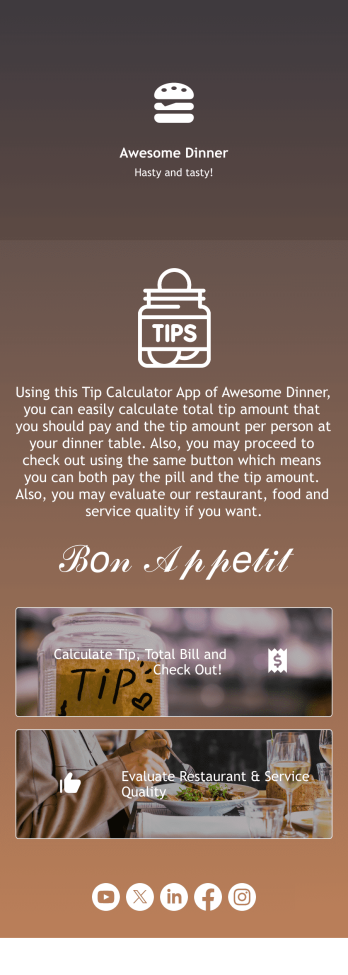
Tip Calculator App
Help your customers checkout and calculate the right tip with Jotform’s free Tip Calculator App. No matter what type of business you run, it’s always a nice touch to add a tip calculator at checkout. Customers can easily download your business’ custom app on any Android or iOS device. All receipts and payments will be automatically saved to your Jotform account — making for a convenient and secure way to store records.Match your app to your business’ branding and customize to your heart’s content. Change up how your app looks with Jotform’s no-code drag-and-drop app builder by uploading your restaurant or cafe’s logo, integrating with your payment collector of choice, and more. You can share your app by embedding it in your website, linking it in direct messages, or by generating a scannable QR code. Go contactless and paperless with Jotform’s free Tip Calculator App.
Go to Category:Restaurant Apps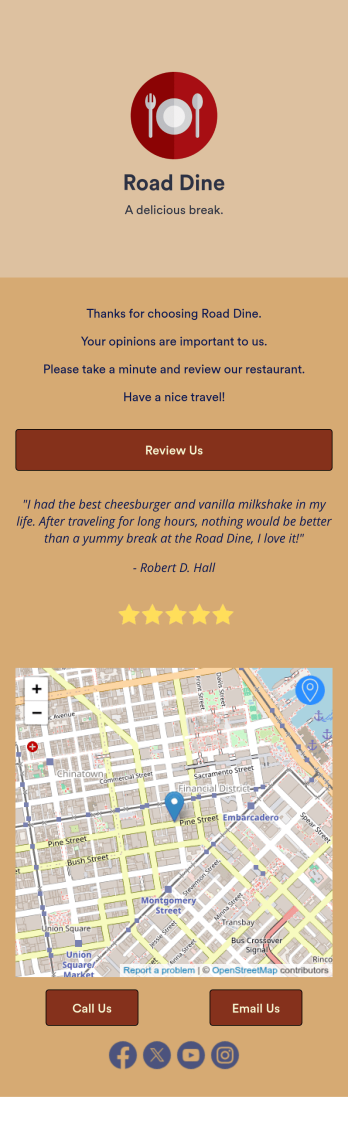
Restaurant Review App
A restaurant review app is used to gather reviews from a restaurant’s customers. With Jotform’s free Restaurant Review App, you can gather customer feedback for your restaurant seamlessly on any device! This app already comes with a review submission form, but you can add new forms and other information with our easy-to-use drag-and-drop builder.Feel free to add more forms to your app, update the splash screen, upload your logo, and customize other elements with no coding knowledge required. Once you’ve got it looking exactly how you like, share your app with your customers to either download on their mobile device or fill out on kiosk, embed the app in your website, or share it directly with customers to collect responses. Receive customer reviews fast with a free Restaurant Review App!
Go to Category:Customer Portal Apps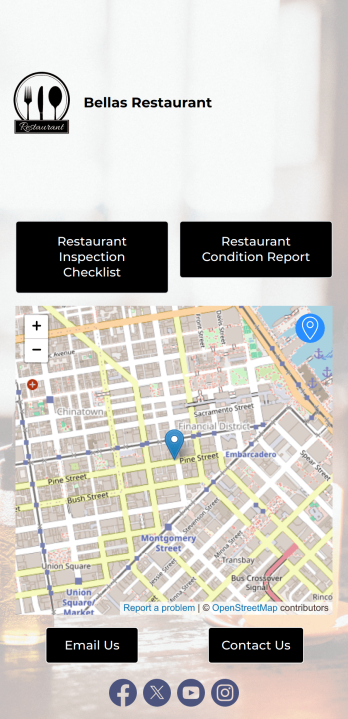
Restaurant Health Inspection App
A restaurant health inspection app is used by restaurant owners and managers to record the overall condition of a restaurant. This Restaurant Health Inspection App includes two forms for conducting inspections. The restaurant inspection checklist is for documenting food and safety compliance, while the restaurant condition report is for documenting the condition of the interior and exterior of the building. Both forms include a digital signature box for managers to sign upon completing the inspection. Form data is compiled in an easy-to-read table in your account, and can be viewed and managed from any device. You can also share and export reports with just a few clicks.Customizing your app is easy. No coding necessary — just use our drag-and-drop form builder to add form elements, edit checklists, choose fonts and colors, and upload your own logo. When you’re finished, you can share your app via link, where it can be downloaded on any smartphone, table, or desktop. Keep detailed inspection reports of your restaurant in one convenient location with this free Restaurant Health Inspection App.
Go to Category:Inspection Apps