Restaurant Seating Manager App

Restaurant Seating Manager App keeps your front-of-house team organized by bringing reservations, walk-ins, and a live seating view into one place. Hosts can quickly add a new reservation, log walk-in parties as they arrive, and check the current seating board to see what tables are open, occupied, or turning soon. It’s a practical fit for busy restaurants, cafés, and bars that want smoother handoffs during peak hours, fewer missed parties, and clearer visibility across sections.
Built with Jotform App Templates, this app template is easy to tailor for your floor plan and service style using a no-code app builder and a drag-and-drop interface. Connect the in-app actions to your Jotform forms and keep entries organized in connected data tables so staff can update information in real time. Share the app by link or QR code for fast access on mobile devices, and keep your seating workflow consistent across shifts and locations.
Restaurant Scheduler App
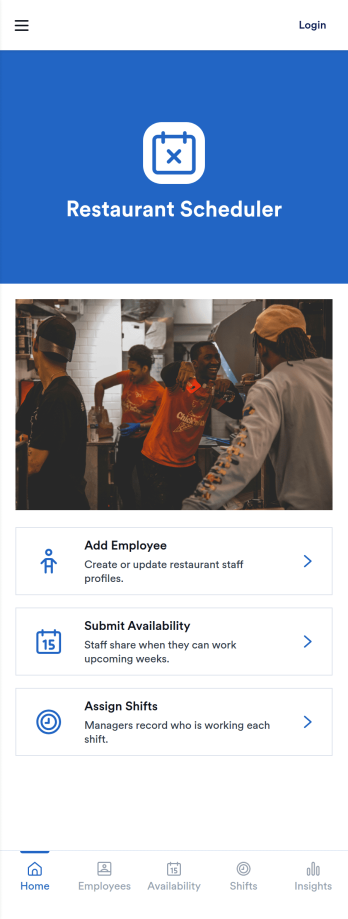
Restaurant Scheduler App helps food and beverage teams coordinate staffing by collecting employee details, gathering availability, and organizing shift assignments in one place. It’s a practical fit for restaurants, cafés, bars, and catering operations that juggle rotating schedules, part-time staff, and last-minute coverage needs. Use it to onboard new team members, keep availability up to date, and reduce confusion when managers build weekly or daily schedules.With Jotform App Templates, you can launch a branded scheduling experience fast and tailor it to your operation using a no-code app builder and a drag-and-drop interface. Connect the app to forms and tables so data collection stays organized, records are easy to review, and scheduling workflows remain consistent across locations or departments. Share the app by link or QR code to support self-service updates from staff while managers stay in control of the final schedule.
Go to Category:Restaurant Management Apps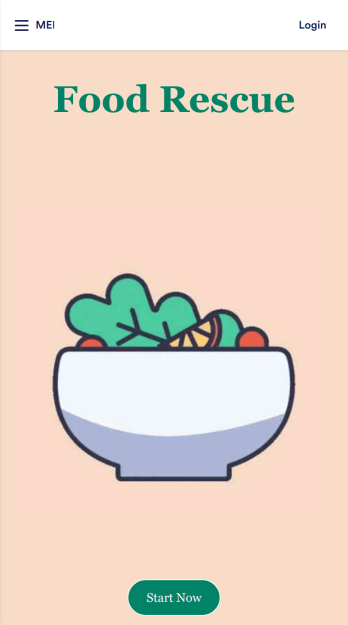
Food Waste App
Run a nonprofit organization that deals with food waste? Take action to prevent food waste and donate food to charitable organizations with this free Food Waste App from Jotform. Send food requests and schedule pickup times and locations with restaurants, airports, and catering companies by filling out online forms. Responses are stored in your secure Jotform account to be viewed and shared within your organization.Make this Food Waste App your own without any coding knowledge. Drag and drop to add or change form fields and checklist items, create new pages, choose fonts and colors, upload your organization’s unique branding, install helpful widgets and integrations, and much more. After you’re finished, share your app by sending email invites or the app link to businesses. Prevent food waste and help those in need with a fully-customizable Food Waste App that works on any device.
Go to Category:Booking Apps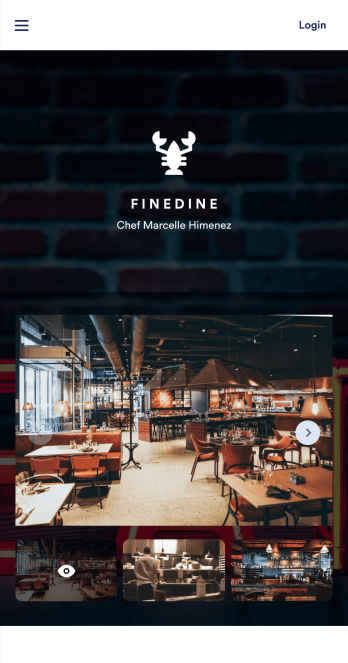
Table Booking App
A table booking app is a great way to build a micro-website for your restaurant. This free and mobile-ready app template allows diners to make table reservations days ahead of time, view photos of the dining area and menu items, and contact your restaurant via email or phone. You can also create additional pages and add them to your app’s topbar with the click of a button. Reservations are instantly stored and synced to your secure Jotform account, and can be accessed by restaurant staff from any device.Making changes to this Table Booking App template is a cinch with Jotform’s intuitive no-code app builder. Simply drag and drop to customize your table reservation page, upload images of your restaurant and entrées to the main page image carousel, add social media widgets, choose fonts and colors, and add your own branding with just a few clicks. Embed a link to your app in your website or share it on social media — diners can then make table reservations from their favorite device. Create a fully customizable mobile-ready app for your restaurant in minutes with this Table Booking App from Jotform.
Go to Category:Booking Apps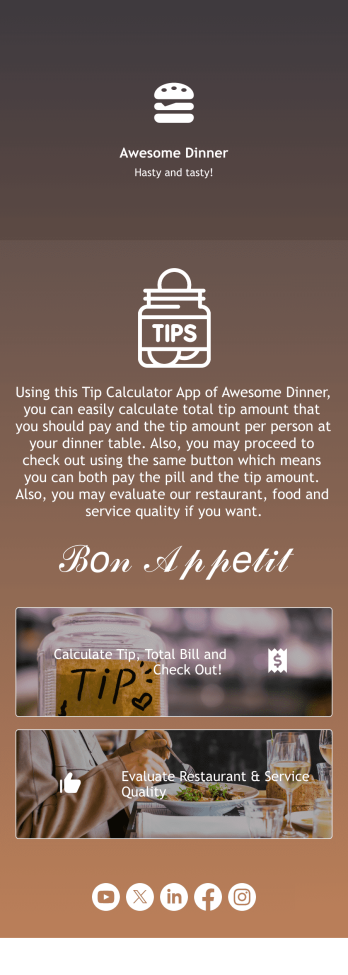
Tip Calculator App
Help your customers checkout and calculate the right tip with Jotform’s free Tip Calculator App. No matter what type of business you run, it’s always a nice touch to add a tip calculator at checkout. Customers can easily download your business’ custom app on any Android or iOS device. All receipts and payments will be automatically saved to your Jotform account — making for a convenient and secure way to store records.Match your app to your business’ branding and customize to your heart’s content. Change up how your app looks with Jotform’s no-code drag-and-drop app builder by uploading your restaurant or cafe’s logo, integrating with your payment collector of choice, and more. You can share your app by embedding it in your website, linking it in direct messages, or by generating a scannable QR code. Go contactless and paperless with Jotform’s free Tip Calculator App.
Go to Category:Restaurant Apps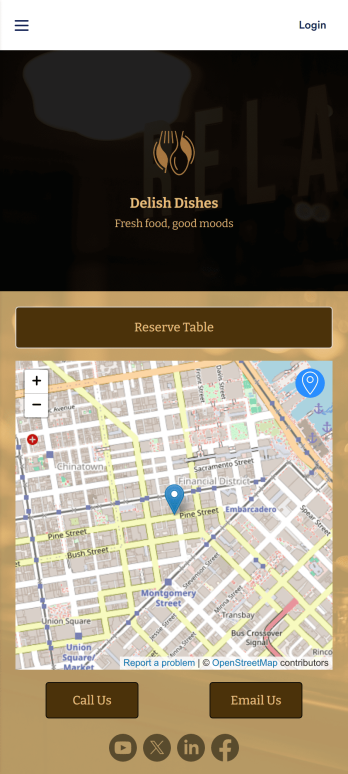
Restaurant Waitlist App
No matter what cuisine your restaurant serves, our free Restaurant Wailist App makes scheduling reservations easy for your customers. This ready-to-use app includes a Restaurant Reservation Form that can be filled out from any smartphone, tablet, or computer. Customers can enter the amount of guests, select an occasion, and add special requests to place their reservation requests. You can then view entries in your Restaurant Reservation Sheet and even set up an automated approval flow with our Restaurant Reservation Approval Process Template.Need more from this Restaurant Waitlist App? No problem — simply use our drag-and-drop builder to make any changes you’d like to this app template. You can add a dropdown calendar to the reservation form, create more forms or surveys, embed links to your menu, upload your logo, and include your branding with ease. When your app is ready to use, display the app link on your website for customers to download onto their own device. Make the reservation process easier than ever with a custom Restaurant Waitlist App!
Go to Category:Booking Apps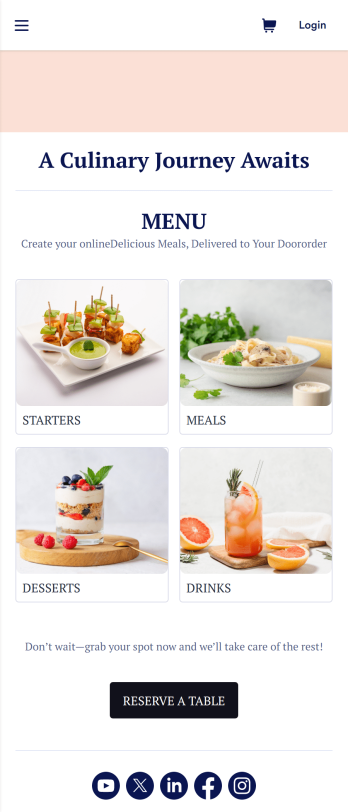
Restaurant Menu App
Need to know how to sell restaurant food online? A restaurant menu app is used by restaurants, cafes, and diners for managing table reservations and taking food and drink orders. This Restaurant Menu App contains three forms which allow customers to reserve tables and order from separate food and drink menus. Customers can place orders before they get to the restaurant, or specify orders for pick-up or delivery. Submissions are instantly synced to your Jotform account, which you and your staff can access from any device.Customize this app template to match your restaurant’s branding using Jotform’s no-code form builder. Just drag and drop to add or change form elements, choose fonts and colors, upload your logo, create a custom app icon, and more. You can also include thumbnail images for menu items and showcase popular dishes on your app’s splash screen. After you’re done, simply share a link on your website or social media, and customers can access and download your app on any smartphone, tablet, desktop. Manage reservations and sell restaurant food online from one convenient app with this Restaurant Menu App.
Go to Category:Food & Beverage Apps