Restaurants Point of Sale App helps food and beverage teams take orders, record sales, and keep daily transactions organized in one place. Staff can start an order from a simple product list, jump into open orders to keep service moving, and log new sale records for accurate tracking across shifts. It’s a practical fit for quick-service counters, cafés, food trucks, bars, and small dining rooms that want a clear, consistent way to handle order flow without relying on scattered notes or multiple systems.
Built with Jotform, this app template can be adapted with a no-code app builder and a drag-and-drop interface so you can match your menu, workflow, and front-of-house process. Connect the app to your forms and data collection tables to store sales records, review activity over time, and keep information accessible for the right team members. Share it with your staff through a link so they can use a mobile-friendly self-service experience on the floor, at the counter, or wherever orders happen.
Related templates
Restaurant Management App
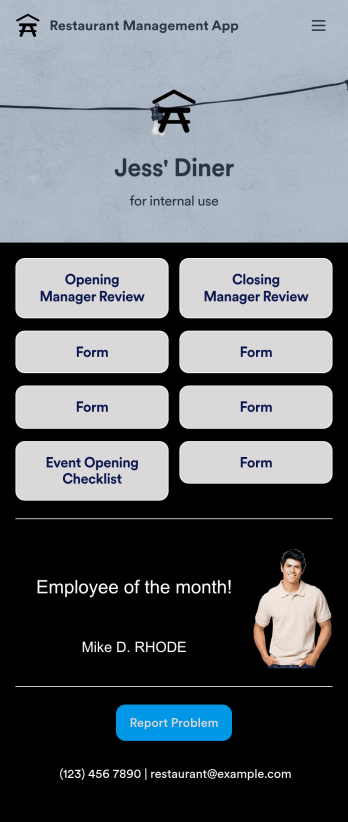
A restaurant management app for internal use makes it easier to track inventory, manage staff, and keep your restaurant running smoothly. No matter what type of cuisine your restaurant serves, build your own app with our free Restaurant Management App template. This pre-made template keeps opening and closing checklists and manager review forms in one place. Members of your staff will be able to open and download the app onto any smartphone, tablet, or computer.Customize this Restaurant Management App for your restaurant in just a few clicks. No coding necessary — simply drag and drop to add or delete forms, text, images, links, and much more. When it’s ready, you can download the app onto any device or share it with members of your staff to save onto their own devices. You’ll receive form entries instantly in your secure Jotform account. Manage all restaurant operations from one place with a fully-custom Restaurant Management App.
Go to Category:Management Apps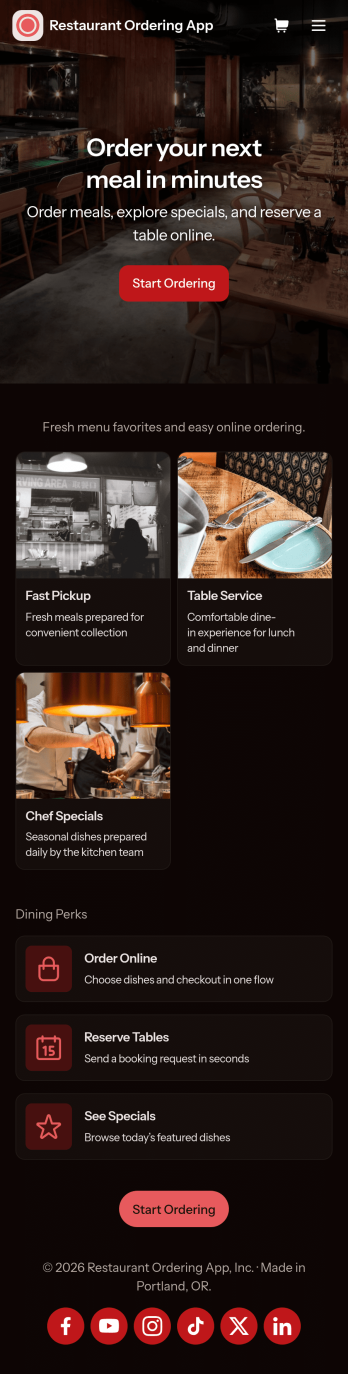
Restaurant Ordering App
Restaurant Ordering App gives customers a simple way to explore your menu and place orders online from one mobile-friendly hub. Guests can browse dishes, view key item details like price and ingredients, and jump into ordering with clear calls to action, while also finding quick links to reserve a table or check today’s specials. It’s a practical fit for restaurants, cafés, food trucks, and pop-ups that want to reduce phone orders, keep menu information consistent, and make it easier for guests to choose what they want without waiting on hold.Jotform makes it easy to create and publish app templates like this using a no-code app builder with a drag-and-drop interface. Connect the app experience to forms and workflows for data collection, route order details to the right people, and keep information updated without rebuilding the whole experience. Share your Restaurant Ordering App with a link or QR code, customize branding to match your restaurant, and keep online self-service available wherever your customers are.
Go to Category:Restaurant Apps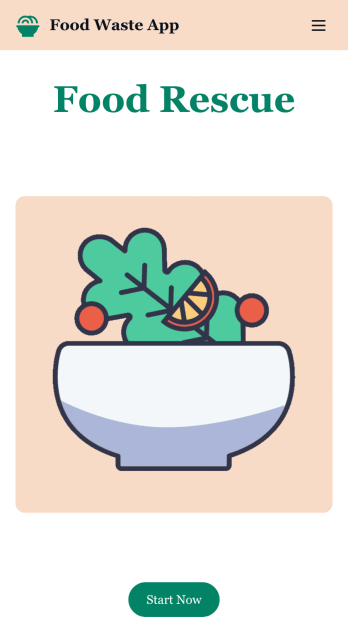
Customizable Food Waste App
Run a nonprofit organization that deals with food waste? Take action to prevent food waste and donate food to charitable organizations with this free Food Waste App from Jotform. Send food requests and schedule pickup times and locations with restaurants, airports, and catering companies by filling out online forms. Responses are stored in your secure Jotform account to be viewed and shared within your organization.Make this Food Waste App your own without any coding knowledge. Drag and drop to add or change form fields and checklist items, create new pages, choose fonts and colors, upload your organization’s unique branding, install helpful widgets and integrations, and much more. After you’re finished, share your app by sending email invites or the app link to businesses. Prevent food waste and help those in need with a fully-customizable Food Waste App that works on any device.
Go to Category:Booking Apps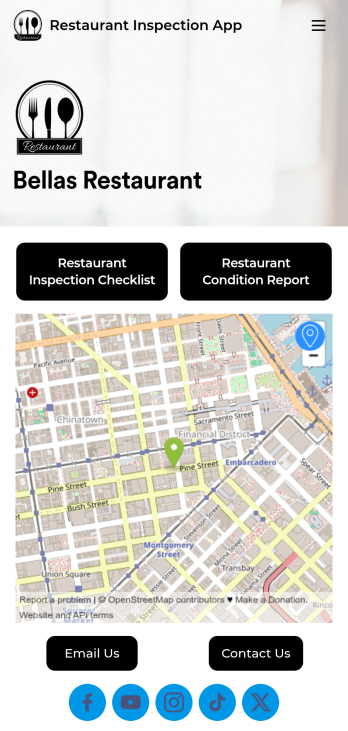
Restaurant Health Inspection App
A restaurant health inspection app is used by restaurant owners and managers to record the overall condition of a restaurant. This Restaurant Health Inspection App includes two forms for conducting inspections. The restaurant inspection checklist is for documenting food and safety compliance, while the restaurant condition report is for documenting the condition of the interior and exterior of the building. Both forms include a digital signature box for managers to sign upon completing the inspection. Form data is compiled in an easy-to-read table in your account, and can be viewed and managed from any device. You can also share and export reports with just a few clicks.Customizing your app is easy. No coding necessary — just use our drag-and-drop form builder to add form elements, edit checklists, choose fonts and colors, and upload your own logo. When you’re finished, you can share your app via link, where it can be downloaded on any smartphone, table, or desktop. Keep detailed inspection reports of your restaurant in one convenient location with this free Restaurant Health Inspection App.
Go to Category:Inspection Apps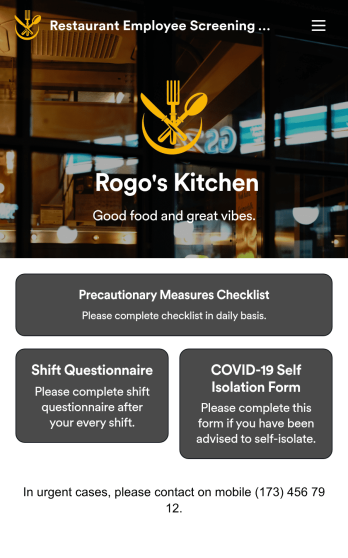
Restaurant Employee Screening App
A restaurant employee screening app is used by restaurant managers to screen employees for COVID-19 before shifts. With Jotform’s Restaurant Employee Screening App — which includes a COVID-19 Self Isolation Form, Staff Shift Questionnaire, and Precautionary Measures Checklist — you can collect all the information and e-signatures you need to ensure a safe environment for both your employees and your customers.Need to make changes to this free app? Add or remove forms, include your branding, and personalize other design elements to make this app work better for you. Employees can then download your app onto any device in a few quick clicks! All form responses are stored securely in your Jotform account and can be protected with HIPAA friendly features. Ditch messy paper forms and get organized with this Restaurant Employee Screening App.
Go to Category:Healthcare Apps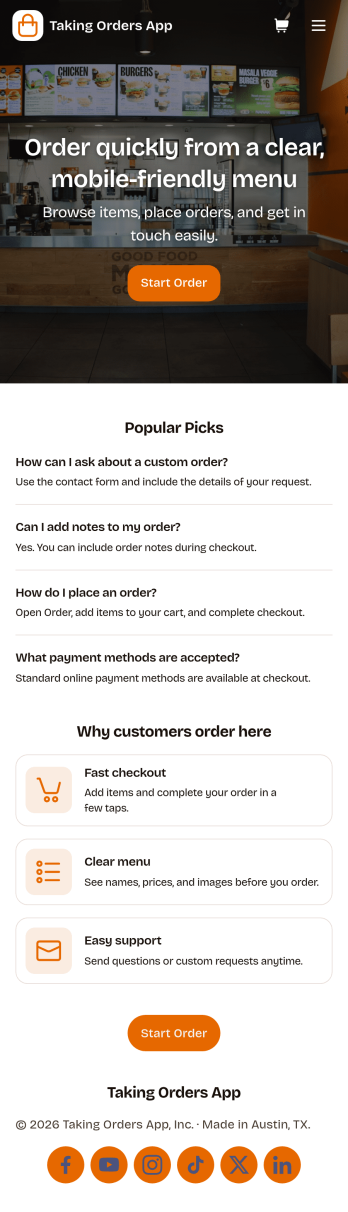
Taking Orders App
Taking Orders App helps food and beverage teams capture customer orders in a clean, mobile-friendly experience. Use it to highlight popular picks, guide customers into starting an order from a product list, and offer a simple way to reach your business through the contact page. It’s a great fit for cafés, food trucks, bakeries, pop-up kitchens, caterers, and small restaurants that need a lightweight ordering flow for pickup or pre-orders without juggling messages across multiple channels.With Jotform, you can turn this app template into a branded ordering hub using a no-code app builder and a drag-and-drop interface. Connect the app to a form for reliable data collection, keep requests organized, and build a smoother workflow for your team from order intake to fulfillment. Share the app with a link or QR code, update menus and content in minutes, and provide customers with convenient self-service ordering from any device.
Go to Category:Order & Shipping Portal Apps