
Shared Space Cleaning App is an app template for coordinating routine cleaning and reporting upkeep issues in offices, coworking areas, residential common rooms, rental properties, schools, hospitality venues, and community facilities. Property managers, facilities teams, cleaning contractors, employees, residents, and volunteers can use it to review shared-space routines, navigate tasks by area, and submit cleaning or maintenance requests. Guidance for surfaces, shared supplies, and task completion helps users follow a consistent process while giving responsible teams a clearer view of what needs attention. This centralized approach supports faster reporting, better accountability, and cleaner spaces without relying on scattered messages or paper notes.
Jotform App Templates make it easy to adapt the Shared Space Cleaning App to a building, team, or operating schedule. With Jotform’s no-code app builder and drag-and-drop interface, users can update pages, branding, navigation, and instructions without programming. Forms can support data collection for service requests, while connected tables, notifications, approvals, and other workflow tools help teams organize follow-up work. Publish the finished app through a direct link or QR code to provide convenient mobile-friendly self-service access for occupants, staff, and service providers.
Related templates
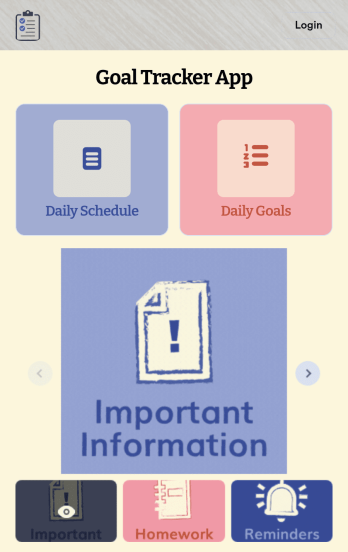
Customizable Goal Tracker App
Need an easier way for your clients to track their goals? With Jotform’s Goal Tracker App, you can build an online goal tracking app in minutes. Start creating your app from scratch or choose one of our ready-made app templates to get your creativity flowing. Add a contact form, let your customers create a schedule that works for them, showcase past client reviews, and more. Once you’ve customized your app to your liking, share with clients — downloadable onto any computer or iOS or Android device.Personalize your Goal Tracker App with Jotform’s easy-to-use app builder. Just drag and drop to change the look and feel of your app, add powerful app elements, install helpful app widgets, and integrate with one of our 25+ payment processors, including Stripe and Square. Share your customized app via email or embed it directly into your own website for easy access. Help your clients reach their goals with your very own Goal Tracker App — free on Jotform.
Go to Category:Activity Tracking Apps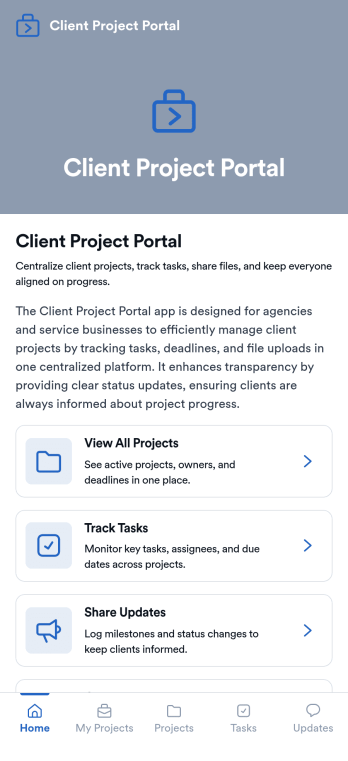
Client Project Portal
Client Project Portal is an app template designed to streamline project management and improve transparency between agencies, freelancers, service-based businesses, and their clients. This all-in-one platform brings together tasks, timelines, files, and updates, providing teams with a centralized system for managing ongoing client work. Users can seamlessly share progress, upload deliverables, and keep clients informed with status updates. The easy-to-read table view allows both teams and clients to quickly see project milestones, deadlines, and current status, while the dashboard provides a high-level overview of progress and next steps. This app is particularly beneficial for designers, developers, marketers, and consultants, but small teams also find value in the improved transparency and simplicity compared to complex project management systems.Jotform's Client Project Portal template provides a no-code, user-friendly solution to improve project transparency and streamline client communications. With its drag-and-drop interface, users can easily customize the portal to align with their brand identity, choose fonts and colors, and upload their logo without any coding. The cross-platform compatibility ensures that clients can access the portal on any smartphone, tablet, or desktop. Plus, with the added advantage of Progressive Web Apps (PWA), clients can download the app directly onto their home screen for easy access. Embrace a seamless project management experience and improve client relationships with Jotform's Client Project Portal.
Go to Category:Service & Support Portal Apps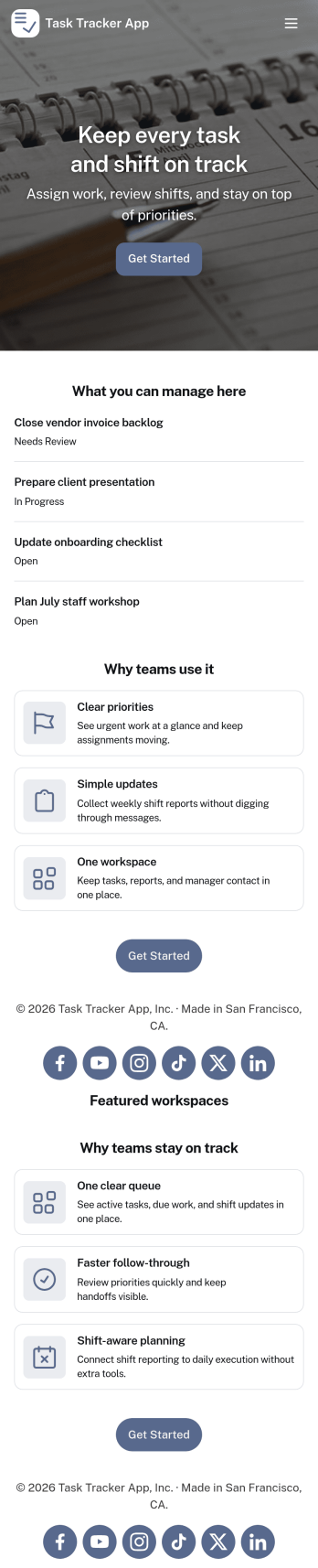
Task Tracker App
A task tracker app is used to keep track of tasks on any device. No matter which industry you work in, Jotform’s free Task Tracker App lets you log and manage task details and even assign tasks to employees or teammates! The app is downloadable onto any smartphone, tablet, or computer, and all submissions are stored securely in your Jotform account — ready to access whenever you need them.Want to make changes to this free app? Add or remove forms, include your company logo, change fonts and colors, and personalize other elements with our drag-and-drop builder. No coding is necessary! Once you’ve got your app looking perfect, share it with a link for others to download directly onto their devices. Track tasks more efficiently with the help of a free Task Tracker App from Jotform.
Go to Category:Organization Apps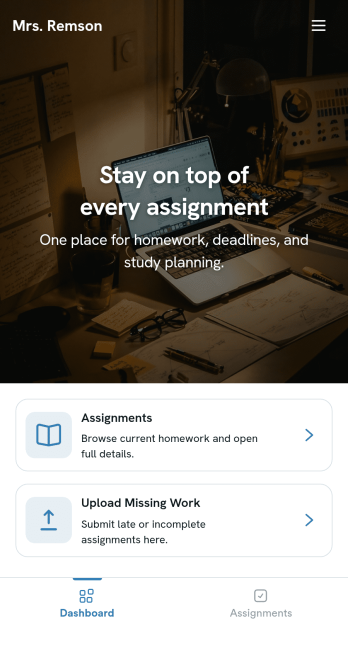
Homework Management App
A homework management app is used by teachers to collect homework assignments from their students. Give your students an easier way to submit homework for your remote or in-person classroom with a free Homework Management App from Jotform. Students can upload documents through the app’s homework or missing assignment forms, which you can view easily on any device from your secure online account.Need to make changes to this app template? Add or remove forms, update the app icon or background, include important information for your classroom, or add helpful links with no coding required. You can then copy and paste the app link to share your custom Homework Management App with your students, who can download it onto their computer, tablet, or smartphone to submit their homework instantly.
Go to Category:Classroom Management Apps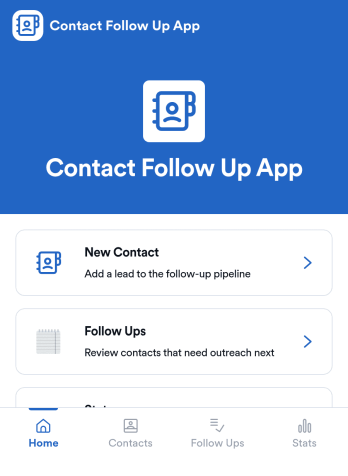
Contact Follow Up App
Contact Follow Up App helps you capture new leads and keep every conversation moving forward without losing track of who needs a reply. It’s built for sales reps, small business owners, agencies, and client-facing teams who juggle outreach across events, referrals, inbound inquiries, and repeat customers. With a simple New Contact entry point and a dedicated Follow Ups area, you can quickly log contact details, review people who need attention, and open an individual contact view when it’s time to act.Jotform makes it easy to turn this kind of follow-up workflow into a shareable, branded experience using a no-code app builder and a drag-and-drop interface. Connect your app to forms and tables for consistent data collection, keep information organized in one place, and publish updates fast as your workflow evolves. Whether you’re tracking lead status, prioritizing outreach, or reviewing simple stats, Jotform app templates help you deliver reliable self-service and internal processes without extra tools.
Go to Category:Customer Engagement Apps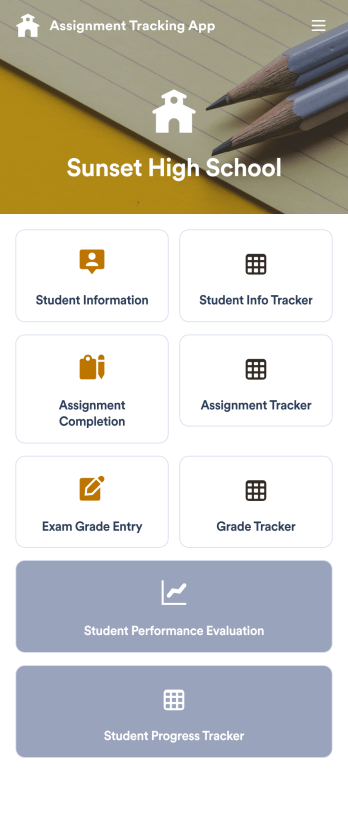
Assignment Tracking App
An assignment tracking app is used by teachers as an all-in-one classroom app for keeping track of students’ assignments and assessments. With Jotform’s Assignment Tracking App, teachers can record student information, completed assignments, test scores, and performance evaluations. Form submissions are automatically compiled in a companion spreadsheet, where teachers can sort, filter, and search through grades and test scores in an easy-to-understand format from any device.This app template works right out of the box, but you can easily customize it to meet your classroom’s needs with our intuitive app builder. No coding necessary — just drag and drop to add or swap out form elements, edit individual forms, upload images and documents, choose a custom app icon and splash screen, and more. When you’re done, you can access and download your very own app on any smartphone, tablet, or desktop for ease of use. Ditch the paperwork and manage your classroom from a single app with this fully-customizable Assignment Tracking App from Jotform!
Go to Category:Education Apps