
Solar Installation Reviews App gives solar contractors, installation teams, home service providers, and property owners a focused place to collect and explore feedback about completed solar projects. Customers can submit a review, browse shared experiences, and view useful review insights without searching through scattered messages or files. Each review can capture the installation location and date, recommendation status, installation experience, system performance, overall rating, and a project photo. This makes the app template useful for monitoring customer sentiment, identifying recurring service issues, recognizing successful installations, and helping prospective customers learn from previous projects.
Jotform makes this app easy to adapt without coding. Use the drag-and-drop app builder to update pages, adjust the visual theme, add branded content, and connect review forms to organized data collection workflows. Teams can publish the app through a direct link or QR code, giving customers convenient mobile access for self-service review submission and browsing. Jotform App Templates also connect with tables, notifications, approvals, and other workflow tools, helping contractors centralize feedback, respond to emerging concerns, and turn installation reviews into practical service improvements.
Related templates
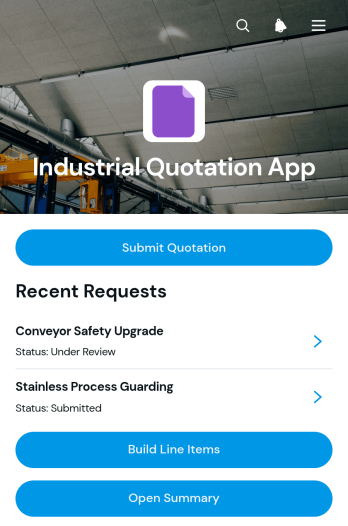
Industrial Quotation App
Industrial Quotation App gives manufacturers, engineering firms, fabricators, contractors, and industrial suppliers a central workspace for preparing detailed project quotations. Teams can capture requester details, review scope and specifications, build priced line items, and open a quotation summary before following up with the customer. This app template is useful when estimates depend on quantities, delivery requirements, unit pricing, or custom production details. Sales representatives, estimators, procurement teams, and project managers can use it to keep quote information organized, reduce calculation errors, and maintain a clear record of each request. It also supports quicker communication between customer-facing staff and the technical teams responsible for costing work.Jotform Apps helps businesses turn quotation processes into accessible, interactive experiences without writing code. Start with this option from Jotform App Templates, then use the drag-and-drop app builder to adjust pages, navigation, colors, fonts, and branded visual elements. Connected forms support data collection, while organized records make it easier to manage the quotation workflow from request through pricing review. The finished app can be shared by direct link or QR code and opened on phones, tablets, or computers, giving teams convenient access whether they work in an office, workshop, warehouse, or field location.
Go to Category:Estimation Apps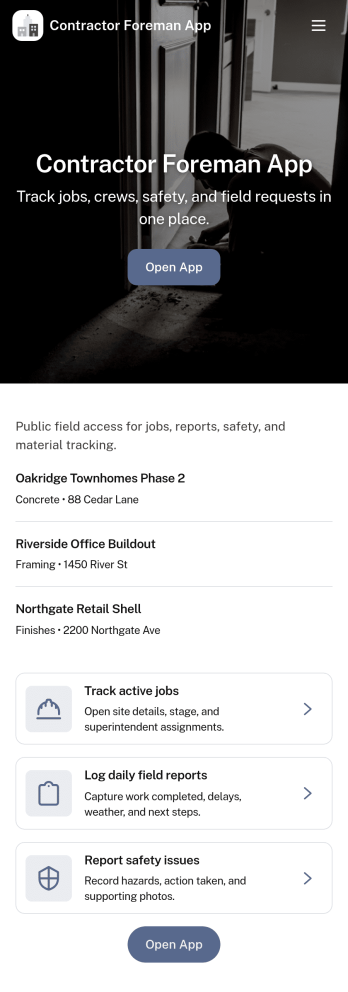
Contractor Foreman App
Contractor Foreman App brings day-to-day jobsite coordination into one place so foremen and field leads can keep projects moving without chasing updates across calls and texts. Use it to review open jobs, submit new job requests, capture daily logs from the field, and complete inspections as work progresses. It fits general contractors, subcontractors, and small construction crews who need a consistent way to document activity, spot issues early, and keep everyone aligned across multiple sites.Built with Jotform, this app template helps you turn field processes into a mobile-friendly self-service experience using a no-code app builder and a drag-and-drop interface. Connect key actions to forms and organize records in connected lists so teams can capture data collection on-site and follow a clear workflow from request to log to inspection. Customize pages, buttons, and navigation to match how your crew runs jobs, then share a link so the right people can access the tools they need.
Go to Category:Construction Apps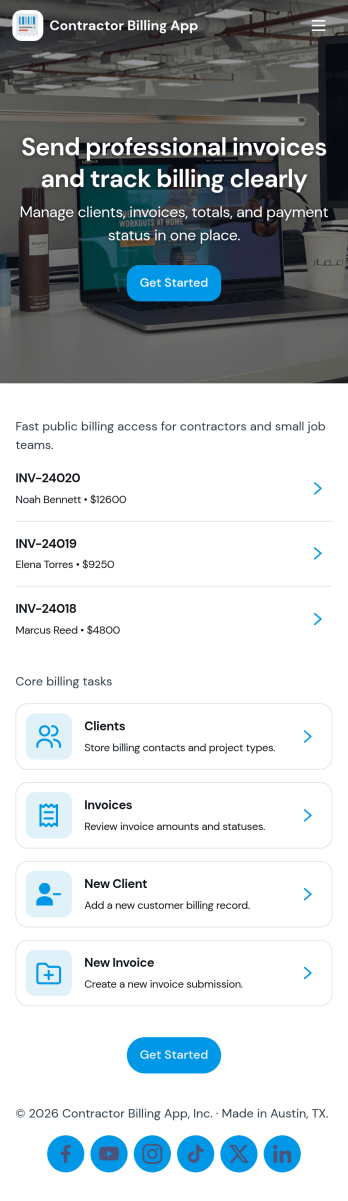
Contractor Billing App
Contractor Billing App brings your billing workflow into one place so independent contractors and service teams can manage client accounts, create and track invoices, and monitor incoming payments without juggling separate tools. With dedicated sections for Clients, Invoices, and Payments plus a billing dashboard view, it fits common contractor scenarios like progress billing, recurring service work, and multi-job projects where you need quick visibility into what’s been billed and what’s still outstanding.Jotform makes it easy to turn this experience into a polished, shareable app using a no-code app builder and a drag-and-drop interface. Connect the app to your form for data collection, route details into a workflow, and keep records organized for fast follow-ups. Update pages as your process changes, collaborate with your team, and share a self-service experience with clients using a simple link.
Go to Category:Construction Apps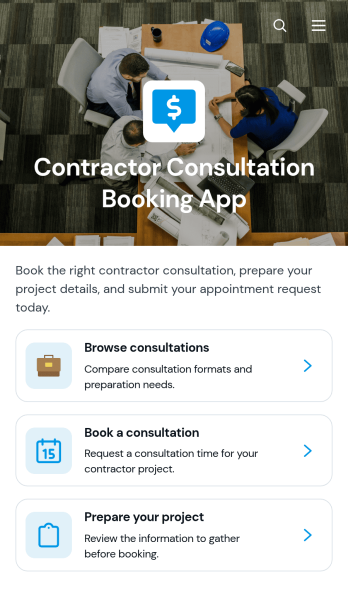
Contractor Consultation Booking App
Contractor Consultation Booking App gives contractors and construction service providers a convenient way to present consultation options and accept appointment requests from prospective clients. Visitors can browse available consultations, review details such as the best-fit project type, duration, and meeting format, then book the most relevant option. Project preparation guidance helps clients arrive with useful information, while direct contact access supports questions before scheduling. This app template is well suited to general contractors, remodelers, builders, tradespeople, project consultants, and home service teams that want to create a more organized booking experience, qualify inquiries, and reduce the time spent coordinating initial meetings.Jotform makes it easy to adapt this app template to your services without writing code. Use the drag-and-drop app builder to update pages, apply your branding, connect booking forms, and organize consultation resources in one mobile-friendly experience. You can also connect data collection to tables, notifications, approvals, payments, and other workflow steps as your process develops. Publish the finished app with a direct link or QR code to offer convenient self-service access from your website, social channels, proposals, or client communications.
Go to Category:Contractor Apps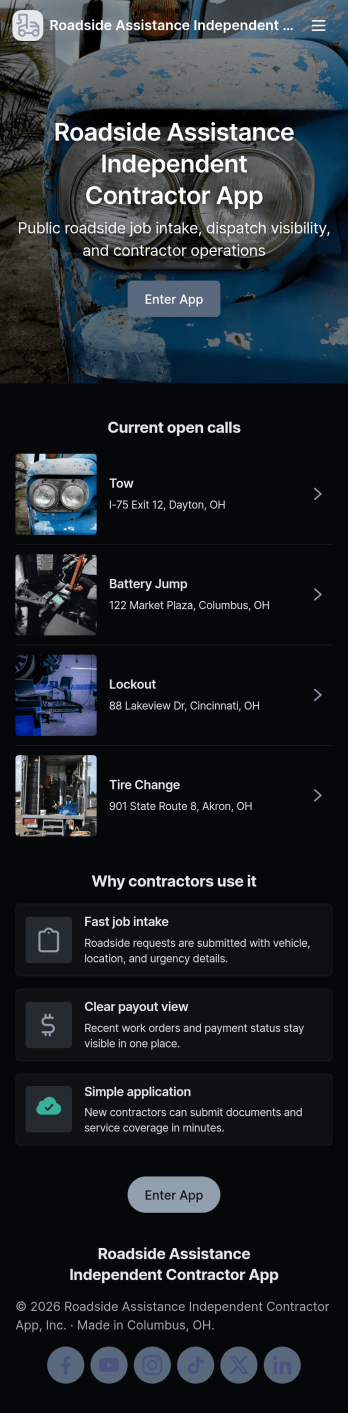
Roadside Assistance Independent Contractor App
Roadside Assistance Independent Contractor App keeps independent drivers and tow providers organized from the moment a dispatch comes in to the moment the work is wrapped up. It gives contractors a simple way to send a new job request, browse open jobs, review job details tied to a dispatch ID, and stay ready with quick equipment check reporting. It also includes built-in contact options for reaching the dispatch desk by phone or emailing contractor support, which helps reduce missed calls and confusion during busy shifts.Jotform makes it easy to tailor this app template to your roadside operation with a no-code app builder and a drag-and-drop interface. Connect the app to your existing forms and tables for reliable data collection, then share a single self-service link with your contractor network. As jobs and equipment checks are submitted, your workflow stays organized and searchable, so coordinators and contractors can move faster with fewer manual updates.
Go to Category:Automotive Apps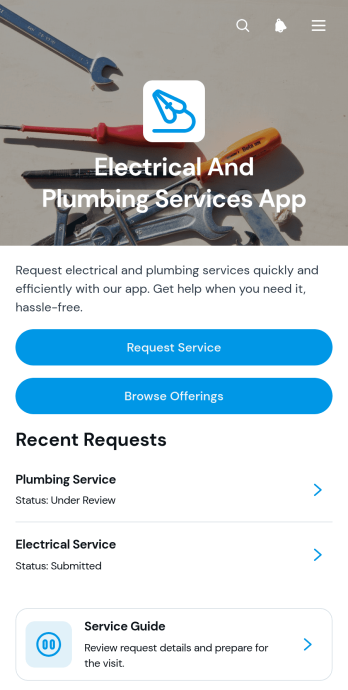
Electrical And Plumbing Services App
Electrical And Plumbing Services App gives electricians, plumbers, contractors, property maintenance teams, and home service businesses one convenient place to present services and receive customer requests. Customers can browse available electrical and plumbing offerings, review essential details such as what is included and starting prices, and submit a request with their issue, address, and preferred date. Teams can also display request summaries and current service statuses, helping customers understand what comes next without relying on scattered calls or messages. This app template is well suited to residential repairs, commercial maintenance, property management support, installation work, and recurring service operations.Jotform App Templates help businesses turn service information and connected processes into accessible digital experiences. Using Jotform’s no-code app builder and drag-and-drop interface, teams can customize pages, buttons, colors, fonts, and navigation to match their operations and visual identity. Forms and tables can support data collection, record organization, notifications, and workflow updates from one connected workspace. Once the app is ready, it can be shared through a direct link or QR code for convenient mobile access. This makes it easier to provide self-service options, organize incoming jobs, maintain accurate service records, and adapt the experience as business needs change.
Go to Category:Home Services Apps