
The Video Testimonial Collection App is an app template for marketing teams, customer success teams, consultants, nonprofits, educational institutions, and growing businesses that want to gather authentic customer stories in one accessible place. Contributors can follow recording guidance, submit a video testimonial, and provide essential context such as their name, company, contact details, story, and permission preferences. Teams can browse collected testimonials and manage a clear review process before using approved stories in campaigns, websites, presentations, or community updates. This organized approach reduces scattered files and messages while creating a more consistent experience for contributors and reviewers.
Jotform App Templates help teams turn data collection and content review into an interactive, mobile-friendly workflow without coding. Customize the Video Testimonial Collection App with Jotform’s drag-and-drop app builder, adjust pages and branding, and connect forms, tables, notifications, and approval steps as needed. The app can support contributor self-service while giving internal teams a central place to review submissions and navigate testimonial resources. Once ready, publish and share it through a direct link or QR code so customers, members, students, or supporters can participate from nearly any device.
Related templates
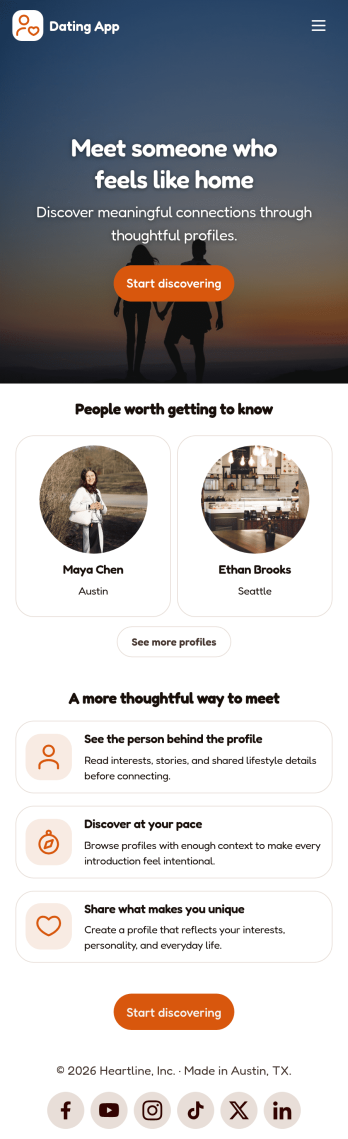
Dating App
Dating App helps you create a simple, mobile-friendly space where people can discover profiles, learn the basics at a glance, and take the next step to connect. It’s a practical choice for community organizers, niche social groups, matchmakers, and entrepreneurs who want a lightweight way to present dating or connection information without building complex features. Use it to highlight introductions, share guidelines, and point users to the right place to start a conversation or request more details.With Jotform, you can publish polished App Templates using a no-code app builder and a drag-and-drop interface that makes updates easy as your community grows. Customize the look and feel, adjust your page content in minutes, and support your workflow with connected data collection when you add forms later. Share your app with a link or QR code so users can access it anytime for quick self-service.
Go to Category:Community & Engagement Portal Apps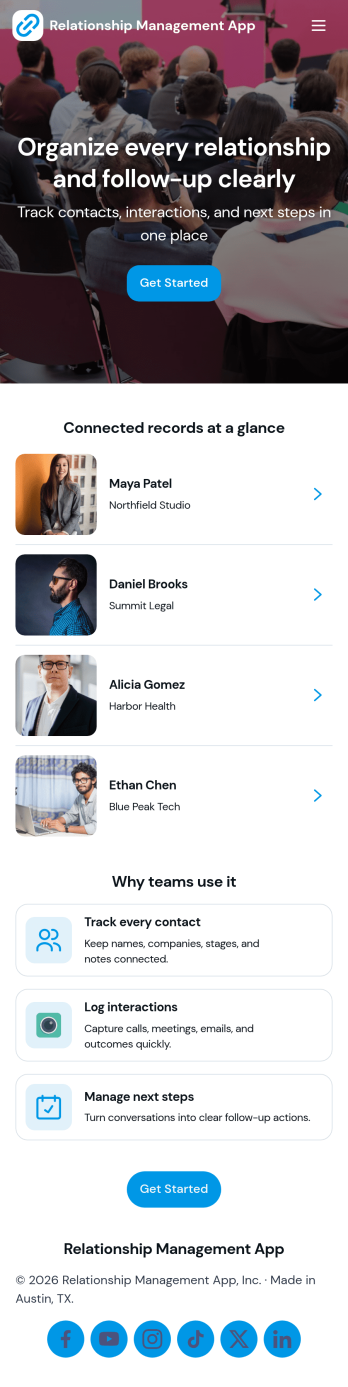
Relationship Management App
Relationship Management App helps teams keep important connections organized and easy to follow up on, whether you’re managing customers, leads, partners, donors, or community members. It brings key contact details into a simple contacts view and supports consistent outreach with interaction logging and reminders, so nothing gets missed after a call, meeting, or email. This works well for small businesses, sales and marketing teams, agencies, consultants, and nonprofits that need a lightweight way to track relationship history without juggling scattered notes or separate spreadsheets.With Jotform, you can turn relationship tracking into a shareable self-service experience using app templates and a no-code app builder. Customize pages with a drag-and-drop interface, connect your app to forms and tables for reliable data collection, and keep your workflow moving with quick updates and centralized records. Publish the app for your team, align on the same source of truth, and expand it as your process evolves.
Go to Category:Customer Engagement Apps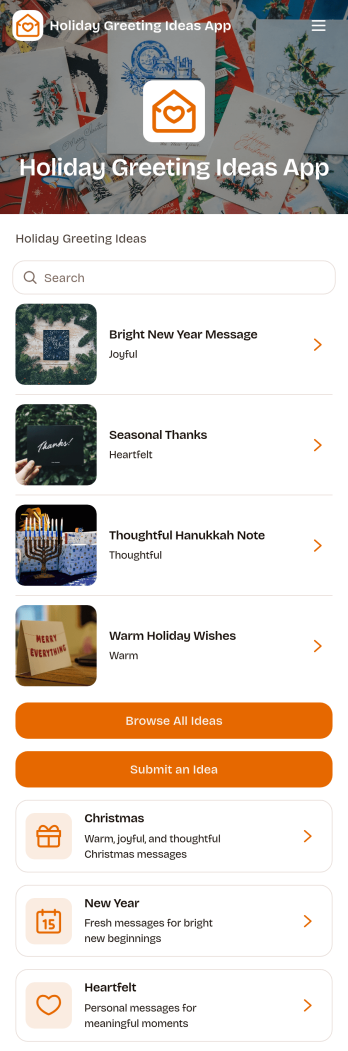
Holiday Greeting Ideas App
The Holiday Greeting Ideas App gives individuals, marketing teams, community managers, nonprofits, and small businesses a welcoming place to discover and share seasonal messages. Users can browse greeting ideas for Christmas, New Year, and heartfelt occasions, then review useful context such as the intended audience, occasion, and tone. A connected submission form also makes it easy for contributors to suggest similar ideas. This app template helps teams maintain a useful source of inspiration, reduce the time spent drafting messages, and keep holiday communication thoughtful across cards, campaigns, community updates, and personal notes.With Jotform Apps, you can adapt the Holiday Greeting Ideas App through a no-code app builder and an intuitive drag-and-drop interface. Update pages, cards, buttons, imagery, fonts, and colors to reflect your brand or seasonal theme. Jotform App Templates can also connect forms, tables, notifications, and workflows, helping you manage data collection and review new contributions from one place. Publish the finished experience with a direct link or QR code so visitors can enjoy convenient self-service access on phones, tablets, and computers.
Go to Category:Customer Engagement Apps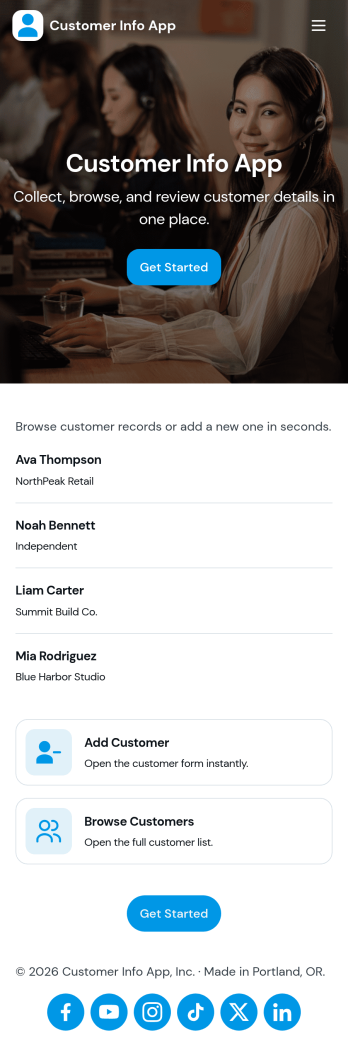
Customer Info App
Customer Info App brings customer details into one place so you can add new contacts, browse customer lists, and quickly open an individual record when you need context fast. It fits teams that juggle repeat clients and inquiries such as service businesses, agencies, consultants, and sales teams that need a simple way to look up names, contact info, and notes while staying organized. Use it to reduce scattered spreadsheets, avoid duplicate entries, and keep everyone aligned on the latest customer information during calls, on-site visits, or follow-ups.Built with Jotform, this app template pairs a form for adding customers with easy navigation for browsing and reviewing saved records, plus links to view all records or only the ones assigned to you. Customize the pages, buttons, and branding in Jotform’s no-code app builder using a drag-and-drop interface, then share the app for quick self-service access across your team. Connect your data collection to connected workflows so updates and customer information stay consistent as your process grows.
Go to Category:Customer Portal Apps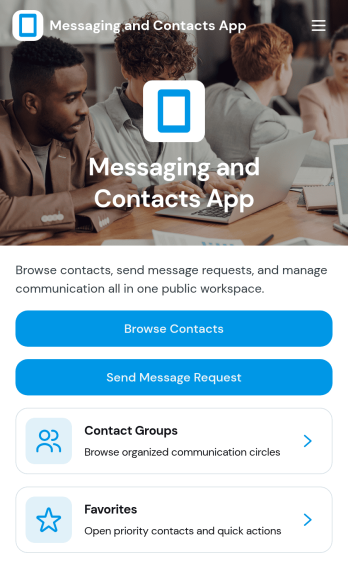
Messaging and Contacts App
Messaging and Contacts App helps teams organize contact details and send message requests from one central, easy-to-share workspace. It’s a practical fit for customer support, sales, community managers, and internal departments that need a simple way to browse contacts, group people by purpose, and quickly reach out when a follow-up is needed. With built-in navigation for browsing contacts, viewing favorites, and working with contact groups, this app keeps communication tasks moving without digging through spreadsheets or scattered tools.Jotform makes it easy to build and publish app templates like Messaging and Contacts App using a no-code app builder with a drag-and-drop interface. Connect buttons to forms for data collection, keep contact records organized, and support a smoother workflow for self-service updates and requests. Share your app through a link or QR code, tailor the branding to match your organization, and update the experience as your contact list and communication needs grow.
Go to Category:CRM Apps
Anonymous Feedback App
Anonymous Feedback App gives people a safe, simple way to share honest input without attaching their name to it. Use it for employee suggestions, student feedback, customer experience notes, event comments, or community concerns when participation drops due to fear of being identified. The app supports quick feedback submission, topic-based browsing to guide what people comment on, and an insights view that helps teams spot patterns and prioritize next steps.With Jotform, you can publish this app template using a no-code app builder and tailor it to your organization in minutes. Use the drag-and-drop interface to update pages, adjust navigation cards, and match your branding, then connect the feedback form to your workflow for organized data collection and follow-up. Share the app through a link or QR code so anyone can access self-service feedback on desktop or mobile.
Go to Category:Community & Engagement Portal Apps