Water Tracking App helps people build consistent hydration habits by making it easy to log water in seconds, review today’s total, and check goal status throughout the day. It’s a practical fit for individuals, fitness enthusiasts, wellness coaches, and workplace wellbeing programs that want a simple way to encourage daily water intake without relying on spreadsheets or scattered notes. With quick logging and an always-visible progress view, it supports routines like morning check-ins, post-workout hydration, or reminders during busy shifts.
Jotform makes it easy to customize and publish app templates like this one using a no-code app builder with a drag-and-drop interface. Connect the app to a form for consistent data collection, then use connected workflows to keep entries organized and easy to revisit. Share your Water Tracking App by link or QR code so anyone can use it on mobile for convenient self-service logging, whether you’re tracking personal goals or rolling it out across a team.
Related templates
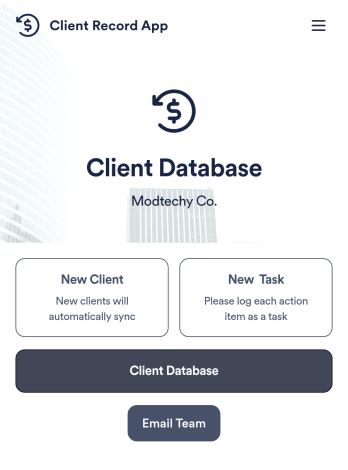
Client Record App
A client record app is used by companies to keep track of clients in a Jotform Tables database. With our Client Record App, you can add general contact information for new clients and view a list of existing clients. There is also a separate task form for employees to log projects. Submissions are stored securely in your online account and can be accessed directly through your app from any smartphone, tablet or computer.This Client Record App can be easily customized without any coding. Our drag-and-drop builder allows you to add and change forms, upload your logo, choose fonts and colors, create a custom app icon and splash screen, and more. When you’re finished, your team can access and download your app on any device with a share link. Keep all your business contacts in one convenient location with this Client Record App!
Go to Category:Freelancer Apps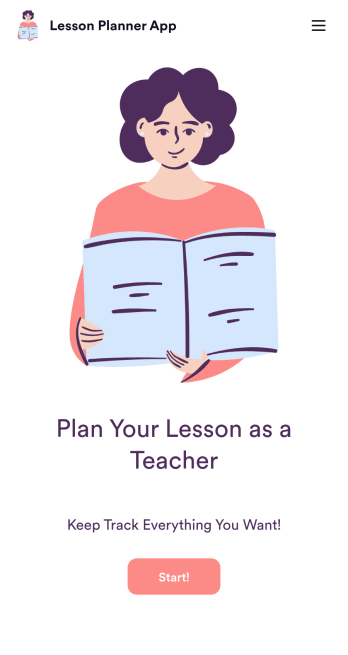
Lesson Planner App
Create and manage your classroom lesson plan with this free Lesson Planner app from Jotform. Download this app onto any device and start adding courses, start and end dates, lesson titles and objectives, tasks, resources, and more. There are also separate forms for entering student information and creating daily assignment checklists. Submissions are aggregated and stored in a color-coded and easy-to-understand spreadsheet using Jotform Tables.Want to make changes to this Lesson Planner App? No problem! With Jotform’s no-code app builder, you can build a custom app that meets your classroom’s needs in seconds. Simply drag and drop to add or change form elements, edit text fields and checklist items, install integrations and widgets, change fonts and colors, and more. When you’re done, you can access and download your app onto any smartphone, tablet, or desktop and start using it right away. Manage all your lesson plans and assignments from a single location with this mobile-friendly Lesson Planner App.
Go to Category:Daily Planner Apps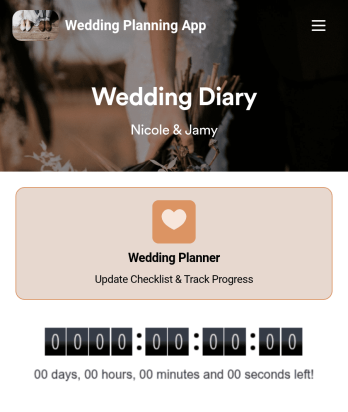
Wedding Planning App
Plan your wedding like a pro with a free Wedding Planning App from Jotform! Whether you’re a professional wedding planner or getting things ready for your own wedding, use this app to create a wedding checklist, track your progress, and view a countdown timer ticking off the seconds until the big day. You can also use the app to log expenses, manage your guestlist, and keep track of venue information.Make changes to this Wedding Planning App template in seconds with our drag-and-drop builder. Add new forms, pages, links, images, and personalize design elements like splash screen and app icon with no coding required. Your custom Wedding Planning App can then be downloaded instantly onto any device — including your computer or any iOS or Android device — so you can prepare for your event seamlessly on the go.
Go to Category:Checklist Apps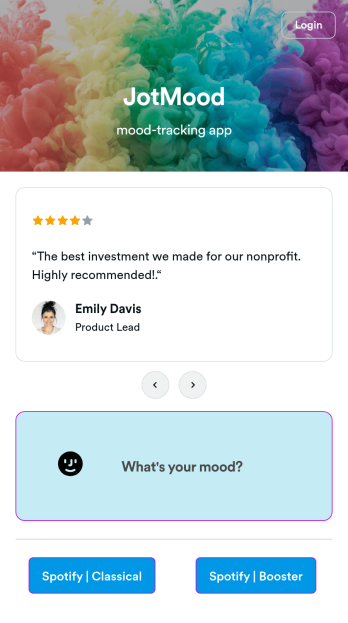
Mood Tracker App
Tracking your mood is a great way to learn how to manage your emotions and understand triggers. Start tracking your moods or help patients track theirs with our free Mood Tracker App you can customize in just a few clicks! This ready-to-use app provides a single place for users to add their moods through a form and view all their submissions at once in order to see any recurring patterns. You can use this app yourself, or share it with patients to help them monitor their progress in therapy.Want to customize your Mood Tracker App? With our drag-and-drop interface, you can create and add more forms to your app and even change its icon, name, splash screen, and background. Feel free to upload images, include links, update the text, and more. You’ll be able to access and download your app from any smartphone, tablet, or desktop. Make it easier to keep track of how you’re feeling with a custom Mood Tracker App you can easily use from any device.
Go to Category:Entertainment Apps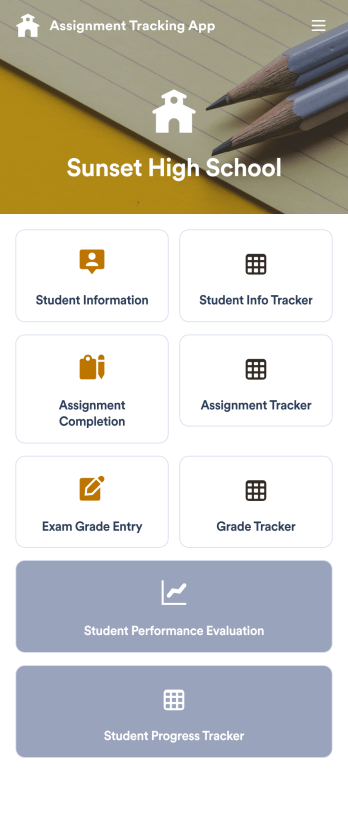
Assignment Tracking App
An assignment tracking app is used by teachers as an all-in-one classroom app for keeping track of students’ assignments and assessments. With Jotform’s Assignment Tracking App, teachers can record student information, completed assignments, test scores, and performance evaluations. Form submissions are automatically compiled in a companion spreadsheet, where teachers can sort, filter, and search through grades and test scores in an easy-to-understand format from any device.This app template works right out of the box, but you can easily customize it to meet your classroom’s needs with our intuitive app builder. No coding necessary — just drag and drop to add or swap out form elements, edit individual forms, upload images and documents, choose a custom app icon and splash screen, and more. When you’re done, you can access and download your very own app on any smartphone, tablet, or desktop for ease of use. Ditch the paperwork and manage your classroom from a single app with this fully-customizable Assignment Tracking App from Jotform!
Go to Category:Education Apps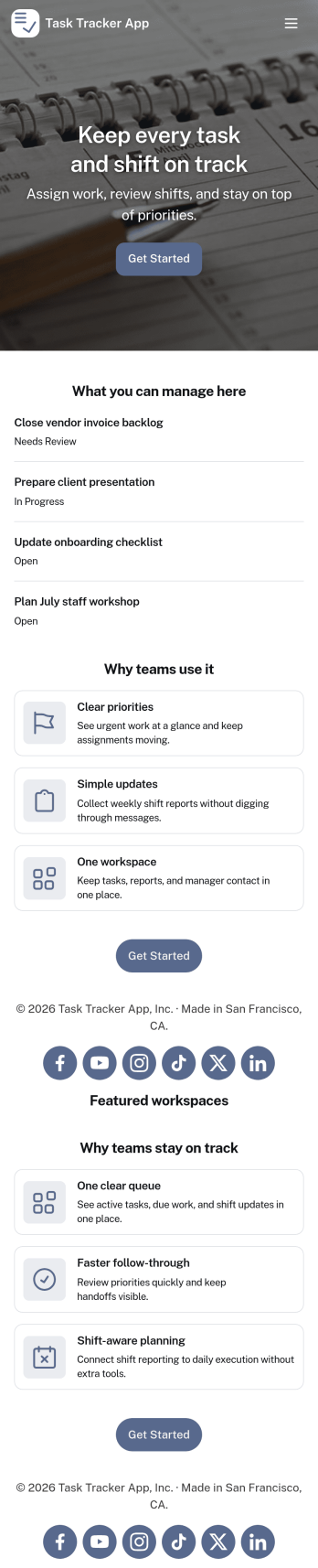
Task Tracker App
A task tracker app is used to keep track of tasks on any device. No matter which industry you work in, Jotform’s free Task Tracker App lets you log and manage task details and even assign tasks to employees or teammates! The app is downloadable onto any smartphone, tablet, or computer, and all submissions are stored securely in your Jotform account — ready to access whenever you need them.Want to make changes to this free app? Add or remove forms, include your company logo, change fonts and colors, and personalize other elements with our drag-and-drop builder. No coding is necessary! Once you’ve got your app looking perfect, share it with a link for others to download directly onto their devices. Track tasks more efficiently with the help of a free Task Tracker App from Jotform.
Go to Category:Organization Apps