
Box is a simple and secure file sharing platform used by 150,000 businesses. It is great for storing files online, secure file sharing, mobile content management, project collaboration and document management.
Today, we are excited to announce our integration with Box. You can now connect your forms with your Box account.


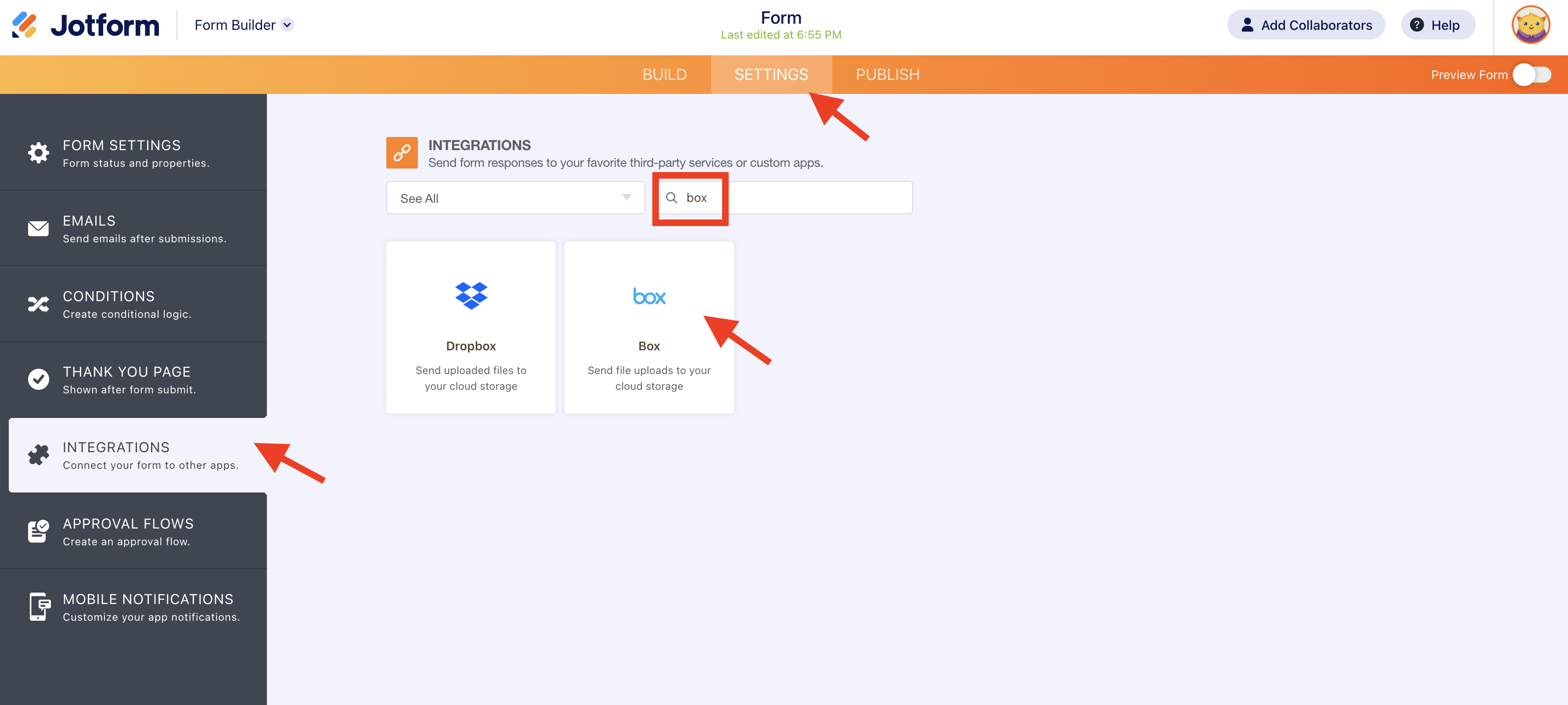
- First, find the integration under Settings tab of Form Builder after clicking Integrations button.
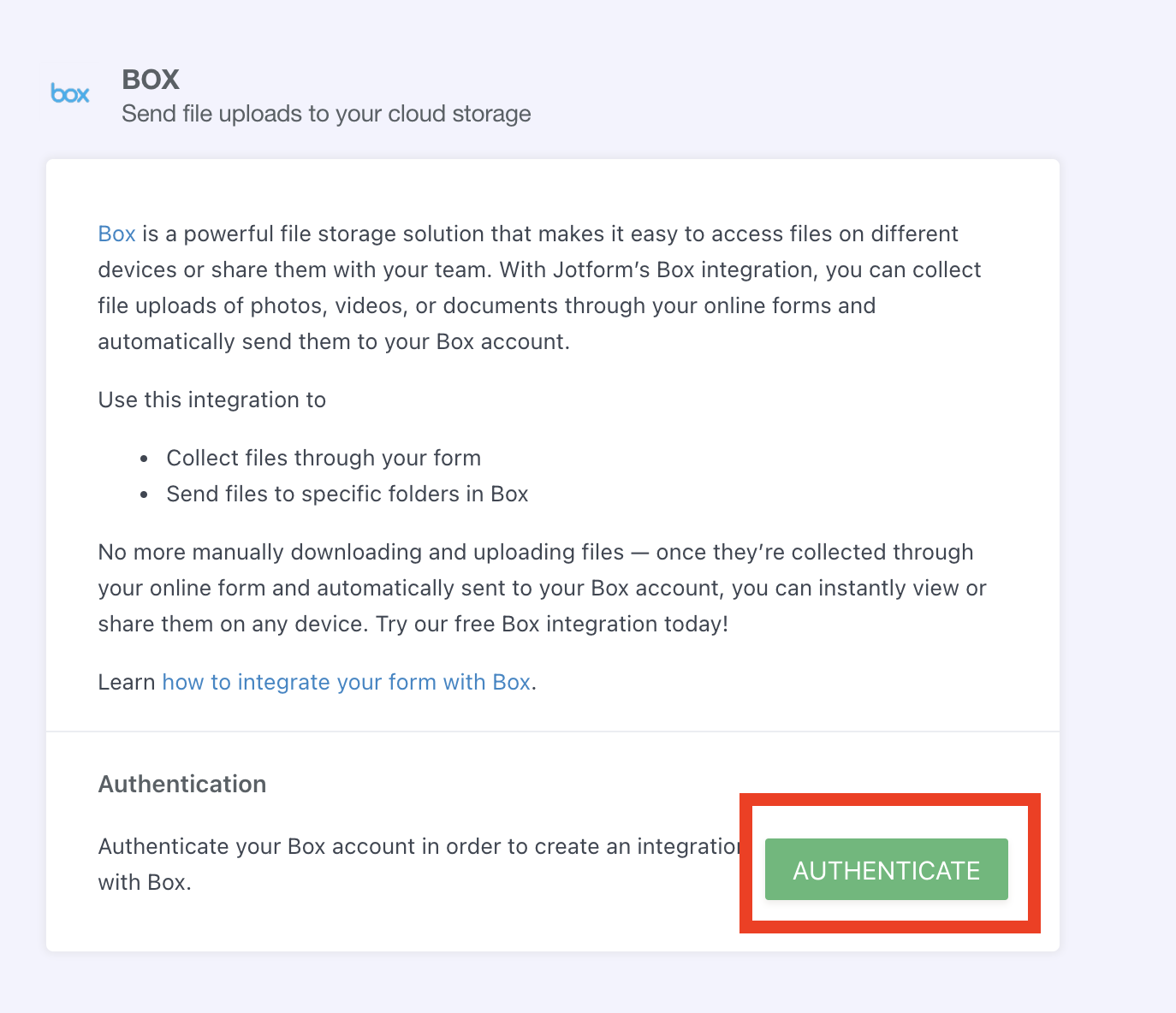
2. Then, authenticate your account.
3. Once you connect your forms with Box, you will receive your form submission data and uploaded files on a folder you choose.
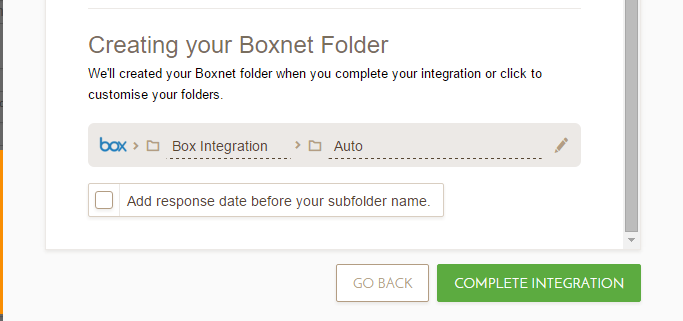
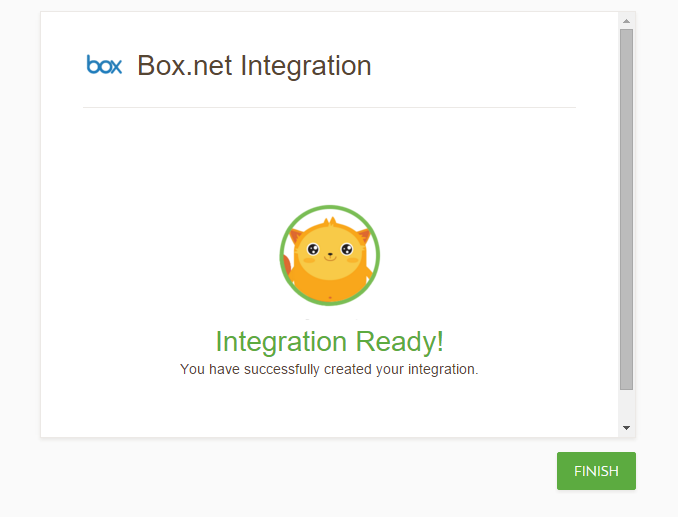
4. There it is! Click Finish and your Box integration is completed.
















Send Comment:
9 Comments:
March 21, 2016
If the submission is submitted to box, does it also get sent to jotforms servers? We have some strict data privacy policies internally and need to understand everywhere that our data gets sent to
May 20, 2013
I want to add jotform to my email so that i can get notification when someon sent me mail.
May 20, 2013
thanks Jotform for this integration. very excited about this!
May 19, 2013
impressive!
May 18, 2013
OMG, JotForms has not only helped with me realize I was married for the last 11 years, I can now start to use BOX instead of the 30 + external drives I have???
May 15, 2013
It will be good to do the same with MEGA ()
50GB for free, no limits, very fast!May 14, 2013
Yes! Thank you! Now I don't need to set it up through a mutli-step process with IFTTT and other automation services. You made my day!
May 14, 2013
Excellent work guys! Keep it up!
May 13, 2013
Very excited about this and it works perfectly! Thanks, Jotform!!