7 best meeting management tools
- Jotform: Best for flexible meeting scheduling and workflow automation
- HubSpot Meetings: Best for CRM-connected meeting booking
- WebEx: Best for enterprise video conferencing
- Lucid Meetings: Best for structured agendas and documented outcomes
- Trello: Best for visual meeting planning and task tracking
- Stratsys Meetings: Best for recurring meetings and decision tracking
- Less Meeting: Best for time-boxed, efficient meetings
One of the most noticeable shifts in modern work is that meetings are no longer limited to shared physical spaces. Teams now collaborate across locations, time zones, and tools, making clear structure and coordination essential.
Because teams can’t rely on informal, in-room coordination, digital tools now handle meeting scheduling, facilitation, documentation, and follow-up. And the stakes are real, Atlassian’s research (surveying 5,000 knowledge workers across four continents) found that meetings are ineffective 72% of the time. That helps explain why structure and follow-through have become non-negotiable for modern teams.
In order for people to work efficiently in this environment, meeting management tools play a key role in keeping discussions focused, decisions documented, and action items moving forward. Here are some of the best meeting management software tools you can use to run more effective meetings.
Best 7 meeting management tools in 2026
Meeting management tools help teams handle the full meeting lifecycle, scheduling, facilitation, documentation, and follow-up, so discussions stay focused, decisions are captured, and action items actually move forward.
Below are seven of the most effective meeting management tools in 2026, with a quick side-by-side comparison to help you find the best fit.
| Tool | Best for | Pricing |
|---|---|---|
 Jotform |
Teams that want flexible meeting scheduling, data collection, and workflow automation in one no-code platform |
Free Starter plan, paid plans (Bronze, Silver, Gold) start at $34/month billed yearly |
 HubSpot Meetings |
Sales, marketing, and customer-facing teams that need simple booking tied to a CRM |
Free for 14 days, paid plans available for advanced features (including AI meeting assistant) |
 WebEx |
Enterprise organizations that need secure, feature-rich video conferencing |
Free version available, Starter is $14.50/month per host, contact sales for enterprise pricing |
 Lucid Meetings |
Teams that want structured agendas, documented outcomes, and consistent meeting processes |
Free trial available, Teams is $9/host/month, Business is $199/month billed annually |
 Trello |
Teams that want visual meeting planning and lightweight collaboration |
Free plan available, paid plans start at $5/user/month, Enterprise starts at $17.50/user/month (50-user minimum) |
 Stratsys Meetings |
Organizations that want a comprehensive system for recurring meetings, decisions, and follow-ups |
Contact Sales for pricing |
 Less Meeting |
Teams that want to keep meetings short, focused, and time-boxed |
Free for 14 days, plans start at $10/month |
1. Jotform
Best for: Teams that want flexible meeting scheduling, data collection, and workflow automation in one no-code platform.
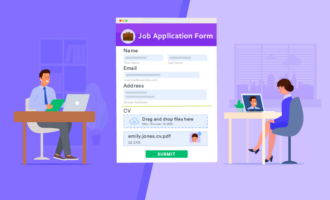
In 2026, Jotform continues to stand out as a flexible no-code platform for managing meeting scheduling and workflow automation. Jotform allows anyone to quickly create custom online forms. And with its drag-and-drop user interface, you don’t have to know how to write code to build your form.
The tool goes far beyond creating simple forms. Jotform has an API with feature-rich widgets that can handle appointment and meeting scheduling. You can also include calculations and conditional logic in your forms. In addition, you can create reports and take payments. Mobile and HIPAA-friendly forms are available as well.
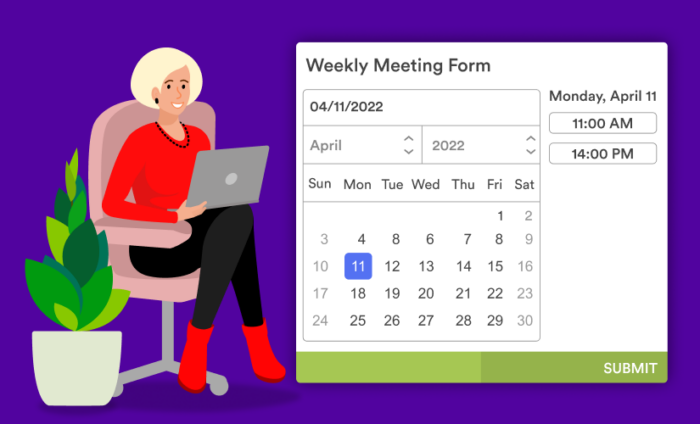
Jotform Appointments helps teams manage meeting scheduling end to end by letting invitees book available time slots, capturing key details during booking, and automatically keeping schedules organized. Because appointments can be tied to forms, teams can collect the right information upfront so every meeting starts with the right context, not a follow-up email.
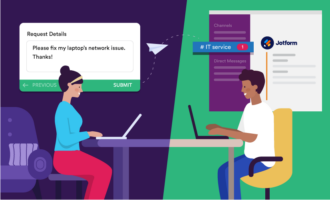
Because Jotform forms can be used with Jotform Workflows, teams can automate meeting requests, confirmations, reminders, and follow-ups while ensuring each request is routed to the right person or team. Jotform integrates with tools like Asana, Google Calendar, Google Drive, and Trello, allowing meeting data and action items to sync across the tools teams already use in 2026. Also, Jotform Boards add a collaborative layer by visualizing meeting-related submissions as cards, helping teams track agendas, approvals, and action items across departments without manual coordination.
Pro Tip
Be more efficient when working remotely with free telecommuting forms for meetings and more.
- Pricing: There’s a free Starter plan, plus Bronze, Silver, and Gold plans. Prices start at $34 per month when billed yearly.
2. HubSpot Meetings
Best for: Sales, marketing, and customer-facing teams that need simple booking tied to a CRM.
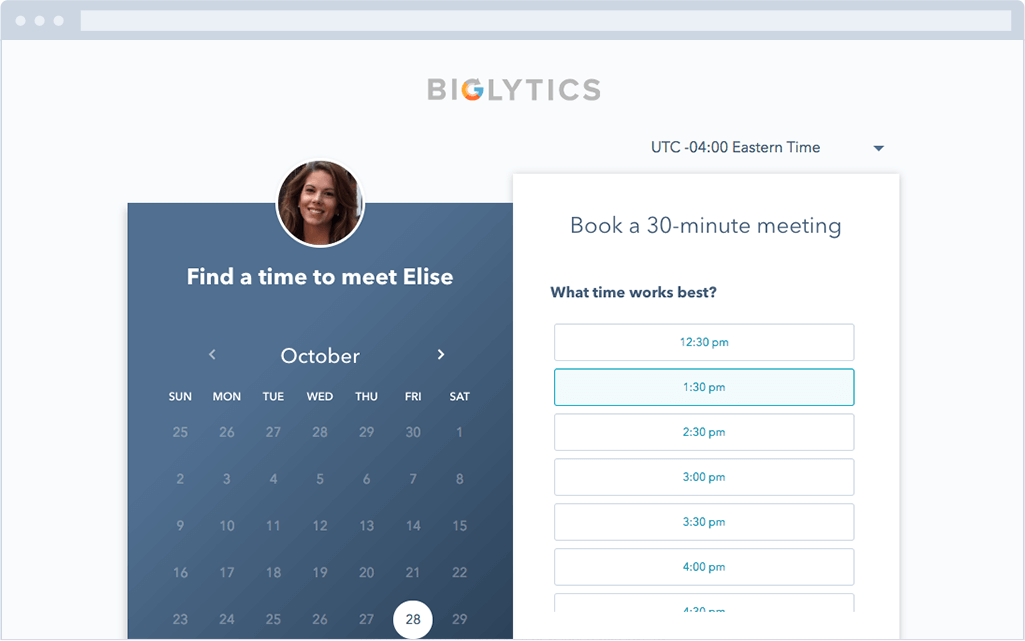
HubSpot Meetings continues to simplify scheduling for sales and customer-facing teams in 2026. HubSpot’s meeting scheduling tool provides users with a personalized booking link they can share via email to invite people to view their availability and book time. When someone schedules a meeting, it will automatically be added to your calendar, and pushed to the CRM.
The Meetings tool integrates with both your calendar (Google Calendar, Outlook) and HubSpot CRM (free forever), so setting up meetings with customers, prospects, or leads is a painless process. By connecting meeting bookings directly to contact records, HubSpot Meetings helps teams reduce back-and-forth emails while keeping customer data centralized.
HubSpot Meetings is part of HubSpot All-In-One WordPress plugin. By adding this plugin to your WordPress site, you’ll gain access to HubSpot’s free CRM, marketing, sales, and customer service tools, as well as HubSpot Academy — free online educational resource.
- Pricing: Free for 14 days. Paid plans available for advanced features, including the AI meeting assistant.
3. WebEx
Best for: Enterprise organizations that need secure, feature-rich video conferencing.
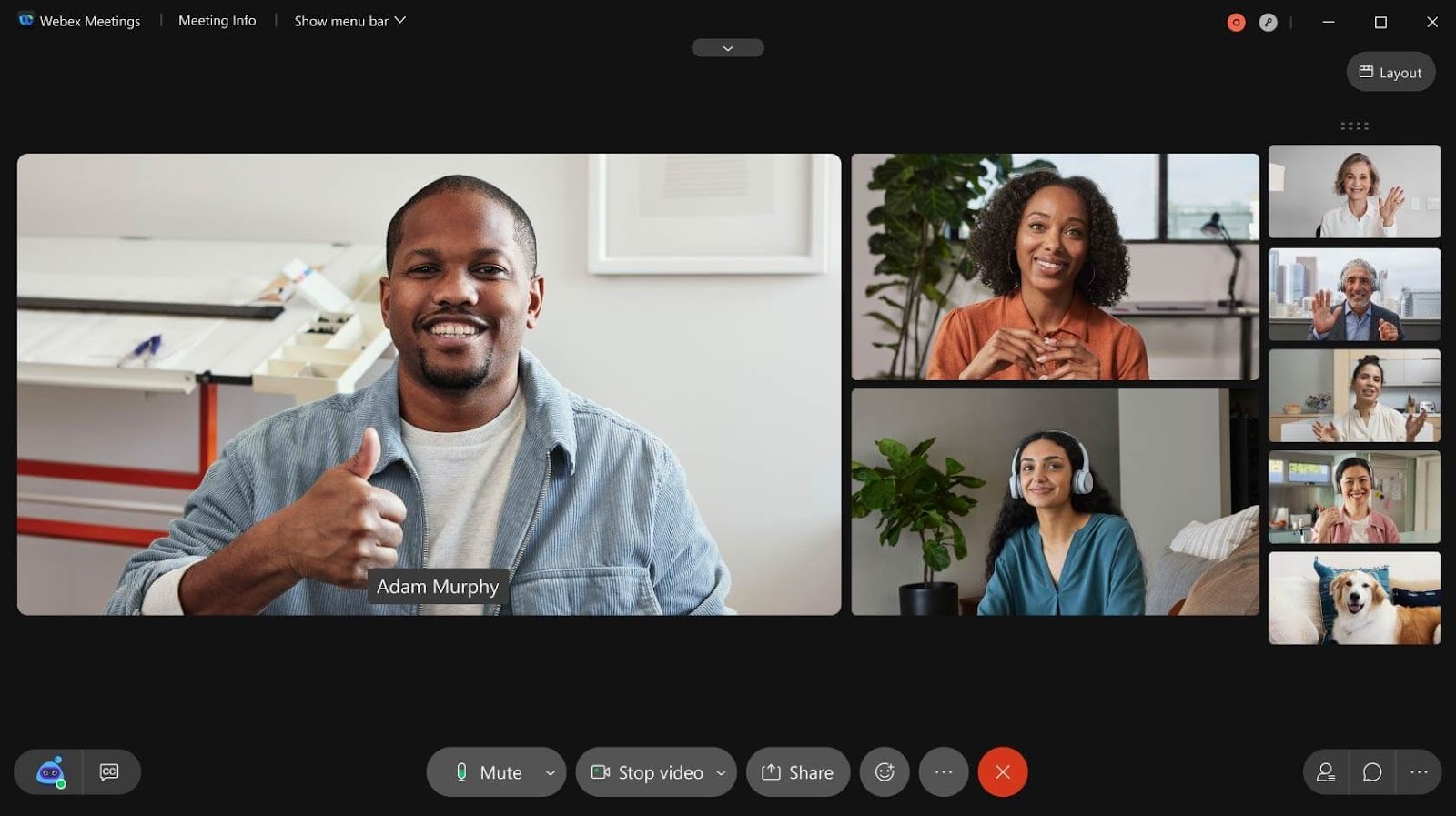
Founded in 1995 and purchased by Cisco in 2007, Webex is the OG of the meeting management world and continues to serve enterprise teams in 2026. Meetings conducted via Webex are easy to access, and the interface is simple to use. It’s also made for enterprise-level organizations and backed by an internet infrastructure juggernaut.
This feature-rich, cloud-based collaboration tool has all the meeting tools you’d expect, such as scheduling, audio via call-in or VOIP, and video conferencing. Webex lets you record meetings and has tools to help you manage the real-time flow of meetings, like screen sharing, meeting notes, chat, file sharing, polling and Q&A, and follow-up and breakout meetings. WebEx focuses heavily on reliability, scalability, and real-time collaboration for large teams and regulated environments in 2026.
- Pricing: There’s a free version for personal use. The Starter plan is available for $14.50 per month, per host. Contact a sales representative for enterprise pricing.
4. Lucid Meetings
Best for: Teams that want structured agendas, documented outcomes, and consistent meeting processes.
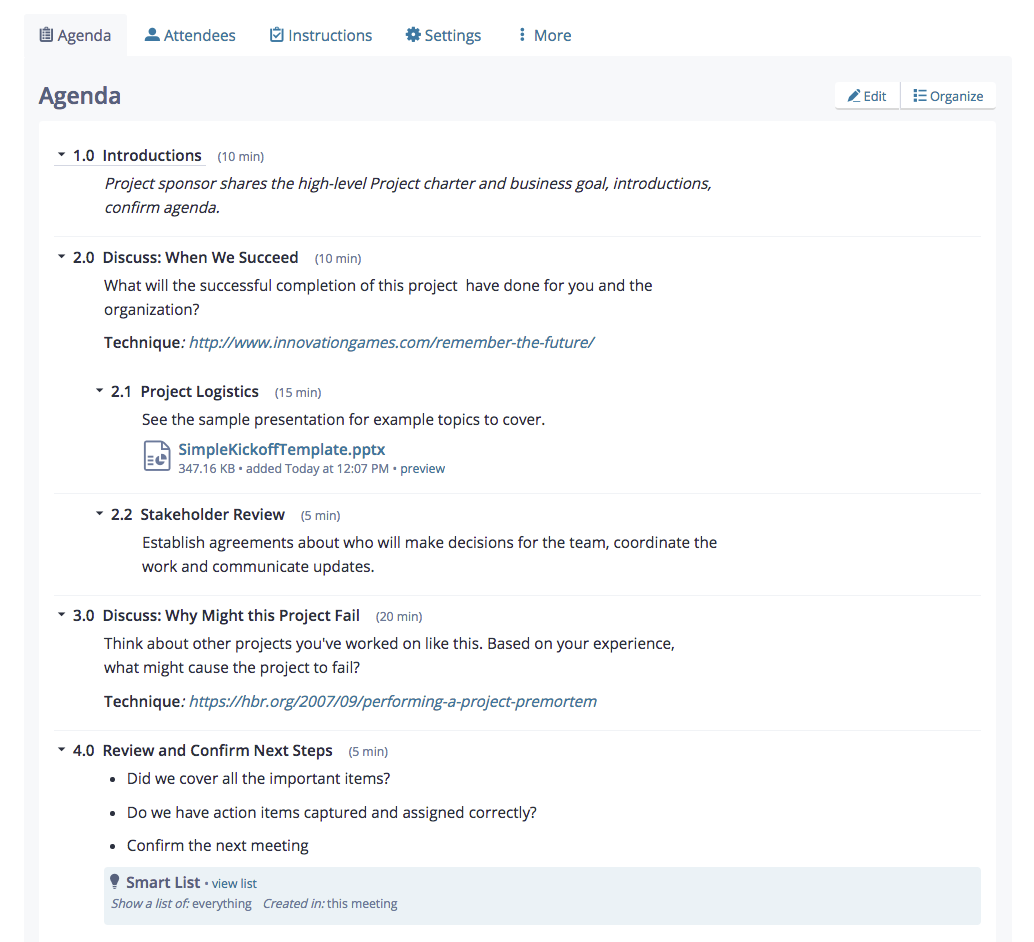
Lucid Meetings in 2026 has many of the same features as Webex, plus a few more that set it apart from other software. To aid in calendar integration, Lucid Meetings lets you send a list of proposed times so attendees can pick which one they want, helping you determine which time is the best fit for the majority.
Lucid Meetings has a built-in meeting agenda feature that helps with meeting preparation and allows for document sharing without the need for downloads. Meeting records are archived and can be exported in multiple formats.
- Pricing: One of the most attractive things about Lucid Meetings is its price. In addition to a free trial, a Teams plan is available for $9 per host, per month, and the fixed-rate Business plan is $199 per month, billed annually.
5. Trello
Best for: Teams that want visual meeting planning and lightweight collaboration.
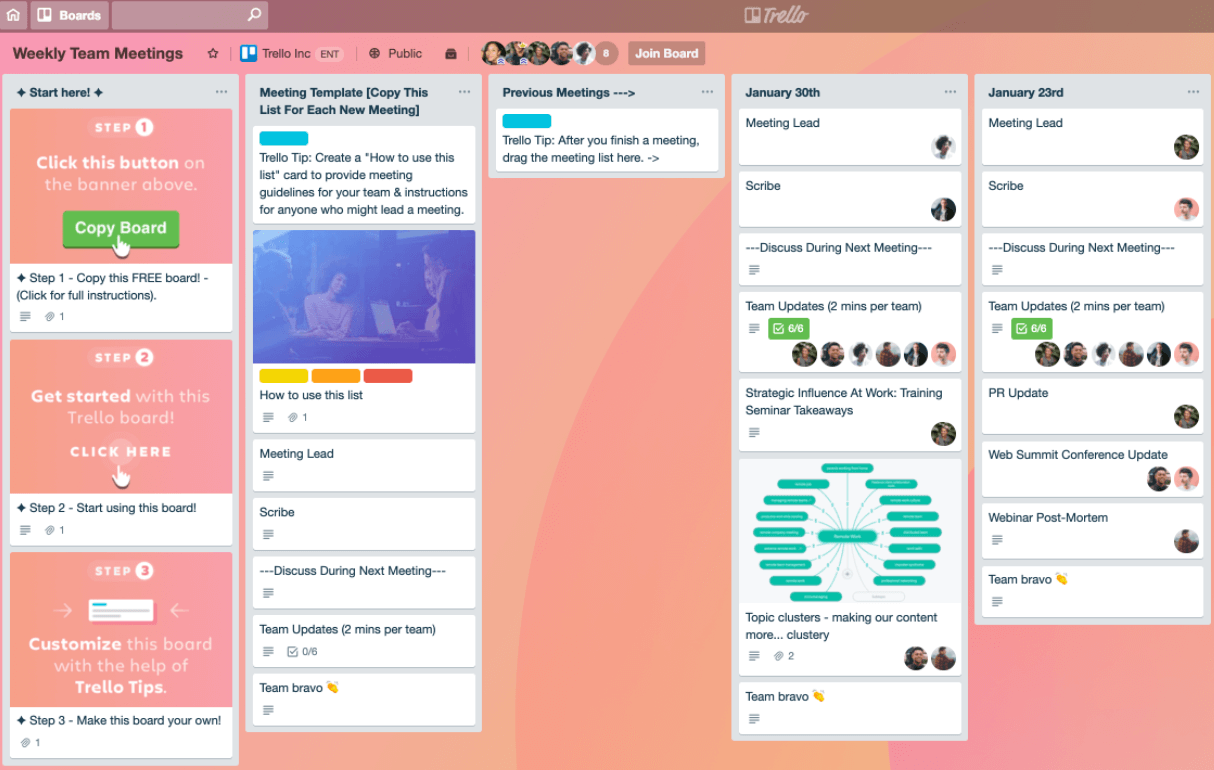
Trello continues to be a fun, intuitive project management app in 2026. The best way to describe Trello is as a kanban board app, a category that’s traditionally used for tracking work as it moves through stages and groups of people. If you’ve ever seen the wall of a meeting room covered in sticky notes with those sticky notes moving from column to column as the days and project meetings go by — Trello is the digital version of that.
Trello’s selling points are ease of use and the share-ability of project boards with outside collaborators, which makes it fantastic for managing remote teams and holding more productive meetings. What Trello lacks in features, it makes up for with integrations, which makes it great for combining its existing functionality with other integration-rich apps. Trello works well for visualizing meeting agendas, discussion topics, and follow-up tasks in a simple, accessible format.
- Pricing: Pricing is attractive, especially the forever free plan. If you need more team features and power-ups than the free plan offers, Paid plans start at $5 per user, per month, and an Enterprise plan starts at $17.50 per user, per month for a minimum of 50 users. The more users, the lower the monthly price.
6. Stratsys Meetings
Best for: Organizations that want a comprehensive system for recurring meetings, decisions, and follow-ups.
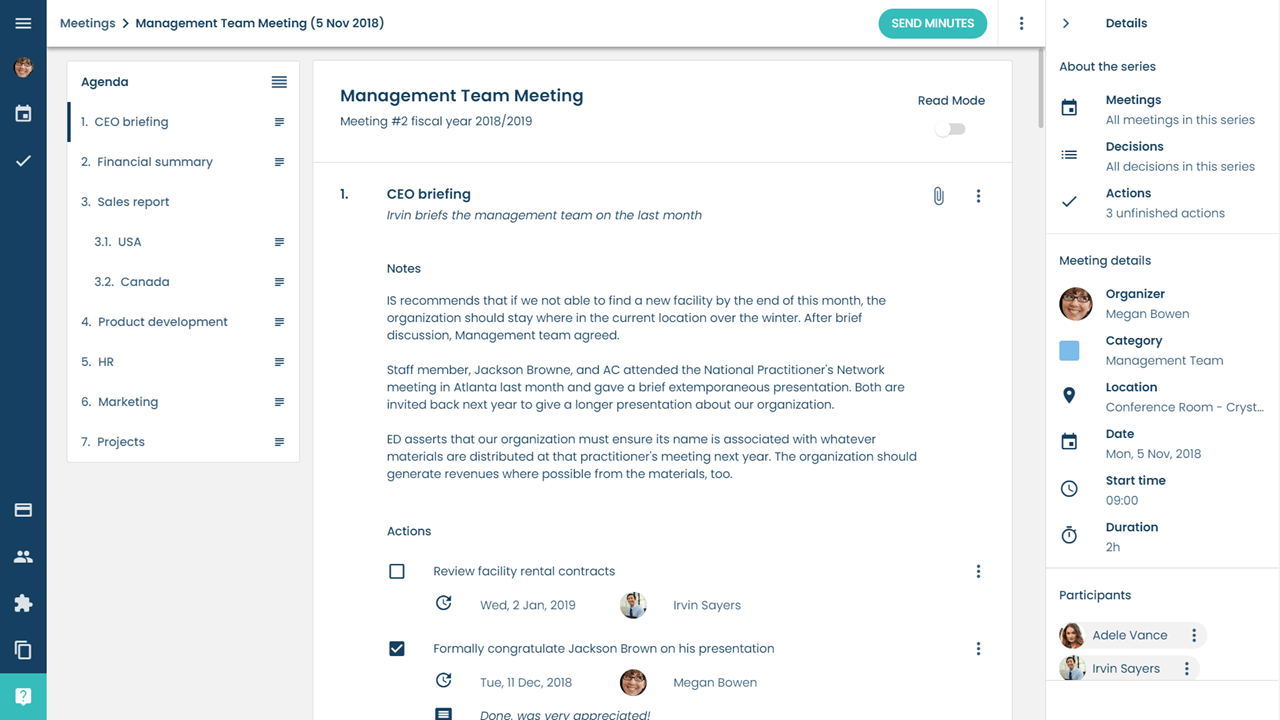
Stratsys Meetings brings task management, decision tracking, and document management together under one umbrella, making it one of the most comprehensive recurring meeting solutions in 2026. Stratsys offers an all-in-one product that can help with task management, decision making, document management, and more.
You can build an agenda that’s shareable and editable for all attendees. Users can send pre-meeting summaries to team members. Note-taking and action item tools are baked into the application itself. Attendees deemed responsible for an action item are immediately notified once the item is created and assigned.
Stratsys creates to-do lists for organizers once all agenda items have been compiled. Then, team members get reminder notices and push notifications until they complete action items. Stratsys portrays itself as an application that can help with anything related to your recurring meetings. You can contact their sales team and book a demo to learn about your custom pricing.
- Pricing: Contact their Sales team for pricing information.
7. Less Meeting
Best for: Teams that want to keep meetings short, focused, and time-boxed.
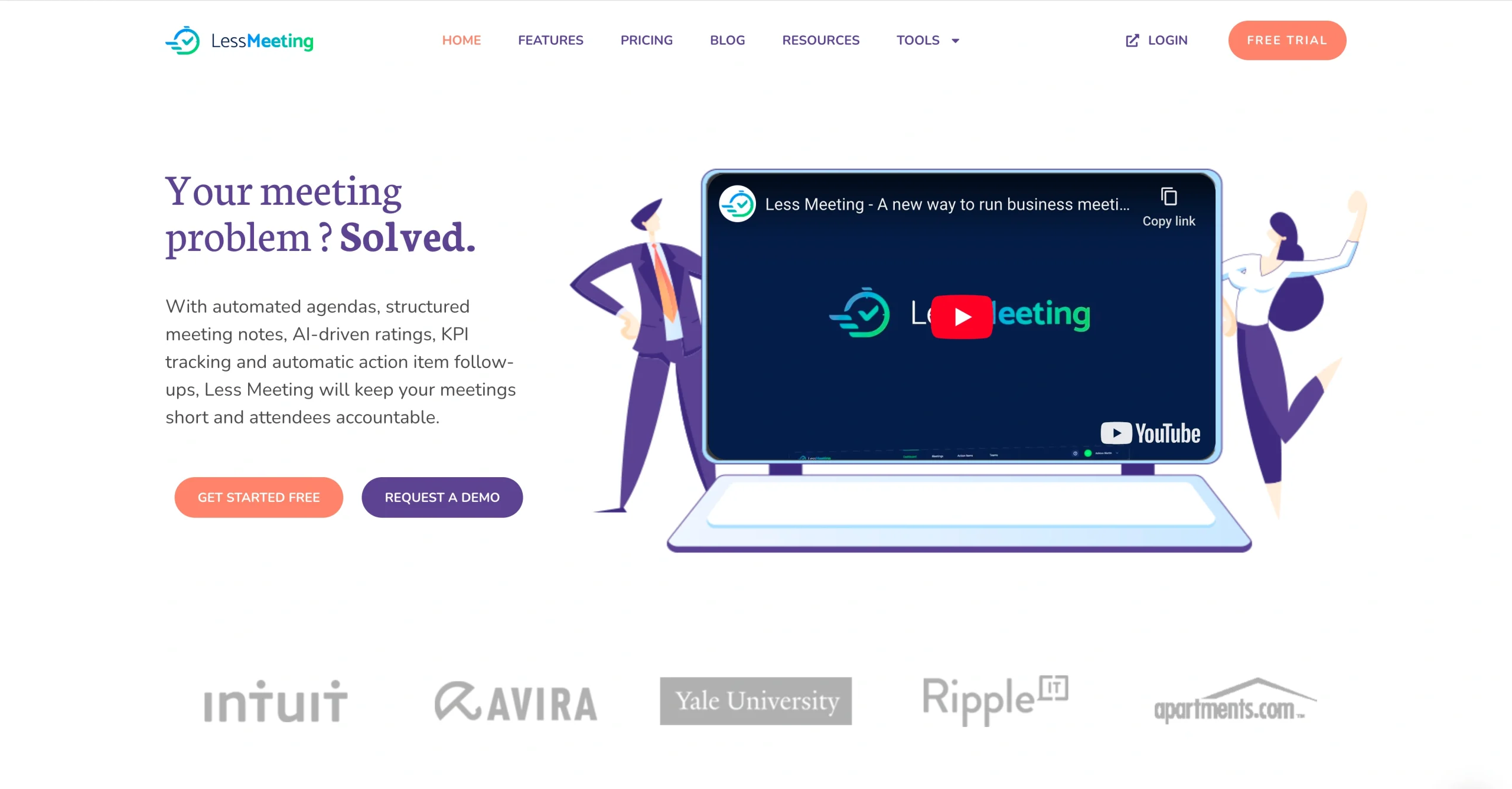
Less Meeting emphasizes time discipline and structured pacing, making it a practical solution for teams prioritizing efficient meetings in 2026. Nobody likes it when virtual meetings or webinars go long, and Less Meeting tries to encourage more effective meetings with a unique feature: meeting time tracking. Setting a meeting duration gives each item on the agenda a time limit.
When the meeting starts, the timer at the bottom of the agenda keeps you in check. If the meeting goes over by up to five minutes, the timer turns yellow, and beyond five minutes, it turns red. By making time visible during meetings, Less Meeting nudges teams toward better pacing and clearer decision-making.
The tool offers real-time collaboration and keyboard shortcuts for minute-taking. You can instantly share minutes, actions, and decisions with the group when the meeting ends. Automated follow-ups eliminate the need to contact attendees to see if they have completed their to-dos.
- Pricing: You can try Less Meeting free for 14 days. After that, the product is sold in packs and starts at $10 per month.
Every job has a proper tool
Choosing the right meeting management tool depends on how your team schedules meetings, collaborates in real time, and tracks decisions and action items after the meeting ends. The best meeting software helps teams reduce wasted time, improve participation, and ensure meetings lead to clear outcomes instead of follow-up confusion.
By matching your meeting tool to your team’s workflow, you can run more focused meetings, document decisions consistently, and keep work moving forward between sessions.
Frequently asked questions about meeting management tools
The 40 20 40 rule says meeting success is driven by the full meeting process: spend 40% of the effort on preparation, 20% on the meeting itself, and 40% on follow-up like notes, decisions, and action items.
If you want scheduling plus workflow support, Jotform Appointments can book meetings based on connected calendars and automate reminders, which is helpful when scheduling needs to connect to forms and follow-up steps.
A widely used “4 P’s” agenda framework is Purpose, People, Process, and Product. You define why the meeting exists, who needs to attend, how the meeting will run, and what output you expect, such as a decision, plan, or list of action items.
This article is for team leaders, managers, operations and HR professionals, and remote or hybrid teams, and anyone who wants to choose the right meeting management tools to run more focused, efficient meetings with clear outcomes and less wasted time.






































Send Comment:
1 Comment:
December 17, 2024
Thanks! It is a nice and informative blog.
IT security services company