
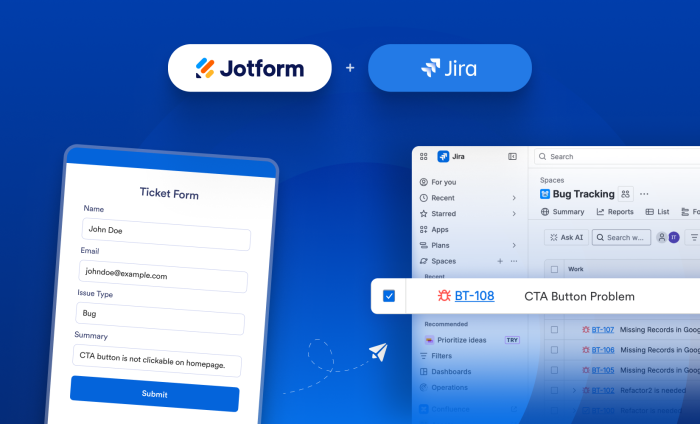
Managing projects, requests, and approvals across disconnected tools can slow teams down and create unnecessary friction. That’s why we’re constantly looking for ways to help organizations connect the tools they rely on most.
At Jotform, customer feedback plays a major role in shaping our integration road map. Jira has consistently been one of the most-requested integrations from teams looking to bridge the gap between data collection and project management.
So we’re excited to announce that the Jotform and Jira integration is now live!
With Jotform’s new Jira integration, it’s even easier to turn data into actionable next steps. Whether you’re collecting IT requests, customer feedback, support tickets, or internal approvals, you can automatically create Jira subtasks and issues from form submissions — helping your team save time, reduce manual work, and stay aligned.
Available integration actions
Here’s what you can do with the Jotform + Jira integration:
- Create Issue action: Automatically create Jira issues from form submissions to track bugs, requests, or tasks.
- Create Subtask action: Create subtasks linked to existing issues in Jira for more granular task-tracking.
- Flexible field mapping: Map Jotform fields to Jira fields to ensure the right information is captured and routed automatically.
How do I set up the Jira integration?
Whether you’re setting up a new form or updating an existing one, connecting your Jira account only takes a few minutes.
- In the Jotform Form Builder, in the orange navigation bar at the top of the page, click on Settings.
- Click on Integrations, and then search for Jira.
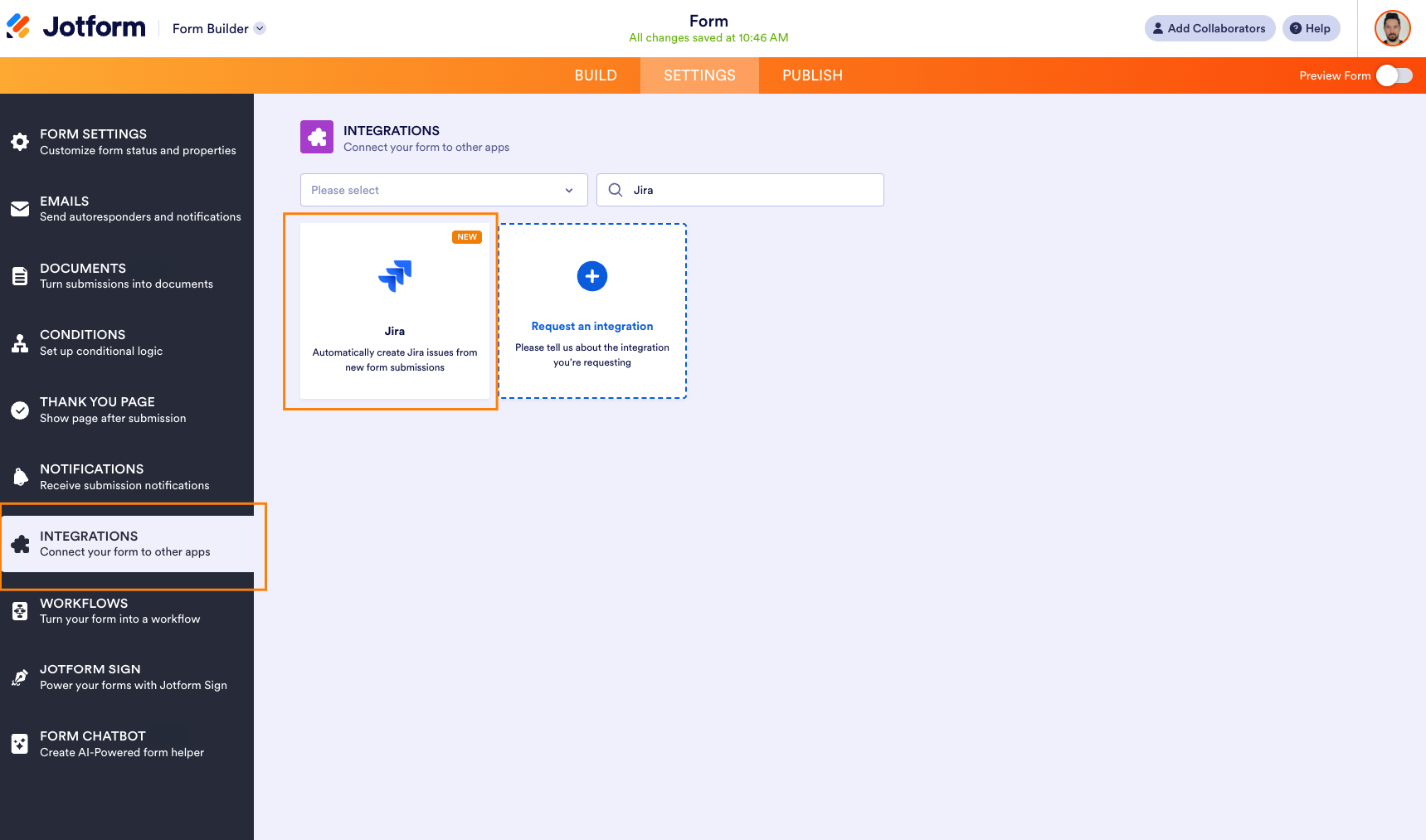
- In the Jira section, select one of the following actions:
- Create Issue: Automatically create a new Jira issue from a form submission.
- Create Subtask: Automatically create a subtask under an existing Jira issue from a form submission.
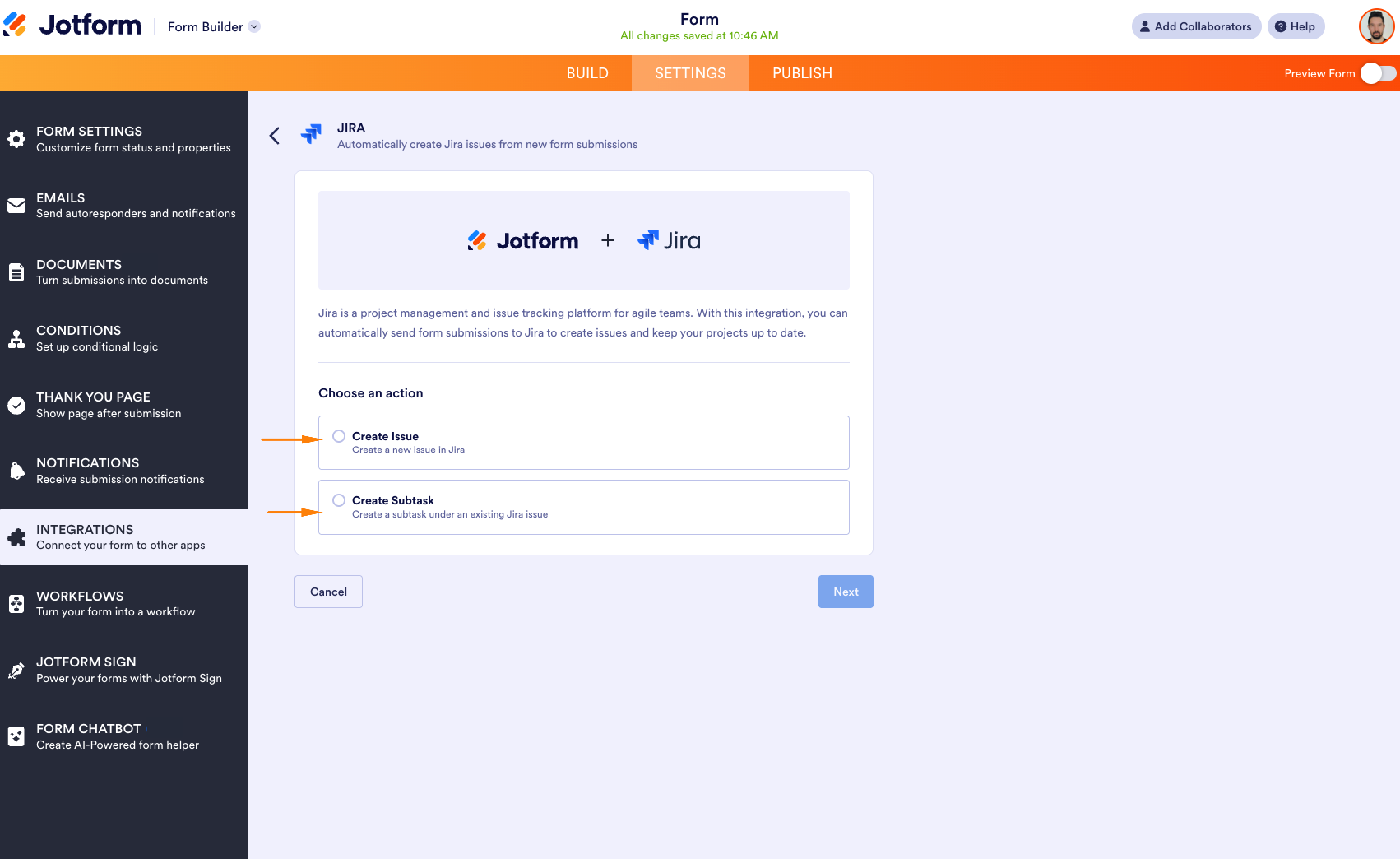
- Log in and authenticate your Jira account to establish a successful connection.
Use cases
It’s no surprise that this integration has been so highly requested. Jotform and Jira complement each other naturally, creating countless opportunities to automate workflows, reduce manual work, and keep teams aligned.
Below are a few specific ways to leverage Jotform and Jira to streamline workflows at scale.
| Use case | How it works | Benefit |
|---|---|---|
| Bug reporting & issue resolution | Form submissions automatically create Jira issues for reported bugs. Development, testing, and verification work can be tracked through subtasks linked to the parent issue. | Speeds up issue intake, reduces manual entry, and keeps resolution efforts organized. |
| Feature requests & project planning | Product requests create Jira issues, and implementation tasks can be added as subtasks. | Helps teams manage work from initial request through delivery. |
| IT, support & service requests | Employee or customer requests create Jira issues, with approvals, troubleshooting, setup, and follow-up actions tracked as subtasks. | Improves accountability and response times, ensuring customer issues don’t fall through the cracks. |
| Cross-team collaboration | Work requests submitted through forms become Jira issues, while content creation, reviews, approvals, and deliverables are managed as subtasks. | Centralizes communication and keeps projects moving efficiently across teams. |
| Onboarding & operational workflows | Forms create Jira issues for onboarding, audits, compliance findings, or operational initiatives. | Ensures complex processes are consistently tracked and completed. |
By connecting Jotform and Jira, you can bridge the gap between data collection and project execution — turning every form submission into meaningful action. Whether you’re tracking bugs, managing feature requests, coordinating projects, or streamlining internal processes, this integration helps eliminate busywork, so your team can focus on what matters most.
Jira joins a growing ecosystem of Jotform integrations designed to help you build faster, automate more, and keep your workflows running smoothly from start to finish. But we’re not stopping here. The best integration suggestions often come directly from our users, and your feedback shapes what we build next.
So tell us: What integration would make your workflows more efficient? We’d love to hear your suggestions. Let us know in the comments. 🚀











Send Comment: