
Top 5 form analytics tools
Sometimes form responses are all the data you need. A volunteer signup form for a one-off event, perhaps, or a survey after an off-site team meeting both require only the actual form results, not the details of what percentage of viewers filled out the form or how long it took them to do so.
With more detailed forms that gather ongoing, critical data for your company, though, you’ll want more insights into the data-gathering process. Form analytics tools let you measure everything about a form: how many people filled it out, how long it took, did they fill it out on desktop or mobile, which questions did they skip, and where they dropped off if they didn’t complete the form. Some go further, with behavioral data and session replays to see how people interact with the form. You’ll be able to see where things are stopping people from filling out your form and be able to fix them, gaining better form and survey results for your team in the process.
Most form builders include some level of built-in analytics. Custom-built form analytics tools can run alongside existing forms and surveys to offer deeper insights into response rates. And all-in-one platforms like Jotform let you build forms and analyze them with both built-in tools and integrations with Google Analytics for more granular visitor details.
Here are five of the best form analytics tools to get detailed data about every part of your form-filling process.
| Tool | Best for | Standout feature | Pricing |
|---|---|---|---|
 Jotform |
Easy-to-use form analytics built into a form builder |
Report Builder to turn form data into a presentation automatically |
$34/month for 25 forms and 1,000 monthly submissions |
 Zuko |
Dedicated analytics, including completion path and session replay for any form |
Visualize form completion paths to see where people drop off |
$56/month for tracking 5,000 form sessions per month |
 Inspectlet |
Clear explanation of what users do on your site to quickly find outlier events |
AI chat to filter through stats and find important moments |
$33/month for 1 million monthly sessions |
 Mouseflow |
Tracking user behavior in forms across your website |
Watch session replays that jump to the time when users interacted with forms |
$25/month for 5,000 sessions per month |
 Formstack |
Track form field bottlenecks with data from partial submissions inside a form builder |
A/B testing to find which field works better in live forms |
$83/month for 25 forms and 1,000 submissions |
1. Jotform
Why it made the list: Easy-to-use form analytics built into the Form Builder, paired with Google Analytics for more granular data
Key strengths
- Automatically capture analytics around form views, responses, conversion rate, and completion time
- View data about respondents, including location, device, browser, and operating system
- Add Google Analytics for additional stats around form responses
Key drawback: No data on the question where responses dropped off
Jotform Form Analytics pairs Jotform’s all-in-one data collection tool with robust, built-in analytics. The core no-code survey and form design tool offers AI-powered building to create detailed multistep forms and customized data collection apps with a simple prompt. And with conditional logic, your forms can route people to the best questions based on their previous answers to increase form completion and improve response quality.
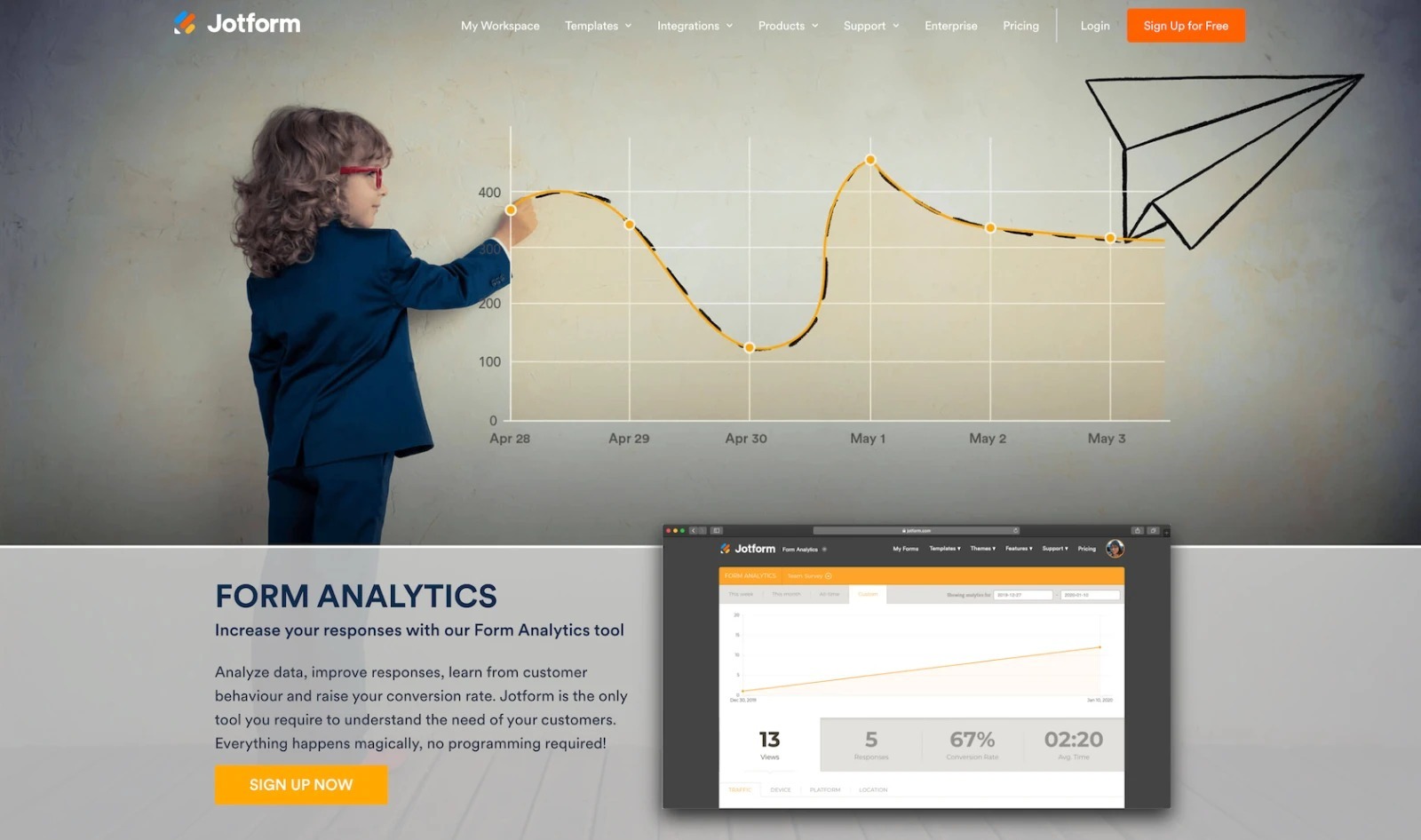
Form analytics pick up when the responses start rolling in. It tracks the core metrics about people’s interactions with your form. It shows your form views, responses, conversion rate, and average completion time for a quick breakdown of how interest turned into responses. Underneath, you can drill down into traffic by IP address and response duration, device type, platform, and general location. And you can filter through that data based on date ranges, to look at the stats before and after an update to your form. Or, when more detail is needed, you can add Google Analytics to your Jotform forms to track UTMs and the same visitor data for forms as you do for website visits.
The most important data from your form, though, is the responses themselves. Jotform Report Builder is one of my favorite features for an easy way to review form responses in a presentation-ready report complete with graphs and charts that visualize respondents’ answers. You can customize the report theme, add or remove charts, and present it directly from your browser or share it with a PDF export.
Jotform Form Analytics is one of the simplest ways for small businesses to start taking their form analytics seriously and turning them into custom reports, supplemented with Google Analytics for more advanced data analysis.
Jotform pricing
Free for five forms and 100 monthly submissions; from $34 per month billed annually for the Bronze plan, which includes 25 forms and 1,000 monthly submissions with custom branding.
2. Zuko
Why it made the list: Dedicated analytics, including completion path and session replay for any form
Key strengths
- Add additional form-focused analytics to any form or survey
- Visualize form completion paths to see where people drop off
- View live session replays to see exactly how people interact with your forms
Key drawback: Live session replay does not work with all form builder apps
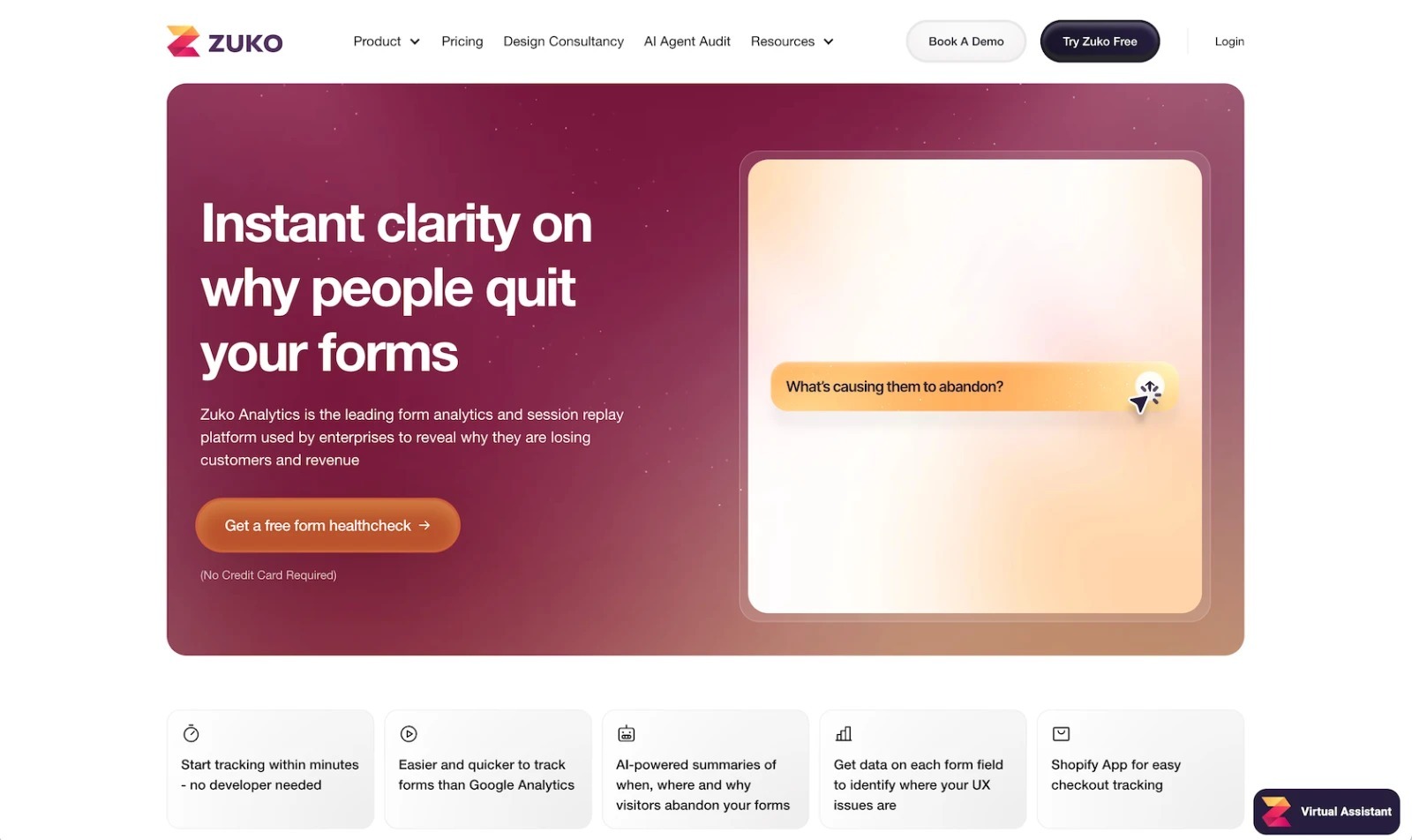
Zuko is a custom-built analytics tool for forms and surveys. Instead of including its own tool to create forms, it lets you use your pick of the best online form builders and e-commerce tools, then use Zuko’s tools to monitor how responses flow through your forms and checkout experiences.
Adding Zuko to a form was easy. With a Jotform form, I added the Zuko widget to a form, pasted in Zuko’s tracking slug code, then published the form. Seconds later, Zuko was tracking how respondents moved through my form. It showed how many people had viewed, started, completed, and abandoned my form, along with charts about the median session, the number of times people go back to correct a field, and more, each with options to drill down into the stats based on the hour, day, week, or month. And it can notify you if abandonment rates go up so you can fix issues quickly.
The most insightful data comes from Zuko’s Completion Path. It outlines how many people viewed, started, submitted, and completed every field and page, providing a clear overview of the bottlenecks that keep people from completing a form. I could drill down and see that most people filled out the first name field, but they were most likely to abandon the form in a required description field. There, respondents were possibly unsure of what to answer and so were likely to close the tab rather than write something at random. That, along with the full session replay, provides a granular view into the exact spots that most need improvement in a form.
Zuko pricing
From $70 per month (or $56 per month paid annually) for unlimited trackable forms and users, with basic reports for up to 5,000 form sessions per month.
3. Inspectlet
Why it made the list: Clear explanation of what users do on your site to quickly find outlier events
Key strengths
- Record full videos of every user interaction with your site and forms
- Review AI summaries to see what users do on your site, logging errors, rage clicks, unusual navigation, and conversion drop-offs
- Use AI chat to quickly filter stats and find important moments
Key drawback: Inspectlet can only track data on your full site, not inside individual forms
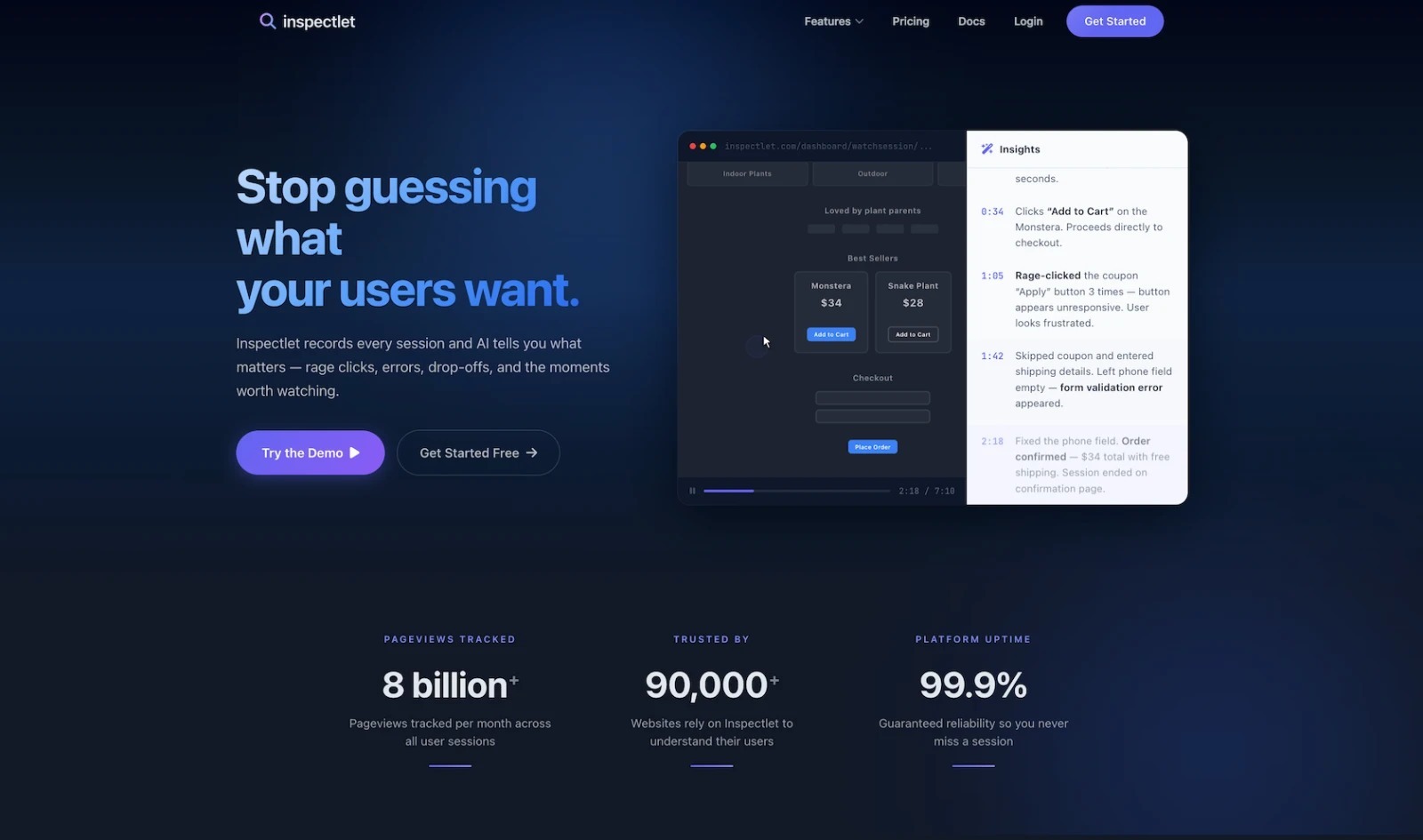
Inspectlet pairs video of user interactions with your website—including any forms, surveys, and other interactive workflows—with detailed stats to pinpoint exactly how people navigate your site and where most people are experiencing problems. It’s not designed specifically for forms. Instead, you install it on your website, and it captures interactions with your full site along with any forms from online form builders that you’ve embedded in it.
Google Analytics and other similar tools track what people click on your site, then use that information to build funnels that show how many people went from one page to the next before closing the tab. Inspectlet captures similar data in video, showing exactly how people move around your site, where they hover and click their mouse, and where they ended up. That gives you far more data, so much that it could be overwhelming. What I liked about Inspectlet is how it simplifies the data it gathers into clear takeaways so you can focus on the crucial moments without needing to watch hours of footage.
By default, Inspectlet shows you rage clicks when people click repeatedly but nothing happens, unusual navigation when people go back and forth without completing the usual steps, and engagement anomalies or conversion drop-offs that pinpoint outlier sessions. And it can track form abandonment, with data on the field that people are most likely to be working on when they give up and stop entering data. You can use that to drill down and watch what happened at the moment of indecision, or ask Inspectlet’s AI to find stats and similar sessions to see how common this issue is with your visitors. It’s a suite of tools that gives you a clearer look at conversion, hesitation, skipped fields, and more to help you optimize forms along with the rest of your site.
Inspectlet pricing
Free for 500,000 monthly sessions, 5,000 session replays per month, three websites, and one month of storage; from $39 per month (or $33 per month paid annually) for the Micro plan for 1 million monthly sessions, 10,000 session replays per month, three websites, and two months of storage.
4. Mouseflow
Why it made the list: Track user behavior in forms across your website to see signup and checkout flows alongside embedded surveys and data collection forms
Key strengths
- Track how people move across your site and interact with forms from the same tool
- Get detailed conversion breakdowns through each form step
- Watch session replays that jump to the time when users found your form confusing
Key drawback: Mouseflow can only track data across your full website; it cannot monitor users directly in most standalone forms.
Mouseflow tracks how visitors interact with your website and forms using their mouse. They show up on your site, scroll through the pricing page, or read a blog post. And then they decide to fill out your contact form and ask a question, but end up closing the window before they click Submit. You might need to optimize something on the form, or the broader takeaway might be that if your pricing page was more detailed or offered a free trial, they might have signed up without reaching for your contact form in the first place.
Mouseflow can help diagnose issues like this by tracking user interaction analytics across your entire website. It’s not built solely for tracking forms; you can’t directly integrate it with Jotform or other popular form builders. Instead, you add Mouseflow to your entire website, where it can track how people interact with the site itself, with built-in forms for signup and checkout, and with third-party form embeds for data collection and surveys.
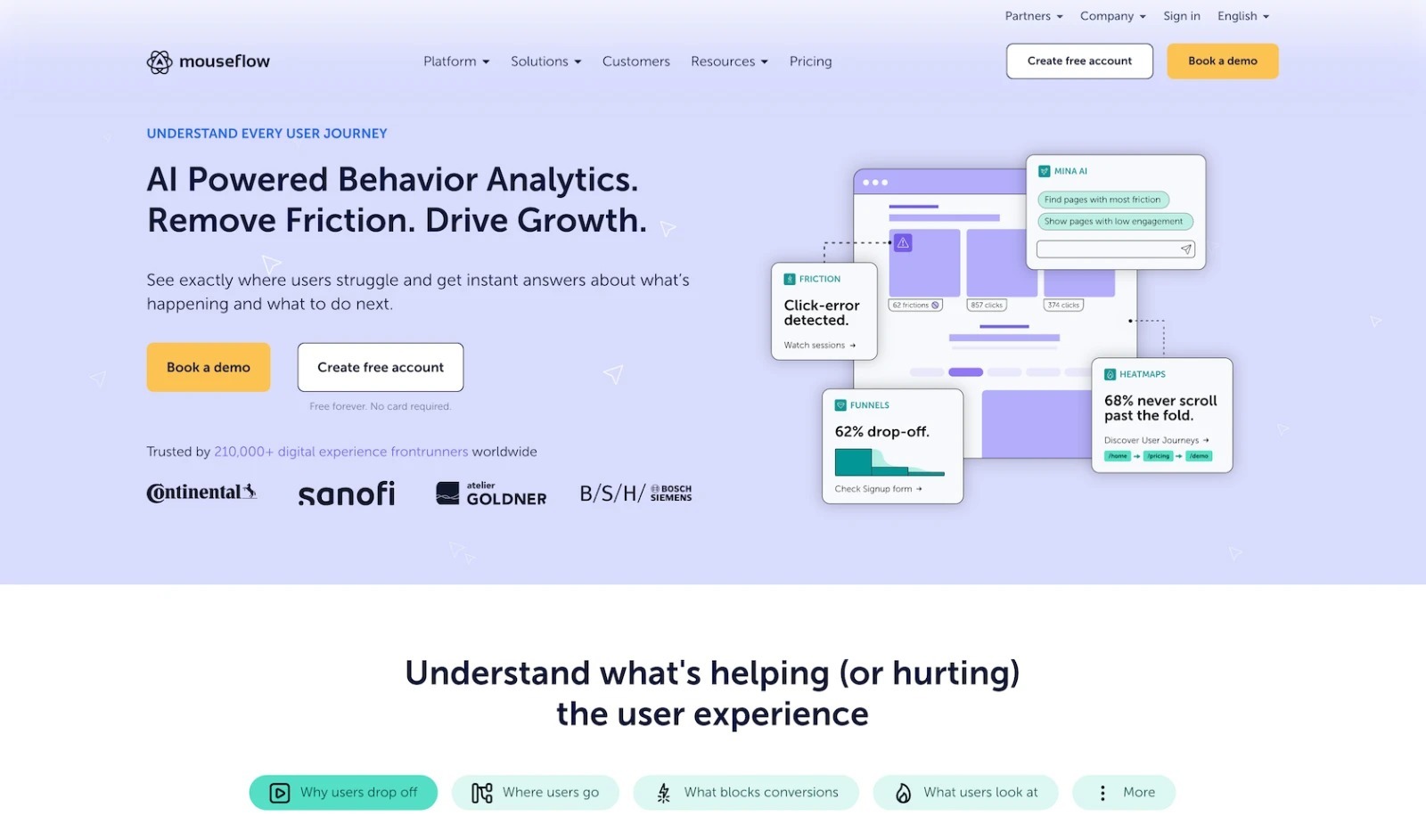
While it’s built for monitoring full sites, Mouseflow includes dedicated form-focused analytics features as well. It tracks which fields people interact with, with hesitation detection to see where people pause before responding rather than waiting for people to drop off entirely. And I liked that its session replay lets you jump to the moment where the user hesitated or left, which is a quicker way to peer over a user’s shoulder without needing to rewatch the entire session. Pairing that with heatmaps, friction detection, and journey analytics that cover the entire site, including forms, gives you a complete overview of how people interact with your creations and where you can optimize things for better forms and overall site experience.
Mouseflow pricing
Free for 500 sessions a month, one project, and one month of data retention; from $39 per month (or $25 per month if paid annually) for the Essential plan, which includes 5,000 sessions a month, one project, and three months of data retention.
5. Formstack
Why it made the list: Track form field bottlenecks with data from partial submissions inside a form builder
Key strengths
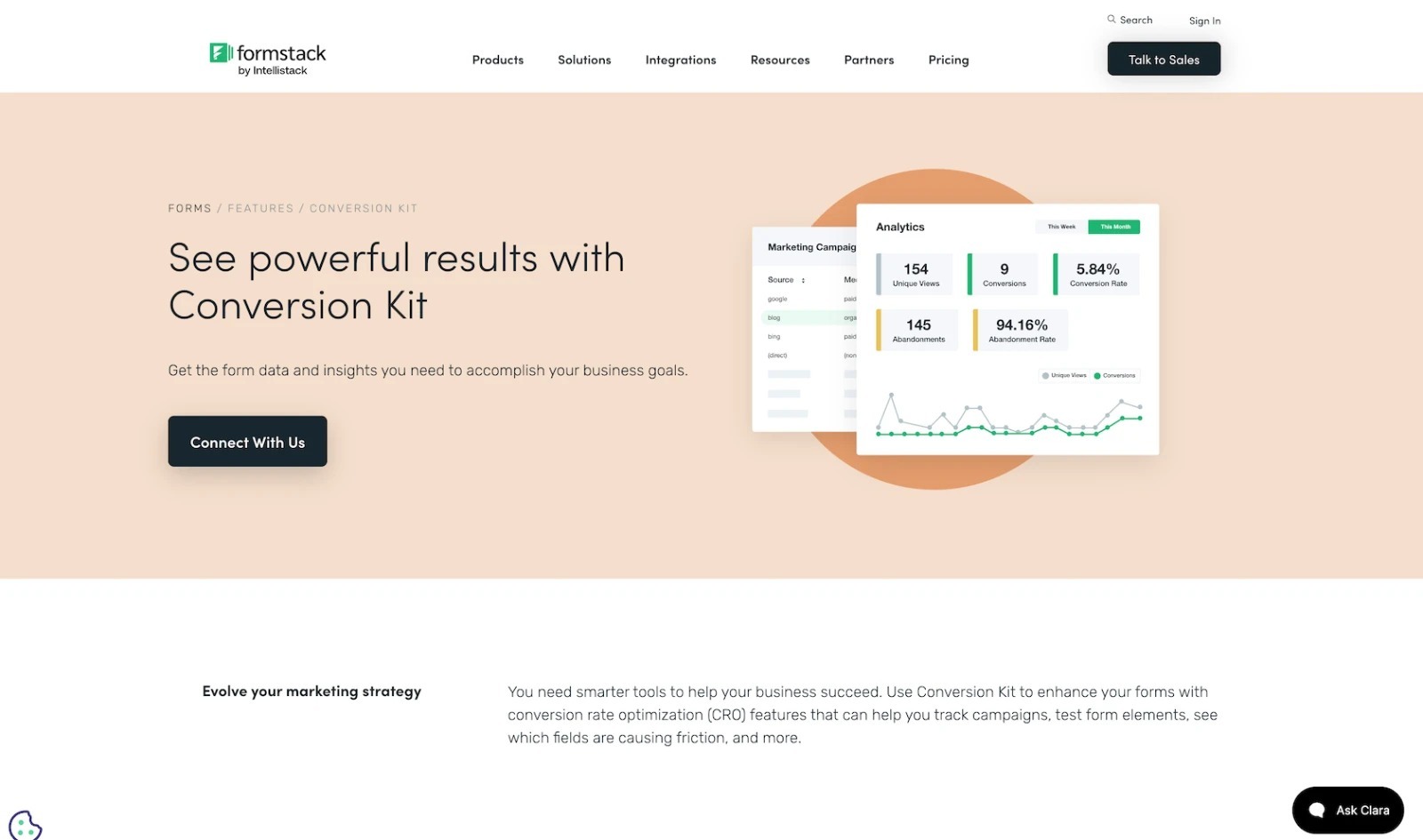
- Use built-in analytics features to find field bottlenecks with Formstack Conversion Kit
- Track partial submissions, campaigns, and UTMs
- Confirm which version of a form or field converts best through A/B testing
Key drawback: Many of Formstack’s analytics tools require the paid Conversion Kit add-on.
Formstack Forms is the form builder side of the Formstack suite of apps that are built to gather data, turn that data into completed documents, capture e-signatures, and funnel data into Salesforce CRM workflows. With that focus, Formstack forms are built around collecting data and putting it into workflows, from sales to onboarding processes. And it includes the tool to ensure that data continues flowing smoothly.
Like many form builders, Formstack comes with built-in analytics for the core stats. It shows how many unique people view your forms and how many of them finished filling it out, then calculates your conversion and abandonment rate from that data. And it can tie those stats to marketing campaigns with UTMs to filter response data by the campaign that sent visitors to the form, or integrate with Google Analytics to tie form analytics in with your broader website stats.
Two Formstack analytics features stuck out to me, though. First is its Field Bottlenecking feature in the optional Conversion Kit add-on, which automatically highlights the fields where users are dropping off for a quick way to see where to improve your form. That, paired with its partial submissions feature, gives you a chance to learn from every form entry, even if it’s not completed. Then, Formstack includes A/B testing on its form fields so you can deploy forms with two versions of the same field, perhaps with a question worded in unique ways or with different response options, to see which one leads to higher form completions and fewer bottlenecks. Together, these features simplify optimizing forms, though they do require an additional add-on and only work inside Formstack forms.
Formstack pricing
From $99 per month (or $83 per month when paid annually) for the Forms plan, which includes one builder, 25 forms, and 1,000 submissions per form.
How to choose the right form analytics tool
There is no single best form analytics tool. Some teams need something simple and built-in, with just enough features to start increasing user engagement in forms. Others need a dedicated analytics suite to optimize forms by showing what’s causing people to drop off and stop filling out the form. And your needs may change over time, as your team starts understanding form analytics and wants more granular stats beyond simply listing open and completion rates.
The best way to find out which form analytics is best for your team and your needs is to spend some time with your existing form analytics tool to see what’s lacking and answer a few questions about your needs.
- Do you need to create forms and analyze them in the same platform or track forms already on your site?
For all-in-one form creation and analytics, choose Jotform or Formstack. To track existing forms alongside sitewide interactions, consider Inspectlet or Mouseflow.
- Do you need high-level conversion metrics or detailed field-level behavior?
Jotform and Formstack track visits, completions, and abandonment. For detailed field-level insights, use Zuko, Mouseflow, Inspectlet, or Formstack’s Conversion Kit add-on.
- Do you need session replay, heatmaps, or funnels to explain the data?
Inspectlet and Mouseflow track user interactions across forms and other site pages. Zuko focuses on form-specific behavior and integrates with supported form builders.
- Does the tool support embedded, multistep, dynamic, checkout, or authenticated forms?
Check support for your form types, especially private forms. Ensure sensitive fields, such as ID numbers and credit card details, can be masked in recordings, or use built-in analytics for greater privacy.
- Can the tool meet your privacy, consent, masking, and data-governance requirements?
Session recordings may capture mouse movements and typed data, raising privacy concerns. Check local regulations, consent, and masking requirements. When unsure, prioritize basic metrics like views, completions, and abandonment.
With those requirements in mind, you’ll be better equipped to pick the best form analytics tool for your work:
- Choose Jotform if you want an all-in-one platform that covers everything, from building forms with AI to analyzing visitor and conversion data to building reports around the results.
- Choose Zuko if you need more detailed stats about your forms, including form completion paths and live session replay, tracked inside of your forms and surveys.
- Choose Inspectlet or Mouseflow if you’d like heatmaps, user session recordings, form drop-off stats, and more for your entire website, including your forms.
- Choose Formstack with its Conversion Kit add-on if you want to find field bottlenecks, then A/B test your updated form fields to ensure you’ve improved form conversion.
The best route for most businesses is to start with the simplest, most direct solution. Jotform’s built-in analytics and report builder cover form analytics basics well and give you enough to hit the ground running. If you find yourself needing additional form stats in the future, you can always add Zuko, Inspectlet, or Mouseflow to your workflow later to add field-level tracking, session recording, and heatmaps to your suite of form analytics tools.
This article helps marketers, CRO specialists, product teams, and operations leaders understand form abandonment, identify friction, improve completion rates, and compare form builders with built-in analytics to specialized behavior-analytics platforms.




































































Send Comment: