

Enterprise Only
Organizational Form Templates
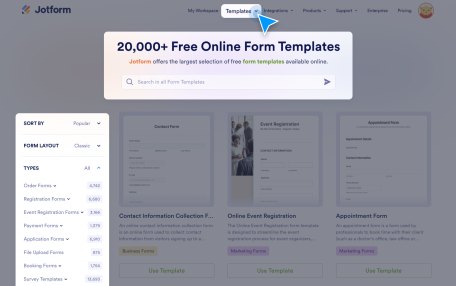
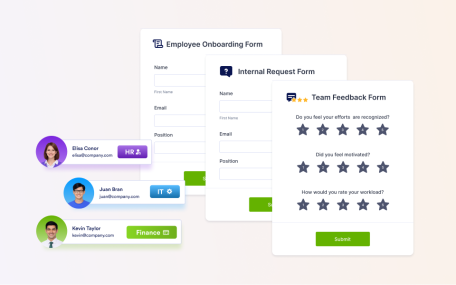
Create forms once and reuse them across teams using Jotform’s no-code drag-and-drop Form Builder or get started quickly with over 20,000+ prebuilt form templates.
Form Builder
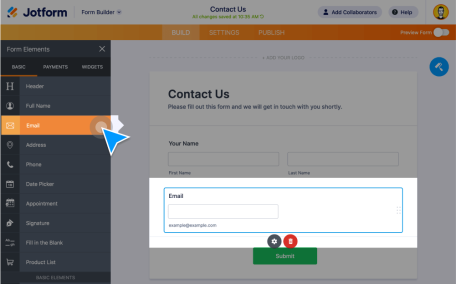
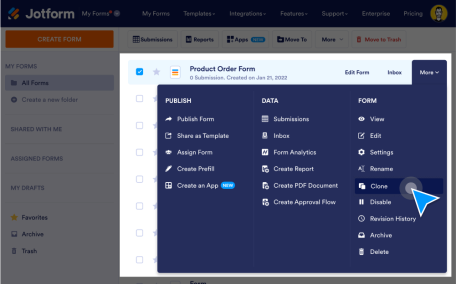
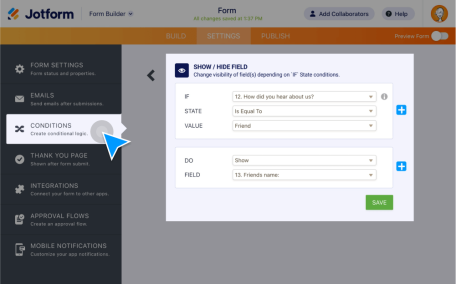
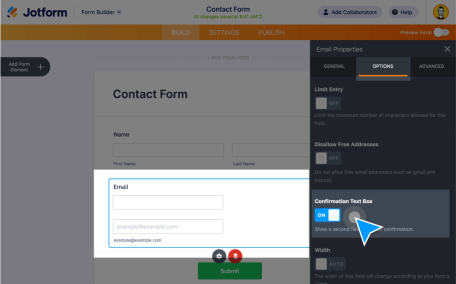
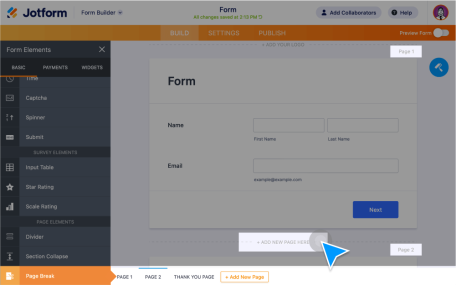
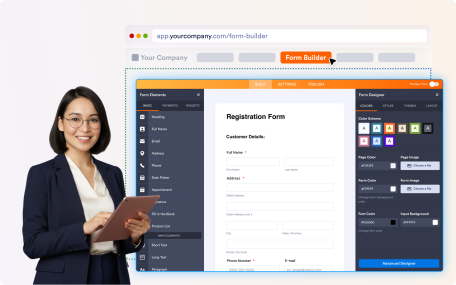
Jotform’s no-code Form Builder makes it easy for anyone to create and fully customize a form in minutes. Drag and drop to add form elements, widgets, and integrations, set up conditional logic, duplicate forms, and more — all without any coding.
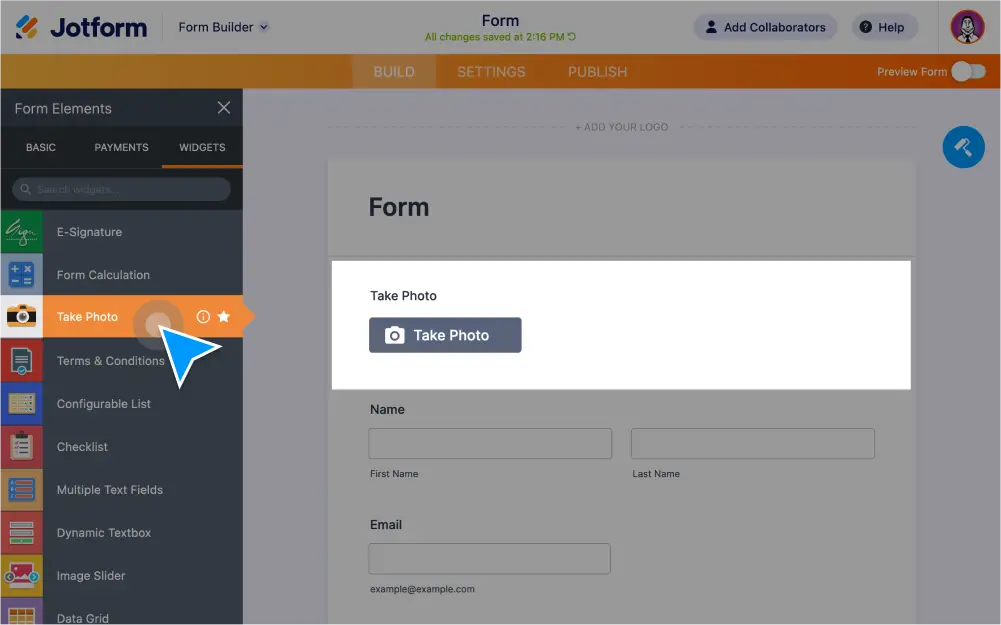
Collect images on your form with a file upload field or Jotform’s free upload widgets like Uploadcare or FTP. You can even let users take photos on your form, or Plus you can include photo uploads in personalized emails and messages.
Whether you need to gather photo submissions for contests, applications, records, or support requests, you can allow users to upload and submit images through your online form with a file upload field or widget.
Add a file upload field in your online form or customize a file upload form to start accepting photo submissions. Users can easily upload photos to your form from any device.
Use Uploadcare’s File Uploader to collect photos up to 5B from drag-and-drop computer uploads, external URLs, social media websites, and file management tools.
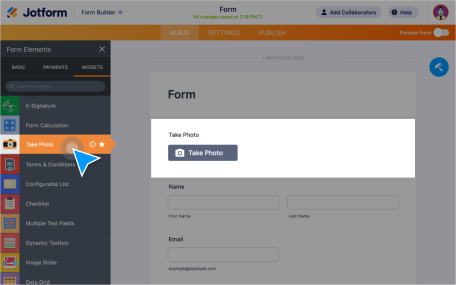
Jotform’s free Take a Photo widget lets users take photos directly from your form. Just select whether your form will use the front- or rear-facing camera of a user’s device.
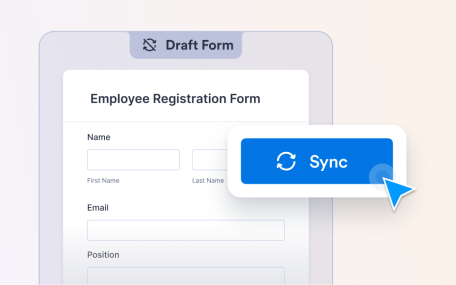
With Jotform’s free FTP app, you can collect form submissions and file uploads like photos through your online forms and sync them to your own server automatically.
Make sure users upload the correct files with Jotform’s Image Upload Preview widget. Upon preview, users can decide whether to proceed with the submission, delete the image, or upload another file.
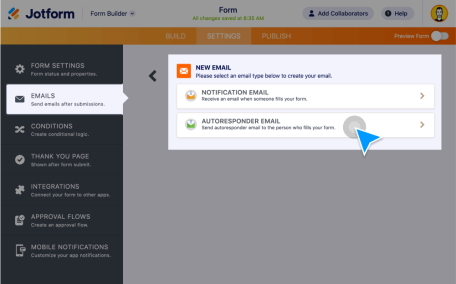
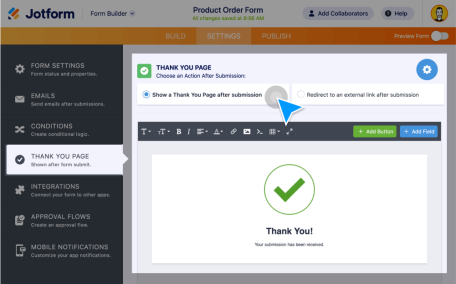
Create a more personalized form experience by displaying user-uploaded images in your form’s Thank You message or autoresponder emails.