Drag and Drop Form Builder
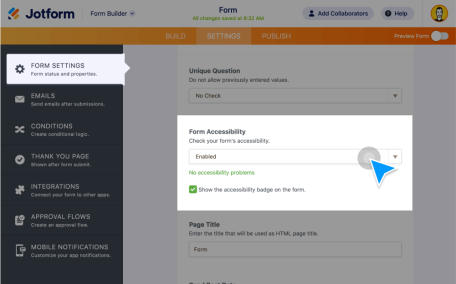
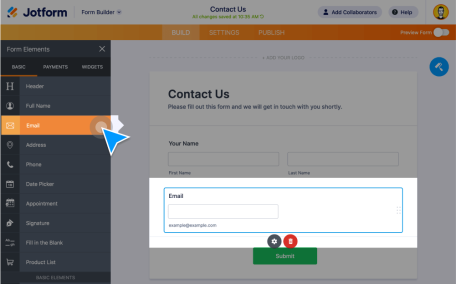
Create custom forms quickly with Jotform’s drag-and-drop Form Builder. Add new form fields or images, change colors, and use widgets and integrations at the touch of a button.
Form Builder
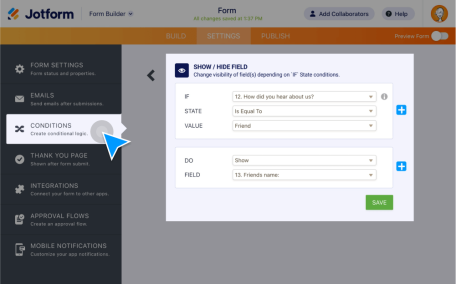
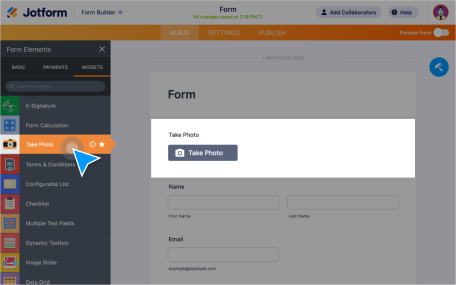
Jotform’s no-code Form Builder makes it easy for anyone to create and fully customize a form in minutes. Drag and drop to add form elements, widgets, and integrations, set up conditional logic, duplicate forms, and more — all without any coding.
Start using a premade form template with just a single click, customize it with our intuitive form builder, and upload it to the template gallery for other users to edit and use.
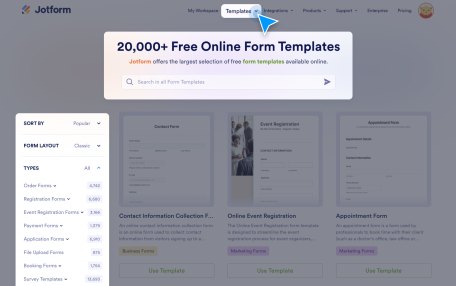
Explore Jotform’s massive library of free form templates. Choose a template that fits your needs and get started right away with a one-click install.
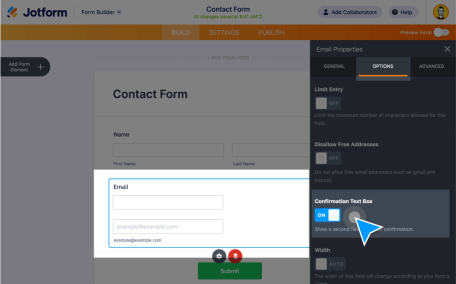
Every Jotform form template can be fully customized to your liking using our intuitive Form Builder. You can add or change form elements, install widgets, add payment integrations, and more — all without any coding.
Jotform’s drag-and-drop Form Builder offers near limitless customization options. Explore ready-to-use style presets, color schemes, backgrounds, an extensive typeface library, and more. You can even add your own custom CSS to really make a form template your own.
Create a unique form template and share it with the world by adding it to Jotform’s template gallery. Other Jotform users can then view, clone, and customize your template.
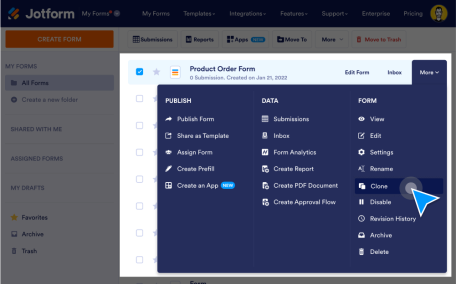
Sharing your custom form templates with other Jotform users couldn’t be simpler. Just click the share button in your online dashboard to add your template to our ever-growing form template gallery.
Make changes to your custom shared template or remove it from the template gallery entirely in just a few clicks from your Jotform dashboard.