Email logs make it easy to see what’s happening with your form emails at a glance. You can check when each email was sent, who received it, and whether it was delivered successfully, all from your Account History page. It’s a simple, helpful way to stay on top of your email activity and quickly spot or troubleshoot any delivery issues if they arise.
Viewing Your Form Email Logs
Checking your account’s email logs is a great way to stay informed about everything happening behind the scenes with your form emails. From notification emails to autoresponders and even potential email issues, you can see it all in one place. Here’s the quick way to do it:
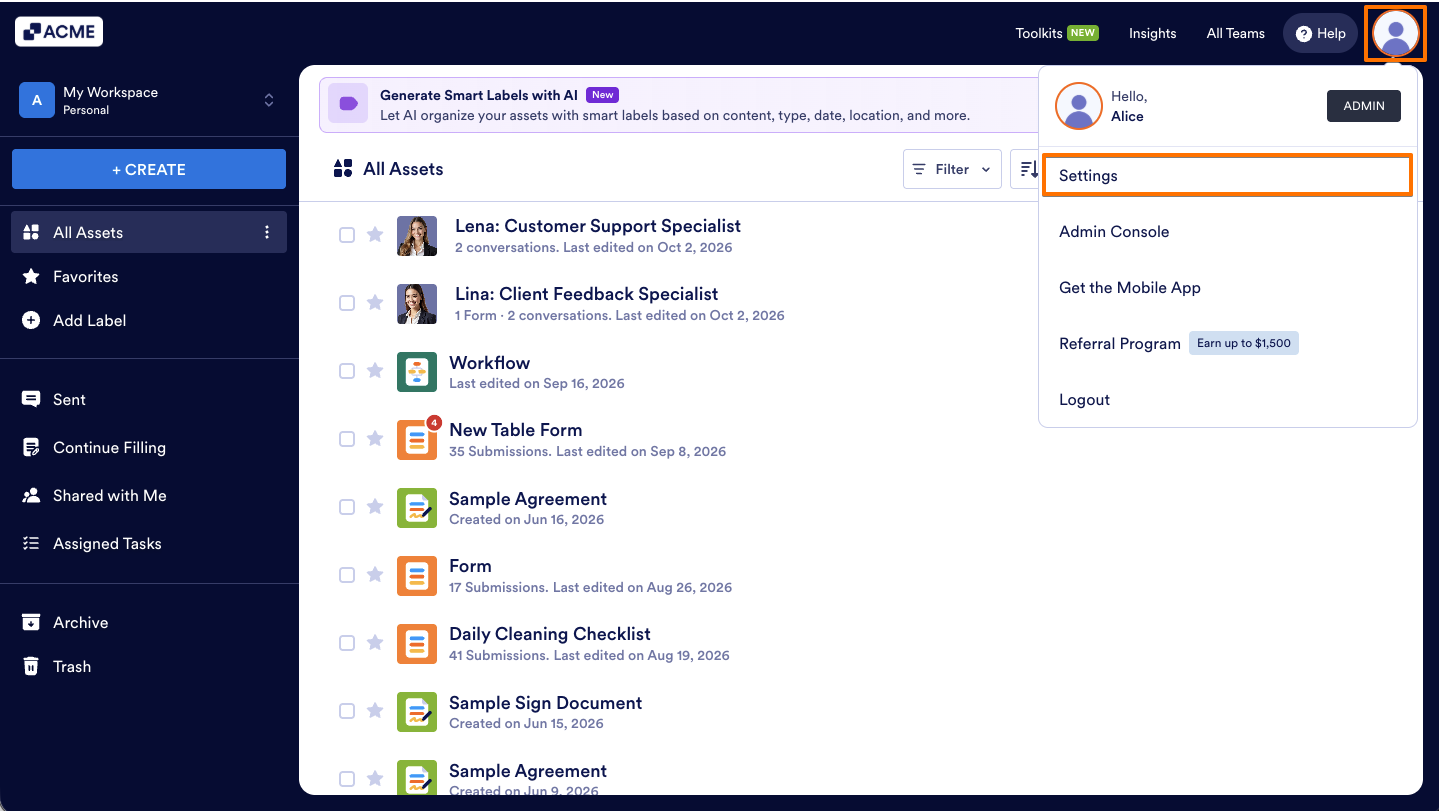
- On your Workspace page, click on your Profile Picture/Avatar on the top-right side of the page.
- In the menu that opens, click on Settings to open your Account Settings page in a new browser tab.
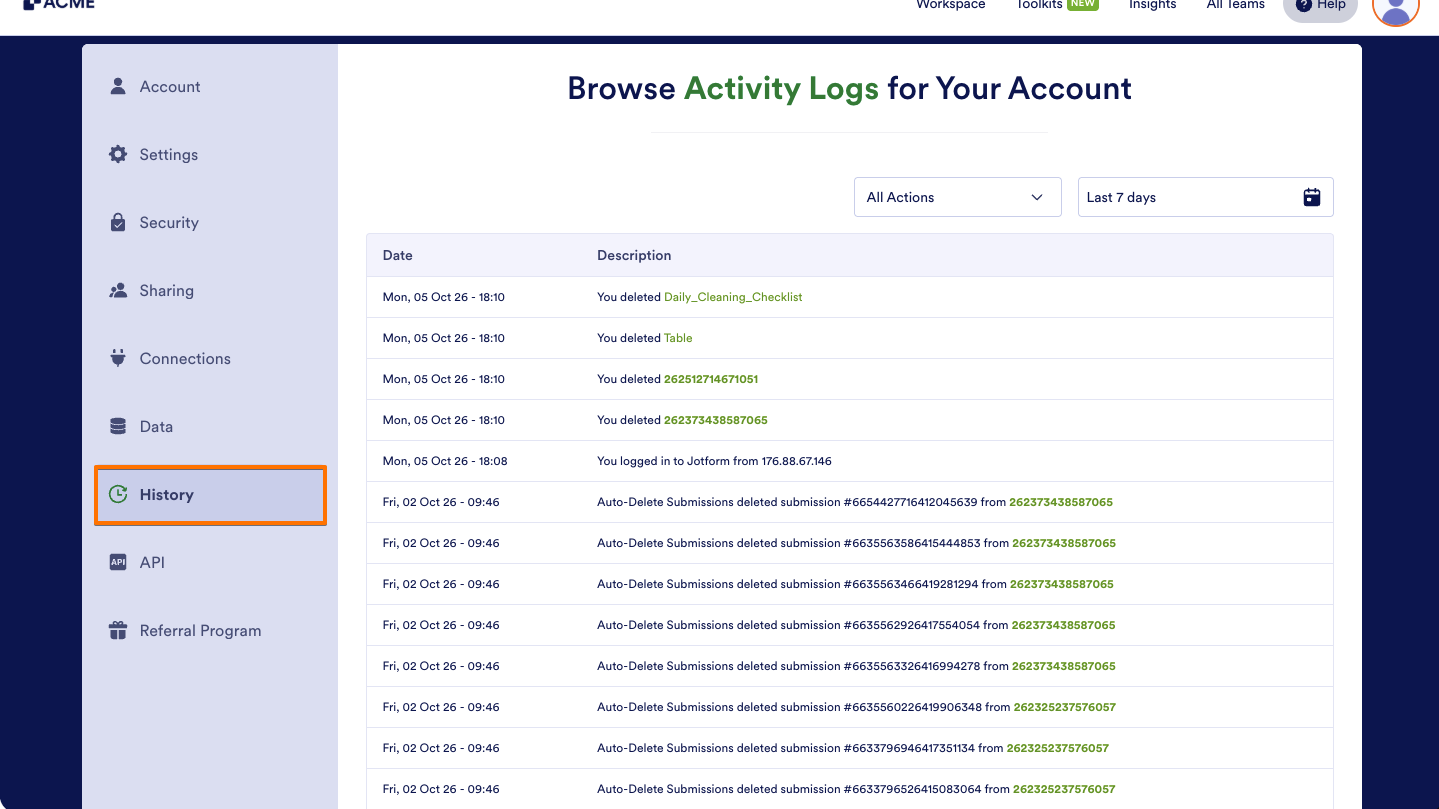
- Now, on the left side panel, click on History.
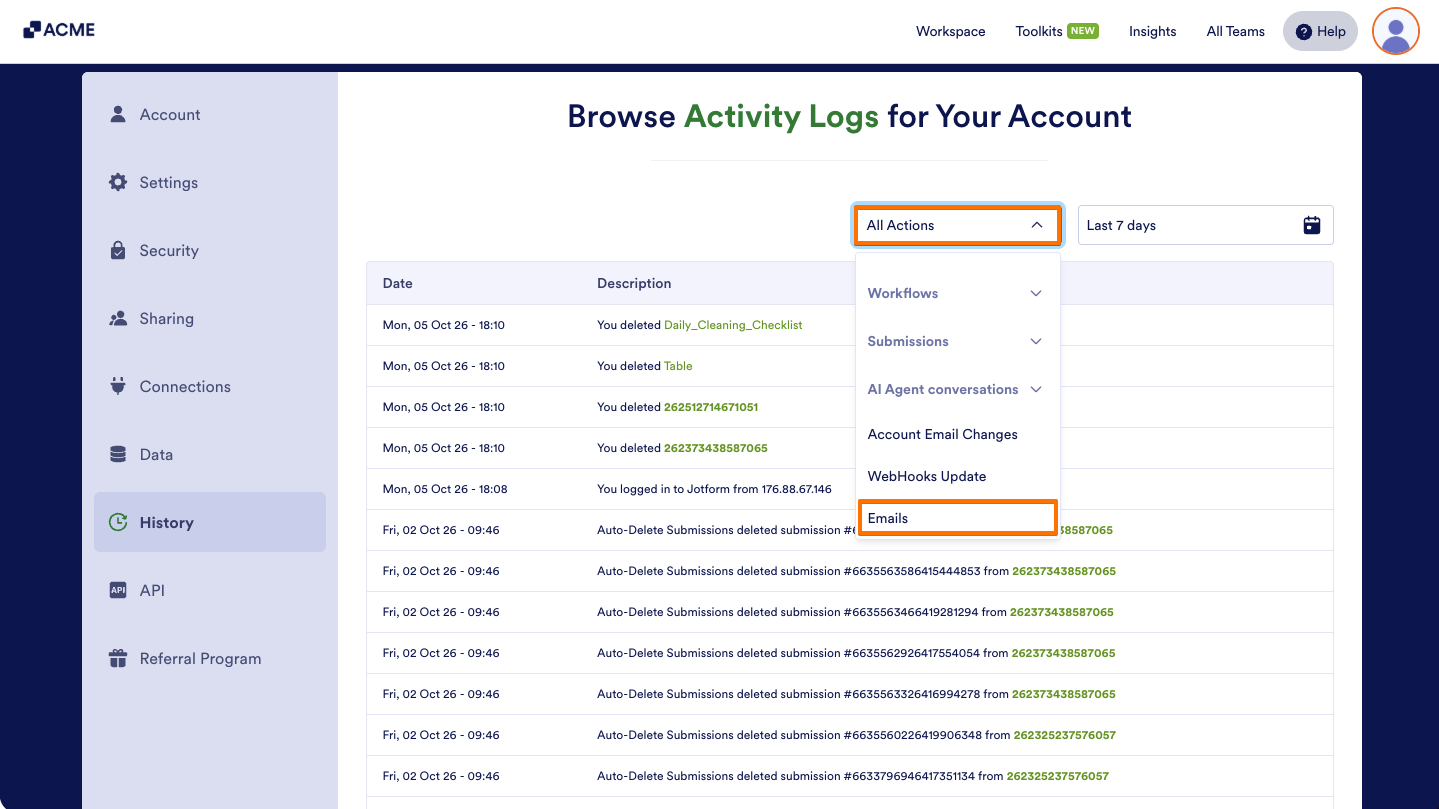
- Next, click on the All Actions Dropdown menu in the upper-right corner of the table, then select Emails.
- Then, click on the Date filter and simply pick your preferred time range from the dropdown calendar.
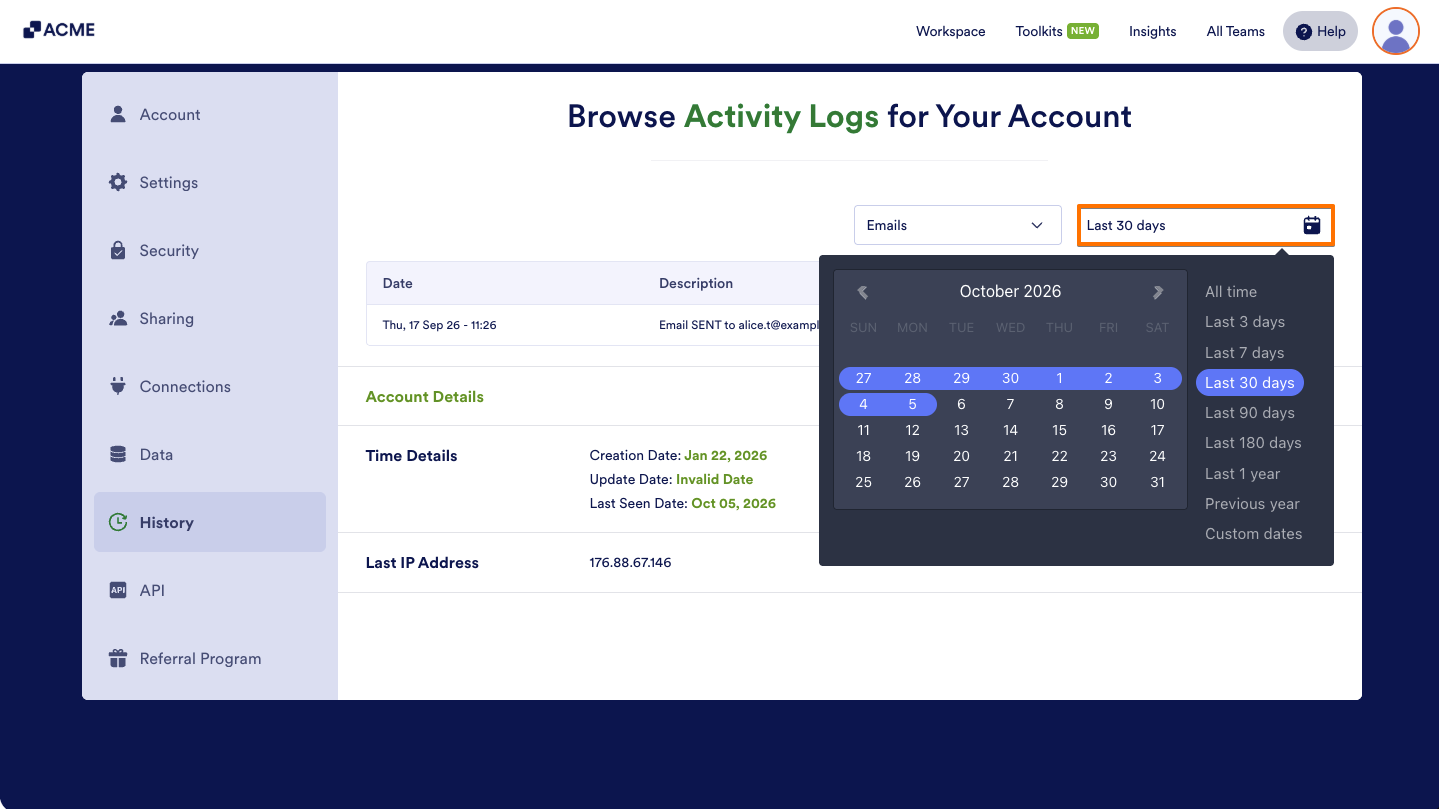
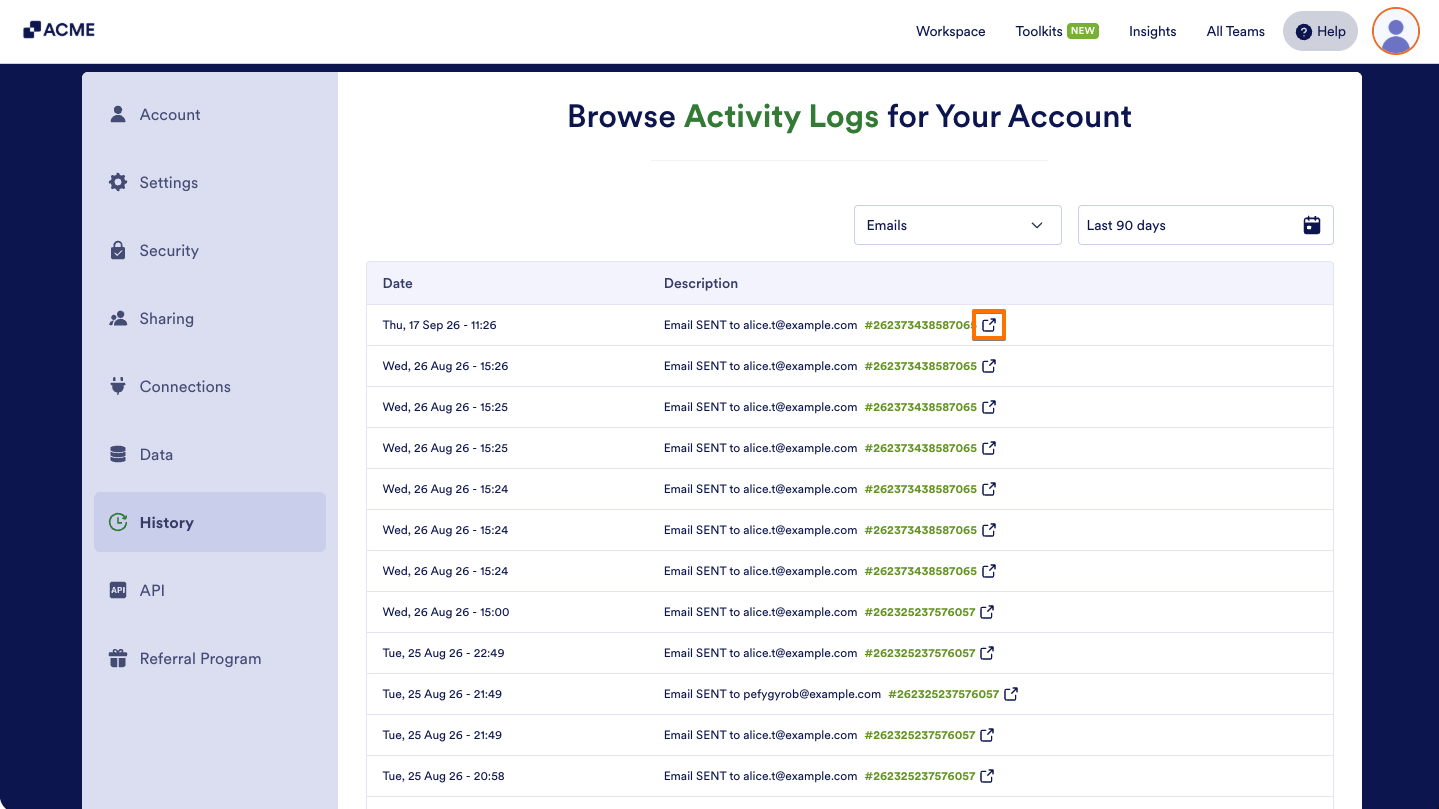
That’s it. You’ll now see a table showing the email logs for your forms, giving you a clear snapshot of what’s been sent and when. If you want to dive into the details of a specific email, simply click the External Link icon next to it to view more information.
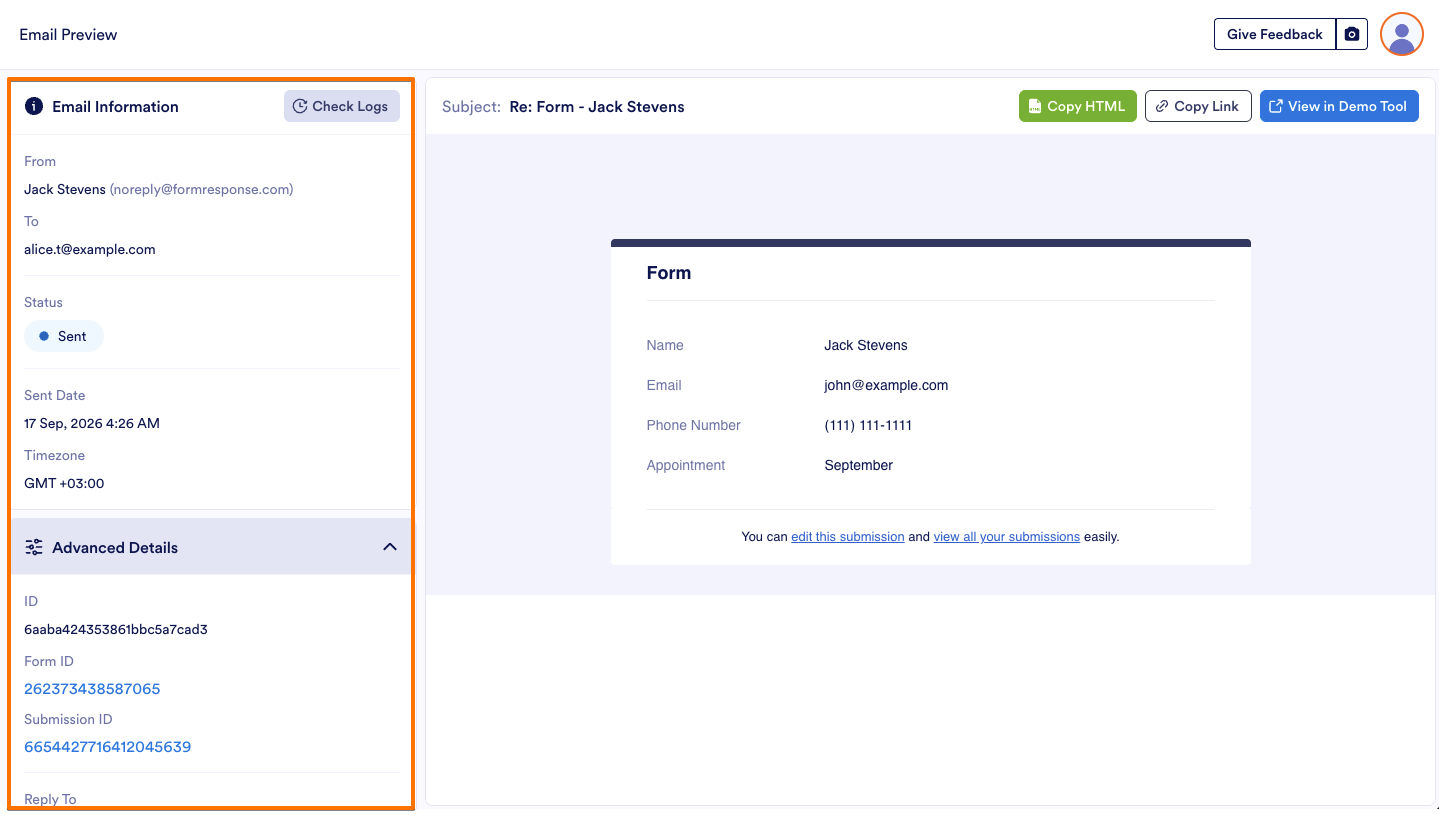
While previewing an email, use Email Information and Advanced Details on the left side of the page to review information such as recipients, sending time, and delivery status.
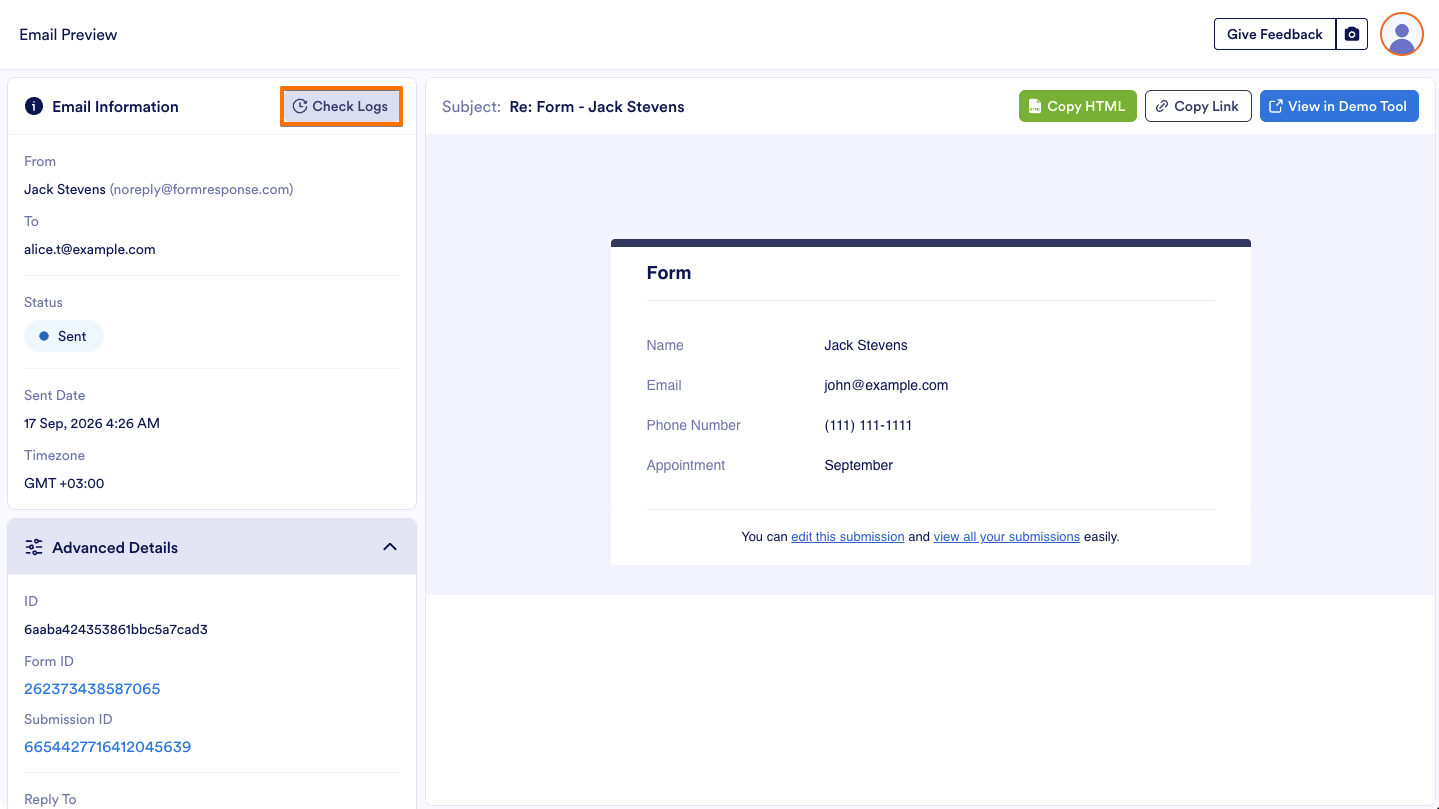
You can also click Check Logs in the upper-right corner of the Email Information section to view the email’s delivery process. This window shows whether the email was queued and sent successfully, the sending provider and mail driver used, the SMTP transaction ID, and the date and time of each delivery step. It is mainly useful for troubleshooting email delivery issues.
Note
If multiple people manage your forms for audit changes, the logs make it easy to track who changed what and when.
Regularly checking your logs helps you stay on top of user activity and system behavior, especially after making major updates to a form.
If you’re an account admin or team admin, bookmarking your Activity History page saves you time when managing multiple forms.

Send Comment: