
A personal assistant confidentiality agreement form, also known as a nondisclosure agreement or NDA, is generally used by employers to seal an agreement with a personal assistant to keep personal and company information safe and secure. Using Jotform Sign’s Personal Assistant Confidentiality Agreement, you can create a custom document outlining the terms of your agreement, fill out fields, and electronically sign the document from any device.
Making changes to this Personal Assistant Confidentiality Agreement is simple with Jotform’s drag-and-drop builder. You can add or remove fields, customize terms and conditions, include your logo, change fonts and colors, and make other changes in seconds. Once you’re done customizing, share your agreement with participants via email. After both parties have signed, you’ll automatically receive a finalized PDF document for your records. Securely gather signatures anytime, anywhere with Jotform Sign.
Related templates
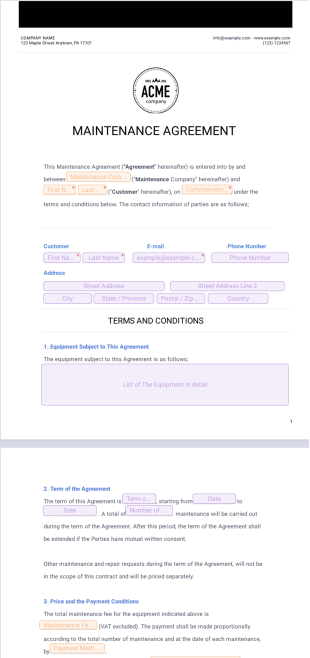
Maintenance Agreement Template
Create a maintenance agreement between two parties. Great for landlords and tenants. Easy to customize. Works on any device. Go paperless and automate your workflow.

Partnership Agreement Template
Generate partnership agreements online fast with this free template. Easy to customize. Collect e-signatures on any device. Save time with Jotform Sign.

Sponsorship Proposal Template
This sponsorship proposal template helps you attract and convince your leads to be part of your event as a sponsor. It contains a front page, cover letter for the leads, company overview, information about the event and terms.
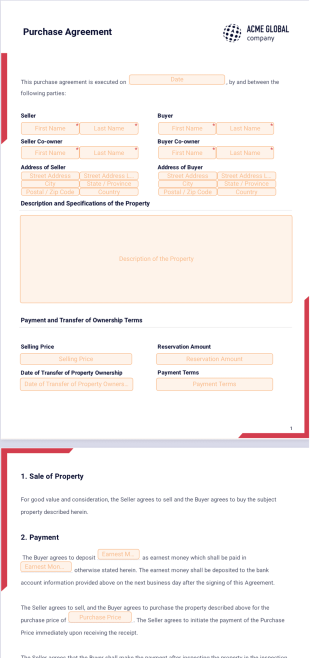
Purchase Agreement Template
Finalizing a sale? Use Jotform’s purchase agreement template to ensure you get the right information with a professionally designed document.

Brand Ambassador Contract Template
Hiring a brand ambassador to promote your product or service? Use Jotform’s brand ambassador contract template to outline the partnership terms.

Payment Agreement Template
Lending or borrowing money? Make sure your terms are clear and fit your needs by using Jotform’s payment agreement template.