Jimdo is a website-builder and all-in-one business solution designed to enable users to build their websites without any web design experience. With just a few clicks and simple questions, you can build your website in minutes.
As for this embed method, it is only supported in websites created using Jimdo Creator, which is designed for users who want to build their website from scratch, including custom coding and need advanced features.
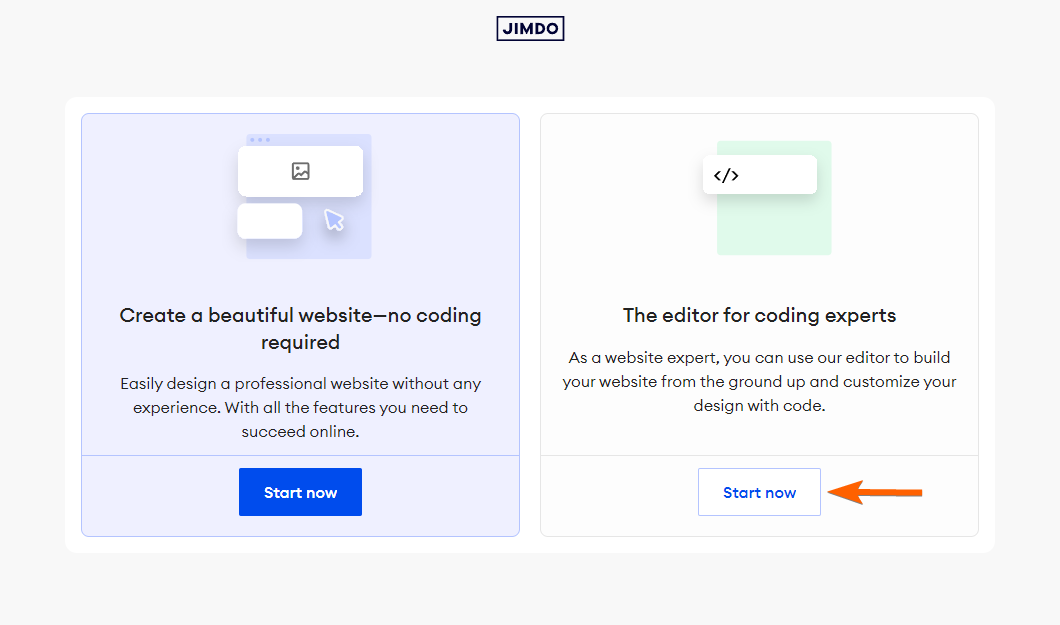
If you need help with your Jimdo Creator website and its features or have questions about switching from the Jimdo Website Builder, you can contact Jimdo Support to explore your options.


Getting the Embed Code
Follow these steps to copy the embed code for your Jimbo Creator website:
- In Form Builder, click on Publish.
- Next, click on Platforms.
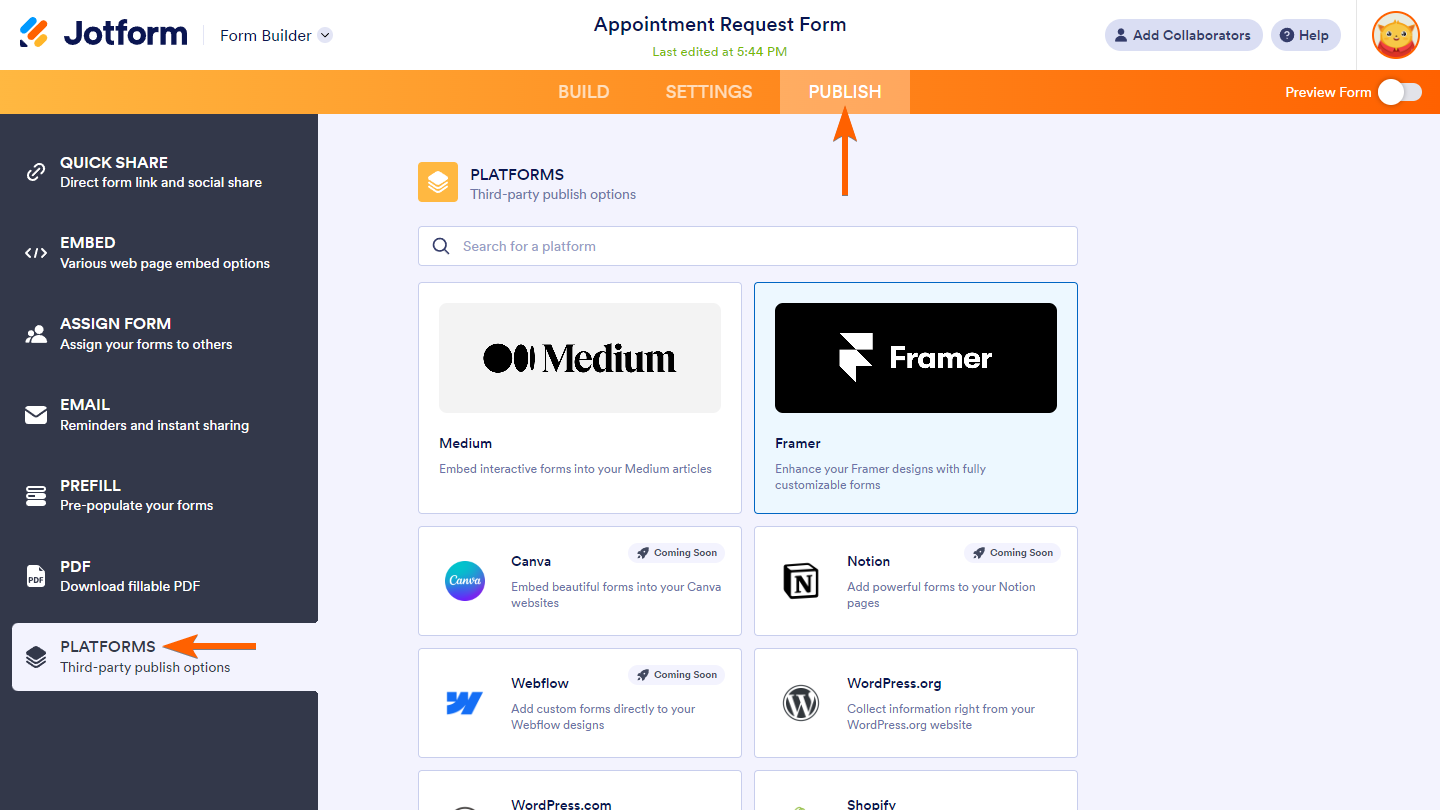
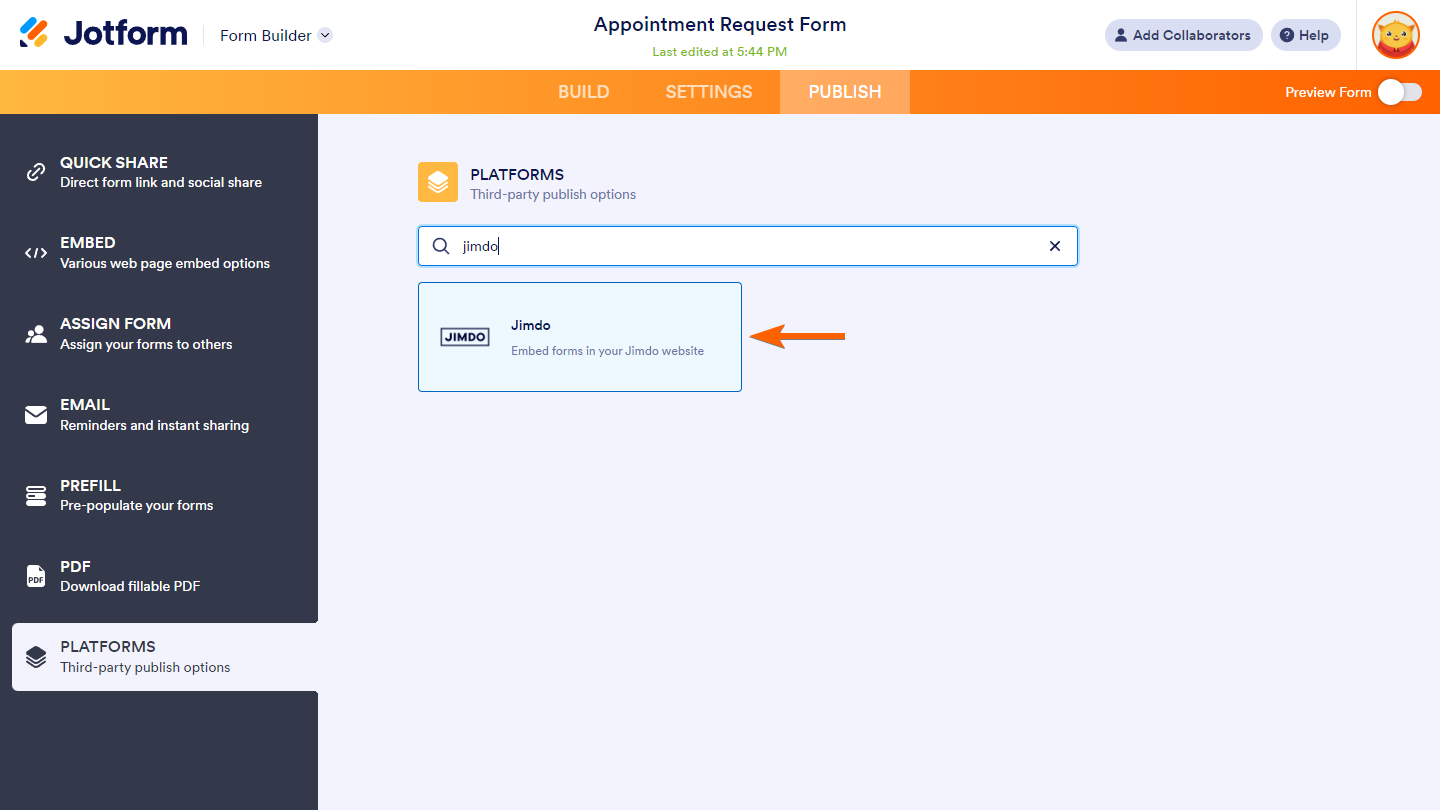
- Then, select Jimdo. You can use the search bar to find it easily.
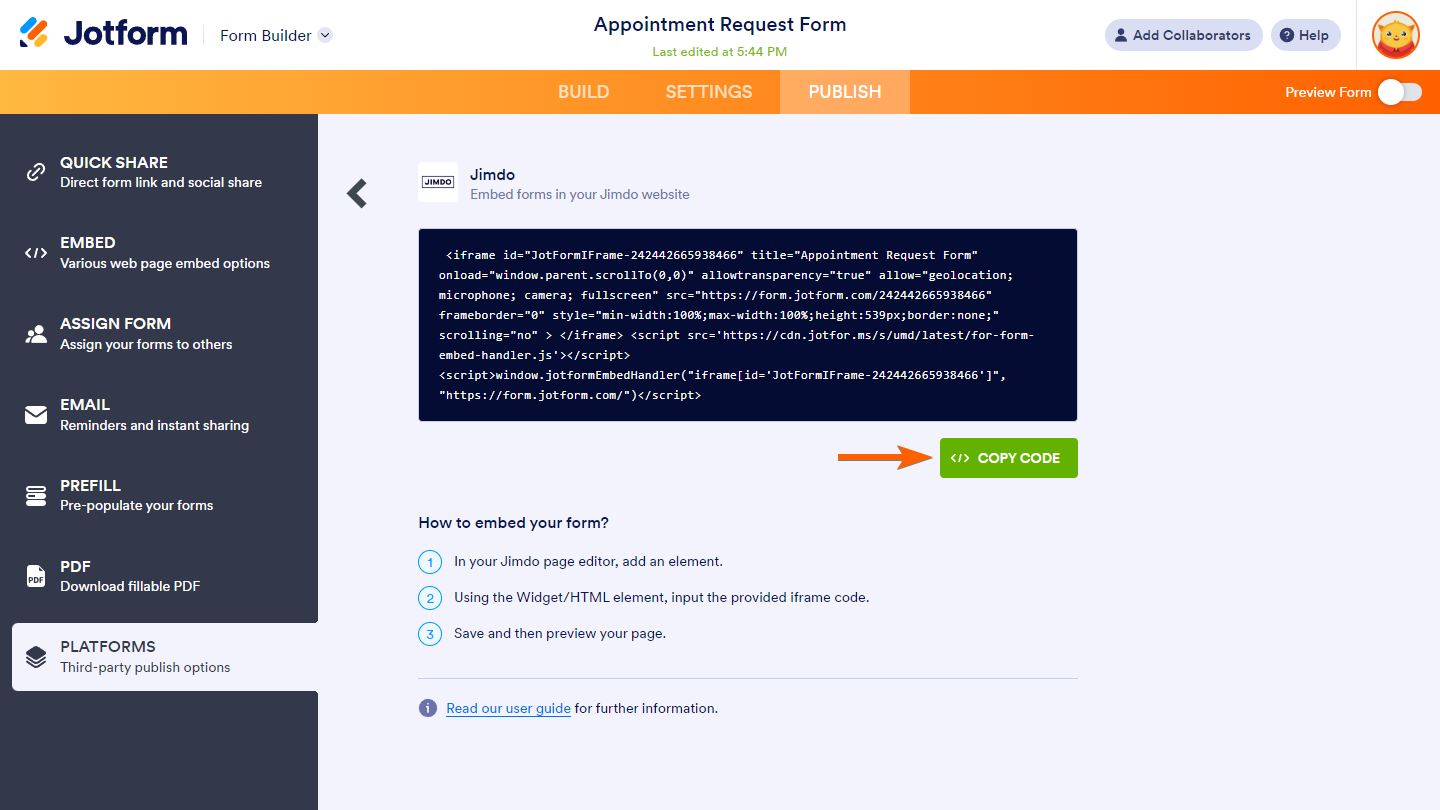
- In the next screen, click on Copy Code.
Embedding the Form
Once you are logged in to your Jimdo account, you can enter the edit mode of the website you’d like to embed your form on from your Dashboard. To do so, simply select the website you’d like to enter and then click on Edit. Then, follow these steps to embed your form on that website:
- In Jimdo Creator website’s edit mode, hover your mouse over the area you want to embed your form and click on Add Element.
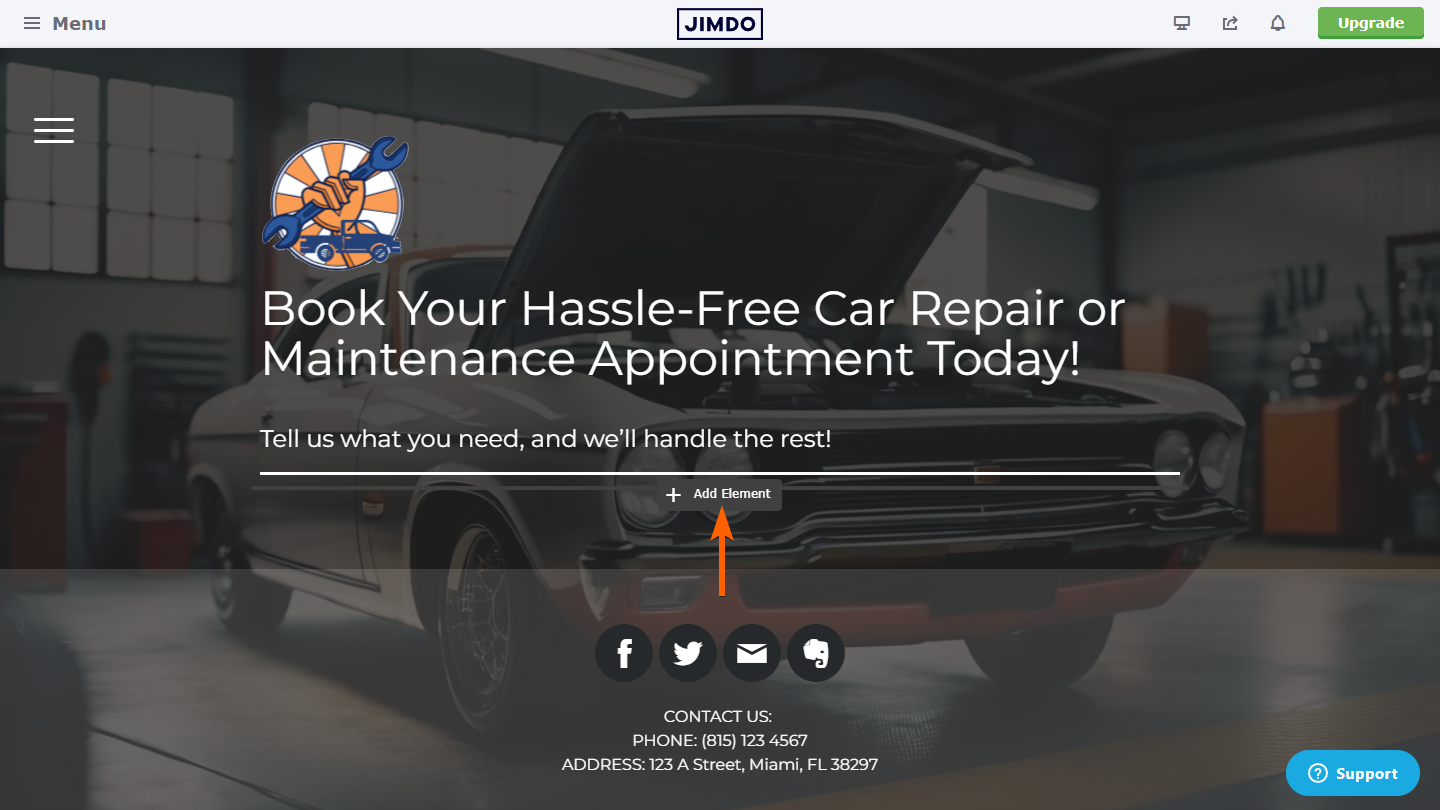
- Next, click on More Elements and Add-Ons button at the bottom of the menu.
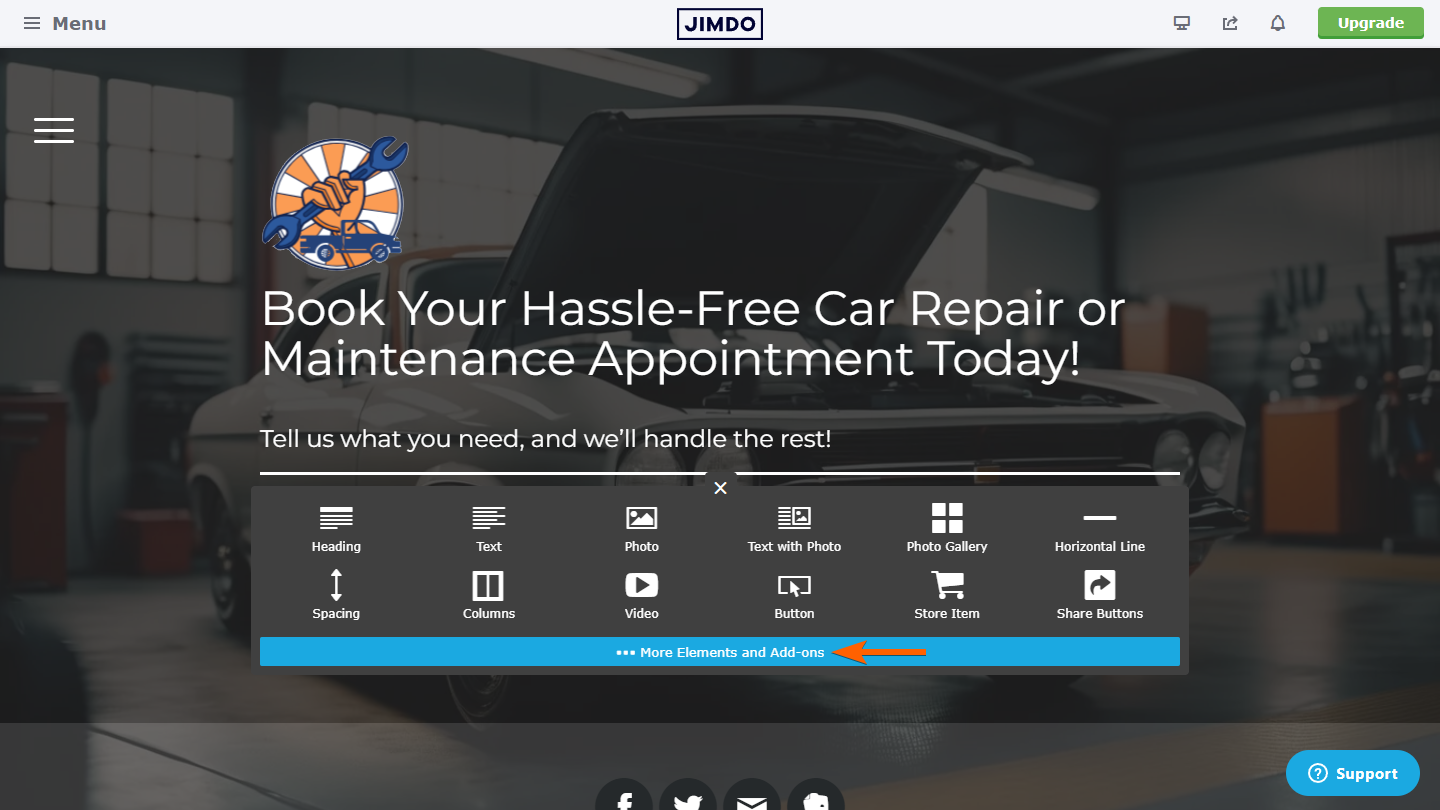
- Then, under the More Elements section, select the Widget/HTML element.
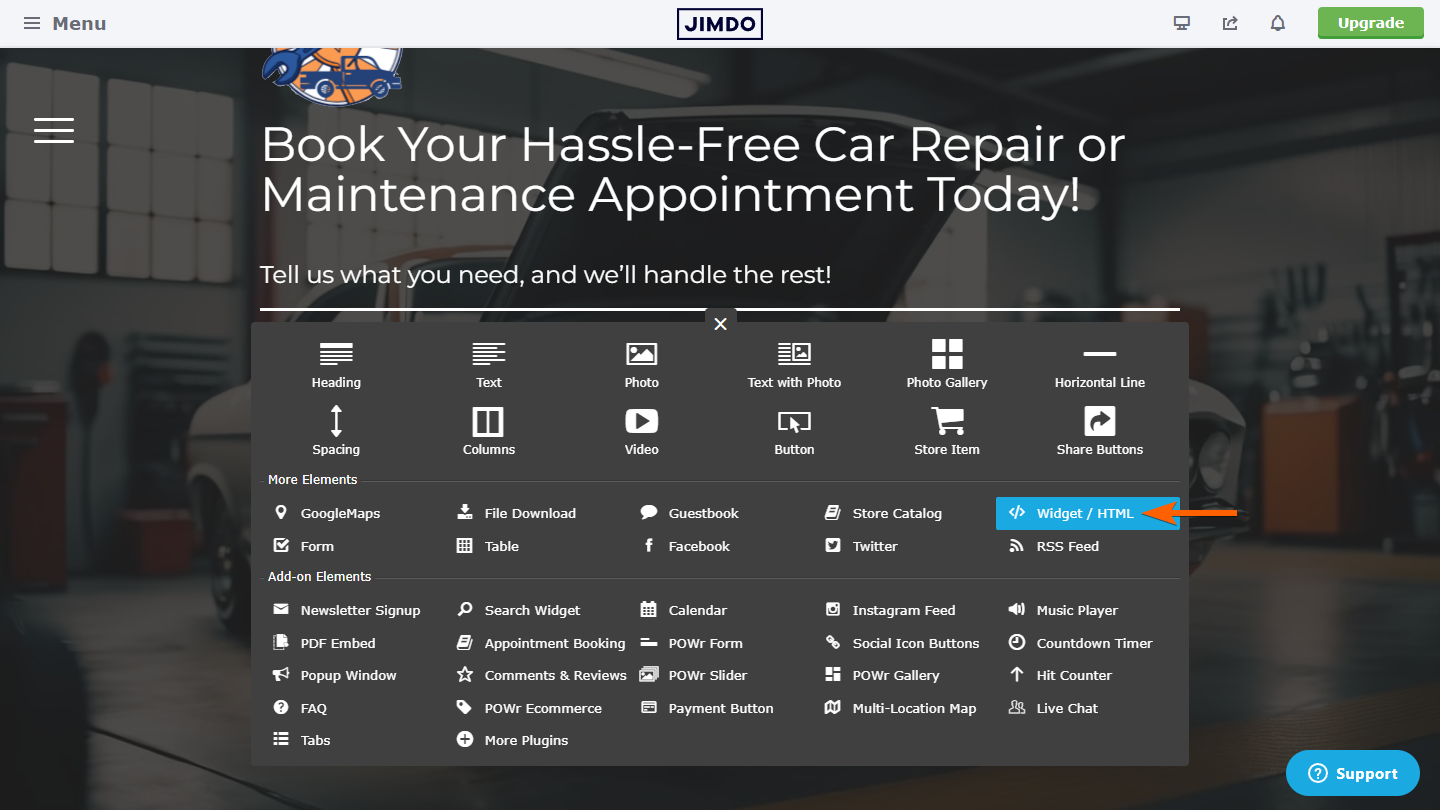
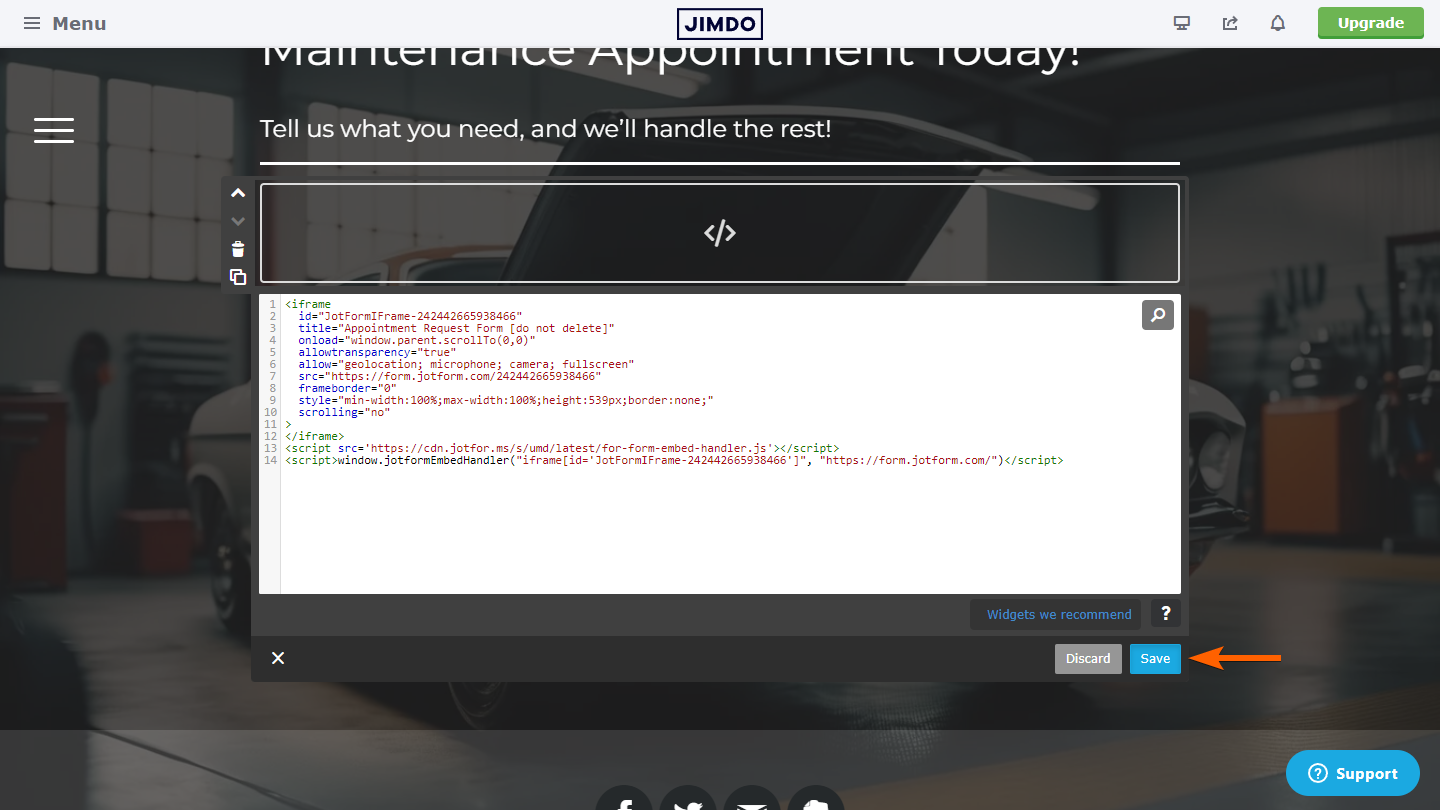
- In the source code editor, paste your form embed code.
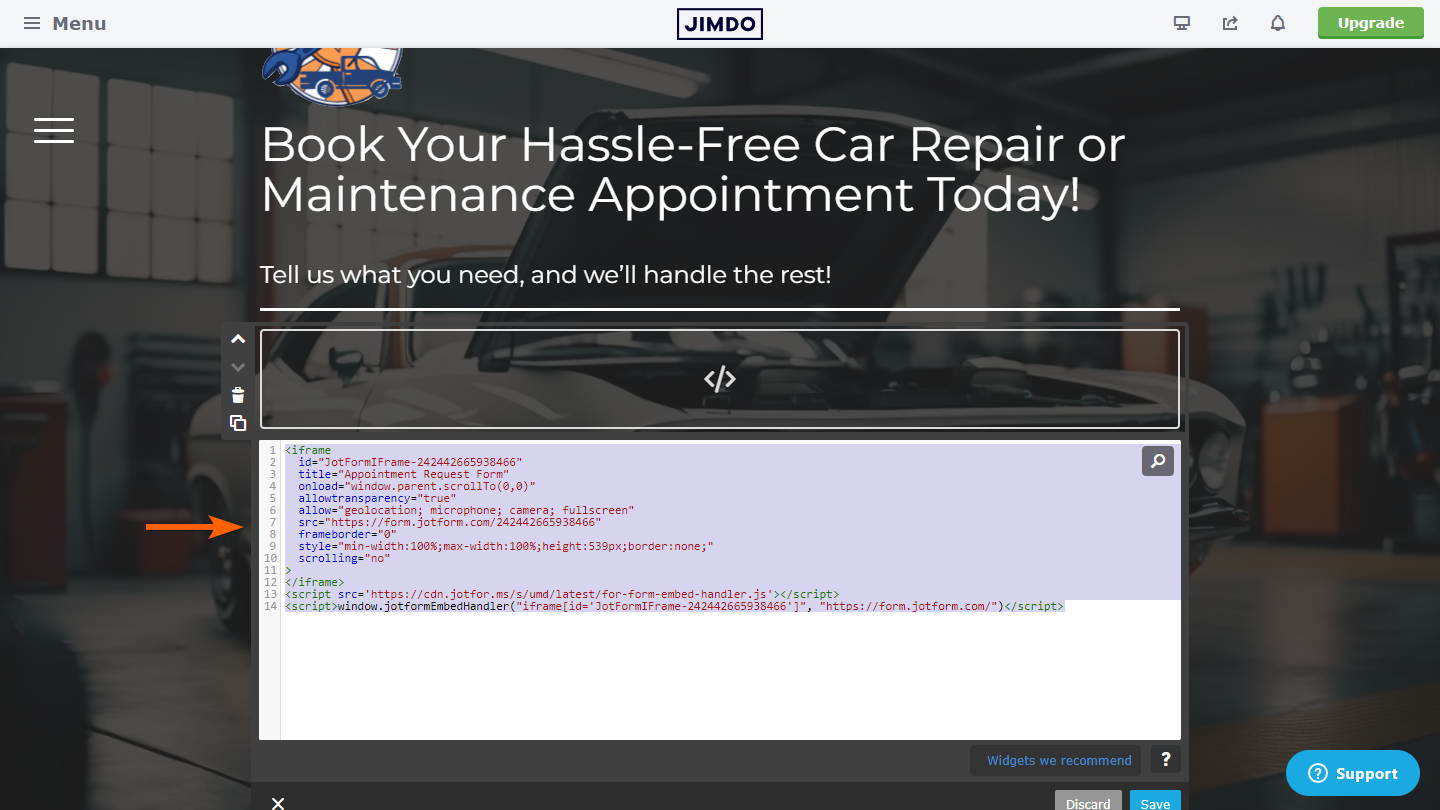
- Click on the Save button at the bottom of the element to apply the changes.
You can view our test Jimdo Creator website here.
And that’s for embedding your form on a Jimdo Creator website. Please comment below if you have any questions, suggestions, or feedback. You can also reach us by creating a support ticket.

Send Comment:
2 Comments:
November 27, 2015
I get the message "Form not found - this form is disabled" when I want to publish it on my page.. How can I fix this?
August 22, 2012
Thank you very mush. I got it done.