
Top 10 Ada alternatives
When Ada first launched 10 years ago, its homepage header promised “effortless customer support” thanks to “self-learning software.” Then, when Ada reached unicorn status in 2021, it touted its “automated customer experience software.” Today, Ada pitches enterprise-level AI customer service agents — and they’re expensive.
At a typical entry price of around $50,000 per year (according to data from Vendr), Ada is more expensive than many other enterprise conversational AI platforms and astronomically more than self-serve, no-code chatbot builders. And while users love Ada’s customer support team, keeping the platform’s AI agents online and connected to external knowledge sources requires a lot of time and technical know-how.
Hundreds of AI customer service platforms have entered the market in the past few years. It’s a buyer’s market with options ranging from low-cost, low-lift tools to premium, highly customizable solutions that take months to roll out. I couldn’t test and price every Ada alternative out there, but I was able to spend time with more than 30 of them, cataloging the pros, cons, and most interesting features to bring you this list of my 10 favorites.
Top 10 Ada competitors and alternatives in 2026
| Platform | Core focus | Integrations / CRM | Pricing | Key differentiator |
|---|---|---|---|---|
 Jotform AI Agents |
No-code AI chatbot + CRM |
Salesforce, Shopify, Zendesk, Freshdesk, and more |
Freemium + paid tiers starting at $34/month |
Native Salesforce AI sync, no coding requirement |
 eesel AI |
Niche CRM and knowledge base integrations |
Front, Help Scout, ServiceNow, Zoho Desk, and more |
Starting at $239/month |
Constant retraining for certain training sources |
 Zendesk AI Agents |
Support teams working across multiple brands |
Asana, Salesforce, Pipedrive, Zapier, and more |
Starting at $55/month |
Ability to manage agents across multiple brands |
 Botpress |
Technical teams with significant development resources |
Monday, Intercom, HubSpot, Freshchat, and more |
Pay-as-you-go plan or paid tiers starting at $79/month |
Open-source and self-hostable AI chatbots |
 Fin |
Fast-growing support teams with seasonal spikes |
Shopify, Salesforce, Stripe, Zendesk, and more |
$0.99/resolution (50/month minimum) |
Teamwide CX score for high-level monitoring |
 Tidio |
AI chatbots with real-time e-commerce order data |
HubSpot, Pipedrive, Salesforce, Zoho CRM, and more |
Freemium + paid tiers starting at $32.50/month |
Chatbot triggers and actions based on user behaviors |
 Chatbase |
Fine-tuning your agents’ tones and styles |
API, Zapier, and Make |
Freemium + paid tiers starting at $32/month |
Ability to compare, test, and deploy dozens for LLM models |
 Agentforce |
Support teams that prioritize AI safety and security above all else |
Most integrations are only possible via API |
Free plan or paid plans based on either a flex credit or pay-per-conversation model |
Agents that will ignore users who spam or manipulate conversations |
 Gorgias |
Understanding and rating your agent’s reasoning |
Shopify, BigCommerce, WooCommerce, Magento, and more |
Base app subscription starting at $10/month + AI Agent credits starting at $0.90 per interaction |
Detailed feedback and post-response training options |
 Yuma.ai |
Support, sales, and social AI in a single platform |
Front, Shopify, Zendesk, WooCommerce, and more |
Requires a sales call |
Graduated rollouts and strict guardrails |
1. Jotform AI Agents
Jotform AI Agents prioritize quick, easy deployments across a number of customer support channels. Teams can build and train voice, SMS, email, and live chat agents using files, URLs, support platforms, and customer relationship management (CRM) systems like Salesforce. With Jotform’s library of 7,000-plus ready-made agent templates and no-code training, smaller teams and startups can automate support, sales, and HR workflows without being held up by engineering bottlenecks — that’s a sharp contrast to Ada’s complex, enterprise-oriented implementation processes.
The Jotform Salesforce Agent is probably the fastest route to an enterprise-ready Ada competitor. Simply open an agent in your Jotform account via the AI Agent Builder tool and connect it to Salesforce from the Publish tab. That will give your agent permission-based access to your Salesforce data, allowing it to automatically capture and route new leads, create and update cases, answer support requests based on information in your CRM, and whatever else you need it to do. These AI agents can be shared directly via Salesforce Experience Cloud and set up to handle everything an Ada chatbot would do, for just one-hundredth of Ada’s cost.
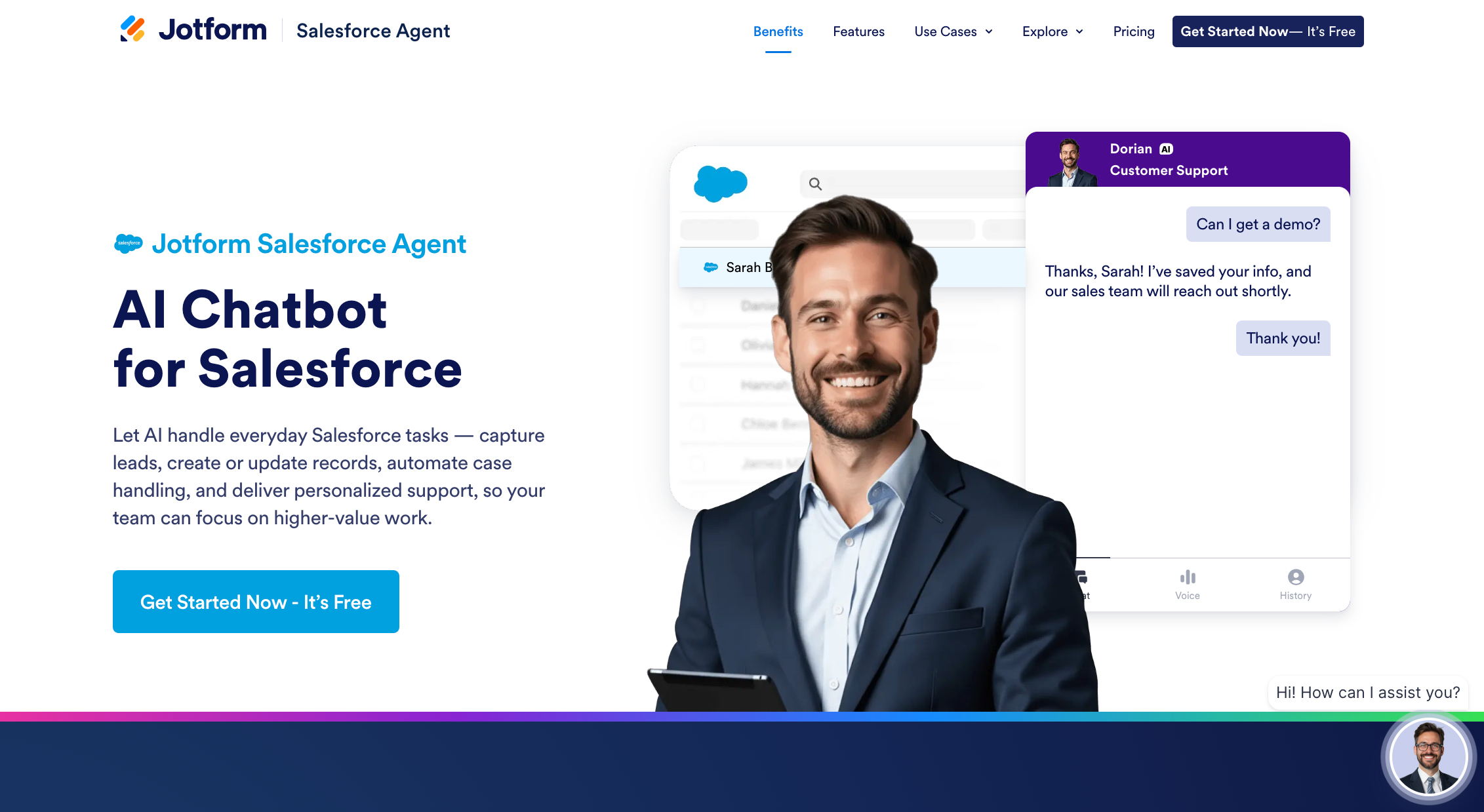
Whether you use the Salesforce Agent template or build something from scratch, you have the option to embed your agents into websites, emails, apps, and messaging channels or even as chatbots within Shopify stores. It’s integrations like these — accessible and legible without any technical background — that make Jotform AI Agents one of the best Ada alternatives.
- Best for: Connecting chatbots and AI agents directly to external knowledge bases
- Key features
- Native Salesforce integration
- Seamless support from Jotform Tables, Workflows, and Forms
- 7,000+ agent templates
- Pros
- Zero technical knowledge needed
- Access to all features included with the free plan
- Plans/Pricing
- A Starter plan (free) includes up to five agents, which can be given up to 10 million characters of training data and handle as many as 100 monthly conversations.
- The Bronze plan ($34 per month, billed annually) increases limits up to 25 agents and a 20-million knowledge base character limit across a total of 1,000 monthly conversations.
- A Silver plan ($39 per month) goes even further with up to 50 agents, 50 million characters worth of training context, and 2,500 monthly pooled agent conversations.
- On the Gold plan ($99 per month), you get 100 agents, 100 million characters for training data, and 10,000 total monthly conversations.
- An Enterprise plan (custom quote) can unlock unlimited agents, training, and conversations.
- Nonprofits and educational institutions can enquire about discounts of up to 50 percent.
2. eesel AI
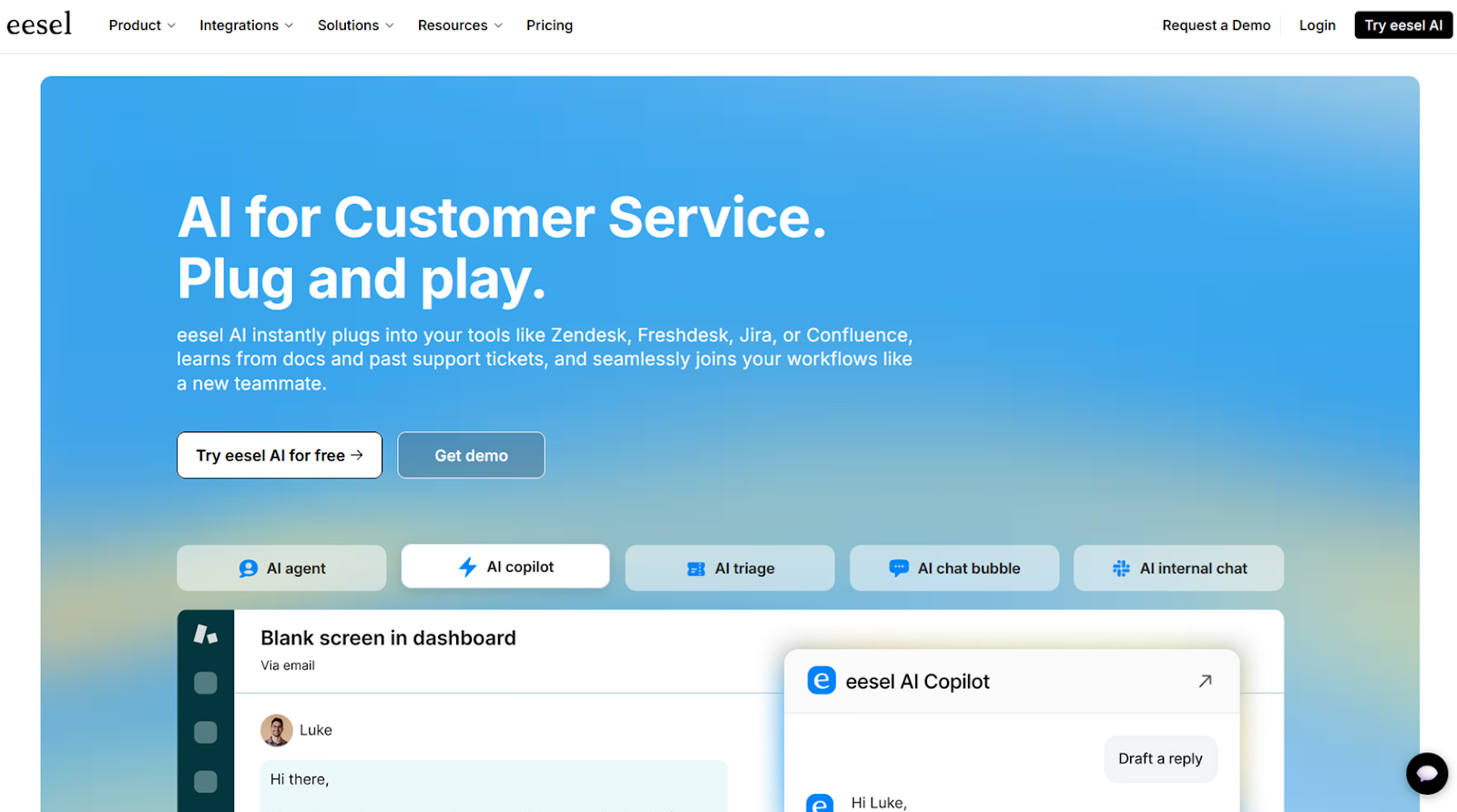
I really enjoyed the user interface (UI) and overall user experience (UX) of eesel AI during my testing, but that by itself wasn’t enough to earn a spot on this list. I chose eesel as one of my top picks because it offers native integrations, unlike most other AI chatbot builders that only allow integrations through intermediaries like Zapier or Make. With eesel, you can connect bots to Front, Help Scout, ServiceNow, Zoho Desk, Gorgias, Notion, and dozens of other tools, most of which come with suggested actions and use cases.
- Best for: Niche CRM and knowledge base integrations
- Key features
- Constant retraining on synced Google Drive, Confluence, and URLs
- AI triage for incoming tickets
- Customer links to a standalone chatbot page
- Pros
- Incredibly long list of integrations
- Easy setup for AI actions in external platform
- Cons
- Limited chatbot deployment options
- Plans/Pricing
- The Team plan ($239 per month, billed annually) includes up to three chatbots, 1,000 monthly interactions (responses to any query), all standard integrations, and an AI copilot inside your help desk.
- The Business plan ($639 per month) gives you unlimited bots, up to 3,000 AI responses per month, constant retraining on Google Drive, training on up to 3,000 past tickets, AI triaging, and advanced reporting and knowledge base gaps.
- Custom plans require a sales call but offer unlimited conversations and training on past tickets, API access, and custom AI actions.
- All plans come with a 7-day free trial.
3. Zendesk AI Agents
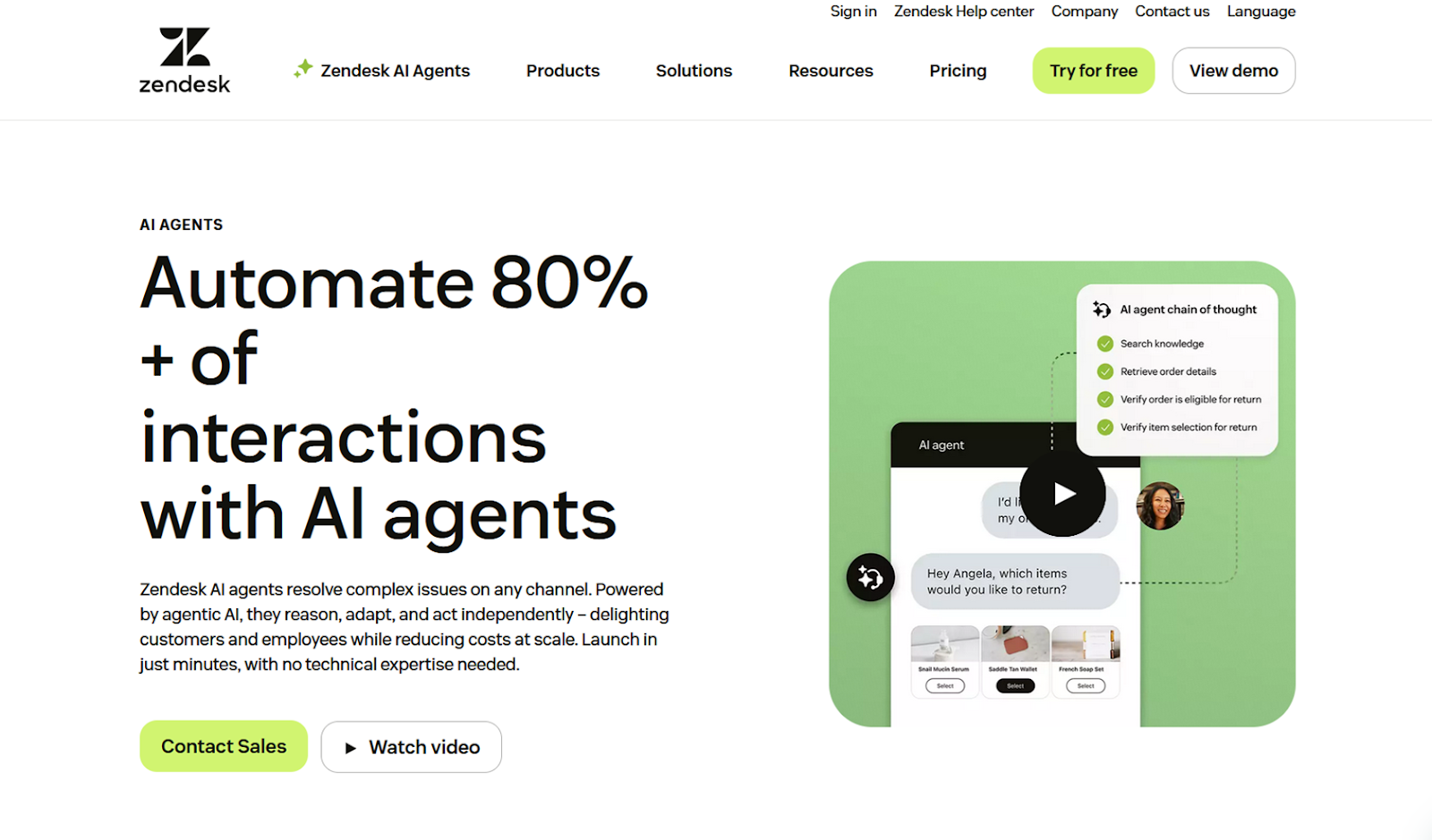
Zendesk AI Agents offer a good mixture of the scale that’s only possible with enterprise software and the approachability of smaller, scrappier software. Assuming you already have a year or more of tickets in Zendesk’s support platform, there isn’t much you’ll need to configure. But if you want to, you can dig into fine-tuning confidence thresholds to recognize intent, add reply delays (for email agents), and edit dialog for specific triggers.
- Best for: Support teams working across multiple brands
- Key features
- Ability to manage agents representing multiple brands from a single account
- Multilingual response — AI agents automatically respond in the same language as the messages they receive
- Deployment of agents to Facebook, Instagram, X, WhatsApp, WeChat, and more
- Pros
- Quick setup for teams already working in Zendesk
- Hybrid agent responses for inserting word-for-word replies
- Cons
- While cheaper than Ada, complicated pricing structure
- Plans/Pricing
- The AI Agents (Essential) feature is included on Team, Professional, and Enterprise plans.
- On the Team plan ($55 per month, billed annually), AI Agents (Essential) provides up to five automated resolutions per agent per month.
- On the Professional plan ($115 per month), you get 10 automated resolutions monthly.
- On the Enterprise plan ($169 per month), the limit is 15 monthly automated resolutions.
- There is also an option to pay $1.50 per additional automated resolution on any plan including AI Agents (Essential).
- The AI Agents (Advanced) feature is a paid add-on that requires a sales call, opening up options for hybrid workflows that combine generative and scripted responses, API calls, and advanced analytics.
- The AI Agents (Essential) feature is included on Team, Professional, and Enterprise plans.
4. Botpress
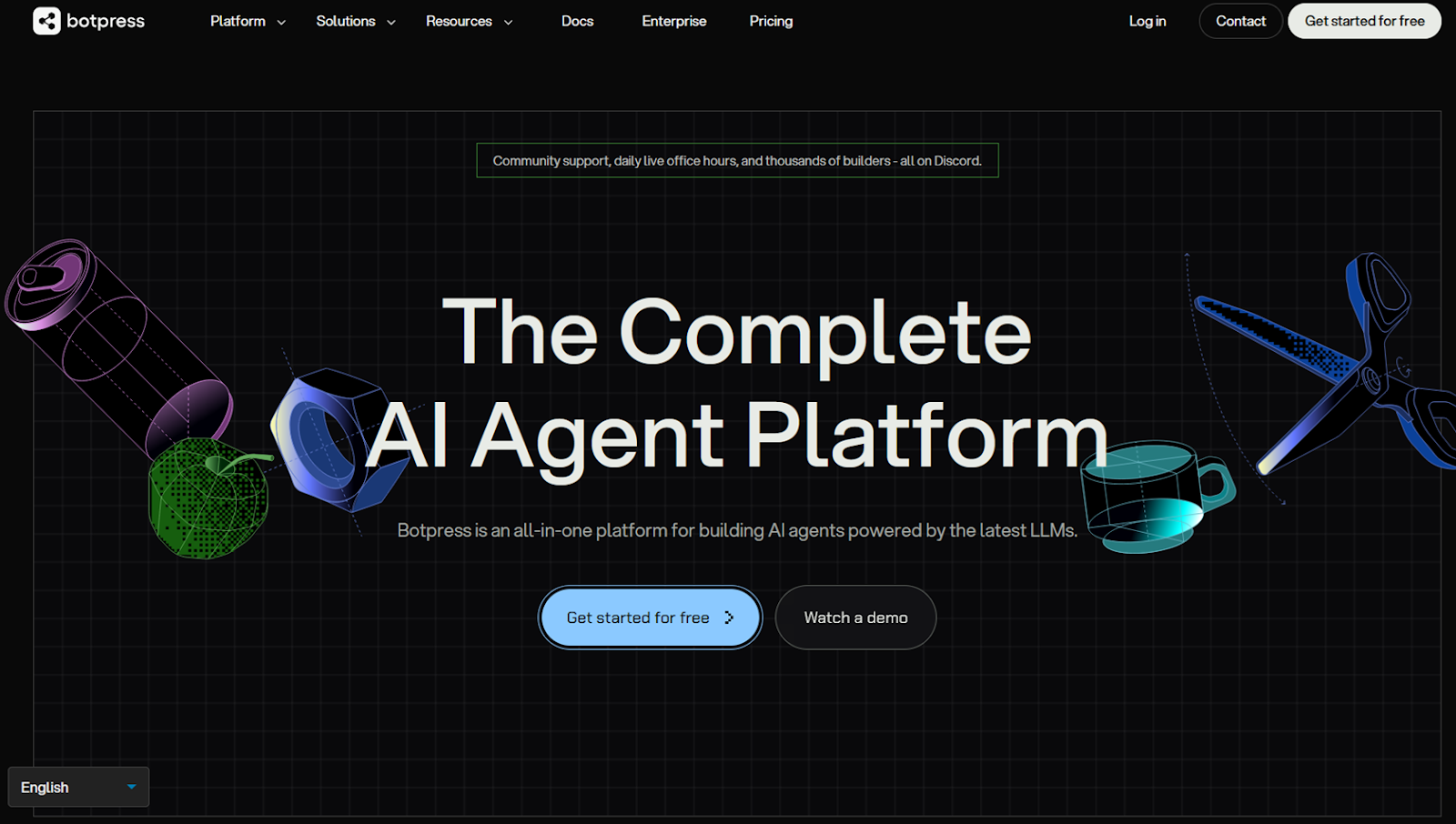
As long as you can muster the development resources it requires, Botpress gives you an open-source, self-hostable platform for building AI agents powered by RAG, or retrieval-augmented generation. In addition to its drag-and-drop workflow builder, it also offers a traditional coding environment to tweak and test multistep interactions based on conversation data that persists across sessions. Best of all, Botpress works with most APIs, meaning you can integrate it with almost anything.
- Best for: Technical teams with significant development resources
- Key features
- Long list of large language models (LLMs) to power your chatbots
- Open-source and API-friendly
- Memory that persists across user sessions
- Pros
- Far more customizable than most AI chatbot builders
- Higher ceiling for privacy and security guarantees
- Cons
- Long rollout periods and significant maintenance
- Plans/Pricing
- The Pay-as-you-go plan (free plus AI Spend) comes with one bot, 500 bot activations, 100 MB of training data, and 100 MB of file storage for sending and receiving images, audio, and video. You can pay to increase any of these limits based on your needs AI Spend is based on your bot’s use of LLMs.
- The Plus plan ($79 per month, billed annually, plus AI Spend) offers two bots, 5,000 bot activations, 1 GB worth of training data, and 10 GB of file storage for sending and receiving images, audio, and video. Human handoffs, custom branding, and conversation insights are also included.
- The Team plan ($445 per month plus AI Spend) will get you three bots, 50,000 bot activations, 2 GB of training data, and 10 GB of file storage for sending and receiving images, audio, and video. It also offers custom analytics, real-time collaboration, and advanced support.
- The Managed plan ($995 per month plus AI Spend) lets you hand off custom development, ongoing maintenance, and backend integration to the Botpress team.
- The Enterprise plan (custom quote) throws in white-glove onboarding, custom limits, and a dedicated support manager.
5. Fin
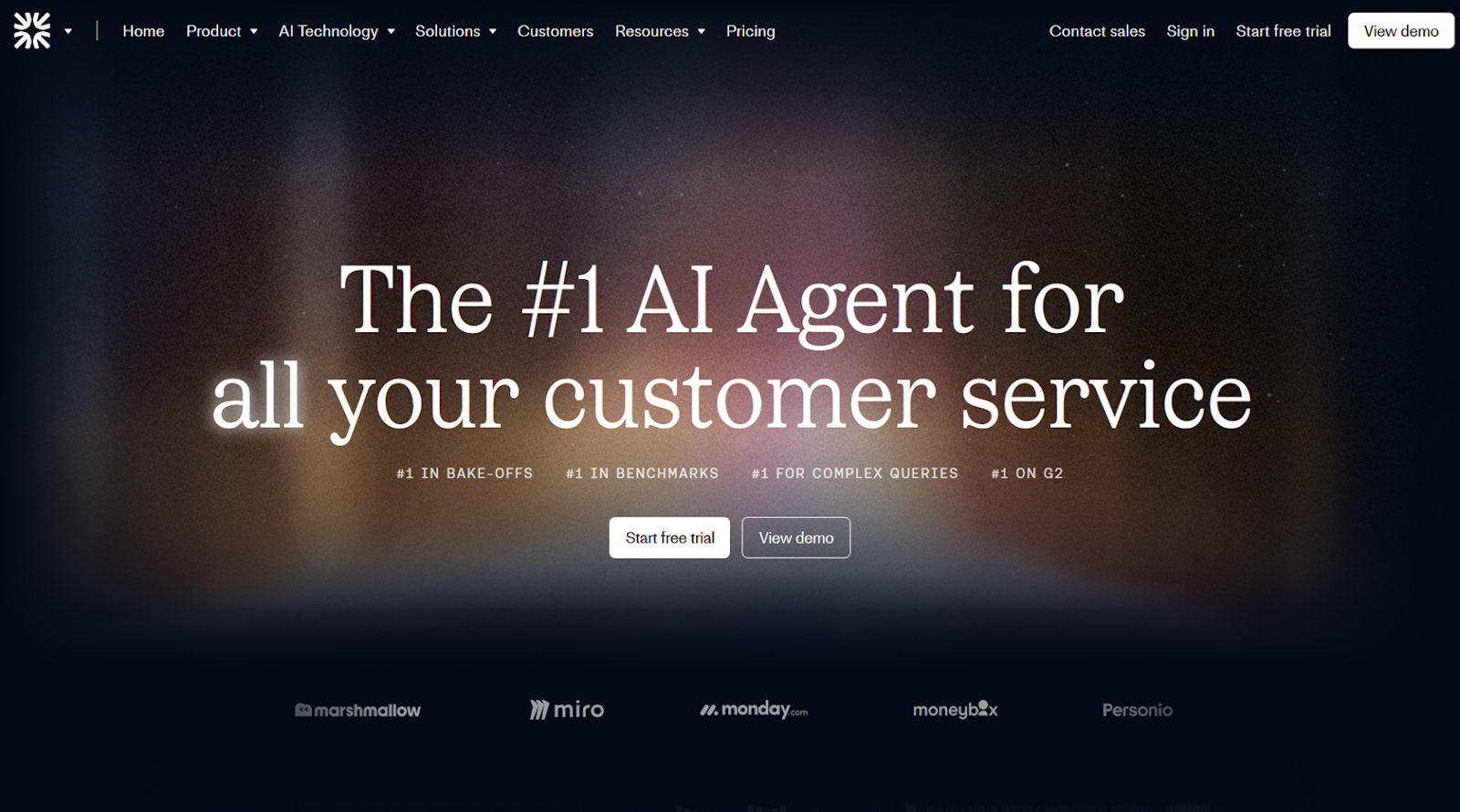
I’ve tested Fin a few times and it always feels like it’s playing a different game than other conversational AI platforms. You can access Fin’s entire suite of features for as little as $50 a month and scale up linearly, paying per resolution without worrying about seat- or feature-based pricing — all the way up to 250,000+ tickets per month, with a promised $1 million payout if less than 65 percent of your tickets can be resolved by Fin’s AI. What I like most, though, is wherever you are on that journey, the platform’s AI is constantly helping you assess and improve your chatbot’s performance.
- Best for: Fast-growing support teams with seasonal spikes
- Key features
- Ability to grant or block Fin’s access to specific fields within customer records
- Single, high-level metric tracking with CX Score tool
- AI suggestions and one-click options for optimizing your dashboard
- Pros
- Built for iterative and AI-assisted improvement
- Guaranteed 65 percent resolution rate for high-volume deployments
- Cons
- Fewer integrations than other chatbot bulders
- Plans/Pricing
- Fin charges $0.99 every time a customer confirms that AI resolved their issue or leaves the conversation without requesting additional help. Every subscription requires a minimum of 50 resolutions per month.
6. Tidio
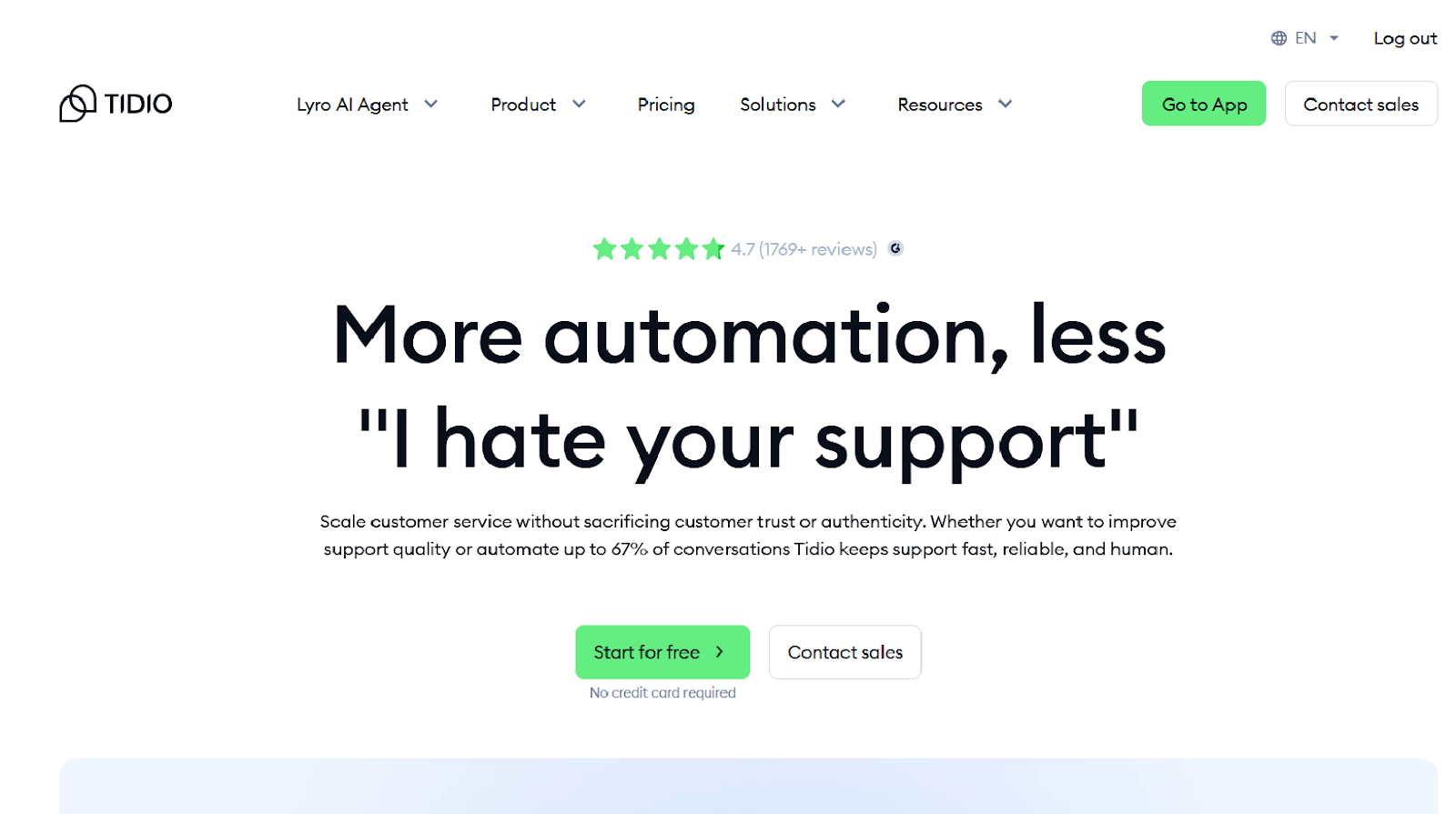
Tidio is far from the only tool I tested that works well with e-commerce stores. But it was definitely one of the easiest to set up, thanks to its straightforward integrations structure and useful chatbot templates like the cross-selling Cart Booster and loyalty-inducing Post-Purchase Discount. Tidio also had one of my favorite workflow builders for configuring chatbot behavior based on user attributes and triggers.
- Best for: AI chatbots with real-time e-commerce order data
- Key features
- Behavior-based chatbot triggers and actions
- Better-than-average human handoff settings
- Excellent reporting and analytics tools
- Pros
- Simple and straightforward setup and maintenance
- Lots of e-commerce specific settings and integrations
- Cons
- Limited training and knowledge base options
- Plans/Pricing
- The Tidio customer service platform comes with limited built-in access to its Lyro AI Agent. For full access or the ability to add Lyro to other customer service apps, there are four standalone plans:
- The Free plan can route up to 50 conversations through AI, perform a single action, and train on Zendesk articles, URLs, and file uploads.
- The Core plan ($32.50 per month, billed annually) bumps the actions ceiling up to three and adds in the AI product recommendation feature.
- The Plus plan ($749 per month) includes 300+ AI conversations, up to 10 actions, the ability to rename and rebrand Lyro and add the bot to another help desk platform, real-time knowledge base syncing, and AI summaries of customer feedback.
- A Premium plan (custom quote) is based on negotiated conversation limits and guarantees a 50 percent AI resolution rate, plus deployment and maintenance handled by the Tidio team.
- The Tidio customer service platform comes with limited built-in access to its Lyro AI Agent. For full access or the ability to add Lyro to other customer service apps, there are four standalone plans:
7. Chatbase
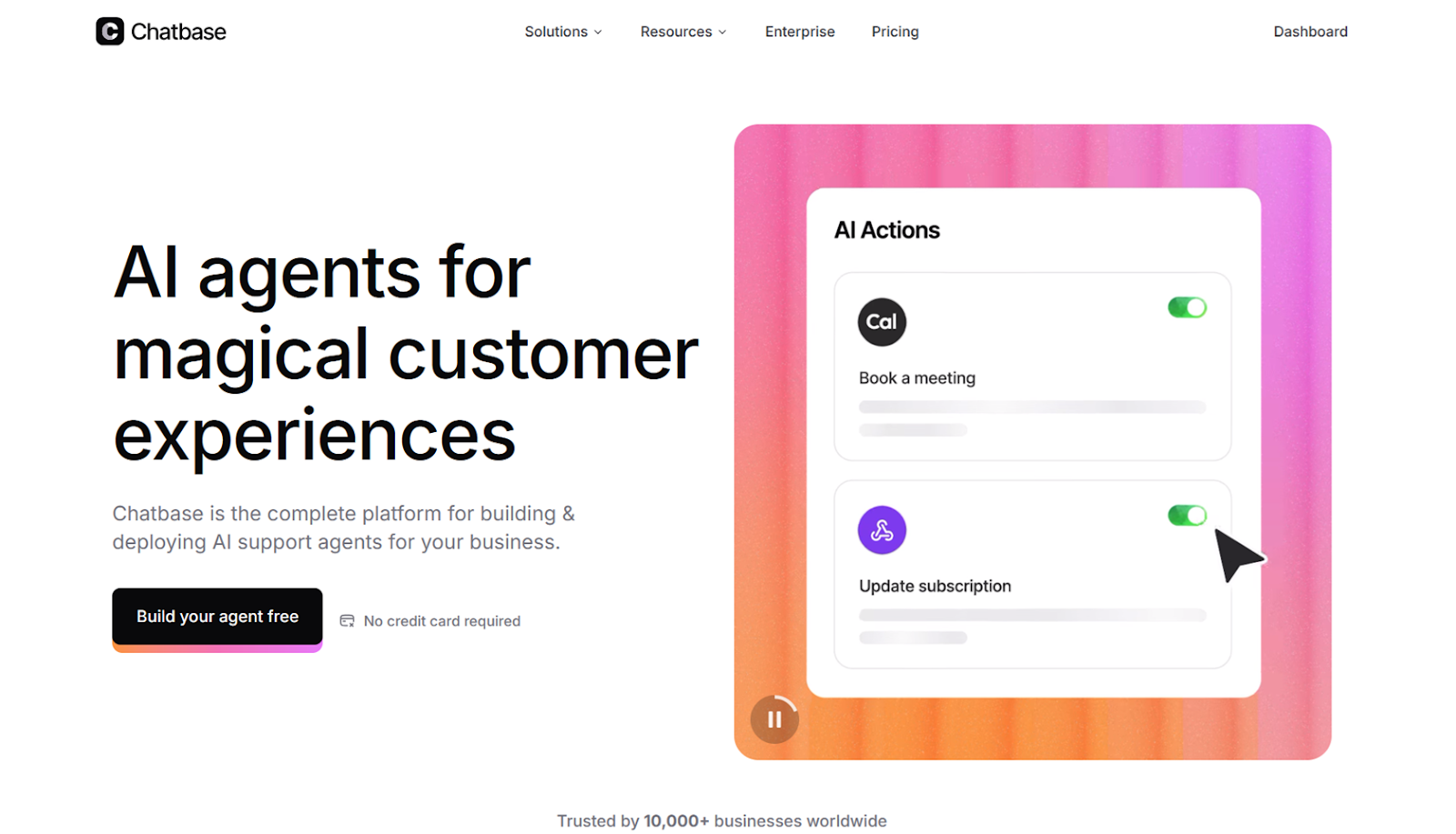
Chatbase does a wonderful job of giving you visibility into how your agents work and what they’re saying in conversations with customers. It’s one of the few platforms I’ve tested that lets you pick not just the LLM provider but also a specific model from that provider. Each model will sound different, and using the Playground tab, you can compare the speed, quality, and credit cost of two different models’ responses in tandem. After making a decision and setting your agent to work, you can monitor how users respond to it from the Analytics and Activity tabs to see exactly how everything plays out.
- Best for: Fine-tuning the tone and style of your AI agents
- Key features
- Ability to test different LLMs’ responses side by side
- Helpful sentiment analysis and reporting
- Searchable chat logs of all interactions
- Pros
- One of the best dollar-to-value AI chatbot platforms
- Quite a bit of tone and style flexibility
- Cons
- All plans are limited to a single agent
- Plans/Pricing
- The Free plan lets you create one agent, trained on up to 400 KB of extracted text using one of the “limited” LLMs, with up to 50 agent response credits per month.
- On the Hobby plan ($32 per month, billed annually), agent credits increase to 1,500, training goes up to 20 MB of extracted text per agent, and AI actions are limited to five. It also includes API access and all premium LLMs and integrations.
- The Standard plan ($120 per month) gets you 10,000 agent credits, 10 AI actions, 40 MB of training data per agent, and automatic retraining.
- With the Pro plan ($400 per month), your get 40,000 message credits, 15 AI actions per agent, advanced analytics, and the option to train on Zendesk or Salesforce tickets.
- If you jump on a sales call, you can create an Enterprise plan with custom limits, priority support, chatbot service-level agreements (SLAs), and single sign-on (SSO) features.
8. Agentforce
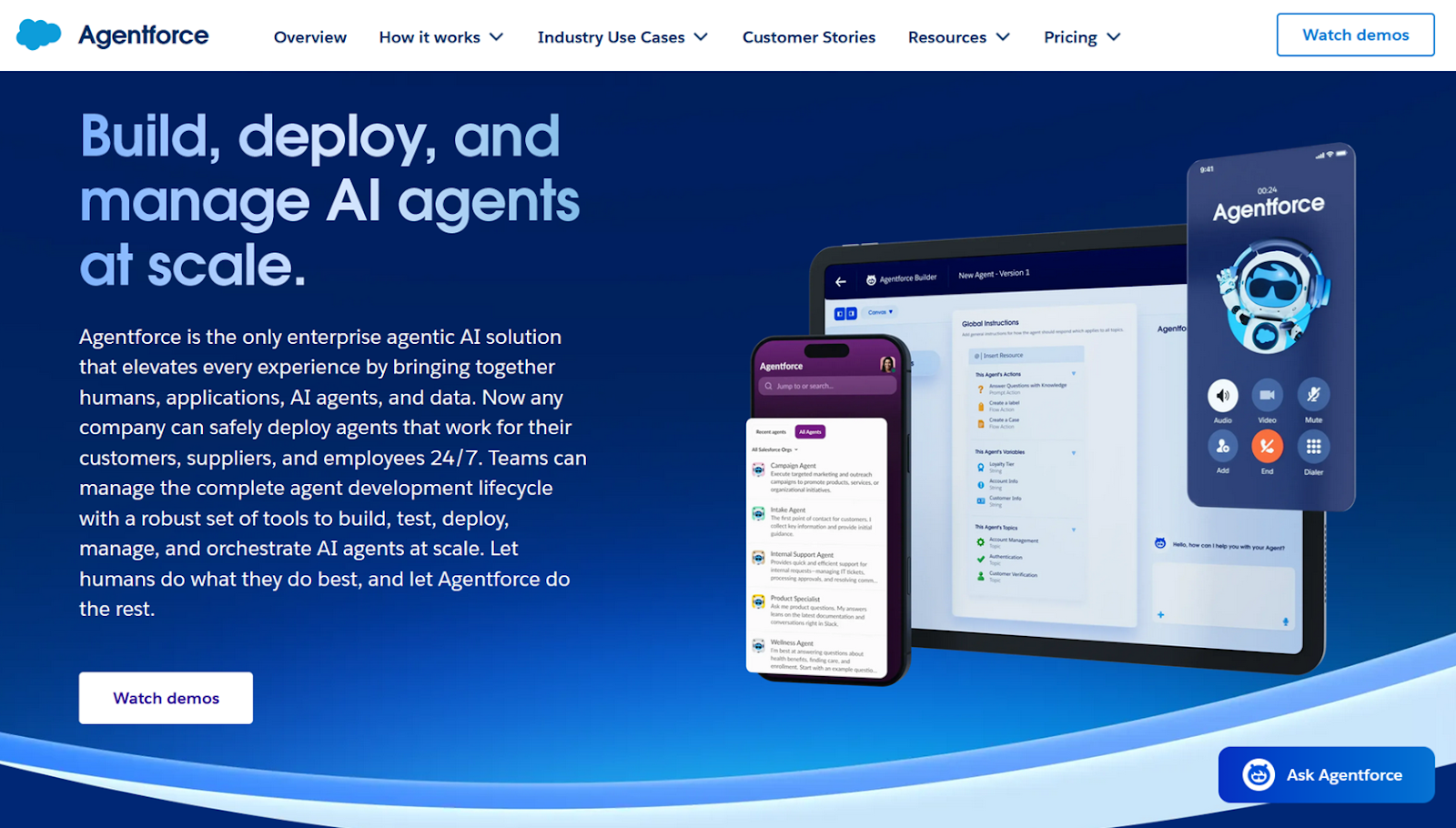
Agentforce works inside of an existing Salesforce CRM, updating the database the same way an employee would. It had the strongest and most customizable no-code security and safety settings I saw in my tests, making it a superb option for support teams in finance or healthcare organizations. Jotform Salesforce Agent will get you 90 percent of the way there for less than a tenth of the cost, but if that last 10 percent is nonnegotiable, Agentforce is an excellent choice.
- Best for: Support teams that prioritize AI safety and security above all else
- Key features
- Agents that can create, retrieve, and update Salesforce records
- Some of the best safety and security settings of any platform
- Ability to recognize toxic or harmful conversations and end them
- Pros
- No need to connect Salesforce CRM to an external tool
- Options for no-code and code agent creation
- Cons
- Granular settings and permissions required to get started
- Plans/Pricing
- You can start using Agentforce for free for any use case, and there are two ways to forecast and pay for the platform.
- The Salesforce Foundations plan is free and includes access to an agent builder, a prompt builder, 200,000 Flex Credits, and 250,000 Data Cloud credits.
- The Flex Credits plan costs $500 per 100,000 Flex Credits. Agents consume around 20 credits for each action, whether it’s sending a response or updating a case, so $500 equals roughly 5,000 actions or 625 user conversations, assuming an average conversation of six responses and two actions. This plan includes customer-facing agents, employee-facing agents, Agentforce Voice, digital wallet, and buying model flexibility.
- With the Conversations plan, you pay a flat $2 fee per conversation. This plan includes customer-facing agents, digital wallet, and a pre-purchase buying model.
- You can start using Agentforce for free for any use case, and there are two ways to forecast and pay for the platform.
9. Gorgias
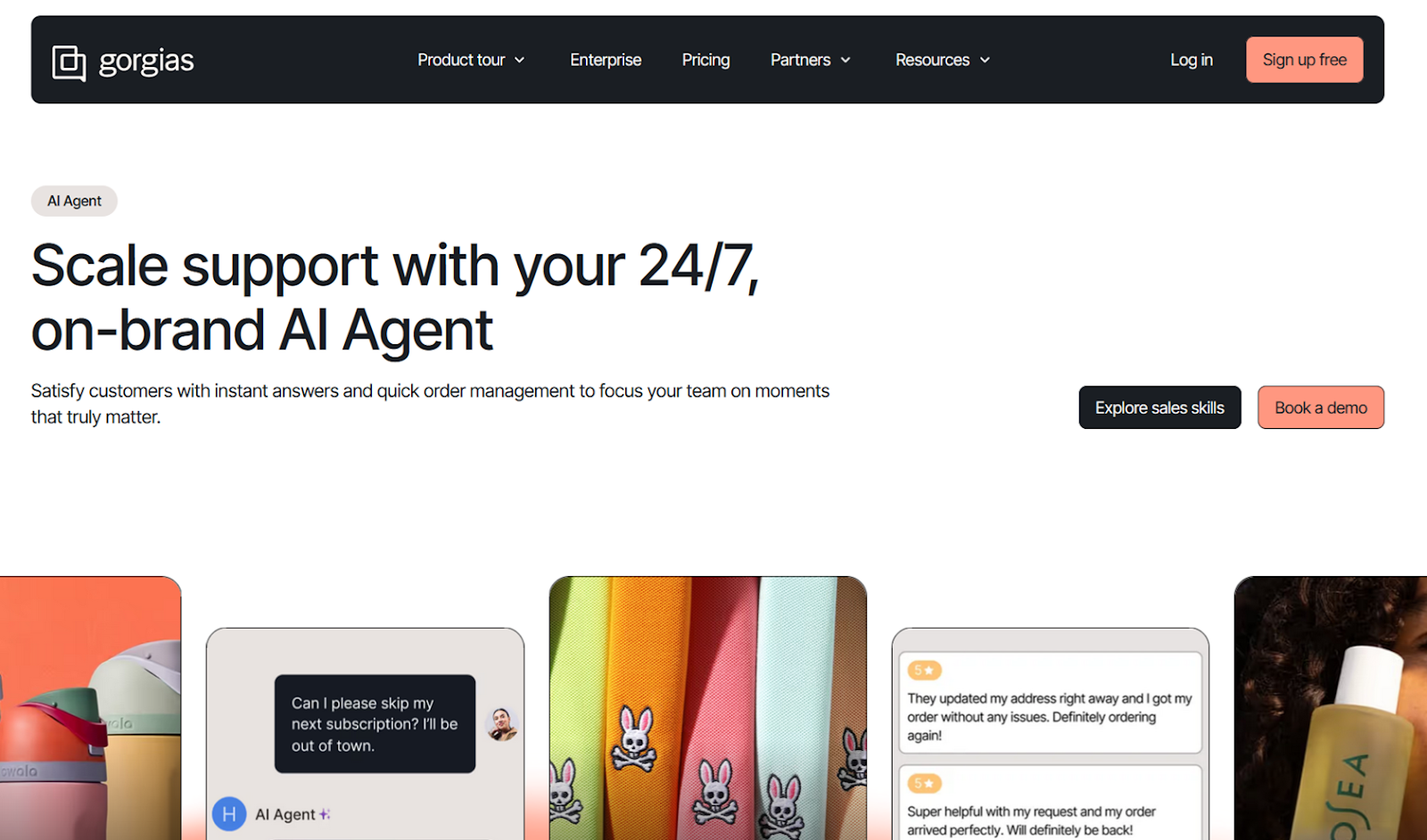
Gorgias started as a Chrome extension more than 10 years ago. Since then, it has steadily grown in size and complexity, including the release of its AI Agent in 2025. And while I felt it was a little hard to find the most interesting features, they are definitely there. My favorite was the AI Feedback tab attached to any ticket handled by an AI Agent. Just click on the Show reasoning button for more information, or you can rate the response, provide plain language feedback, and offer a thumbs-up or thumbs-down rating for referenced sources (or point to relevant sources that were missing). It was, if anything, more cathartic than most AI feedback options.
- Best for: Understanding and rating your agent’s reasoning
- Key features
- Ticket-level AI coaching to get to the root of mistakes
- AI ticket tagging
- Agent-driven updates to Shopify records
- Pros
- Huge integrations list
- Part of a broader customer support platform
- Cons
- UI can be overwhelming at times
- Plans/Pricing
- Access to Gorgias’s AI Agent requires a paid subscription to the platform’s base app. There are five base plan tiers, ranging from $10 per month to $750 per month.
- The Starter plan (from $10 per month, billed monthly) includes 50 tickets per month, help center support, omnichannel features, and 150+ integrations.
- The Basic plan (from $50 per month, billed annually) includes all Starter plan features plus 300 tickets per month.
- The Pro plan (from $300 per month, billed annually) includes all Basic plan features plus 2,000 tickets per month.
- The Advanced plan (from $750 per month, billed annually) includes all Pro plan features plus 5,000 tickets per month.
- An Enterprise plan (custom cost)
- AI Agent is available for a separate cost of $1 per resolved conversation (or $0.90 each, when billed annually) and remains the same price across all platform tiers.
- Access to Gorgias’s AI Agent requires a paid subscription to the platform’s base app. There are five base plan tiers, ranging from $10 per month to $750 per month.
10. Yuma.ai
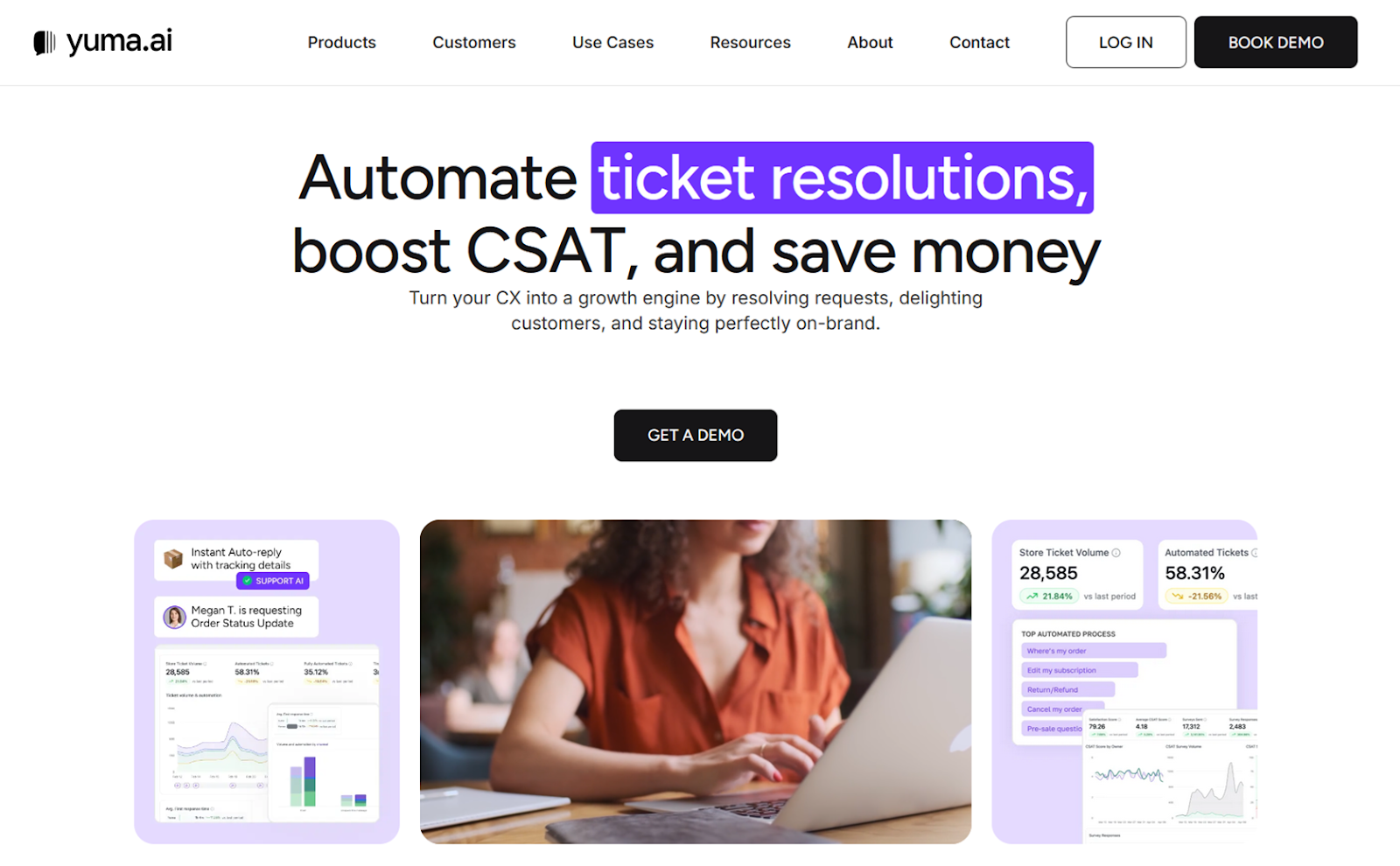
Yuma.ai wins a lot of points in my book for being realistic about how risky one-click deployments can be. I haven’t seen any other chatbot builder with graduated rollouts, where you can limit new agents to a certain percentage of responses in a given channel, region, or device cohort. The guardrails settings are similarly comforting, making sure that no hallucination or user manipulation results in unexpected losses. And even when everything is up and running smoothly, Yuma encourages you to be proactive about agent maintenance with its Automation Health flags.
- Best for: Support, sales, and social AI in a single platform
- Key features
- Graduated rollouts for new automations and agents
- Hard limits to prevent erroneous refunds, discounts, and loyalty points
- Automation Health dashboard for a nice balance of detailed and digestible
- Pros
- Bundled with sales and social AI agents
- Significant focus on boosting customer satisfaction (CSAT) scores
- Cons
- Built exclusively for e-commerce deployments
- Plans/Pricing
- Yuma recently gated all of its plan costs behind a sales call. Before the move, plans ranged from $350 to $900 per month for 500 to 1,500 automated resolutions.
How to choose your ideal Ada replacement
There are many decisions that go into choosing a conversational AI platform or support chatbot builder. In my experience, it’s rare that companies can find software that meets all of their requirements, which is why it’s so important to take stock of those needs and rank them. Typically, that list will include
- Conversation volume and type: Will AI handle low-stakes FAQs, order lookups, account updates, or complex, multistep support flows? This will have a huge impact on how much you spend and how smoothly you scale up.
- State of your knowledge base: If your documentation is fragmented and outdated or lives in hard-to-access storage, that can significantly limit which AI options are available to you.
- Technical capacity and resources: Some tools assume you have developers available to build workflows, manage APIs, and troubleshoot edge cases. Others are designed for nontechnical teams that need to ship quickly and iterate without engineering support.
- Essential integrations: CRM access, ticketing systems, e-commerce platforms, and internal databases all shape what your AI can reference and alter, so you’ll want to prioritize native integrations and workflow builders.
- Growth and complexity forecast: Solutions that work for a few hundred conversations per month may struggle under seasonal spikes or rapid expansion. Make sure to buy based on what you need today as well as two years from now.
Pro Tip
Jotform Salesforce Agent can be trained on your existing database — without any coding or custom development — and scale from 100 monthly conversations to 10,000 for under $100 per month.
The conversational AI space is evolving so quickly that new platforms pop up and old ones disappear almost overnight. But all of the options I’ve listed here have real staying power. They were relatively early adopters who have continued to build and iterate their AI tools as the models powering them have improved. Jotform, especially, has been at the forefront of data collection and transformation for more than 20 years.
Jotform: A more affordable, integratable, and maintainable Ada alternative
If you’ve been through an Ada demo or even signed up, you’re probably here because it was either too expensive, difficult to set up, or hard to connect to your existing CRM or ticketing system. Jotform AI Agents, especially the preconfigured Jotform Salesforce Agent, tackle those issues and then some.
With Jotform, anyone can build a chatbot that schedules sales calls, responds to support requests, updates e-commerce order info, or collects payments. Training and sharing it doesn’t require any technical expertise, and everything is GDPR, HIPAA, PCI DSS, and CCPA compliance-friendly with just a few required tweaks on your end.
Jotform gives you AI agents that are easy to maintain and monitor, chatbot conversations with plenty of CRM context, and an annual price tag that’s less than a quarter of Ada’s monthly subscription. And you don’t even need to schedule a demo — all of Jotform AI Agents’ features are available on the free forever plan. Sign up today to get started.
This article is for customer support managers, digital operations leads, CRM-integrated sales teams, and anyone who wants to find flexible, no-code AI chatbot alternatives to Ada that offer faster deployment, better CRM integration, and more scalable pricing.




















































































Send Comment: