



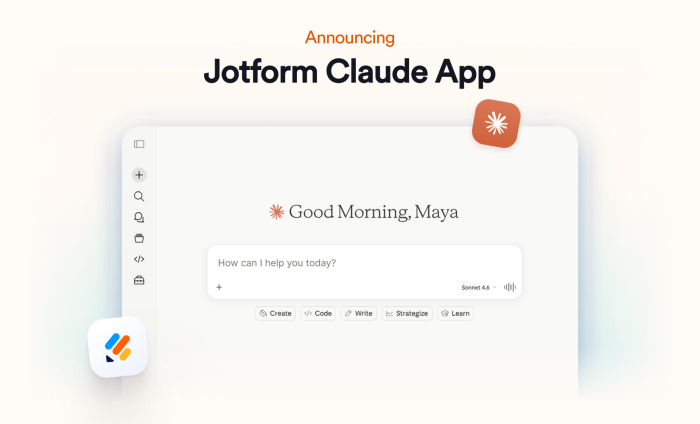
Artificial intelligence tools are evolving at an incredible pace, and Claude, developed by Anthropic, has quickly emerged as one of the most powerful AI large language models (LLMs) available today. But as powerful as Claude is on its own, its real potential is unlocked with Claude connectors: tools, plugins, and integrations that allow Claude to interact with other software.
Today, we’re unveiling the Jotform Claude App, a conversational experience that reimagines how forms are built, managed, and understood. As the first form builder to connect directly with Claude, Jotform is pioneering a new category of AI-powered form management, bringing forms, workflows, submissions, and insights directly to Claude’s nearly 20 million monthly active users.

What is the Jotform Claude App?
With the Jotform Claude App, form creation, management, and analysis all happen via chat, allowing you to move seamlessly from concept to execution without switching tools or navigating complex interfaces.
This means you can handle the entire lifecycle of a form through Claude, turning what used to be a multi-step, tedious process into a streamlined, AI-assisted experience. New users can get started immediately without a learning curve, while experienced teams can iterate faster and focus on higher-level strategy instead of manual setup.
Set up the Jotform Claude App in 2 easy steps
Getting started is easy. Just follow these steps:
- Open Claude.ai and sign in to your account. Click on + to add a connector. Then select Jotform from the options and establish a connection with an existing Jotform account.
- Once you grant the necessary permissions, Jotform and Claude will be connected. You can start creating and refining forms conversationally through prompts.
What can I do with the Jotform Claude App?
Here are five ways you can use the Jotform Claude App.
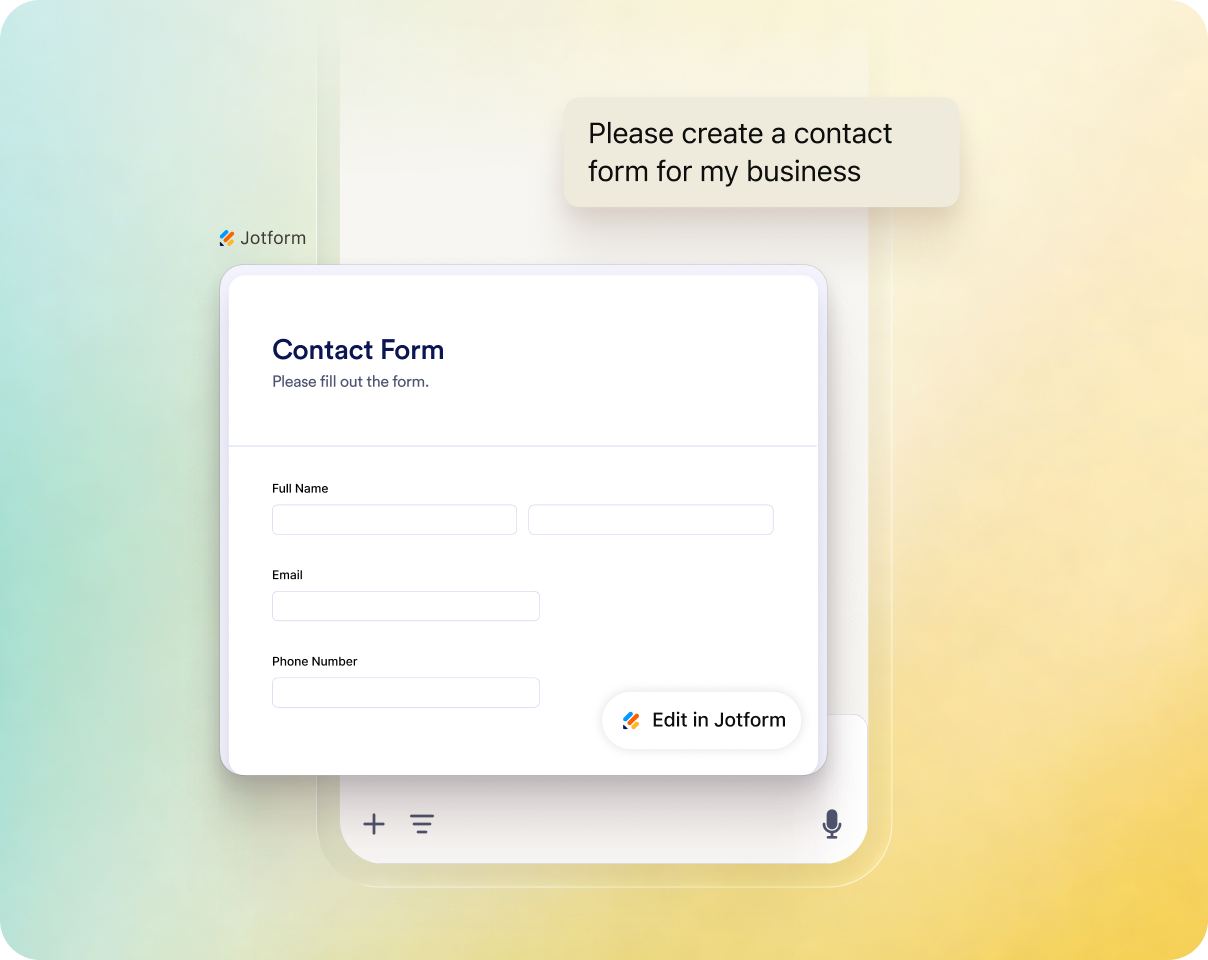
1. Create forms using natural language
Instead of building forms field by field, simply describe what you need, and Claude will generate a complete, ready-to-use Jotform form.
You can keep your prompt broad and let Claude and Jotform take the lead or make it highly detailed by specifying question types, tone, and other requirements. Whether you’re creating a customer feedback survey, an internal request form, or an event registration form, you can go from idea to execution in seconds.
2. Edit and refine forms through chat
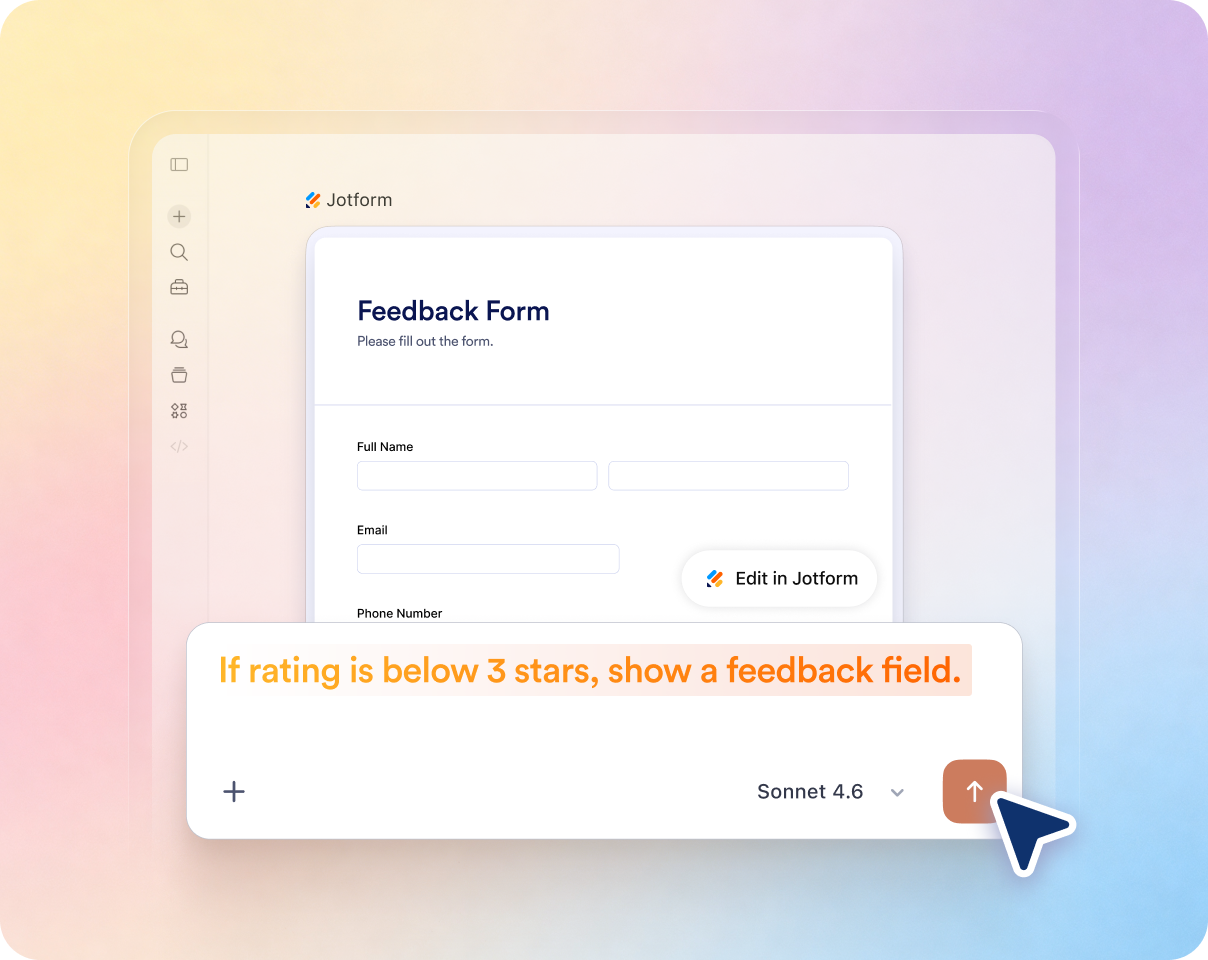
Editing forms no longer requires digging through settings or manually rebuilding advanced workflows. With the Jotform Claude App, you can adjust questions, change designs, restructure sections, rename fields, and modify workflows through natural conversation. You can refine forms quickly as your needs evolve.

3. Build advanced forms and workflows effortlessly
From conditional logic to dynamic multistep workflows, the Jotform Claude App lets you build advanced form behavior and workflows simply by describing what you need. The Jotform Claude connector handles the heavy lifting for you, turning capabilities that once required technical expertise and trial and error into a fast, intuitive experience.
Pro Tip
Claude is trained on Jotform’s form-building best practices and understands how to structure forms for higher completion rates, clearer responses, and better user experiences. It can provide recommendations and tips to help you build smarter forms, collect better data, and accomplish your goals.
4. Search and manage your forms
No more digging through forms or relying on keyword searches to find what you need. Manage your forms in one organized workspace and keep assets easily accessible as your projects grow. Simply ask Claude to find specific forms, surface recently used assets, or filter forms by purpose.
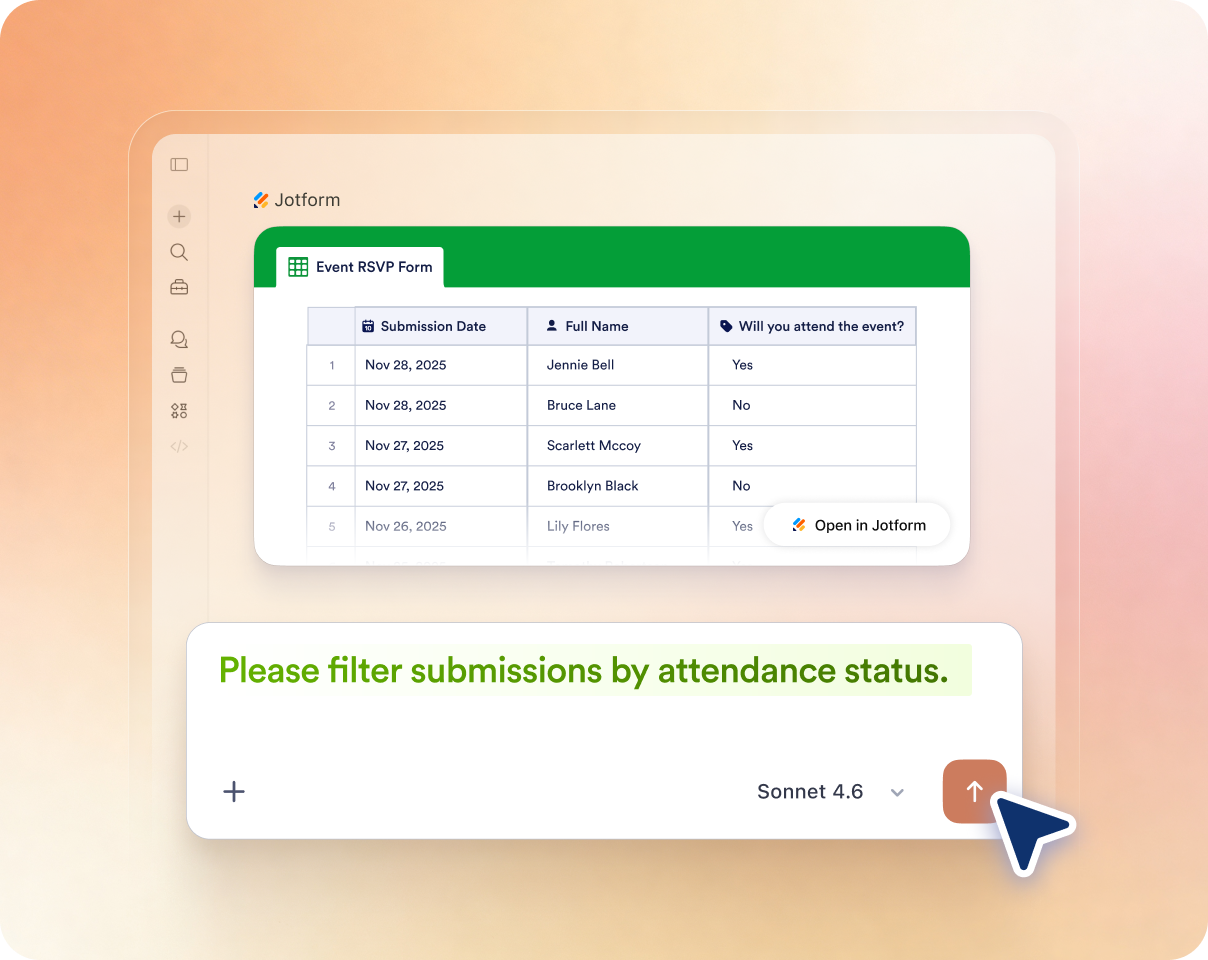
5. Analyze responses and uncover insights
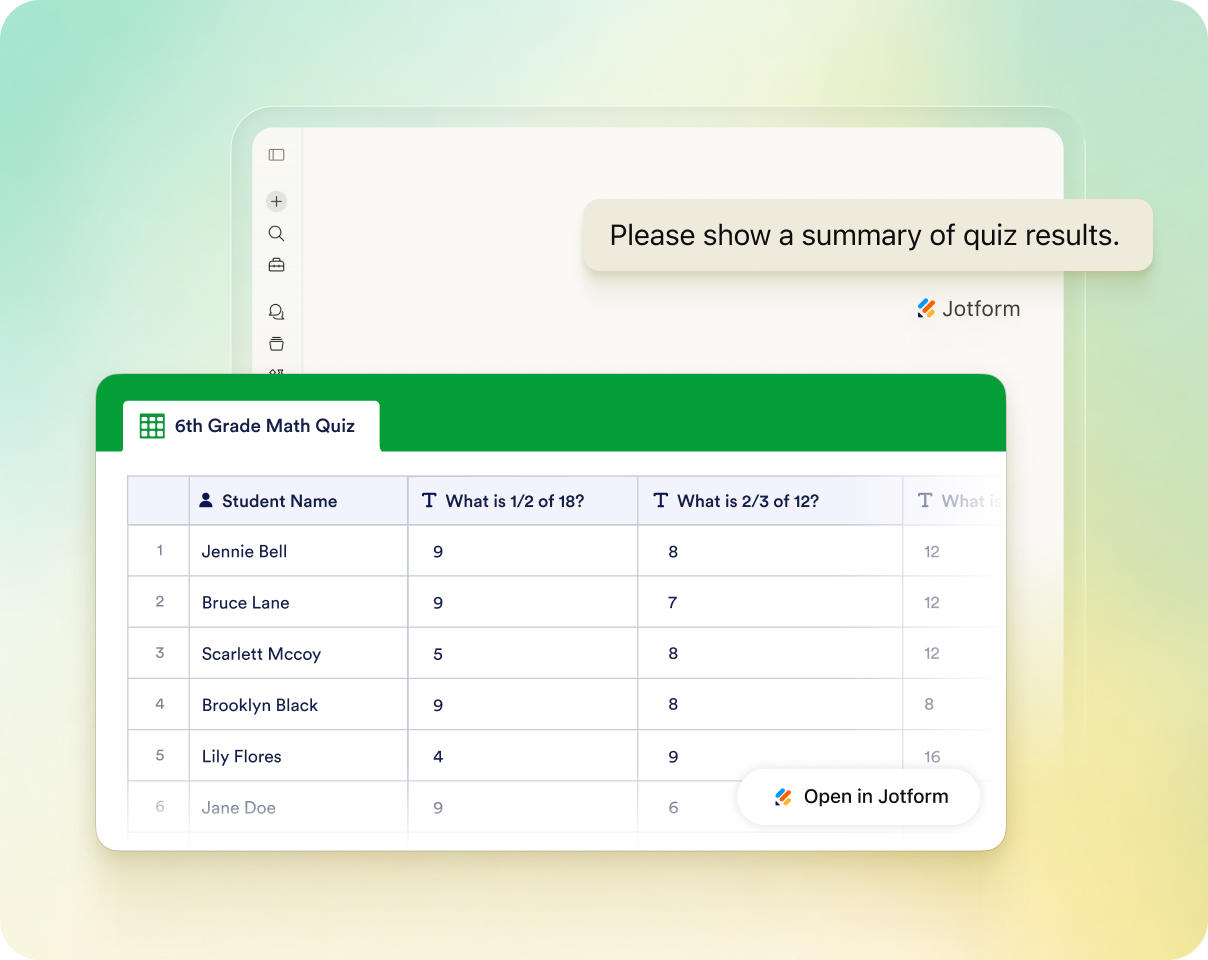
Jotform helps you collect data. Claude helps you understand it. Summarize submissions, identify trends, or explore patterns across submissions without exporting data or using external tools. The Jotform connector for Claude turns raw data into digestible answers and actionable insights in real time, empowering you to make faster, more informed decisions.
Who would benefit from using the Jotform Claude App?
The Jotform Claude App is built for businesses, educators, and teams that already rely on Claude as part of their daily workflows. By bringing Jotform directly into the conversation, the app removes the learning curve traditionally associated with advanced form-building and workflow automation.
Designed to support users at every level of expertise, the Jotform Claude App allows nontechnical professionals to create sophisticated forms and workflows without manual configuration or complex setup. Power users can eliminate repetitive tasks and move from idea to execution faster, while enterprise teams can integrate conversational AI directly into their operations, using Claude as a centralized interface for collecting data, automating workflows, and generating insights at scale.
| Use Case | How teams use the Jotform Claude App | Key benefits |
|---|---|---|
| Lead generation | Marketing and sales teams can create lead-capture forms in seconds using natural language, qualify prospects with conditional logic, and analyze incoming submissions directly in Claude. | Faster lead collection, smarter lead qualification, and instant insights without manual setup or analysis |
| Student feedback forms | Educators can create course evaluations, feedback surveys, and assessment forms without technical setup. Claude can analyze open-ended responses and identify recurring themes or areas that need special attention. | Easier feedback collection and faster understanding of student needs and performance |
| Small business order forms | Small businesses can generate customized order forms, intake workflows, and service request forms simply by describing their products or services. Claude can also help summarize order trends and customer preferences. | Simplified order management with automated workflows and AI-powered business insights |
| Event management | Event organizers can build registration forms, manage RSVPs, collect attendee preferences, and automate follow-ups through conversation. Claude can also summarize attendee feedback after the event. | Streamlined event operations with real-time attendee insights and less manual coordination |
Conclusion
The Jotform Claude App transforms complex form-building processes into an intuitive AI-powered experience in which users can create forms, automate workflows, implement advanced logic, and analyze submissions using natural language. Instead of switching between tools or navigating complicated interfaces, teams can move seamlessly from idea to execution and from data collection to actionable insight — all within a single conversation.
The result is a faster, more intuitive way to work that removes the traditional barriers associated with advanced form-building and makes sophisticated workflow automation and AI-powered analysis accessible to everyone, regardless of technical expertise. If you have questions about how to use the app, consult our Jotform Claude App help guide.
This integration builds on Jotform’s continuing investment in artificial intelligence, following the recent introduction of Jotform AI and our broader focus on creating more intuitive processes for users. As AI continues to redefine how people work and interact with technology, Jotform remains committed to pioneering new drivers of productivity and creating experiences that help users work smarter, faster, and more efficiently.









Send Comment:
1 Comment:
May 21, 2026
Unfortunately translations are not yet supported through API/MCP. This would be the key requirement for us to use this feature.