
Collecting patient information is only half the job of managing healthcare data. What happens after a form is submitted — including routing data to the right system, updating records, scheduling care, and notifying staff — is where many healthcare teams still lose hours to manual, error-prone busywork.
That’s where the new Jotform Enterprise and Keragon integration comes in.
Keragon connects Jotform Enterprise to more than 300 healthcare tools, including EHR systems, CRM platforms, calendars, messaging platforms, and billing systems, in a no-code environment that supports HIPAA compliance. The moment a patient submits a form, Keragon takes it from there. It routes data and triggers next steps, and automatically keeps connected systems in sync.
What you can automate
Here are just a few examples of workflows you can automate with the Jotform Enterprise and Keragon integration.
- Push intake data straight into your EHR system. New patient forms sync directly to platforms like Athenahealth, DrChrono, or Healthie, with fields mapped precisely to reduce missed or mistyped information.
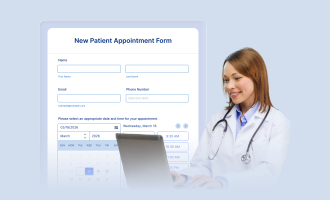
- Turn scheduling forms into booked appointments. A scheduling form submission can create a calendar entry, send the patient a confirmation, and alert your front desk — no back-and-forth required.
- Route submissions to the right team automatically. Conditional logic within the integration can send billing questions to finance, medical questions to a clinician, and general feedback to the appropriate team, instantly and consistently.
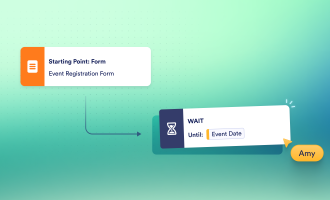
- Send timely follow-ups automatically. Post-visit surveys, care instructions, or satisfaction check-ins can go out on scheduled dates, so follow-through doesn’t depend on someone remembering to send them.
- Keep your CRM and outreach lists current. Consent forms, newsletter opt-ins, and intake data sync with tools like HubSpot, Salesforce, or HighLevel as soon as they’re submitted.
Built for how healthcare teams actually work
The integration can adapt to different care settings:
- Primary care clinics can automate new-patient onboarding directly into their EHR systems.
- Mental health practices can streamline intake and consent forms to reduce administrative work.
- Telehealth providers can connect patient details directly to platforms like Doxy.me or ModMed, as well as payment processing tools like Square or Stripe.
- Specialty practices can automate referrals, appointment requests, and follow-ups.
- Billing and admin teams can tie form submissions directly to payment and claims tracking.
Jotform Enterprise and Keragon both offer features designed to support HIPAA compliance, helping healthcare organizations automate workflows while protecting sensitive information.
Connect to the EHR platforms you already use
Keragon isn’t an EHR system itself — it’s an integration layer that connects Jotform Enterprise to the EHR platforms healthcare teams already rely on, along with CRM platforms, scheduling tools, billing systems, and more. That makes it especially useful for organizations with complex or evolving tech stacks, where building and maintaining point-to-point integrations can quickly become expensive.
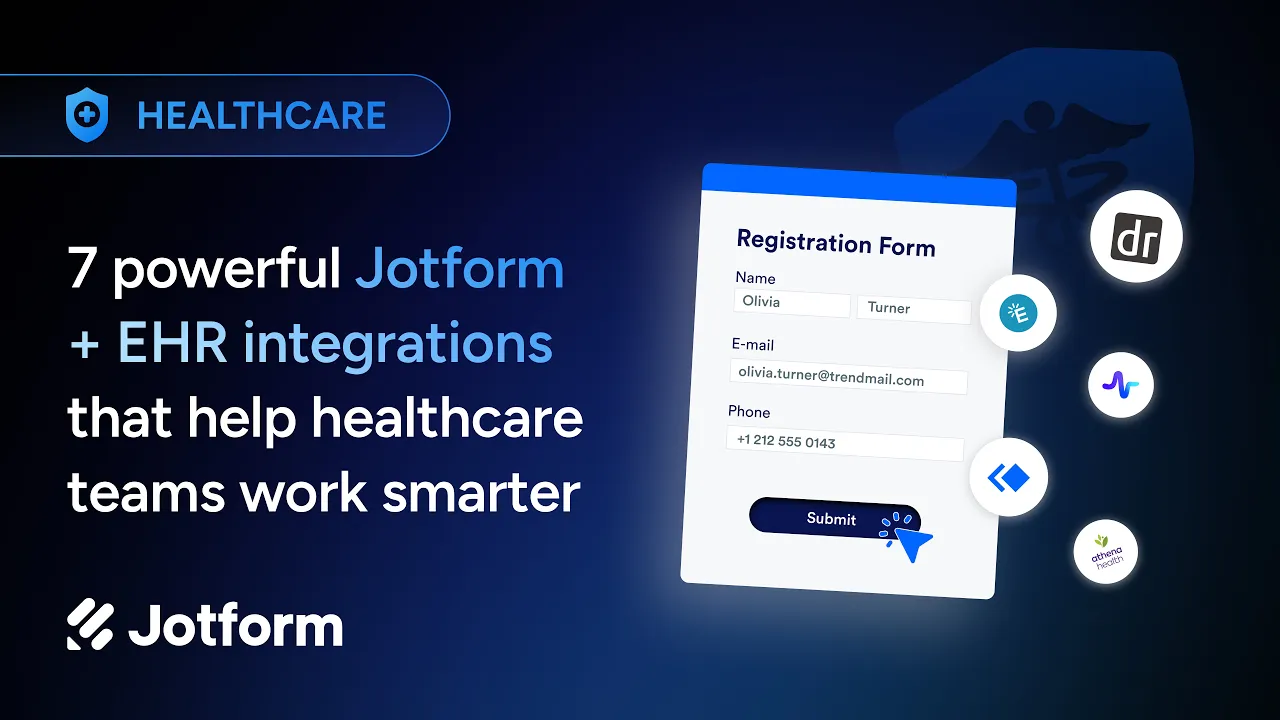

Here are a few of the EHR integrations available through Keragon:
- DrChrono: Digital intake forms sync directly with DrChrono, reducing manual file uploads and charting errors, so providers can start visits with complete records already on file.
- Elation: Built for collaborative primary care, this integration helps keep patient data consistent across teams and locations without adding extra work for clinicians.
- Healthie: Designed for telehealth and hybrid practices, this integration gives patients a smooth online intake experience while automatically providing care teams with structured data.
- ModMed: This integration standardizes data collection for specialty practices and large provider groups, routing information into ModMed while preserving the flexibility specialty practices need.
- Athenahealth: This integration helps complex, multisystem environments, like hospitals and health systems, reduce manual work by routing collected data into Athenahealth.
These integrations can help centralize patient data, reduce administrative work, and connect forms to healthcare workflows while supporting your organization’s security and compliance requirements.
Getting started
You can set up the Keragon integration in just a few steps: Generate a Jotform API key, add it to your Keragon dashboard under Authentications, and choose the form that will trigger your desired workflow.
From there, you can define the workflow actions, such as syncing to an EHR system, sending a notification, or scheduling a follow-up. Then map your form fields to your target EHR system. Test the workflow to make sure it works as intended, then activate it to make it live.
The bottom line
Manual data entry takes time and invites errors. With Jotform Enterprise and Keragon working together, you can turn form submissions into automated workflows, freeing your team to focus more on patient care and less on data entry.
Explore the Jotform + Keragon integration here.




















































































Send Comment: