

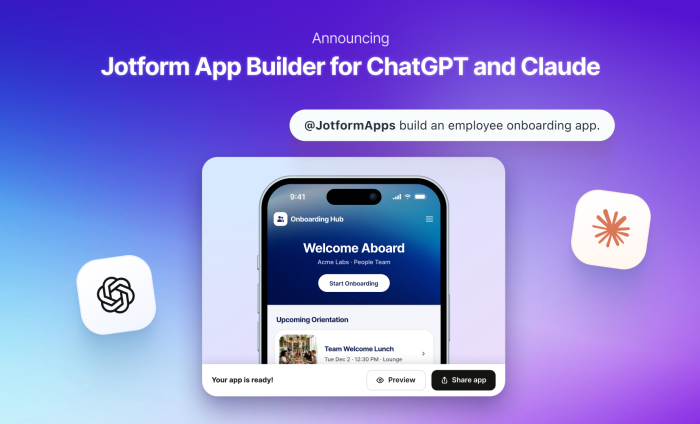
If I told you back in 2021 that you’d soon be able to create a fully functional app from a simple conversation with your computer (in a matter of seconds, no less), you probably wouldn’t have believed me.
Well, that day has arrived.
Thanks to Jotform App Builder for ChatGPT and Claude, you can now turn the idea you’re already discussing in your AI workspace into an app your audience or customers can actually use.
It’s clear that many of us are on ChatGPT and Claude. The two workspaces have approximately 1.5 billion active users per week. And since Jotform Apps debuted five years ago, it has developed a significant active user base.
So it made sense to combine these AI workspaces with Jotform Apps. Now, you’ve got an easy way to create an app that serves your audiences and plays nicely with your workflows, no matter your industry. Here are a few examples:
- A small business turns ad hoc customer resources into a customer portal.
- An HR team uses employee forms, documents, and links to create an employee hub.
- An event team transforms registration forms, schedules, resources, and payments into an event app.
With Jotform App Builder for ChatGPT and Claude, you’ve got the power to build a working app faster than ever before. Your audience gains more reliable access to your resources via your app, and everyone benefits from smoother workflows.


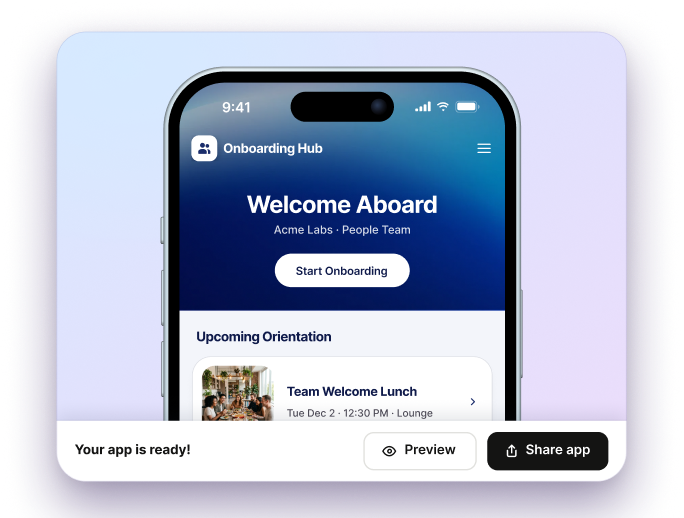
There’s no need for coding or outside developers to create an app because your conversation within ChatGPT or Claude is the developer.
What can I accomplish with Jotform Apps?
The apps our users have created provide an easily accessible one-stop shop for forms, notifications, and other organizational resources that support workflows like
- Collecting registrations and submissions
- Taking orders and payments
- Gathering signed documents
- Sharing documents and resources
- Connecting customers or employees to multiple business processes in one destination
Think of it in food terms (which always resonates well with me 😉. The app is the plate that holds your meal. Prompts and suggestions represent the process of deciding what food goes on that plate and how it’s prepared.
AI makes app building even easier and allows you to shape the app experience for your business.
How to create a fully functional app through conversation
To build an app, the first thing we need to do is to connect the Jotform App Builder connector on Claude or the Jotform App Builder plugin on ChatGPT.
Though the process of connecting to the platforms differs, the app creation and editing capabilities are the same.
In this example, I’m using Claude. In the left navigation, click Customize, then go to the Connectors tab. Type “Jotform” in the search bar, and select the App Builder.
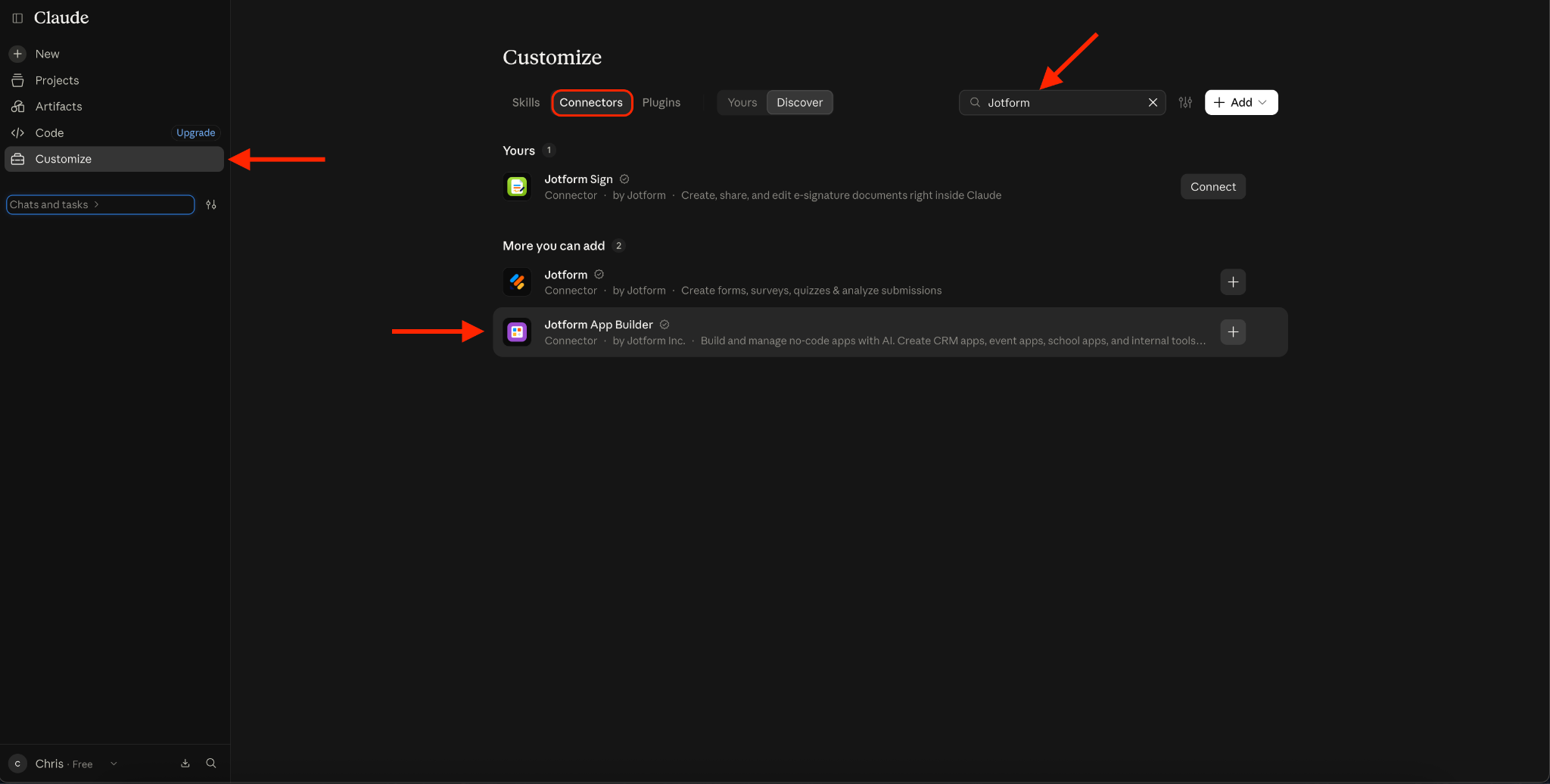
Connect your Jotform account, and you’re good to go.
Build your app through a simple conversation
I started with a simple request to build an event app. Claude asked me if I wanted to use Jotform App Builder or other options.
Once I confirmed that I’d use the App Builder, it took approximately 40 seconds to build my event app. And that includes the time it took to give Claude a permission or two along the way.
In the previous video, you can see the app as well as some of the pages within the app, including a registration page and an FAQ page.
There are also buttons to edit the app in Jotform (which opens the App Builder in a separate tab) and to share your app.
Click the expansion arrow in the upper right corner of the screen to go to a dedicated preview screen within your AI workspace.
Make the app your own
Customize your app to match your brand or organization. You can do this in either the regular chat screen or in the expanded preview screen.
I asked to update the name of my app to Oaktown Rocks, which took about 10 seconds.
In this preview screen, you can also
- Preview the app in desktop or mobile to see what it will look like when it’s downloaded
- Change the app’s color palette
- View the app in light or dark mode
- Preview the app from a user, admin, or public perspective
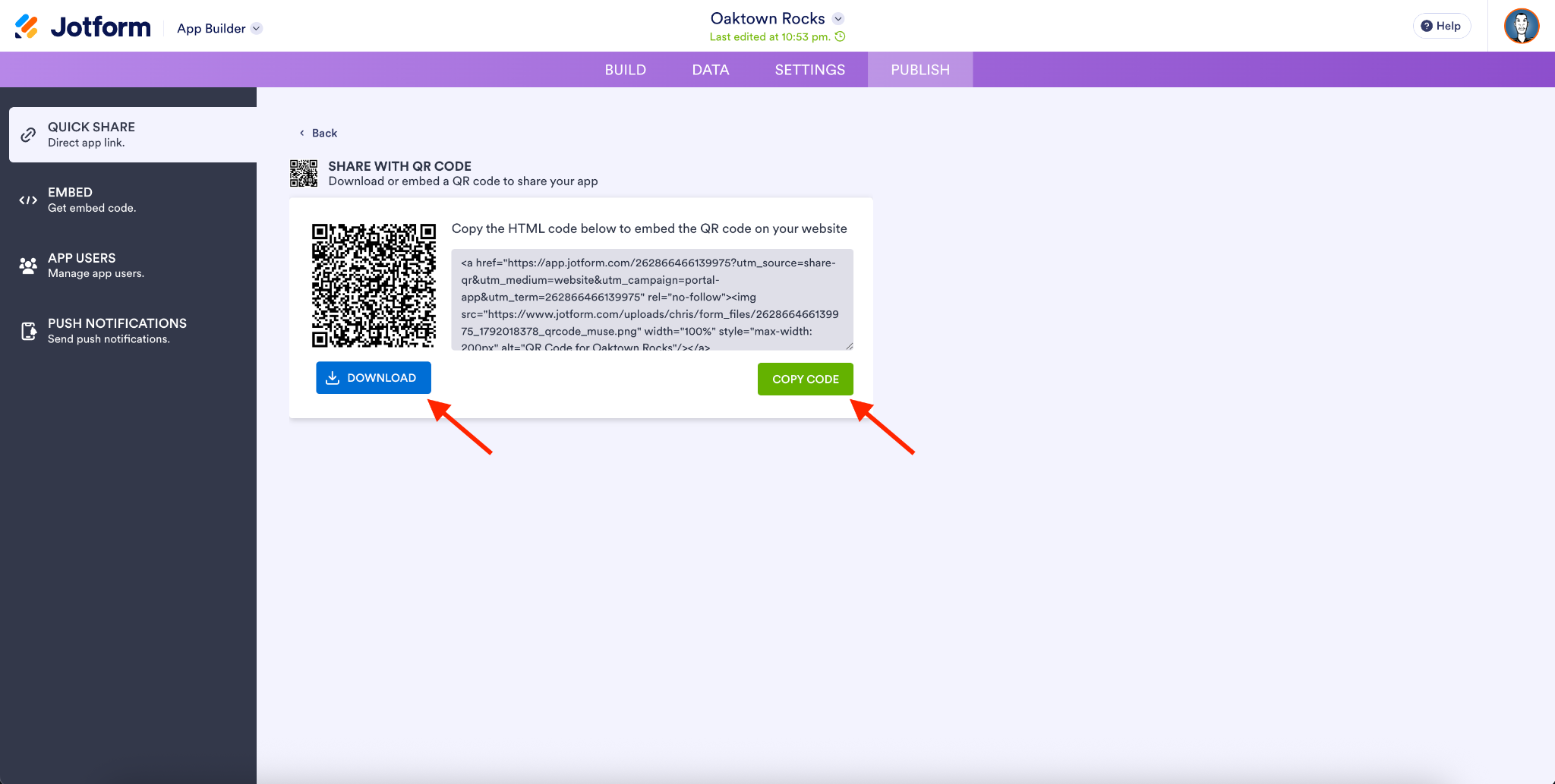
After you’ve fine-tuned your app, share it in the most convenient way for you — via a link, QR code, social channels, or embed code.
If you’d like to share your app via social, QR code, or link, it will open in Jotform’s App Builder in a separate tab of your browser. I’ve used the QR code version as an example.
Did you know?
You can give customers, members, employees, or other app users access to specific pages and content in your app based on rules. Just set this up when you edit your app in the App Builder. Once you’ve made your changes, preview the app based on role (using the Previewing selection at the top of your Claude workspace or the Viewing selection in the Jotform App Builder). This ensures your app users will see the right things.
App builders achieve more in less time with ChatGPT and Claude
There are over 100K active Jotform Apps users, and 60 percent of them have apps with multiple pages.
This means everyday business owners, nonprofits, and entrepreneurs are building substantial apps that are chock-full of information for their customers, donors, and internal teams.
In addition to the small businesses, HR departments, and event teams using Jotform Apps to engage their audiences, here’s a look at some reasons for other industries to get on board.
| Industry | What the app does | Sample starting prompt |
|---|---|---|
Operations |
Centralizes internal processes by bringing related forms, documents, and links together for easy access |
“Create an app that contains our company’s most used forms, resource docs, and internal resource links” |
Retail/e-commerce |
Turns product information, order forms, payment collection, FAQs, and upcoming events into a customer-facing experience |
“Build a customer-facing app that’s a stripped-down version of my business’s website” |
Sales |
Creates a sales hub for client prospects (or internal BDRs) to access business or product resources on the fly |
“Build a resource app to showcase our business or product for external customers” |
Customer service |
Makes it easier for customers to get help via a customer support portal |
“Make an app out of our existing customer service portal [provide URL]” |
Turn the idea you’re discussing with ChatGPT or Claude into an app your audience can actually use
ChatGPT and Claude are quickly becoming the places where many of us brainstorm, research, plan, and make decisions. And Jotform is the connection that turns your decisions into usable business workflows.
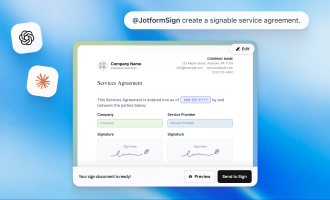
The launch of Jotform App Builder on ChatGPT and Claude brings you tools that can turn an everyday brainstorming chat into an app. They join the recently released Jotform Sign (for ChatGPT and Claude), which turns a conversation into an agreement and signature workflow.
You can also collect data, payments, approvals, and more using the broader Jotform ecosystem on the LLMs.
It’s now possible to go from idea to fully functioning workflow, turning whatever business-oriented conversation you’re having into the experience your customers, employees, and teams need.
Try out the Jotform App Builder for ChatGPT or Claude today, and let us know what you think in the comments.






























































































Send Comment: