
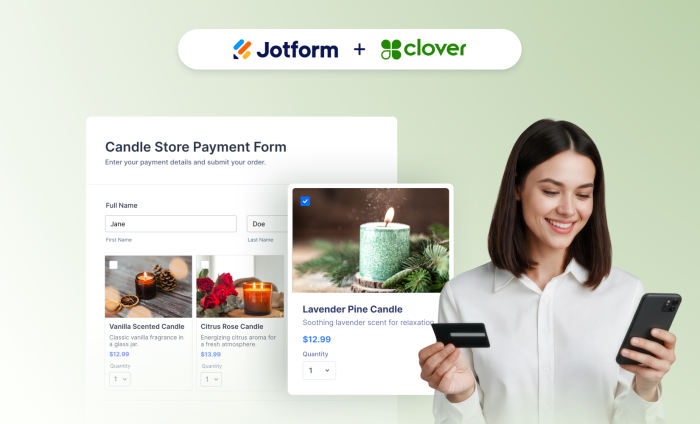
Using separate tools for data collection and online checkout can create unnecessary steps for your customers and a boatload of additional administrative work for you.
That’s probably why Clover has been one of our most requested integrations, particularly for small businesses, restaurants, retailers, service providers, and existing Clover merchants.
We’ve got good news for businesses that depend on Clover for payments: Jotform now integrates with Clover, so you can create customizable online payment forms that bring customer information and payment collection into one streamlined experience.
Turn any form into a customized payment experience
Using Clover to collect payments allows you to
- Create a payment experience tailored to your business
- Add products, pricing, customer information, and conditional questions to your payment forms
- Support different payment workflows without creating a checkout from scratch
- Keep form submissions organized in Jotform for easier management and follow-up
- Support a variety of customer interactions, from orders and registrations to service bookings and donations
Payment processing built for your business
Clover is well regarded for its broad commerce platform and strong point of sale (POS) support. Clearly, it’s not just another payment gateway that accepts credit cards.
If your business already uses Clover for online and/or in-person transactions, the integration with Jotform will extend your payment capabilities.
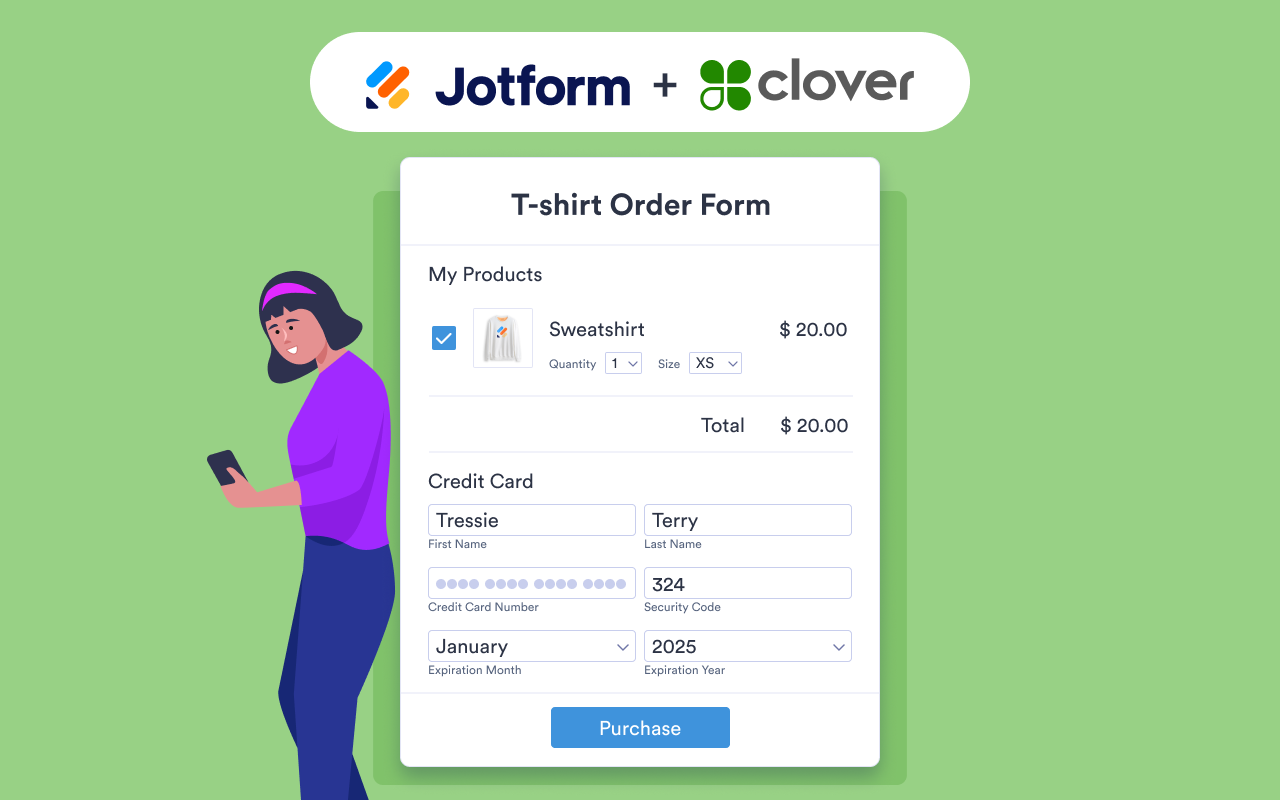
How to integrate Clover with Jotform
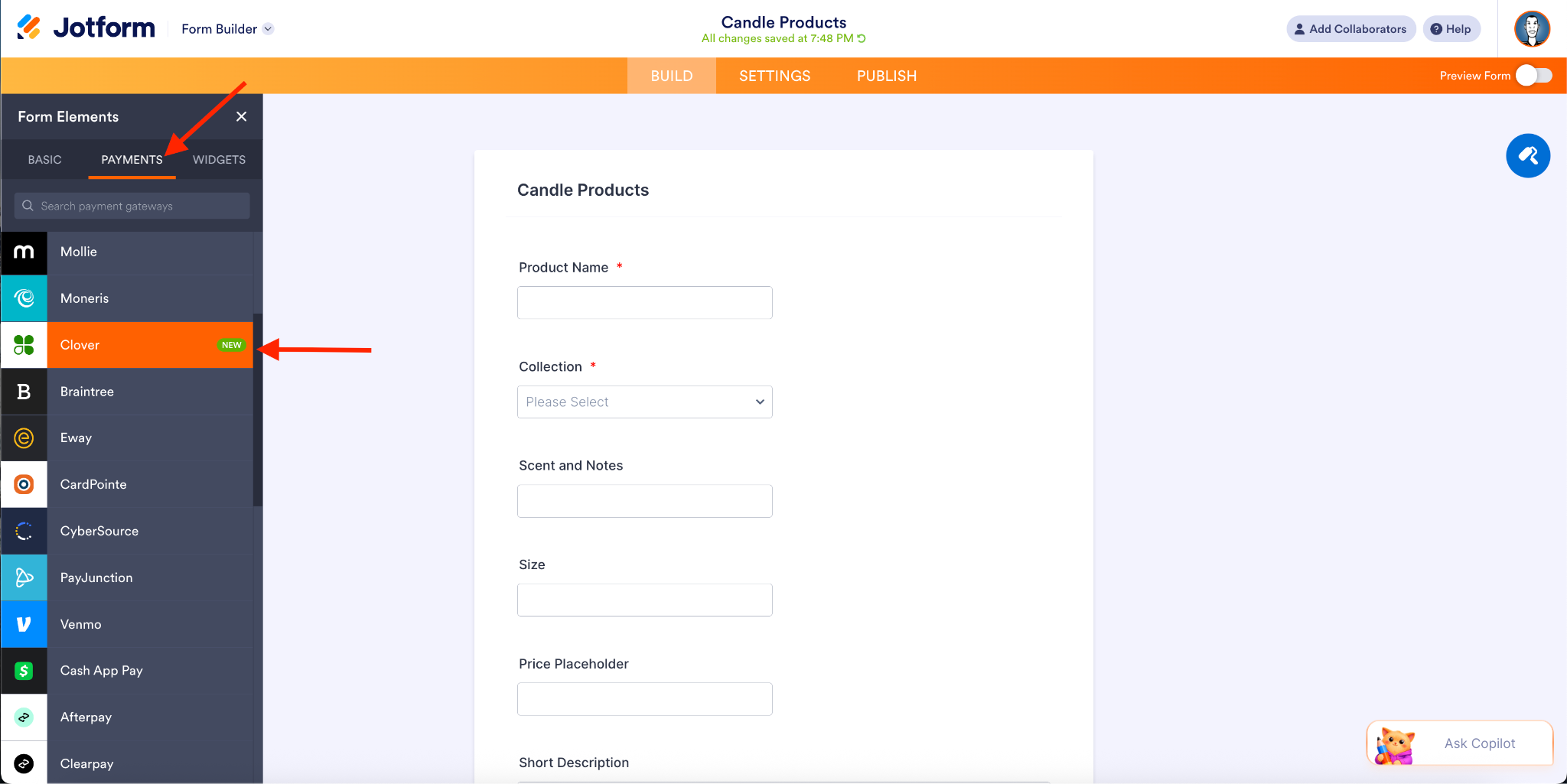
To integrate your forms with Clover, open the Payments tab under Form Elements in the Form Builder and select Clover.
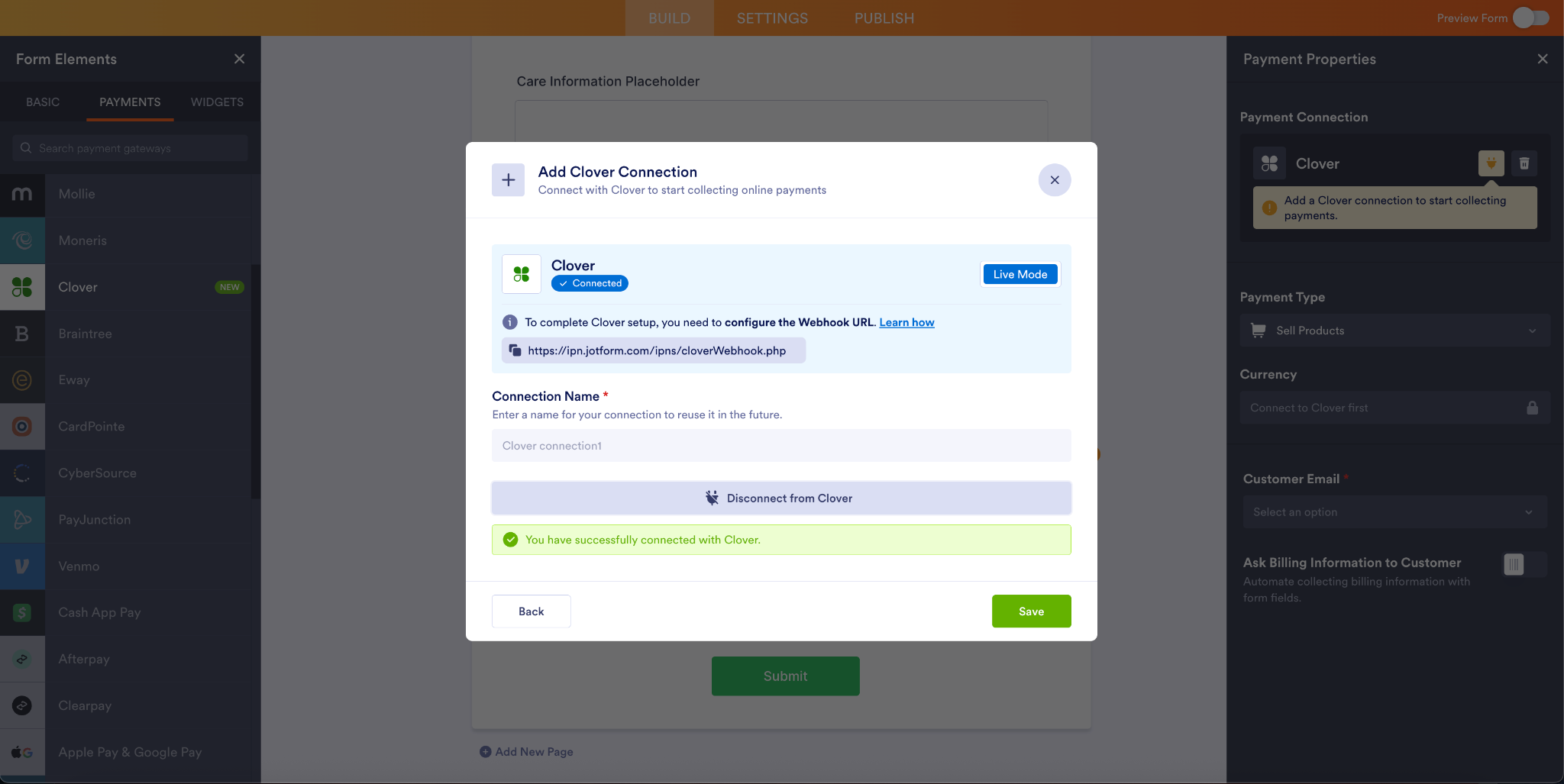
Connect your Clover account by opening the payment field’s connection settings, naming the connection, and selecting Connect with Clover.
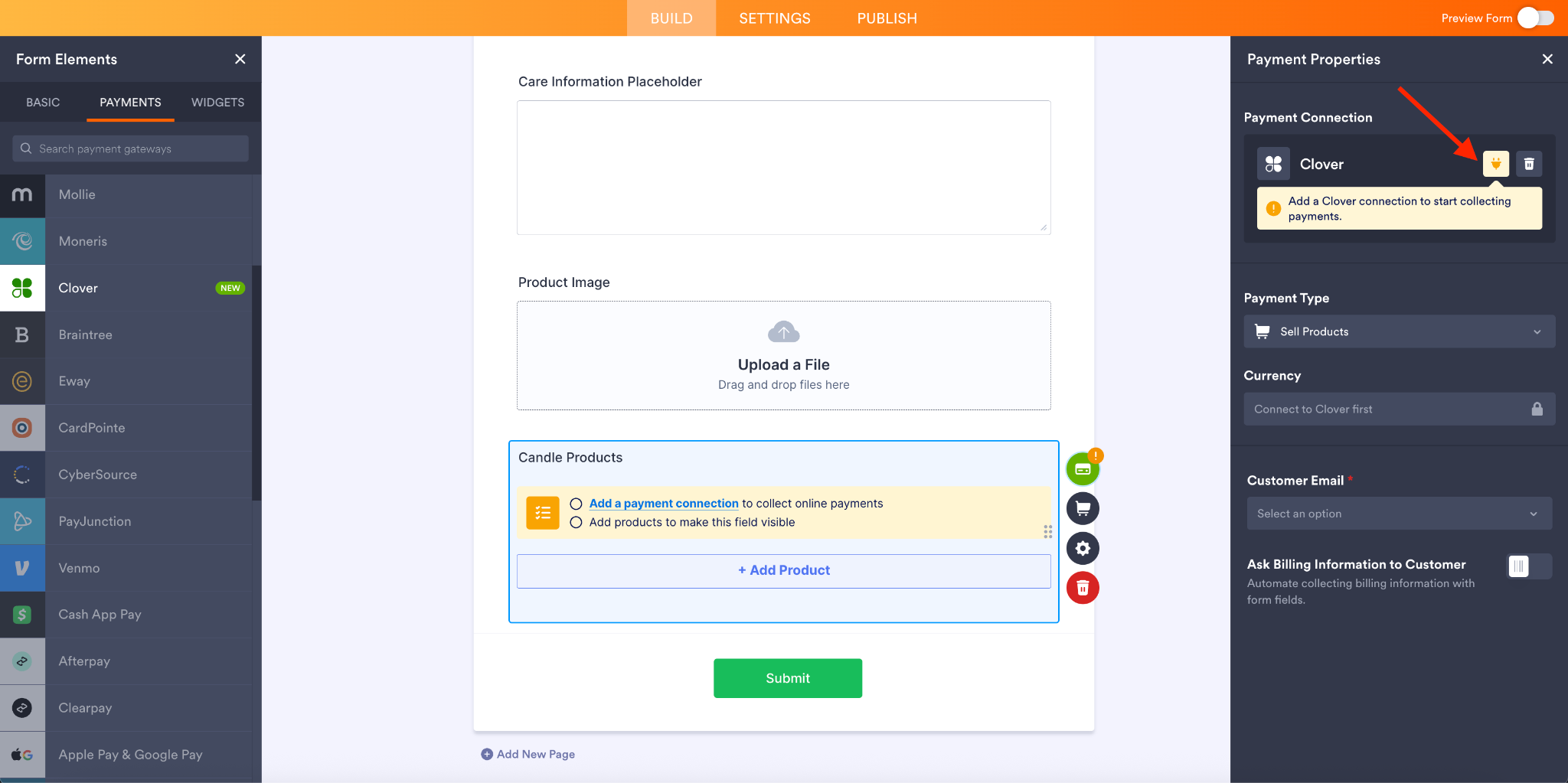
When you’re ready, click Save.
Next, you’ll need to configure your payment type. Select Sell Products, User-Defined Amount, or Collect Donations.
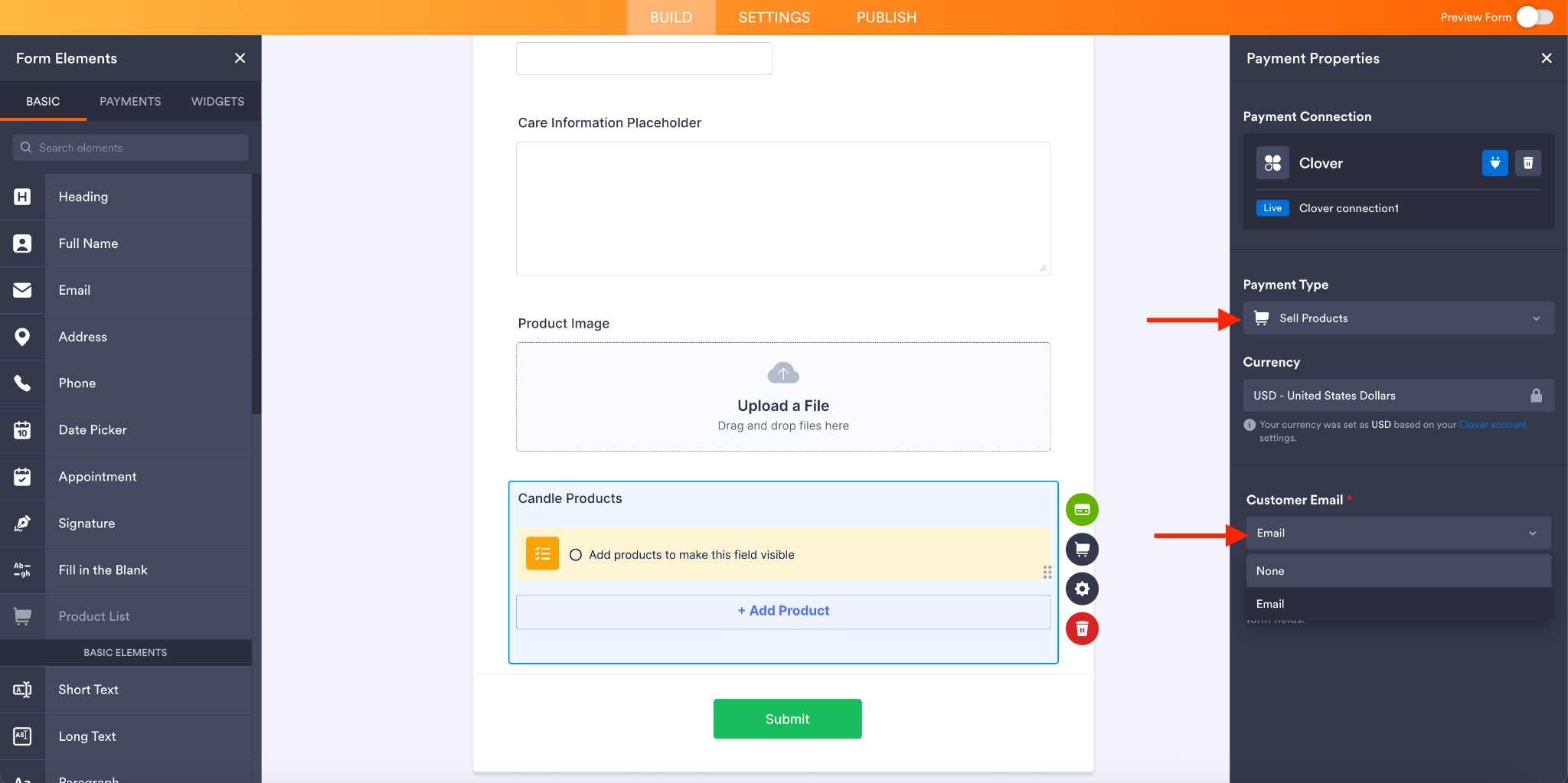
Map the required customer email field (from your form) and configure any additional billing fields/details you need.
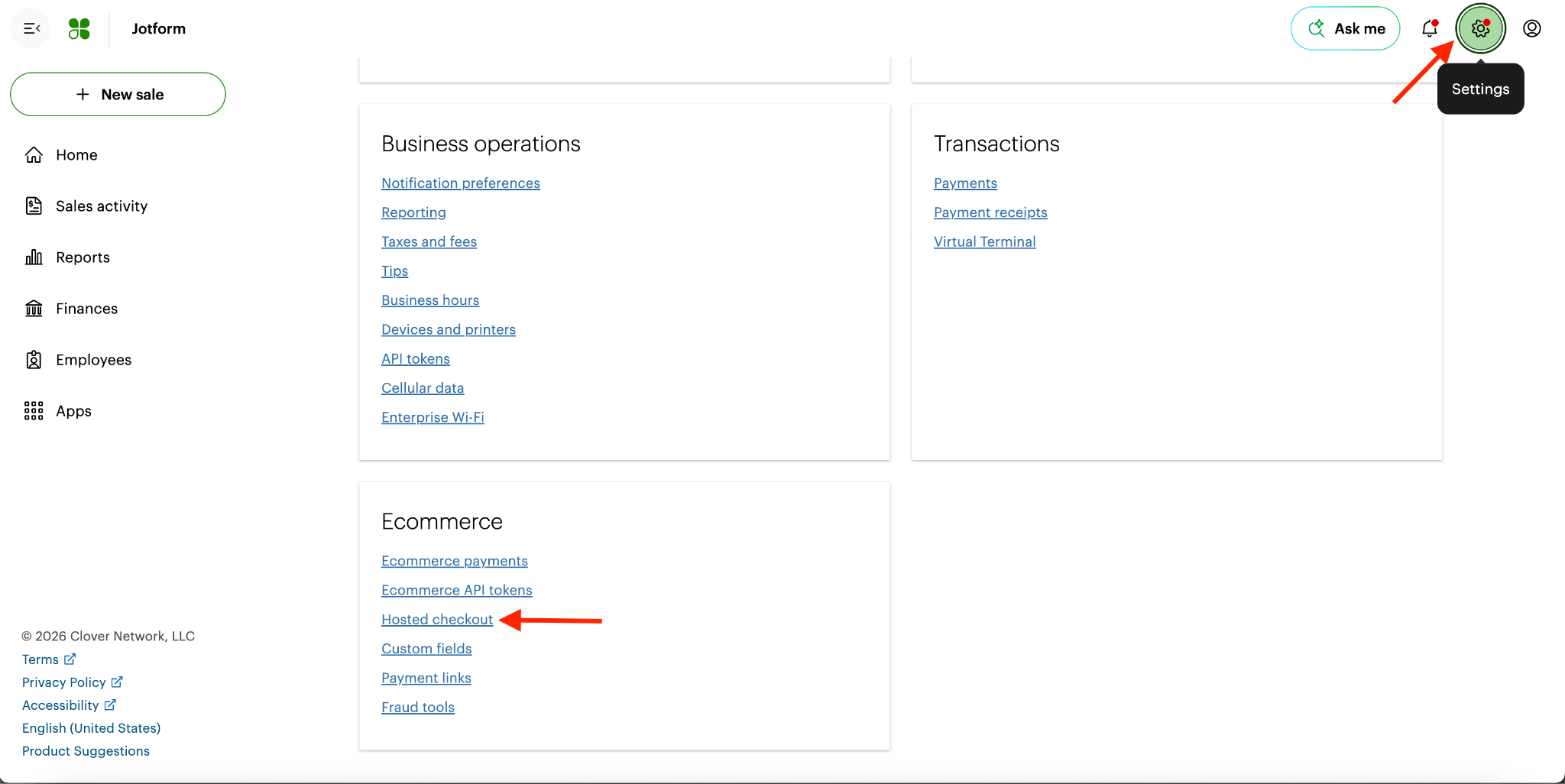
In the Clover dashboard, go to the Settings page and click Hosted checkout under Ecommerce.
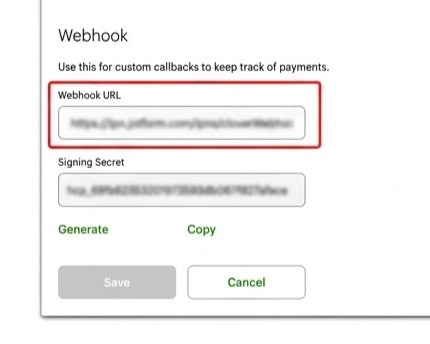
On the hosted checkout page, enter the Jotform webhook URL and click Save.
That’s pretty much it.
You can now publish and share your form with your customers. When they complete their order or donation, they’ll be discreetly directed to Clover’s hosted checkout page for payment.
Learn more from our help guide article: How to integrate your form with Clover.
Practical ways to use Jotform and Clover
Jotform and Clover have many customers in common. This integration can now help bridge data collection and payments to address business workflows across different industries.
| Business | Clover integration use case |
|---|---|
Restaurants, foodpreneurs, and caterers |
Easily accept online takeout orders, catering requests, and event deposits through customized payment forms |
Retailers and small businesses |
Collect product orders and payments through branded online forms |
Service providers |
Accept payments for appointments, consultations, or service requests |
Nonprofits |
Create donation forms with flexible contribution amounts |
Clover has a strong presence in the restaurant and food industry. We’re excited to make orders and payments easier to manage for these businesses.
With this integration, you can create advanced forms that cater to unique customer preferences, like the ability to add menu items and specify pickup details. These forms then point to Clover’s hosted checkout for payment, creating efficiency and helping scale your business via practical automation.
Make online payment collection with Clover part of your workflow
A POS and business management payment provider built to support growing companies, Clover offers flexible payment processing that now extends payment flexibility to online forms (and potentially new customers) through its Jotform integration.
In 2026, collecting payments doesn’t need to be a chore or to involve outside, custom development. We’re simplifying information gathering and payment processing for you, resulting in a connected experience your customers will love.
Start accepting Clover payments with Jotform





















































Send Comment: