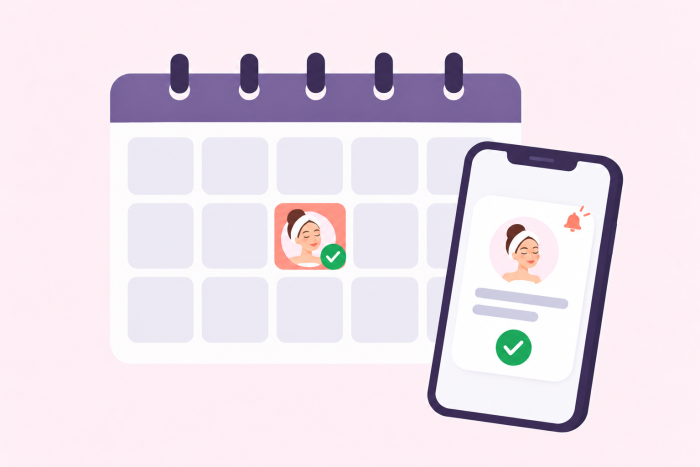
No-shows are one of the most frustrating (and costly) problems for med spas.
The good news? Most no-shows aren’t intentional. People forget appointments. Life gets busy. Fortunately, the right reminder system can dramatically cut down on missed appointments without any extra work on your end.
Here’s how to set one up.

Why no-shows happen (and why reminders work)
Clients aren’t ignoring you — they often just need a nudge. A well-timed email or text reminder does exactly that. It also signals that your business is organized and professional.
The challenge is sending reminders consistently without adding more to your staff’s plate. Manually calling or texting every client before their appointment isn’t scalable, especially as your business grows.
That’s where automation comes in. It handles the follow-up for you, every single time, without anyone having to remember to do it.
Set up automated reminders with Jotform
Whether you’re new to Jotform or you’re already using it to collect appointment requests, you’re closer than you think to having a full reminder system in place. Here’s how to add elements to your Jotform appointment forms to reduce no-shows.
1. Create your appointment booking form
Create an appointment booking form using Jotform’s Form Builder or one of our ready-made med spa templates. Collect the client’s name, phone number, email, treatment type, and preferred date and time.
2. Set up an automated email confirmation
Jotform can automatically send a confirmation email as soon as the client submits the form. Use the autoresponder feature to customize the confirmation message with the client’s name, appointment details, and any pre-treatment instructions. This first touchpoint sets expectations right away.
3. Add a reminder email before the appointment
Using Jotform Workflows, you can schedule a reminder email to go out 24–48 hours before the appointment. Keep it friendly and short — something like: “Just a reminder that you have an appointment with us tomorrow at 2 p.m. We’re looking forward to seeing you!”
Include your cancellation policy here too, so clients know how to cancel or reschedule if they need to. For example, if you have a 24-hour cancellation policy, let clients know if they will be charged a fee if they cancel less than 24 hours before their appointment.
4. Collect a deposit at booking
Nothing reduces no-shows quite like a financial commitment. Add a payment field to your booking form and collect a small deposit upfront. Jotform integrates with Square, Stripe, PayPal, and other popular payment processors, so clients can pay securely at the time of booking. When someone has already paid, they’re far more likely to show up.
A few tips for effective appointment reminders
In addition to automating reminders, keep these best practices in mind to reduce no-shows.
- Personalize reminders. Customize each message with the client’s first name and the specific treatment they booked.
- Make it easy to reschedule. Include a direct link to your booking form in appointment reminders so clients can change their appointment without having to call. The easier it is for clients to reschedule, the less likely they are to just not show up — and the more likely they are to rebook rather than disappear entirely.
- Review your no-show data quarterly. Jotform Tables lets you track all your form submissions in one place, so you can spot patterns — like whether certain days or treatment types have higher no-show rates — and adjust accordingly.
The bottom line
The simple combination of a booking form, an automated confirmation, a timely reminder, and an upfront deposit can make a real difference to your no-show rate. Once you’ve set up a reminder system in Jotform, it runs on its own.
Ready to get started? Explore Jotform’s appointment booking templates and start reducing no-shows today.






Send Comment: