
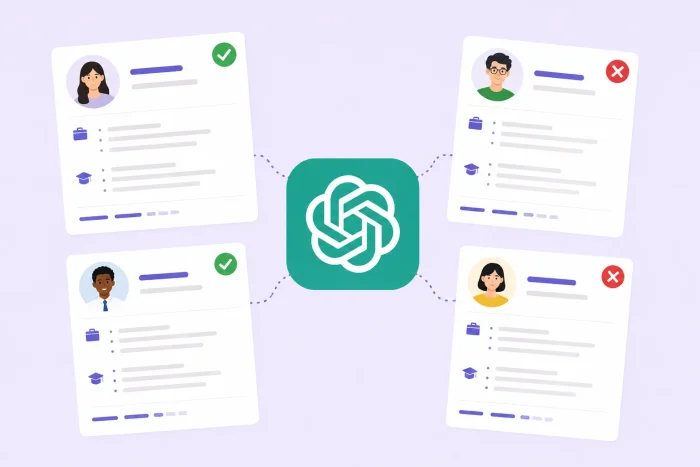
ChatGPT has taken the world by storm, popularizing the AI assistant concept and infiltrating almost every industry. AI in recruitment is no exception. Recruiters use the tool for everything from writing job ads and interview questions to screening candidates and sending messages, saving time on often laborious tasks. ChatGPT helps them stay consistent across multiple workflows and touchpoints, too.
For recruiters, ChatGPT works best when you input the right information, including clear role context, requirements, and constraints. Think of it as a collaborative tool — the more details you input, the higher-quality results you’ll get.
This guide walks through how to use ChatGPT in recruitment and explains the benefits of the Jotform ChatGPT App.
8 ways to use ChatGPT in recruitment
There are many benefits of AI in recruitment, all of which help you improve your workflows. But remember that using AI recruiting tools the right way is key to getting the results you want. Here are eight of the most practical ways to use ChatGPT in recruiting, along with helpful ChatGPT prompts for recruiters.
1. Screening resumes
Likely the most common function of ChatGPT for modern recruiters is assisting in the candidate analysis process. The tool can sift through resumes for keywords you define, helping you screen in seconds rather than having to review every person’s skill set and past experience.
Example prompt: “Review these resumes against the job description. For each, provide a list of qualification matches and a list of red flags. Indicate whether the candidate is a strong, moderate, or weak fit based on this information.”
ChatGPT will then summarize each resume for you, so you can then take a closer look at the strong matches, instantly weeding out candidates who don’t align with what you’re seeking in the role. You can also ask the tool to provide a ranking — e.g., from 1 to 10 — of each candidate and how well they match.
2. Defining job duties and titles
You may have a clear idea of what the person will do every day, but it’s another story to sit down and write specific job duties with professional, cohesive language. Coming up with a title for a new role, changing an existing title, redefining role responsibilities — ChatGPT can help you with each of these steps.
Example prompt: “We are hiring a new role on our marketing team. This person will take on a range of duties within the department, including admin work such as data entry, scheduling, and communications, as well as note-taking and brainstorming contributions in team meetings. Please provide options for a job title and a list of potential job duties using clear, professional language.”
The AI assistant will provide options you can choose from as well as professionally written job duty descriptions that you can refine and build upon further.
3. Writing job ads
Once you have the title and general job duties, ChatGPT can help you craft a compelling, well-written job ad to post across your outlets. The tool can also edit the text for use on each channel to best appeal to specific users.
Example prompt: “Write a 600-word job ad for a communications manager role at a midsize health information and research organization. This person will be in charge of a team of three other employees and is focused on communicating the latest research and sharing reports with our communities. Provide a detailed job description and list the qualifications, skills, and education required.”
You can add more to the prompt about your specific company, where you’ll post it, and the type of candidates you hope to attract to get an even more personalized job ad.
4. Communicating with candidates
It’s not always easy to craft cold emails to potential candidates that attract their attention and don’t sound like spam. ChatGPT can help you write these messages and hone the right voice so that they land in inboxes and actually get read. The tool can also draft emails to send to candidates during the interview and notification stages, and generate scroll-stopping subject lines.
Example prompt: “Write a brief email to a professional working in the data science field that highlights our open position for a data entry specialist and invites them to consider applying.”
Try inputting where you found each potential candidate for a more detailed response from the AI tool. For example, indicate that the person is a LinkedIn connection or you met them at a networking event.
5. Creating interview questions
Asking the right interview questions is just as important as the candidate’s answers. It can be especially challenging to write questions if you’re hiring for a brand-new role. Use ChatGPT to create more effective questions that will provide the most important information you need to make the right call when hiring.
Example prompt: “Write five interview questions that a recruiter should ask for an assistant copywriter role at a large marketing agency.”
A good tip is to ask the tool to provide more examples than you need so that you can pick and choose which ones are most relevant to your goals.
6. Creating qualification checklists
Whether you’re in the resume review or interviewing stage, you need to have a firm grasp on exactly who and what you’re looking for. ChatGPT can help you brainstorm, eventually coming up with a solid checklist of qualifications, including education, background, and work experience for the role at hand. Qualifications could be must-haves or just nice-to-haves.
Example prompt: “I’m creating a checklist of qualifications for a role on the development team of a medium-sized nonprofit. The title is development coordinator, and responsibilities will include writing grant proposals, researching potential funders, and communicating with current donors. Help me create a list of qualifications to reference when hiring, including education, skills, background, and work experience.”
It’s OK to keep brainstorming if the tool doesn’t get it right the first time. Remember that you can pull what’s most valuable from the tool and keep inputting details to get the best result.
7. Researching industry trends
Recruitment research is crucial when determining salary, title, responsibilities, and required qualifications. You may also benefit from knowing hiring statistics in a given industry and what the entire labor market looks like when you’re about to hire a new role. ChatGPT can pull relevant stats from research entities and reports to provide a quick overview, saving you time.
Example prompt: “Our law firm is hiring a paralegal to assist an experienced family law attorney. Provide an overview of the median salary range for this position in Texas and across the U.S., and any relevant research about the family law hiring market.”
The tool will provide links to stats and other information it pulls, so you can verify and reference the sources.
8. Writing social media posts
Social media is becoming the go-to way to find candidates — partly because most candidates are active on at least one platform. In fact, Hirelab.io found that 91 percent of employers use social media for hiring. Try using ChatGPT to write social media posts that can be tailored to whichever outlet you’re using.
Example prompt: “Write a Facebook post and a LinkedIn post that are meant to engage potential job candidates in and outside of our network. The role is a communications manager at a large museum in an urban area. The job description is attached.”
Include as many details as you have about the role. ChatGPT can even generate posts with emojis and hashtags if suitable for your brand.


Pro Tip
Keep in mind that ChatGPT can help you utilize your business; check out ChatGPT real estate prompts, for example.
The next prompt in your hiring workflow: Jotform ChatGPT App
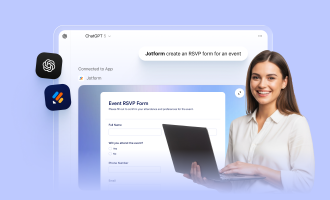
When you work in recruitment, any way to speed up processes like crafting copy or analyzing candidate information is welcome. With the Jotform ChatGPT App, you can create more personalized, effective forms and communications so that the outputs are more accurate and actionable. It sits within ChatGPT when you’re in a conversation – simply call the app by name and easily integrate it with your recruiting workflows in the chat.
Here’s a look at the key features of this ChatGPT form builder for recruiters:
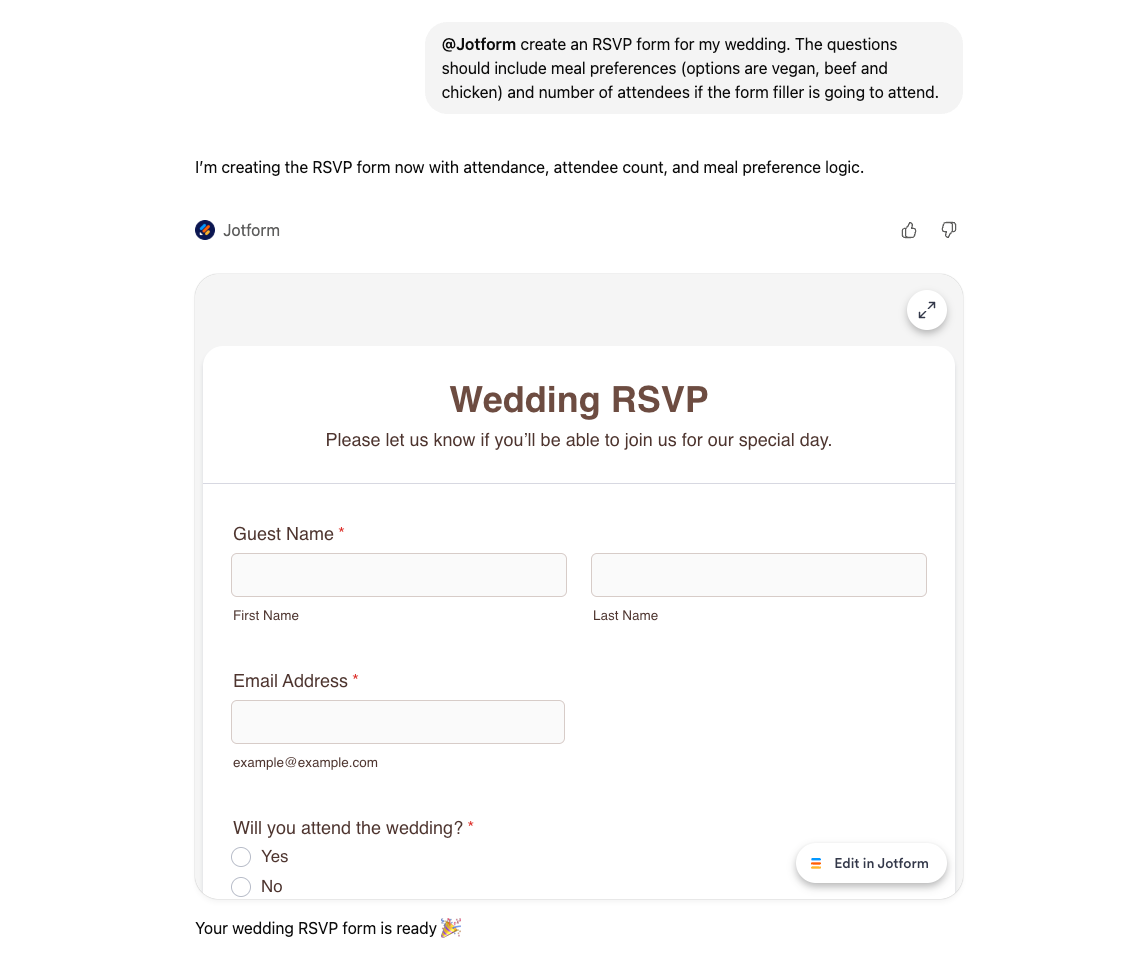
- Form creation: Craft simple forms directly inside ChatGPT conversations. You don’t have to switch apps or devices to get the forms, and you can use the full user interface of ChatGPT.
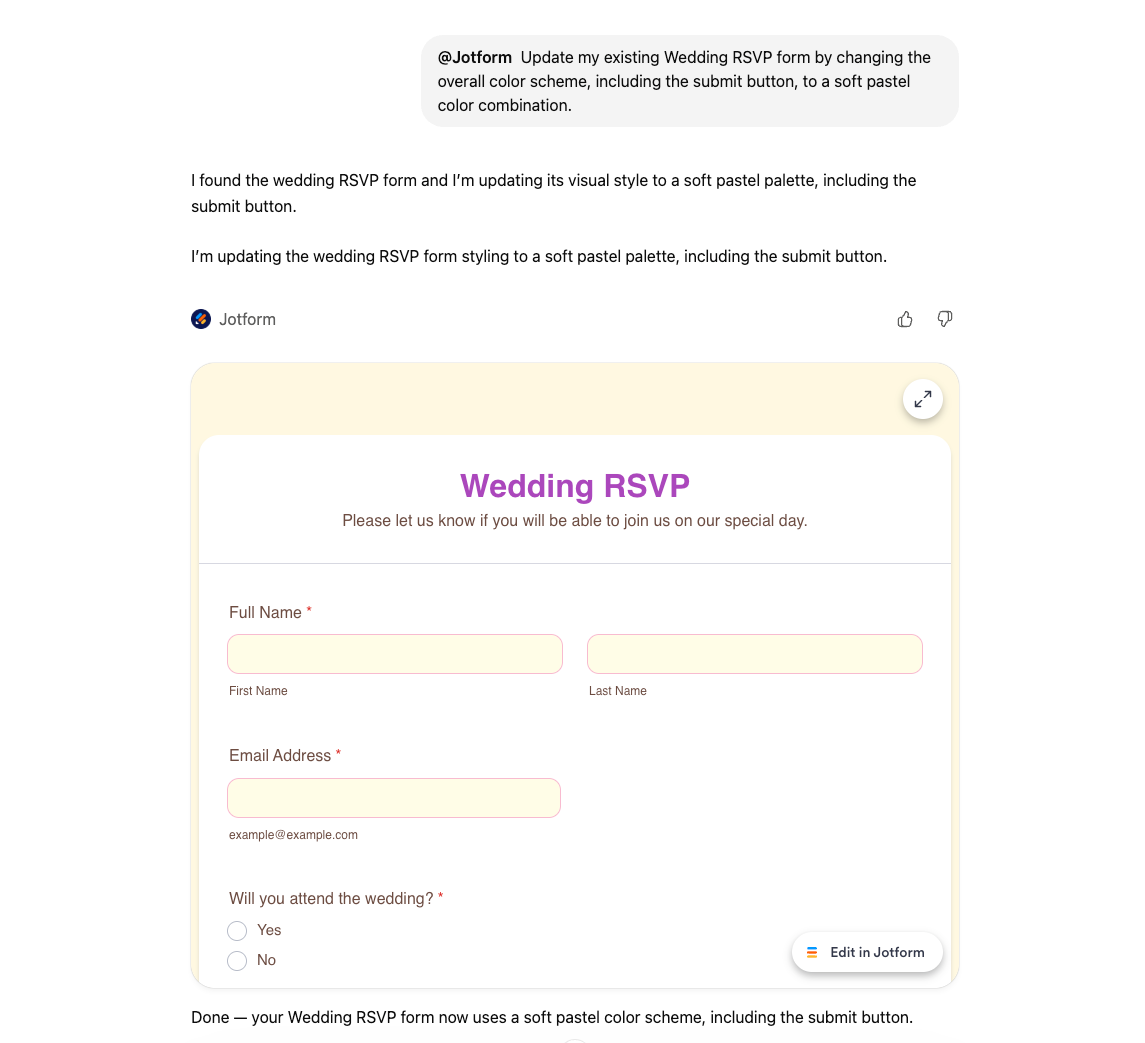
- Live editing and customization: After the tool creates your forms, you can ask ChatGPT to add or remove fields, rewrite questions based on your detailed feedback, reorder or cut sections, or even change the design of the output, like styles and background.
- Submission management: Through the app, you can retrieve submissions for specific forms, apply filters, and sift through responses. For example, you can simply ask ChatGPT questions like, “Who answered the first question correctly?” It will then provide the results in seconds. You may also want to ask it to show quiz participants or filter answers by specific keywords.
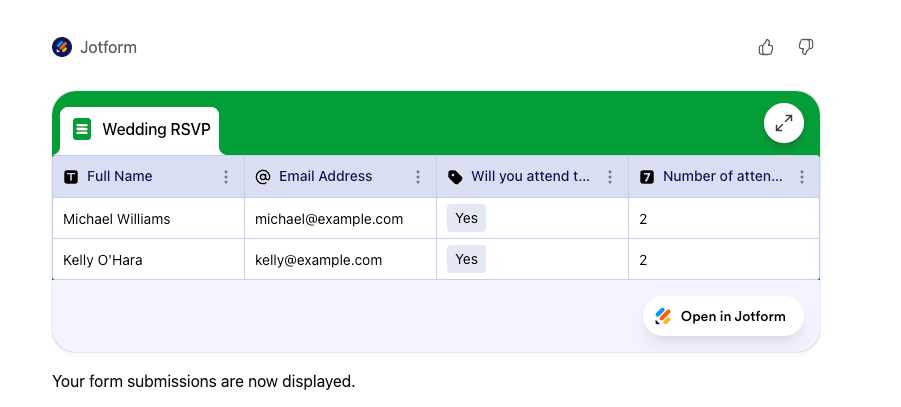
The Jotform ChatGPT App assists with instant form and content creation, live editing, and candidate submission analysis so you can save energy on these time-consuming tasks. Filter as needed and craft quick summaries, all while staying right in the conversation. And if you want to explore even more AI-powered ways to build and manage your forms, check out Jotform AI — just describe what you need, and it builds it for you instantly.
Build faster with Jotform AIDescribe what you need, and let Jotform AI build it for you instantly.
Get Started Now
How to use ChatGPT in recruitment with the Jotform ChatGPT App
Let’s walk through an example of how to use the Jotform ChatGPT App to create a recruitment form:
- Step 1: In ChatGPT, define the type of form you’re creating. For this example, let’s create a role intake form that you can use for any new position the company is hiring for. The fields will include basics of the role (job title, department, and manager), the reason the role needs to be filled, required qualifications, and salary range.
- Step 2: Once the tool has generated the form, you can edit, reorder, or rename fields to make sure it’s relevant to the company and can be used as a template when a new position is open.
- Step 3: Use the form to collect submissions. Easily send it to other departments and colleagues to complete when a role is open.
- Step 4: When reviewing candidates, reference the form to determine which candidates and resumes are the best matches. You could even create a job application intake form to capture these key details.
- Step 5: Ask ChatGPT to summarize key insights from candidate submissions, including skills, red flags, compensation expectations, and other priorities specific to the role and hiring manager.
Creating this one simple form helps you streamline the way you gather internal information, create job descriptions and ads, and filter through submissions so you can see only the most relevant, promising candidates.
Do more with Jotform in ChatGPT
You can also use these Jotform ChatGPT apps to keep your hiring workflow moving:
- Jotform Sign for ChatGPT: Create offer letters and NDAs, assign signing roles, and send them for e-signature in ChatGPT. Connect now to onboard faster.
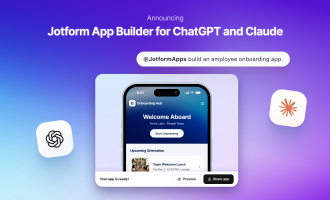
- Jotform App Builder for ChatGPT: Describe a candidate portal or onboarding hub, refine it through conversation, and share it with your hiring team. Connect now to build yours.
Leverage the benefits of ChatGPT with the Jotform ChatGPT App
ChatGPT improves processes for a range of recruitment functions, from screening to research to writing. But getting the highest-quality outputs with recruitment automation depends on structured, detailed inputs.
With the Jotform ChatGPT App, you can capture candidate data more consistently and create well-written job ads and descriptions, helping you and your teams make successful hiring decisions faster. Read all about Form Builder from Jotform and find out how to integrate the tool with ChatGPT for better results with AI recruitment tools.
This article is for in-house recruiters, talent acquisition specialists, HR and hiring managers, recruitment agency teams, and anyone who wants to use ChatGPT and form builder tools to streamline job ads, screening, and candidate communication across their hiring workflows.





























































































Send Comment: