

2026's best Claude marketing connectors
Marketing teams are under constant pressure to do more: produce more content, run more campaigns, report on more channels… even when both headcount and budget stay the same. That’s why, according to HubSpot’s 2026 State of Marketing Report, 80 percent of marketers rely on help from AI in marketing.
And one of those AI tools is Anthropic’s Claude, which has seen rapid enterprise adoption over the past year. Many marketers have come to prefer Claude for its ability to create human-sounding content and maintain context across conversations.
From managing leads to sending campaigns and tracking performance, Claude becomes an even more powerful assistant when you connect it to the tools your marketing team already uses. Below, we’ll detail the five best Claude marketing connectors, including what each does best and how to choose the tool that perfectly suits your team’s workflows.


What are Claude marketing connectors?
Claude marketing connectors are integrations, built on the Model Context Protocol (MCP), that link Claude to existing software stacks. These Claude marketing integrations allow the AI assistant to perform multiple functions. For example, where standalone Claude requires manual copy-pasting, using a Claude marketing connector transforms it from a conversational chatbot into a capable marketing assistant that can directly fetch data and trigger workflows.
A few examples of AI marketing tasks that these connectors enable include
- Generating content
- Managing SEO
- Automating workflows
- Consolidating analytics
- Optimizing paid ads
- Syncing customer relationship management (CRM) data
The best Claude integrations for marketing require little to no technical expertise to set up. Luckily, many official connectors are specifically designed for non-technical marketers.
Of course, the setup experience depends on the particular tool you choose — and that choice can feel overwhelming. That’s why we’ve compiled a list of the best Claude connectors to get you and your marketing team started.
5 best Claude connectors for marketers in 2026
We consider the tools we’ve chosen for this list to be the five best marketing connectors currently available. That’s entirely due to their ability to transform Claude from a simple conversational chatbot into one of the most useful, best AI tools for marketing teams.
Below you’ll find a practical breakdown of each tool, including what it does, who made it, where it may fall short, and where it shines.
1. HubSpot
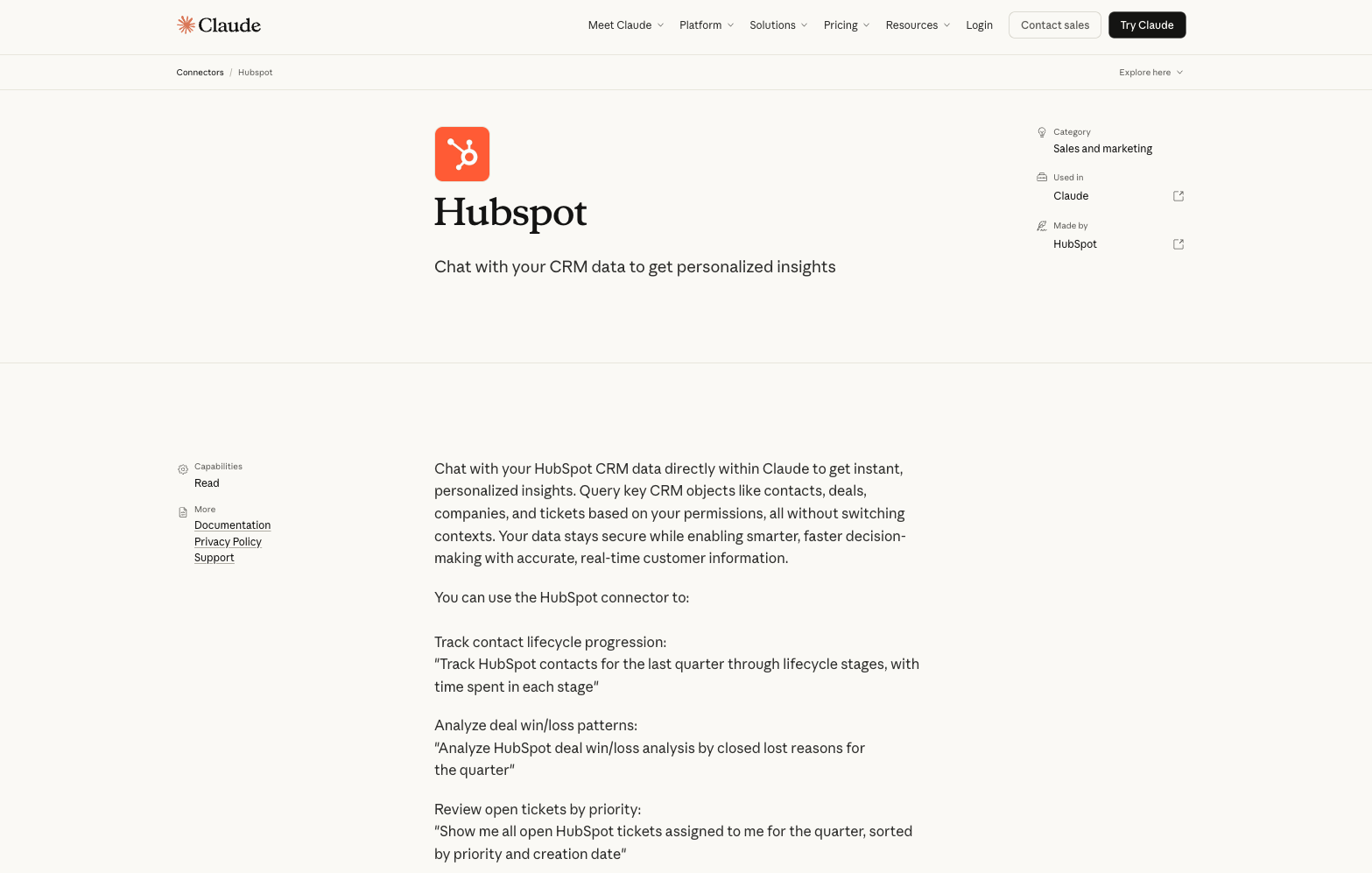
The HubSpot Connector for Claude plugs Anthropic’s AI chatbot directly into your CRM, creating a bridge between your live customer records and a conversational interface. You no longer need to jump between software tabs, export CSV files one by one, or manually construct database queries. Instead, this Claude CRM connector allows you to use natural-language questions to ask the AI to analyze your data in real time, filter audience segments, track active campaign metrics, and generate data visualizations — all without leaving the chat window.
- Best for: Querying and analyzing live CRM data — tracking lead life cycle stages, diagnosing deal win/loss trends, monitoring campaign attribution, and reviewing pipeline health
- Developer: HubSpot
- Key features: Natural-language querying of HubSpot CRM objects, including contacts, deals, and companies; real-time data retrieval without switching tools; lead life cycle-stage tracking; campaign attribution and closed-lost analysis; pipeline health summaries
- Pros: Eliminates context-switching between Claude and HubSpot for routine analysis, Claude’s conversational interface lowers the barrier for non-technical marketers to extract CRM insights, real-time data means reports reflect your current pipeline state
- Cons: Can’t automate follow-up actions (such as enrolling contacts in sequences) from within Claude; relies on clean, well-maintained HubSpot data (if you put garbage in, you get garbage out); the connector respects HubSpot user permissions, meaning your access through Claude maps to whatever your HubSpot account can already see, which is useful for security but could be a friction point for cross-team reporting; teams on lower HubSpot tiers may find the queryable data more limited
2. ActiveCampaign
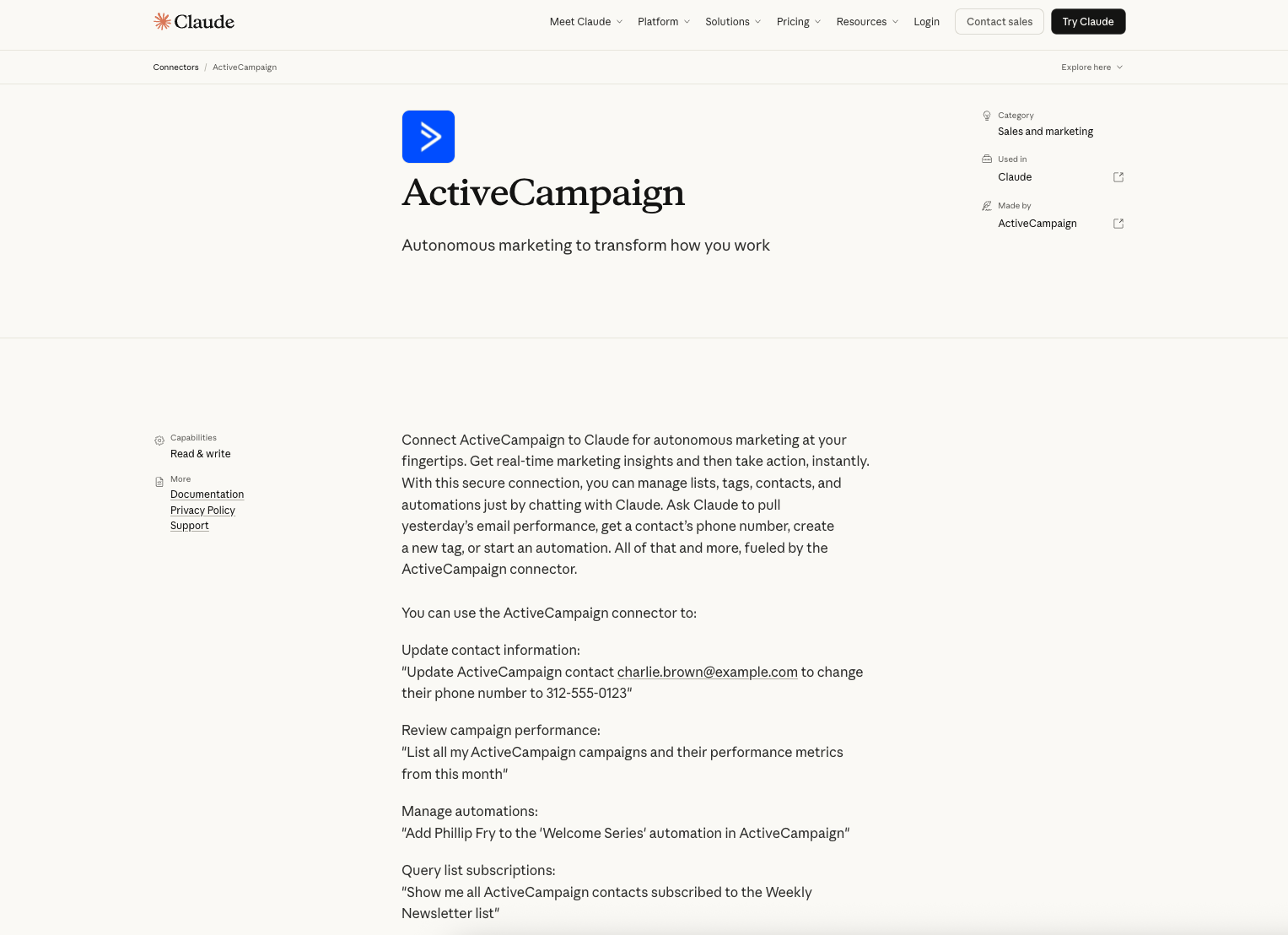
The ActiveCampaign connector for Claude gives you a two-way interface into your email marketing and automation platform. Rather than toggling between campaign dashboards and your AI tool, you can ask Claude right in the chat window to pull performance metrics, manage contacts, and trigger automations. For lean marketing teams who run complex nurture sequences, this kind of consolidated control can significantly reduce the operational overhead of your day-to-day campaign management.
- Best for: Managing email marketing operations from end to end — reviewing campaign performance, updating contact records, segmenting lists, and triggering automations
- Developer: ActiveCampaign
- Key features: Real-time email campaign performance reporting, contact record updates, list and tag management, automation enrollment, subscriber segmentation queries
- Pros: Read-and-write access enables both action and analysis, natural-language interface lowers the barrier for non-technical marketers to manage automations, useful for quick campaign audits and mid-send list adjustments without leaving Claude
- Cons: Write access increases the risk of imprecise prompting, causing Claude to modify contacts or trigger automations unintentionally; can only manage existing automations, not build new ones — so you’ll still have to construct complex drip sequences in ActiveCampaign’s native user interface; requires clean list hygiene and tagging conventions to return accurate results
3. Klaviyo
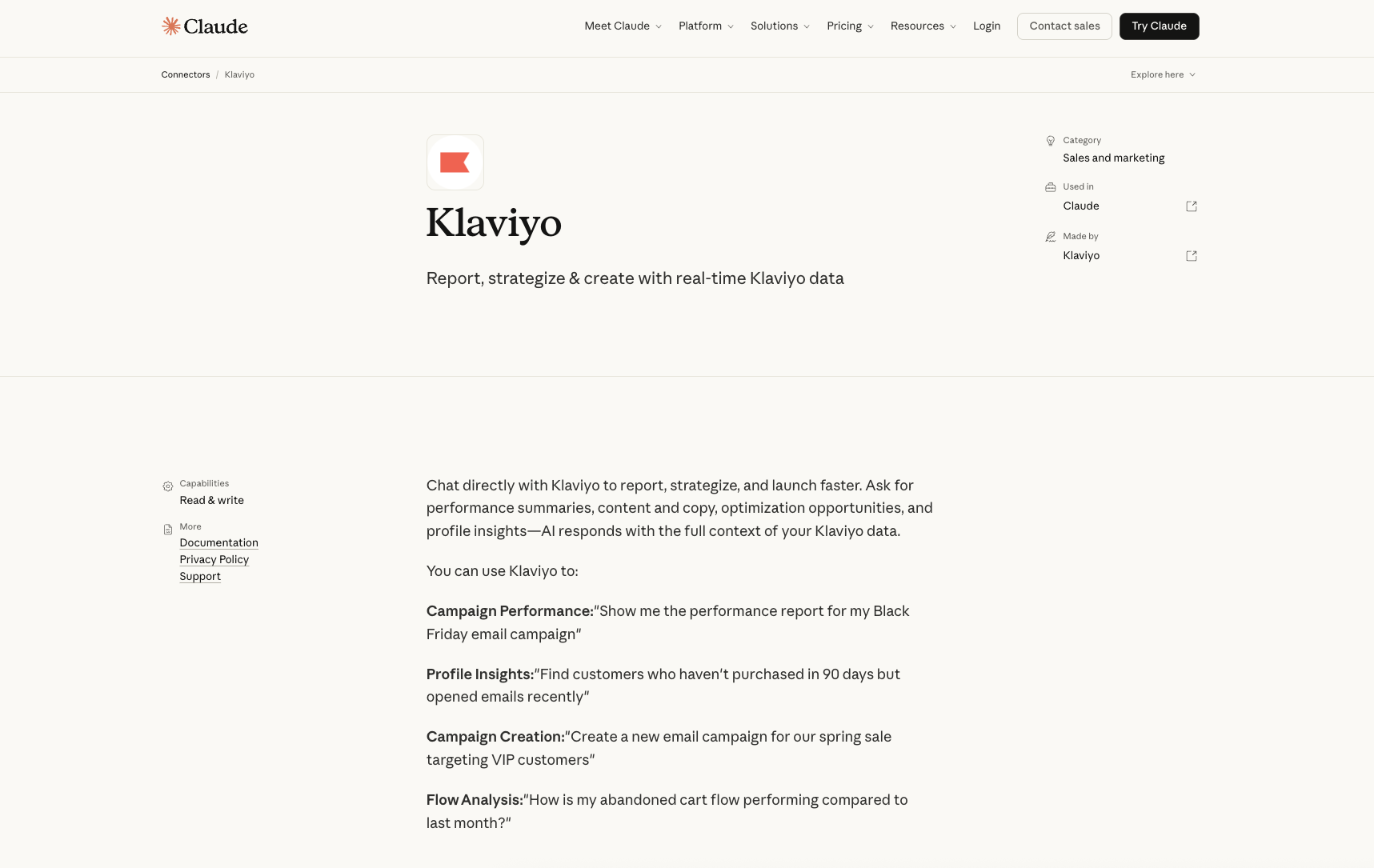
If you use Klaviyo for email marketing, its Claude connector brings your campaign and customer data into a live conversational interface that’s purpose-built for e-commerce marketing. Klaviyo is lauded for its deep customer profiling and behavioral segmentation, and this connector makes that data actionable through natural language without having to sift through dashboards or export reports.
This Claude email marketing connector gives Claude access to relevant Klaviyo campaign and customer data so you can work faster — whether you need to diagnose an underperforming flow, identify a lapsed-buyer segment, or draft campaign copy using real performance data.
- Best for: E-commerce email and SMS marketing — analyzing flow and campaign performance, surfacing behavioral audience segments, and creating new campaigns
- Developer: Klaviyo
- Key features: Campaign and flow performance reporting, behavioral profile lookups (such as lapsed buyers or high-engagement subscribers), audience segmentation queries, new campaign creation
- Pros: Combines reporting and creation in one interface, so you can ask for performance data and then act on it without switching tools; particularly useful for rapid pre-send audits and post-campaign analysis; for those newer to AI in email marketing, Claude’s conversational interface makes Klaviyo’s powerful segmentation accessible without requiring platform expertise
- Cons: Best suited to e-commerce use cases and Klaviyo users running sophisticated segmentation and automated flows — less relevant for B2B or service-based marketing teams, or those using Klaviyo as a basic broadcast tool; as with ActiveCampaign, write access means a poorly framed prompt could inadvertently create or modify campaigns, so be cautious when prompting Claude; likely limited to managing existing flows rather than building new automation logic from scratch
4. Monday.com
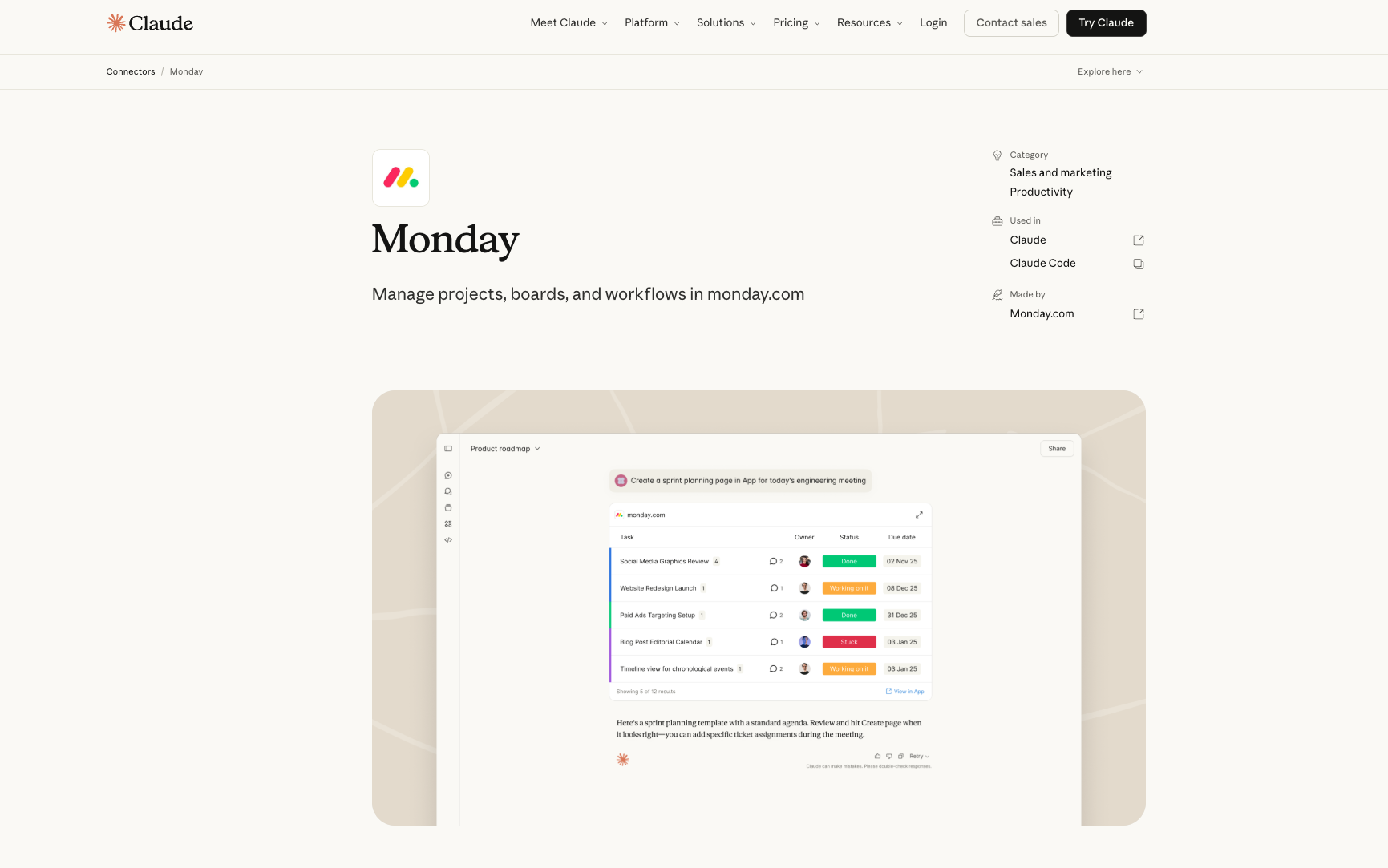
MCP tools for marketing aren’t limited to your CRM or email platform. Sometimes the biggest bottleneck is project coordination. Enter Monday.com’s connector for Claude, which enables AI-assisted project management via your chat interface. You can use it to create boards, assign tasks, track timelines, and post status updates. If you already run campaigns, content calendars, or event planning inside Monday.com, this connector turns Claude into an intelligent layer on top of your existing workflows.
- Best for: Marketing project management – building and updating campaign boards, tracking deliverable status, managing your team’s workload, and surfacing at-risk tasks across active initiatives
- Developer: Monday.com
- Key features: Board and task creation, item status updates, timeline and deadline tracking, workload-based task assignment suggestions, progress visualization with at-risk flagging, status update posting capability
- Pros: Reduces platform-switching if you’re managing multiple concurrent projects, offers workload-aware task assignment suggestions, keeps campaign timelines visible without a separate dashboard
- Cons: Better suited to project management than marketing analytics, so it won’t pull campaign performance data or audience insights; limited value if Monday.com isn’t already your main project management tool; complex board structures require precise prompting
5. Adobe Marketing Agent
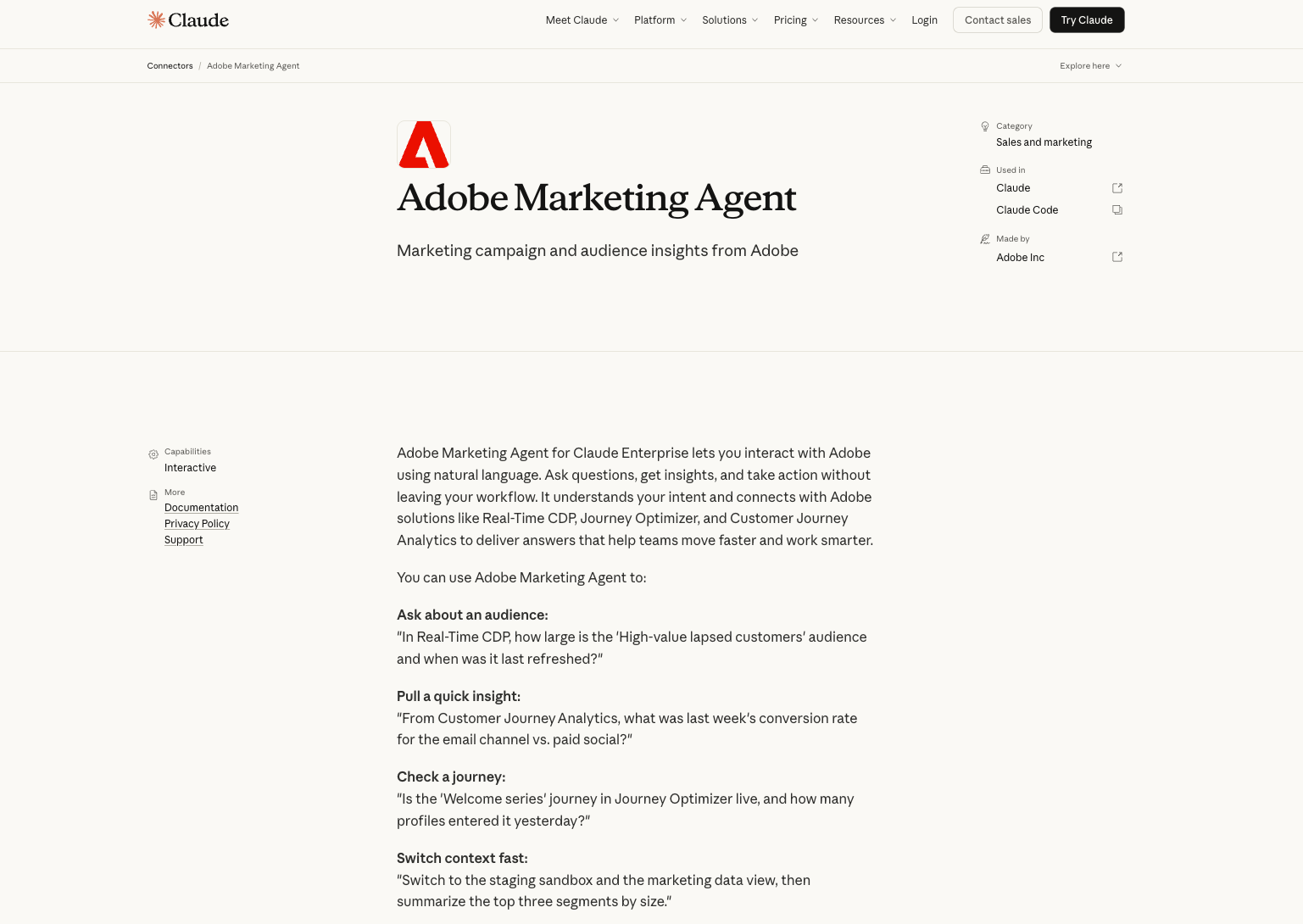
For enterprise marketing teams already embedded in the Adobe ecosystem, the Adobe Marketing Agent merges Claude with your existing stack through a single natural-language interface. Rather than jumping between platforms to piece together audience size, journey metrics, and channel conversion data, Claude can give you a consolidated picture with one query.
This is the most enterprise-grade option on our list and is specifically built for organizations executing sophisticated multi-channel marketing operations at scale.
- Best for: Cross-platform marketing intelligence for Adobe Experience Cloud users — querying audience segments, analyzing cross-channel conversion, checking journey status
- Developer: Adobe Inc.
- Key features: Natural-language querying across Real-Time CDP, Journey Optimizer, and Customer Journey Analytics; audience segment queries (including size and refresh status); cross-channel conversion reporting; customer journey status checks; sandbox and data view switching
- Pros: Unifies insights across multiple Adobe platforms in a single conversational interface; eliminates the need to hop between CDP, analytics, and journey tools mid-analysis; especially powerful for teams running complex, multi-channel campaigns with large audience databases
- Cons: Requires a Claude Enterprise (highest tier) subscription, not useful outside the Adobe Experience Cloud ecosystem
How to choose the right Claude marketing connector
Deciding which of these best Claude marketing connectors meets your team’s needs comes down to how your team actually works. Before committing to one tool, consider the following dimensions for each connector on your shortlist.
Workflow fit
Even the most powerful connector is useless if it doesn’t match your workflows. A Claude social media AI connector won’t help if your team’s daily work is lead nurturing and segmentation, and vice versa. Start by listing your team’s top daily marketing tasks, and choose the tool that specifically simplifies those.
Budget and plan tiers
Most connectors offer free entry points, but these tiers often cap contacts, sends, or seats at volumes that your growing team may quickly outgrow. Check whether the free tier covers your current list size and send frequency. If it doesn’t, weigh the cost of upgrading against the time you’d recover on content production and reporting.
Data sensitivity
If your team works with sensitive information, such as personally identifiable information, behavioral data, and campaign performance metrics, review each connector’s data access permissions carefully before connecting to live CRM or email platform accounts. Verify that the tool’s privacy policy aligns with your organization’s data privacy policy, too.
Setup complexity
Some connectors are plug-and-play, while others require API configuration or admin access to the marketing platform. Consider whether your team has someone who can fully own the setup or whether you need a connector that a non-technical marketer can set up independently.
Existing tool stack
The best connector is often the one that involves a platform you already rely on. If you regularly collect structured data — lead capture forms, event registrations, customer feedback surveys, or client intake forms — you should know that some useful Claude MCP marketing tools don’t live inside a traditional martech platform.
The Jotform Claude App works within Claude itself, and it’s worth adding regardless of your existing stack.
Introducing the Jotform Claude App
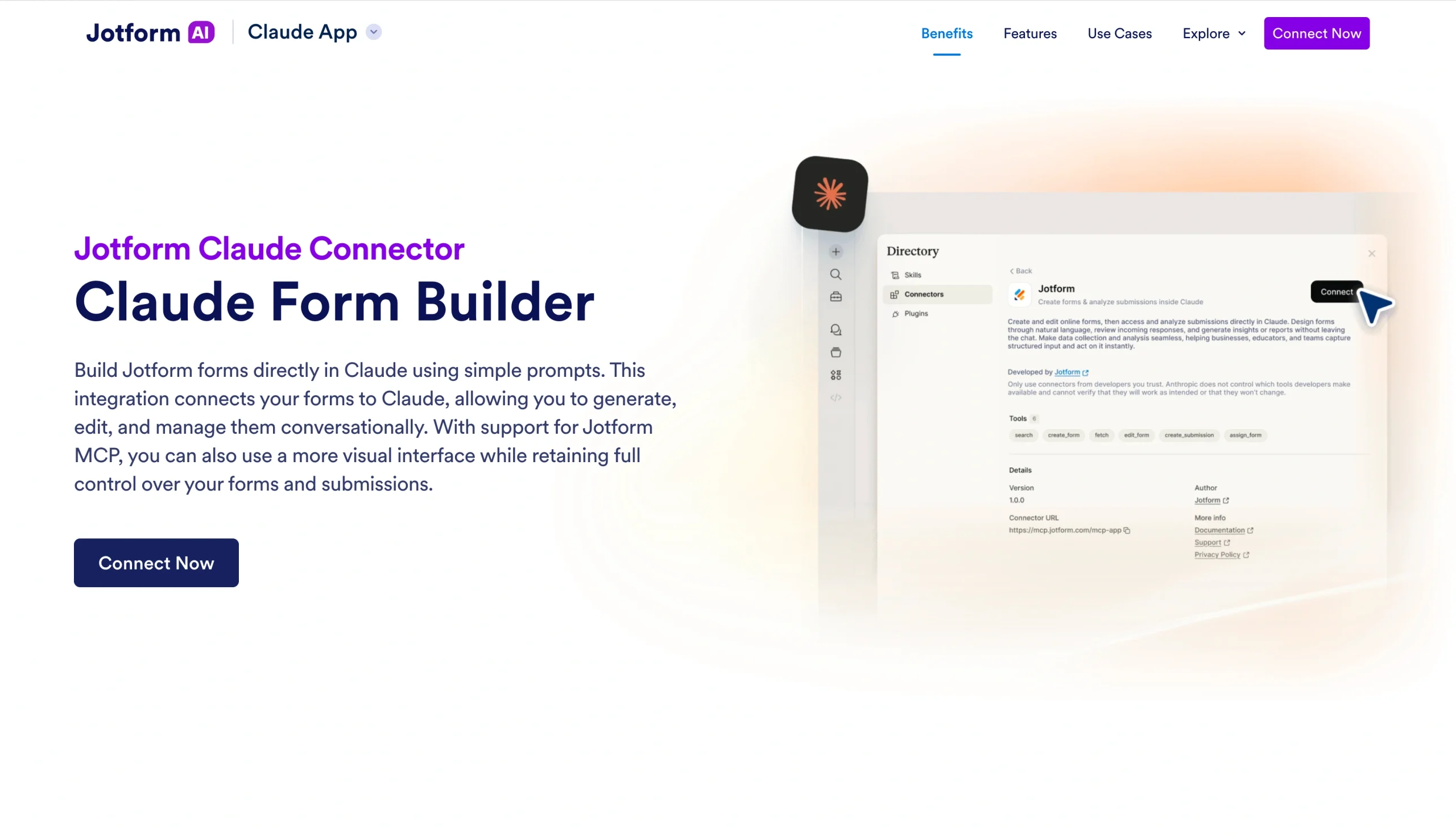
The Jotform Claude App connects your Jotform account directly to Claude, giving even non-technical marketers the power to create and edit forms via plain-language prompts and review submission data without switching platforms. Claude Jotform marketing use cases span the entire form life cycle — from creation to submission analysis.
What it does for marketing teams
Whether you need a lead capture form for a campaign launch or a post-event survey to gather attendee feedback, the Jotform Claude App handles it without leaving your chat window. You can create a form in Claude by simply describing what you need and refining it conversationally. Once submissions come in, Claude can filter responses by date, status, or field value and highlight trends in the data, eliminating the need to export manually or log into a separate dashboard.
How to get started
Setup is simple:
- Log into Claude and open the Connect Your Tools settings.
- Search for Jotform and activate the connector.
- Start a new chat and describe the form you need. Claude will generate it immediately.
- Refine, edit, and manage submissions conversationally from there.
Why it works across marketing stacks
Unlike the CRM, analytics, and email connectors we covered, the Jotform Claude App isn’t married to a specific martech ecosystem. Because it works within Claude itself, it’s a low-friction addition no matter what tools you already use.
If you run recurring lead capture or post-event surveys, the Jotform Claude App eliminates a persistent pain point: flipping back and forth between platforms just to manage form data or act on responses.
Do more with Jotform in Claude
Jotform’s Claude connectors also help marketing teams prepare agreements, track signatures, and build no-code apps for campaigns and events—all through conversation:
- Jotform Sign for Claude: Prepare influencer agreements, media releases, or campaign approval documents from a description or an existing PDF. Refine the wording, add signature fields, configure recipients and signing order, and send documents for signature. Check which requests are pending, viewed, or signed to keep your campaign paperwork moving. Connect now to use Jotform Sign in Claude.
- Jotform App Builder for Claude: Create an event app, campaign resource hub, or client portal by describing what you need. Bring registration forms, promotional materials, and useful links together, then customize layouts, branding, and access permissions through conversation. Publish and share your app without coding. Connect now to use Jotform App Builder in Claude.
Turn Claude into your marketing team’s most-used tool
Rather than replacing your existing tools, the best Claude marketing connectors plug right in and make them easier to use. They bring insight and action closer together, whether you’re pulling campaign attribution data, enrolling contacts in a sequence, or analyzing a post-event survey.
When the same workflow repeats on a set schedule, the ROI compounds. Weekly campaign performance reports, monthly newsletter drafts, recurring lead follow-up sequences, and post-event survey analysis are the kinds of tasks where you’ll see a connected Claude workflow pay for itself over time. Because you don’t have to rebuild processes from scratch each cycle, you’re left with more headspace for the work that requires creativity and judgment.
To get started, select one connector that maps to your highest-volume, lowest-complexity task, and build from there. For many marketing teams, that’s a form-based workflow like lead capture, event registration, or customer feedback.
If your team already uses Claude, the Jotform Claude App is the fastest way to build marketing forms using natural-language prompts, edit existing forms on the fly, and review or summarize submission data within the Claude interface. Give it a try for free today.
This article is for marketing managers, content strategists, growth marketers, and digital marketing leads at small-to-mid-sized businesses looking to use Claude to automate campaign workflows, content production, lead capture, and performance reporting.





































































































Send Comment: