
You’ve heard a lot of noise about ChatGPT, the conversational AI chatbot from OpenAI. It’s fun to use, sure, but for e-commerce teams it’s quickly becoming a serious business tool. In fact, a Forbes survey found that 97 percent of businesses believe it will benefit their operations.
As customer demands increase and competition intensifies, more online stores are turning to ChatGPT to work smarter. It can help them produce content quickly, personalize responses to customer queries at scale, and run marketing campaigns that reach the right people at the right time — all while reducing the manual workload that slows teams down. The result is
- More published content
- Quicker responses to customers
- Strategically optimized campaigns
But ChatGPT is more than just a writing assistant. Some online stores are embedding it deeply into their workflows to simplify operations and turn fragmented processes into scalable systems.
To help you get started with the chatbot, here’s a breakdown of the key ChatGPT benefits in e-commerce, an implementation roadmap, and how tools like the Jotform ChatGPT App extend what you can do with AI.
Benefits of ChatGPT in e-commerce
While the productivity gain from ChatGPT in e-commerce shows up across multiple functions, here are the most significant ChatGPT e-commerce benefits and why they matter to your store:
- Faster content creation: Writing product descriptions, category page copy, landing pages, and FAQs at scale is one of the most time-consuming tasks in e-commerce. With ChatGPT, you can generate consistent, on-brand content with minimal human oversight. A Forrester study commissioned with Microsoft found that using AI for product descriptions can increase productivity by 10 times.
- Improved customer support: 88 percent of customers say fast responses are important to them, with 66 percent saying that long wait times would cause them to stop doing business with a company. ChatGPT can help your support team draft real-time replies for common queries to meet customer demand without additional headcount. It can also support your staff in crafting more empathetic responses to escalated issues.
- Personalized marketing: According to an Attentive report, 90 percent of consumers say they want more personalized communication than they currently receive. 81 percent will ignore generic messages, with 71 percent feeling frustrated by them. ChatGPT can help you scale this kind of personalization, allowing your marketing team to generate customized copy for segmented audiences for more relevant communication at a fraction of the production time.
- Operational efficiency across teams: Beyond content and support, you can use ChatGPT to reduce repetitive, cognitive tasks. It’s particularly good at brainstorming campaign angles and summarizing insights to improve operational efficiency. Your marketing team can also use it to repurpose content for several platforms.
- Lower barrier to entry for AI in e-commerce: Unlike most AI e-commerce tools that require technical setup, most ChatGPT e-commerce use cases work through a conversational interface. Any member of your team can use it from day one because it doesn’t need any coding or complex configuration. This accessibility is important if you run a small or mid-sized e-commerce business that doesn’t have a dedicated technology team.
How to start: Implement ChatGPT in your e-commerce workflow
To start using ChatGPT for your e-commerce business, you need to set up a ChatGPT account and identify repetitive tasks that you can automate. You won’t need a full technology overhaul or a dedicated AI team, just a clear business goal you want to achieve.
Whether you’re figuring out how to start an e-commerce business with ChatGPT baked in from the very beginning or you want to integrate it into your existing store operations, you can use the same roadmap.
Step 1: Define your use case
Before you think of using generative AI in e-commerce, identify your business’s specific needs and objectives. What is your current process? Where do you want ChatGPT to shoulder some of the burden or add value for your customers or internal teams?
While how you want to use ChatGPT will vary, consider using it to automate repetitive or time-consuming tasks or enhance customer experiences. And if you don’t have a clear business goal you want to achieve with it yet, consider the following ChatGPT e-commerce use cases that successful stores have implemented for inspiration.
| ChatGPT use case in e-commerce | What ChatGPT does |
|---|---|
|
Product description generation |
Speeds up the creation of SEO-friendly, compelling product copy |
|
AI assistant for e-commerce |
Handles frequently asked queries |
|
Personalized product recommendations |
Suggests products to buyers based on their browsing behavior on your site |
|
Email marketing campaigns |
Creates targeted email sequences |
|
Ad copy creation |
Generates high-performing ad variations |
|
Review summarization |
Extracts insights from customer reviews |
|
Chatbot sales assistance |
Guides users through purchase decisions |
|
FAQ page generation |
Builds and updates help center content |
|
Returns and refund handling |
Automates return instructions and responses |
|
Inventory and demand insights |
Analyzes trends from sales data (requires integration) |
|
Upsell and cross-sell script |
Suggests complementary products |
Once you know what you want ChatGPT to help you with, you can now align your goals with the potential benefits of AI for a successful implementation.
Step 2: Start small with a controlled test
Instead of trying to automate multiple use cases at once, start with one high-impact, low-risk workflow where you can test results quickly and refine your approach.
Let’s say you choose to use ChatGPT to generate a product description. Begin with a small, controlled pilot, such as a single category or 10 to 20 SKUs. Provide ChatGPT with the necessary inputs:
- Product features
- Specifications
- Target audience
- Tone of voice guidelines
- Keywords
Ask ChatGPT to generate a description and compare it against your existing content. The best practice is to treat the response as the first draft and include human oversight to refine it into the final piece. Your goal shouldn’t be to replace human creativity but to save time and simplify the process.
Step 3: Review and refine output
Build a review step into your workflow before any of the ChatGPT output reaches your customers or goes live on your site. According to an Ahrefs study, 97 percent of companies have a review process for AI output, with 80 percent manually reviewing their AI content for accuracy.
As part of the review process, note where the output misses the mark, like tone or inaccurate product specs. Use the gaps to inform how you improve your prompt. With time, as your prompts become more precise and your team more fluent with ChatGPT, your review cycles may shorten and require fewer edits.
Step 4: Customize prompts for your brand
Generic prompts produce generic results. So, take some time to build a prompt library that’s specific to
- Your brand voice
- Your product categories
- Your audience
- Your content type
- The platform you’ll use for the output
For an even more tailored response, add an example of your preferred tone and provide context about your customers. If your online store sells luxury home products, for example, you’ll need different tone guidance than a budget sportswear brand. ChatGPT will produce better outputs if you state an explicit tone preference in the prompt.
This shouldn’t be a one-off exercise either. Treat your prompt library as a living team resource that improves with every use and iteration.
Step 5: Measure impact before you scale
Once your first ChatGPT use case in e-commerce delivers measurable results, such as reduced time per task or improved response rates, document the success and use it to justify broader adoption.
Set the baseline metrics, such as hours spent on a given task, average support handle time, email campaign open rates, conversion rates, or customer satisfaction scores. Then, collect the data that you’ll use to convince skeptical stakeholders and secure a budget for an additional AI e-commerce tool. From there, you can expand use cases, one function at a time, with the same review-and-refine approach you used in the first case.
Supporting better ChatGPT outputs with the Jotform ChatGPT App
One limitation of using ChatGPT alone is that it excels at generating content but not at automating other e-commerce workflows. If you’re like most e-commerce stores, you need to collect structured data for campaign planning, such as
- Product attributes
- Customer preferences
- Feedback
- Internal inputs
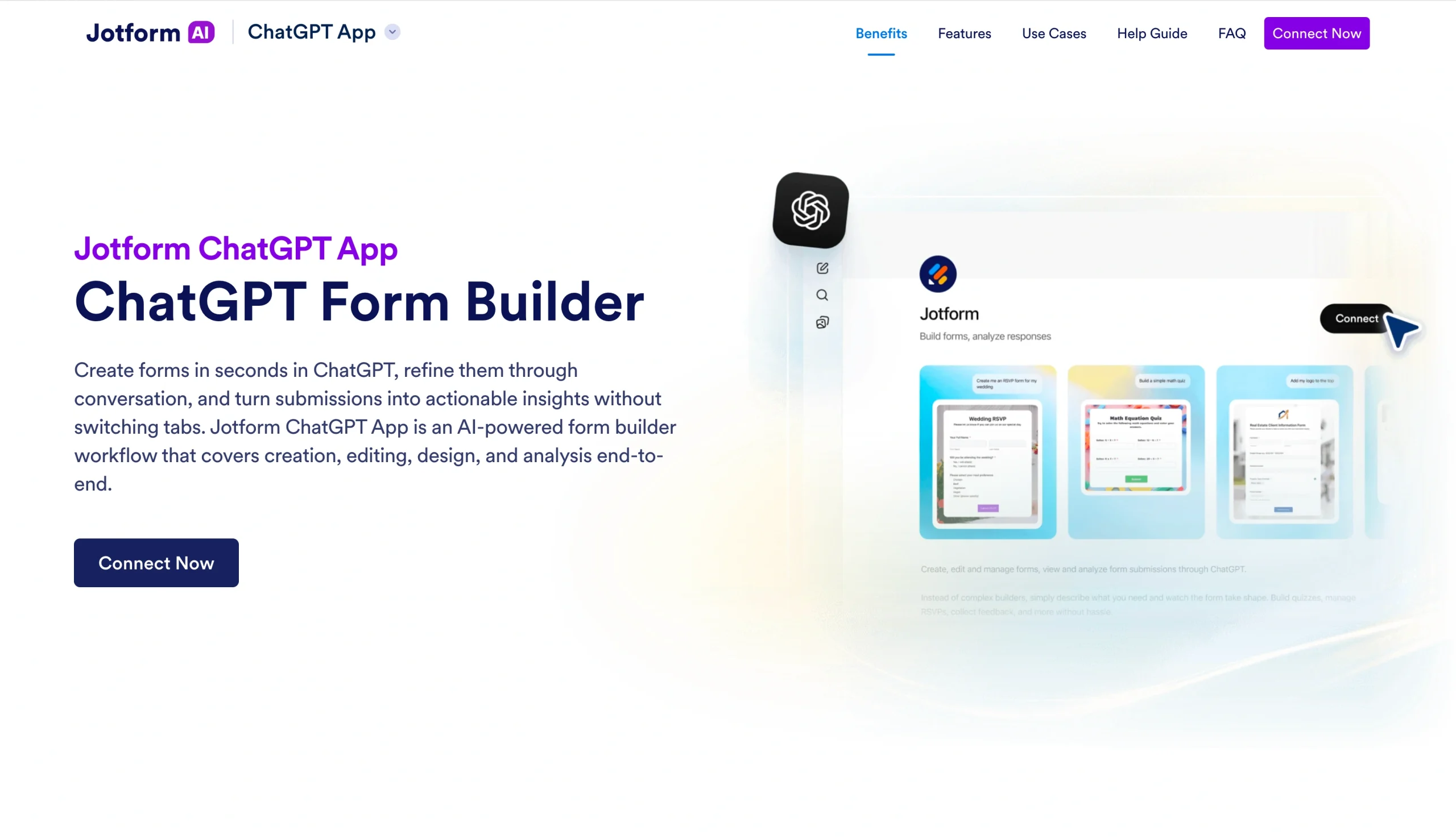
Traditionally, data collection processes involve switching platforms, which breaks workflows and creates extra data-handling steps that eat into the time savings that AI was supposed to create. The Jotform ChatGPT App removes this extra friction. It lets you build and manage forms directly inside ChatGPT conversations — no switching apps or copying and pasting data between platforms.
How the Jotform ChatGPT App works
To put how the Jotform ChatGPT App works into perspective, let’s assume that your e-commerce business is preparing for a seasonal sale. You want to segment your email offers by customer preferences.
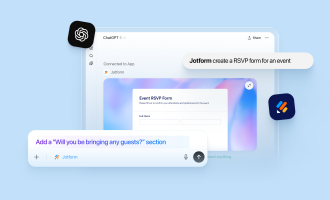
With the Jotform ChatGPT App, you can bring all the related steps into ChatGPT. You simply describe the form you need — like “a three-question preference survey asking customers about their favorite product categories, ideal price range, and whether they’d like early sale access” — and the app will generate it instantly. From there, you can refine the form through conversation and adjust fields to tailor it to your campaign’s needs without leaving the chat.
Once your form is ready, publish it or share it with your customers. As you start to receive responses, you can use ChatGPT to interpret and organize submissions into categories and generate tailored email copy based on real data.
How to use the Jotform App inside ChatGPT
OpenAI offers a Jotform app integration in ChatGPT, so you can connect your account directly to the assistant and ask it to carry out form-related tasks for you. To get started, log into your ChatGPT account and follow these steps:
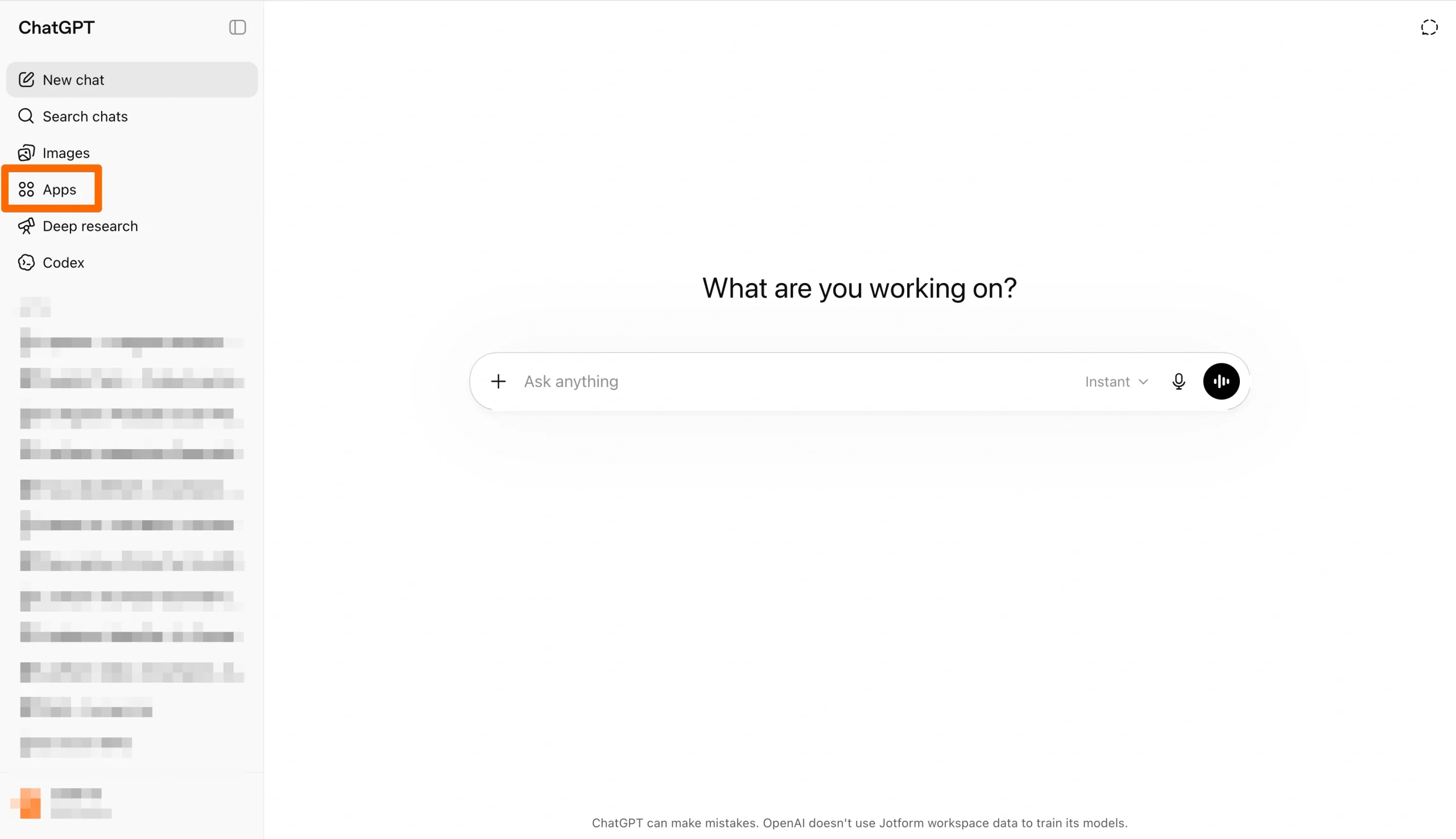
- On the left-hand side of your ChatGPT screen, find Apps and click on it. If you don’t see it, select the More tab.
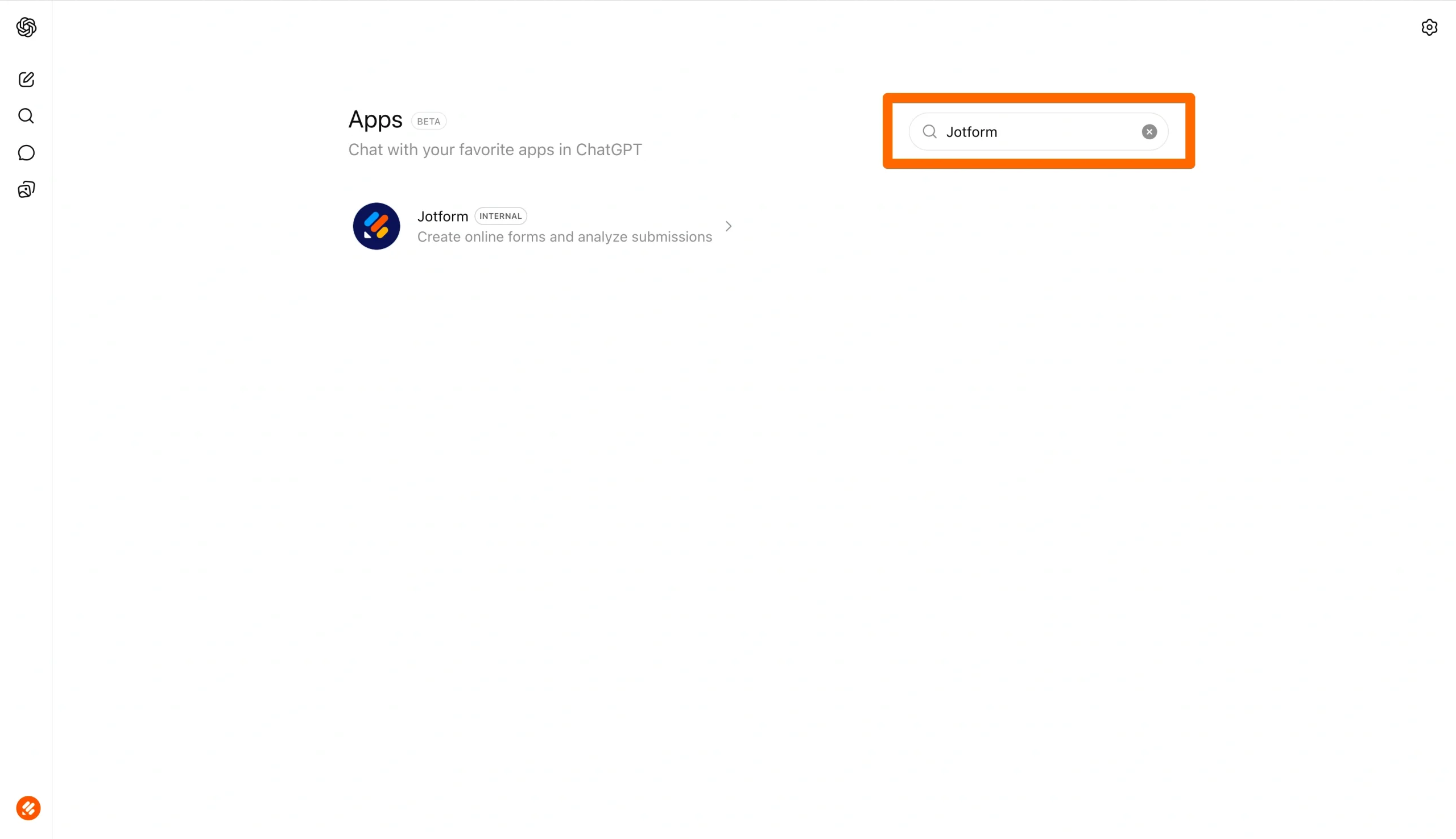
- Type Jotform in the search box that opens in the ChatGPT apps directory, and select it.
- Click the Connect button and sign into your Jotform account. If you don’t have an account yet, sign up for Jotform to proceed.
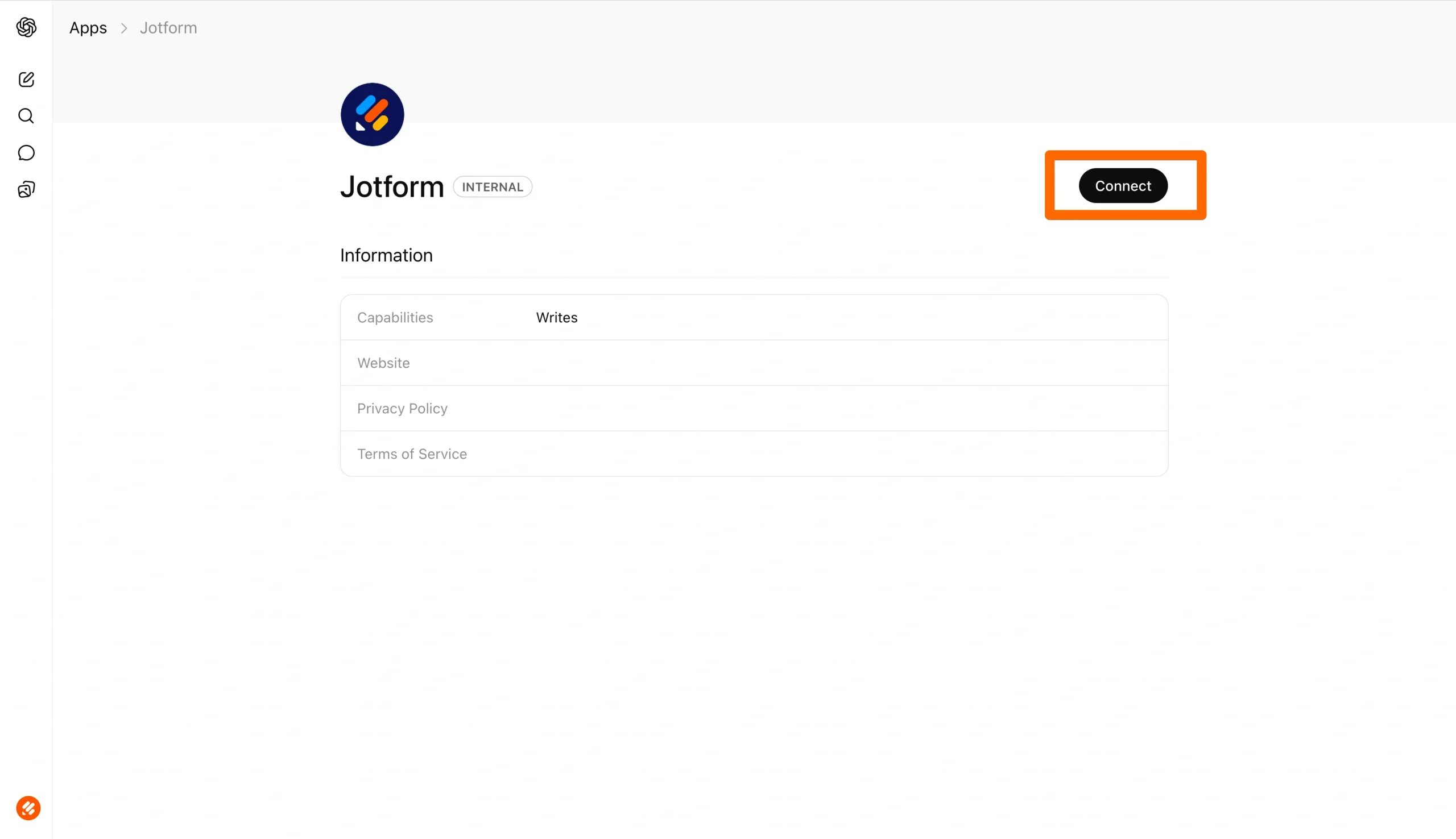
- Once you’ve logged in, Jotform will ask you if you want to allow ChatGPT to access your account. Select Allow to proceed. You’ll get a green popup confirming a successful connection, and Jotform will redirect you to your ChatGPT account.
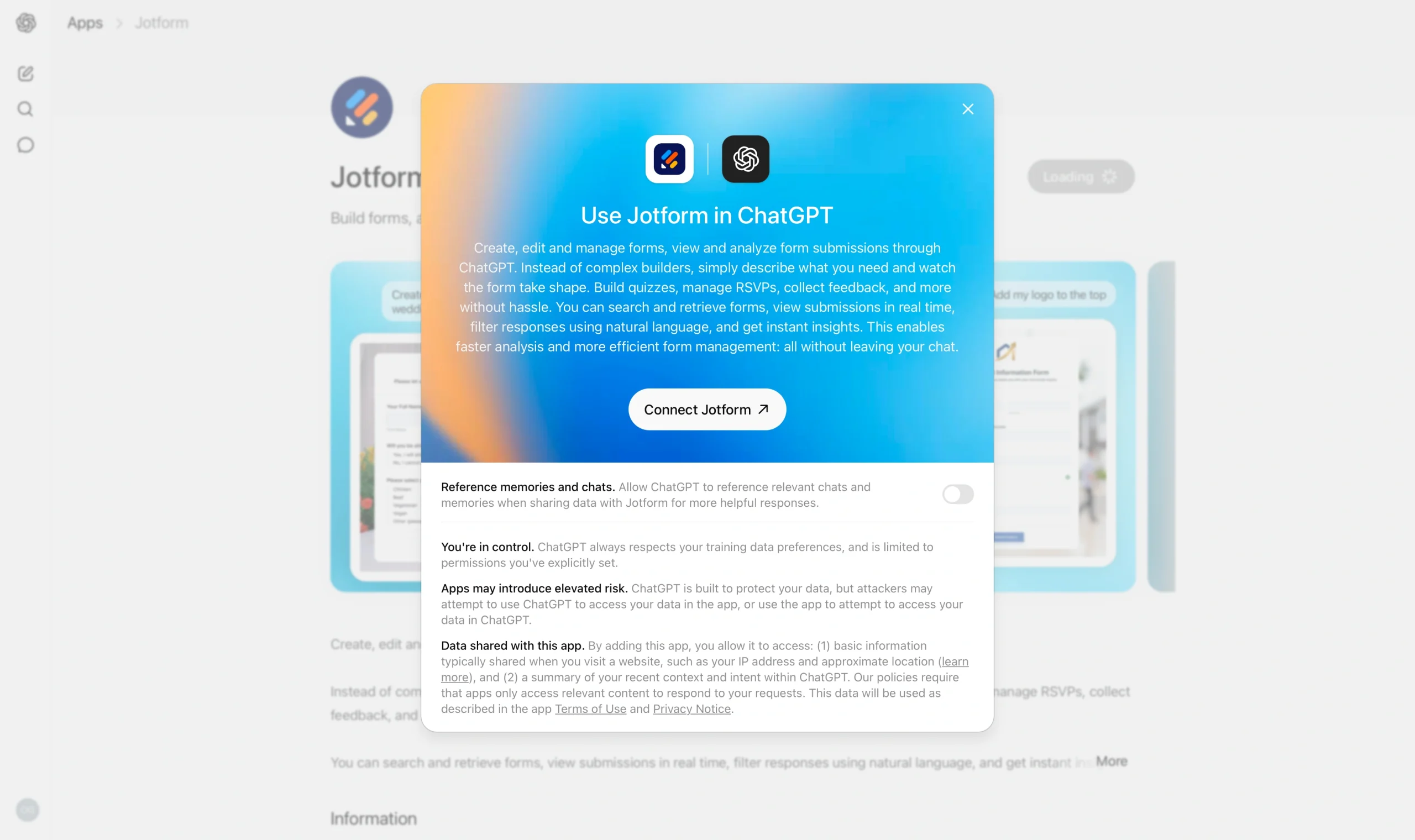
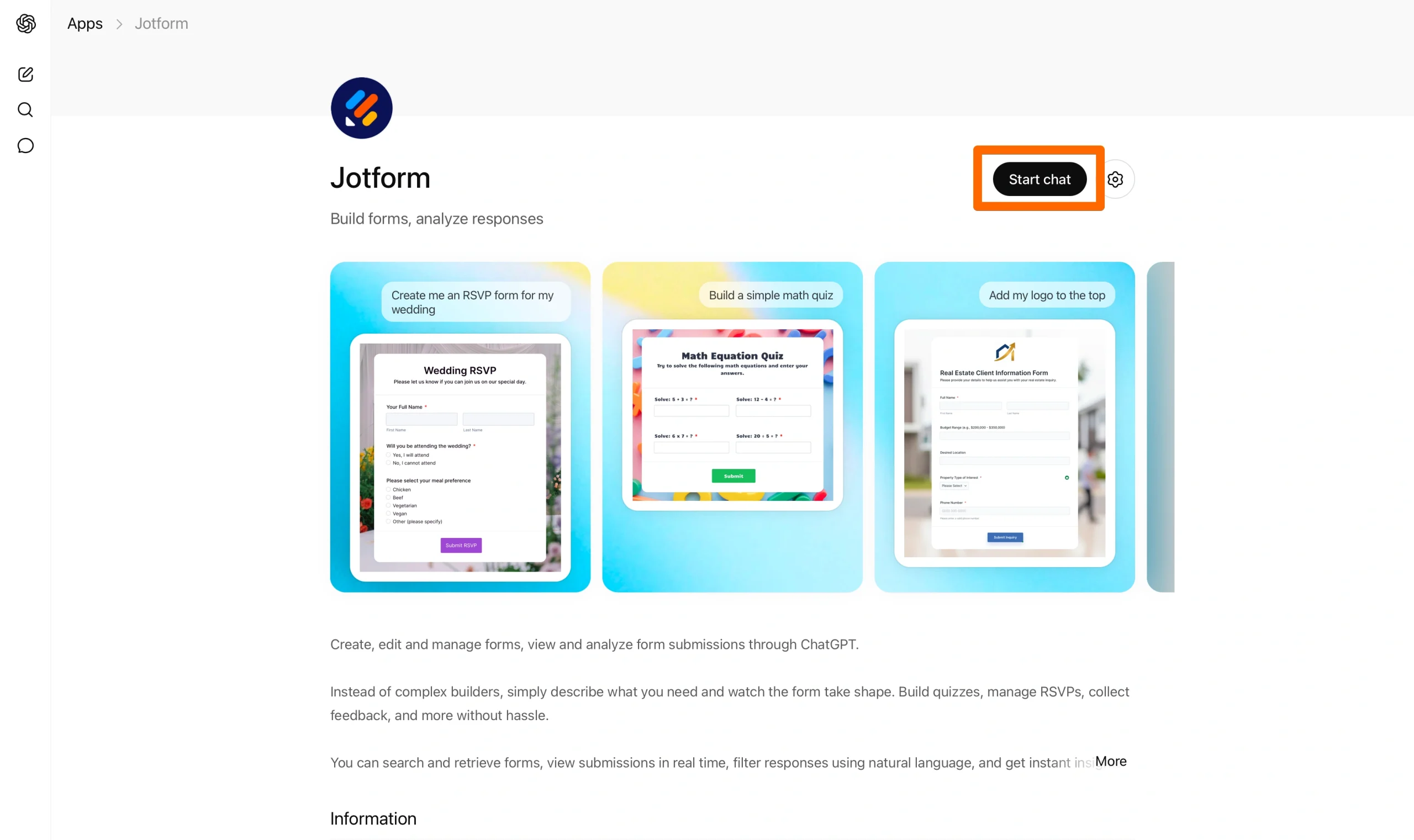
- To use the Jotform ChatGPT App for e-commerce purposes, hit the Start chat button. You should see a small Jotform logo below the prompt box on your ChatGPT.
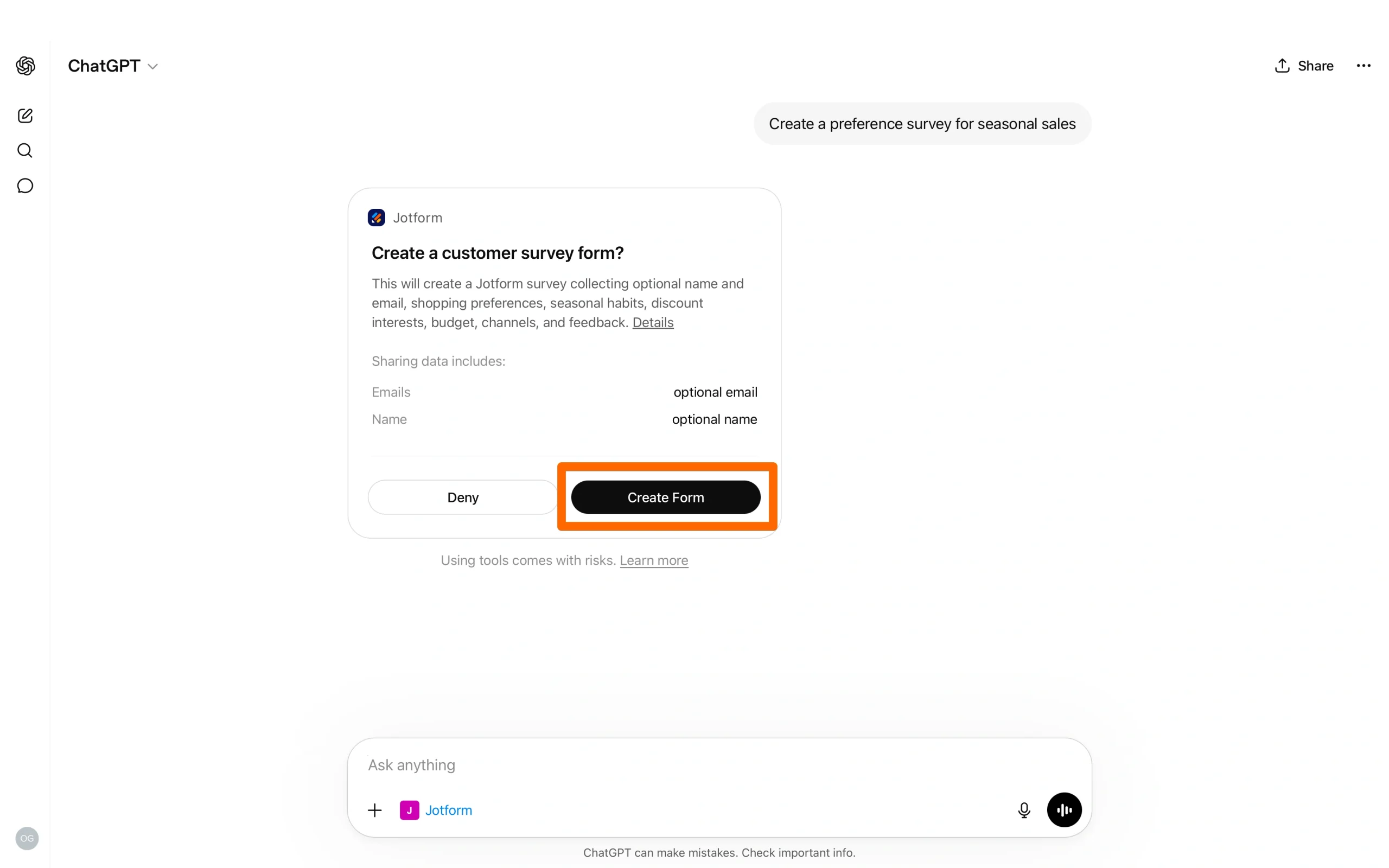
- Now you can create your form with a prompt. To demonstrate how the system works, I asked the Jotform ChatGPT App to create a preference survey for seasonal sales. The engine will ask you to confirm the form creation, so click the Create Form button.
- Your form will be ready within seconds inside the chat.
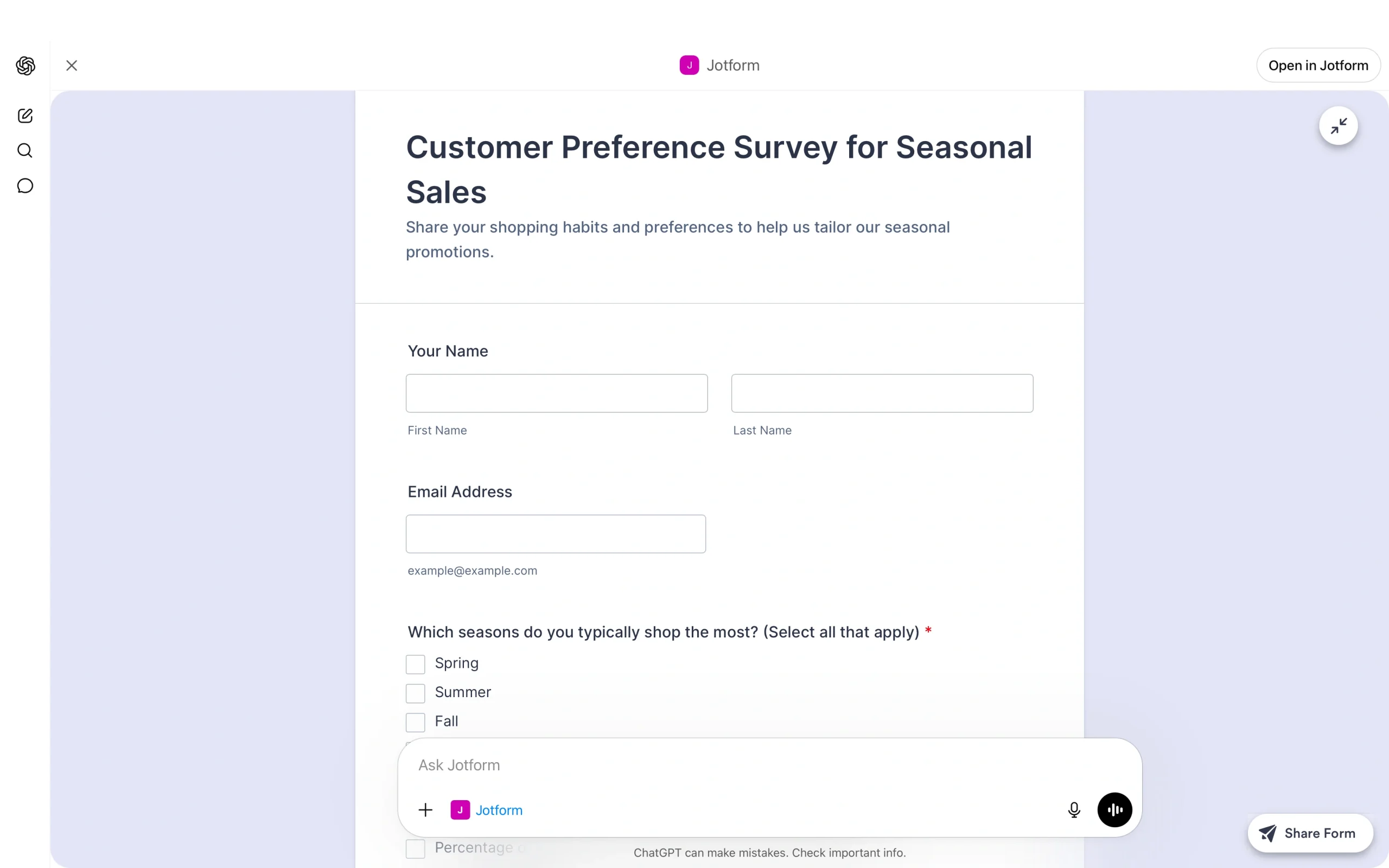
- Below the form, the Jotform ChatGPT App will offer you the option to edit your form with a link or using prompts.
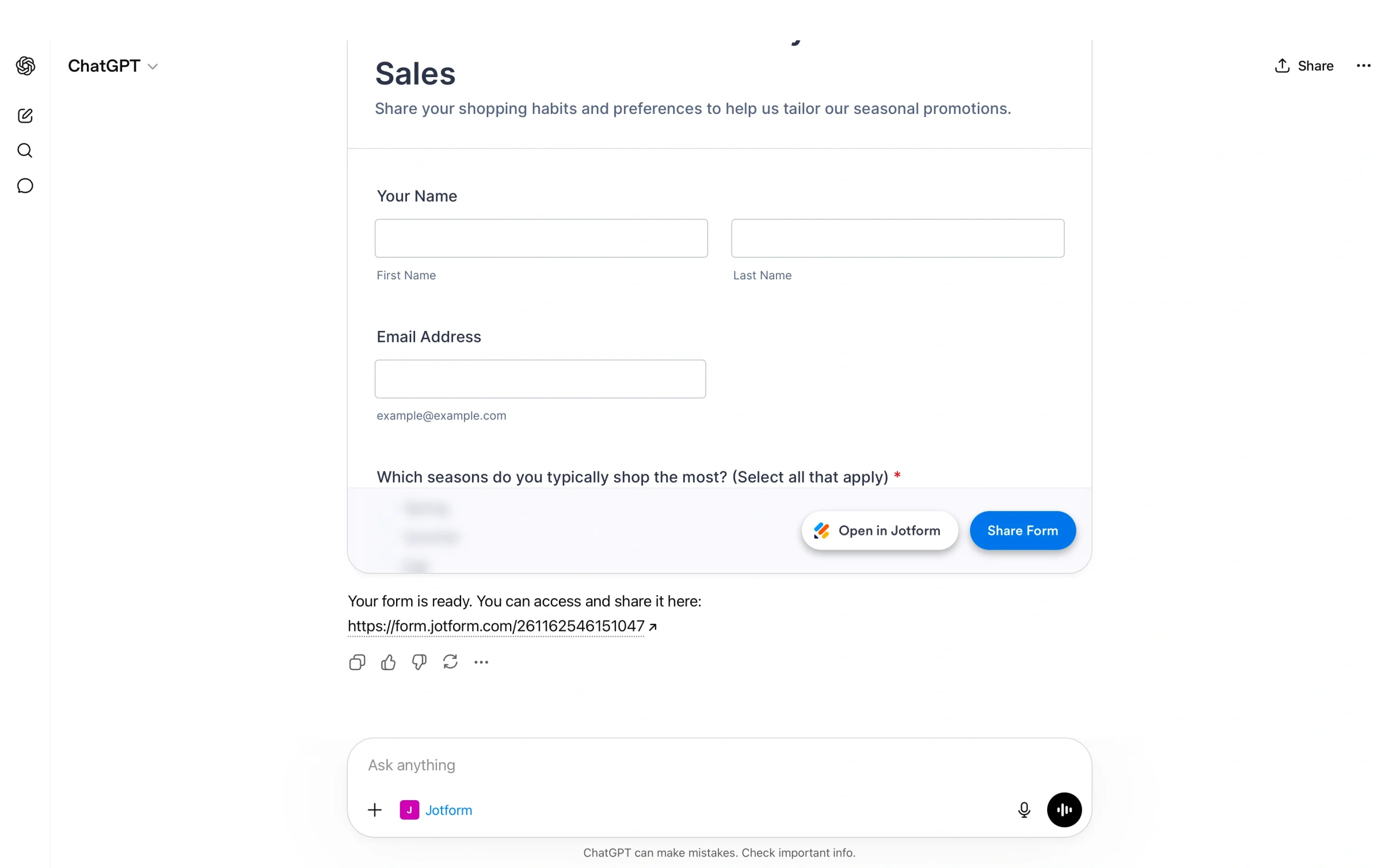
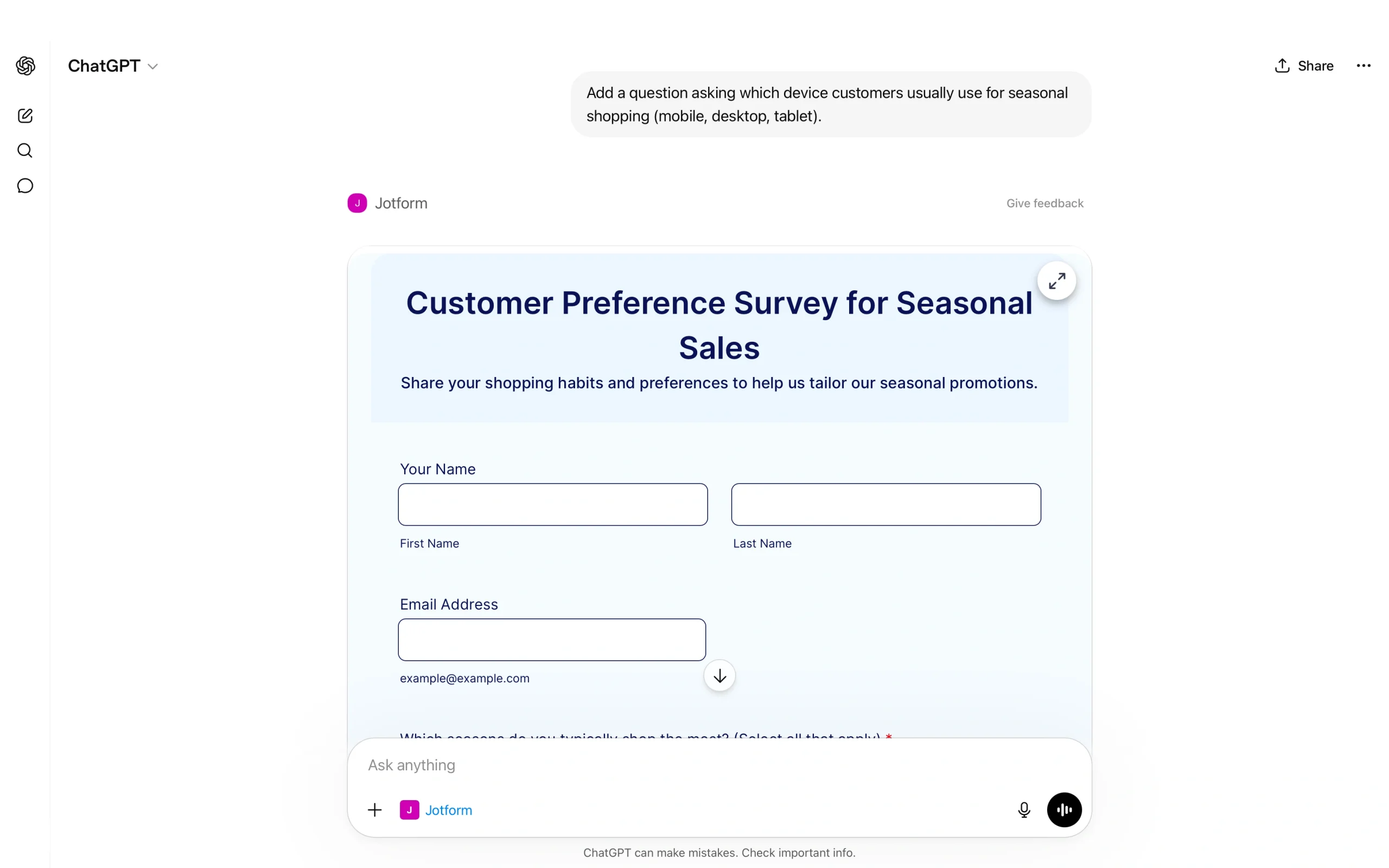
- You can refine the form without leaving ChatGPT. You can ask it to add fields, reorder sections, rewrite questions, or adjust the design. The changes will appear live on your chat.
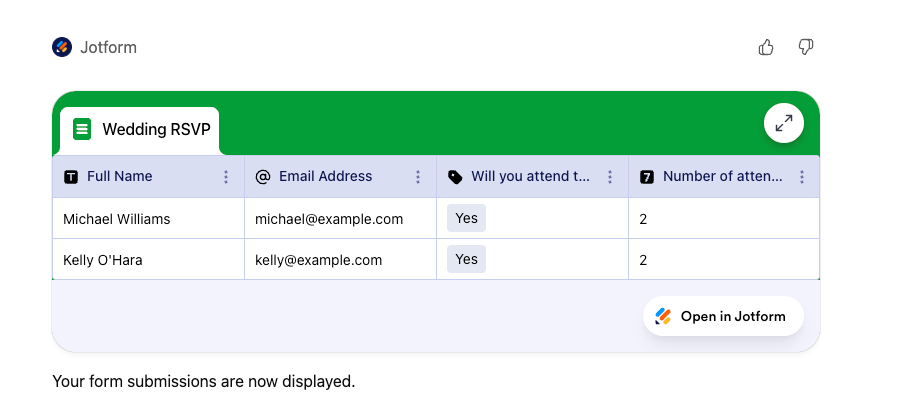
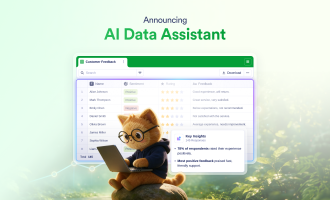
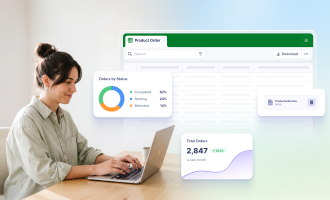
- The responses you’ll gather will be stored in Jotform Tables but remain accessible directly within your chat.
- You can ask ChatGPT to retrieve and filter the responses you collect with your form. For example, you can use it to automatically categorize users based on their responses without manual export or a pivot table. The conversational AI also lets you analyze the responses using just prompts.
Do more with Jotform in ChatGPT
Running an online store? These Jotform ChatGPT apps can help you work smarter:
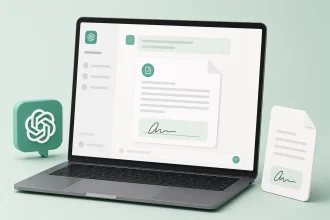
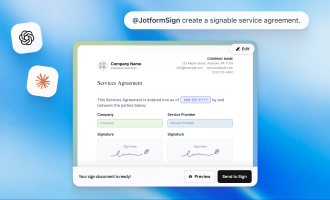
- Jotform Sign for ChatGPT: Create vendor agreements and influencer contracts, assign signers, and send them for e-signature in ChatGPT. Connect now to close deals without switching platforms.
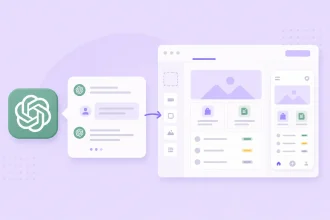
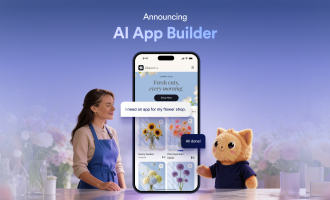
- Jotform App Builder for ChatGPT: Describe a returns portal or wholesale order hub, refine it through conversation, and share it with customers. Connect now to build yours.
What the Jotform ChatGPT App makes possible
With the Jotform ChatGPT app, you can handle the full form life cycle in a single ChatGPT conversation. You can create, customize, distribute, and analyze submissions all in one conversational workflow.
Form creation and editing
The app renders forms with a full user interface inside a ChatGPT conversation. You’ll see the actual form and an optional edit link as part of the chat, so you can visually evaluate the form and make adjustments without ever opening a separate browser tab.
Live customization via prompts
You can edit every aspect of the form using prompts:
- Add or remove fields.
- Rewrite questions.
- Reorder sections.
- Change background styling.
If you run qualification flows or product feedback forms, customization using prompts will cut your form-building time, since it’s easier to iterate on form structure rather than starting from scratch.
Submission management through Jotform Tables
Your form responses will sync to Jotform Tables and are accessible inside ChatGPT, so you don’t need to export data to another tool for analysis. You can apply filters, run summaries, and analyze specific answer patterns through plain prompts.
Sales and e-commerce templates
If you don’t know what field to include in your form, you can ask ChatGPT to generate it from Jotform’s 20,000-plus templates using a prompt. The pre-built structure can help you nail the basics of your forms fast, so you don’t spend more time editing the generated form.
The future of ChatGPT in e-commerce
ChatGPT’s role in e-commerce is expanding beyond content and becoming a tool for full shopping experiences. Many online stores are using it as an AI assistant to guide customers to the right product. Others rely on it to answer questions about sizing and fit in real time, or to help shoppers compare options based on their preferences.
At the same time, conversational commerce is becoming the norm — especially for younger buyers. More and more, customers expect to browse and buy products through a chat interface instead of a traditional product page.
That shift is your big opportunity. Businesses that start building AI-fluent workflows now will be best positioned for what’s next. Using ChatGPT as a standalone writing tool is just the beginning. Integrating it with other systems that handle product data, customer input, and operational decisions makes generative AI in e-commerce more impactful. Try the Jotform ChatGPT App and start building smarter e-commerce forms today.
This article is for e-commerce professionals, digital marketers, and online store operators who want to integrate ChatGPT into their workflows to enhance content creation, streamline customer support, and automate personalized marketing at scale.






























































































Send Comment: