

Top AI document generators
With so many AI tools in the tech marketplace, it can be tough to identify which ones are best for your business. Option overload can be overwhelming. No matter your level of AI adoption, a document generator is a great place to start.
Creating documents manually can be one of the most time-consuming parts of running a business. The best AI document generator can save you hours each month and reduce your team’s manual work. You can use an AI document maker AI to generate HR paperwork, build proposals, draft contracts, and create reports.
Instead of starting from scratch every time, you can use AI writing tools to quickly generate structured, polished documents with a few clicks or prompts. The top document generation tools can even integrate into workflows and tools you’re already using.
Our breakdown focuses on AI agents and tools built to generate better documents faster. We outline seven of the most user-friendly and versatile document generators.

Common use cases of AI document generators
AI document generators are versatile tools you can use to support a wide range of processes. Here are the most common ways businesses and professionals are using them:
- HR and recruitment documents: Create offer letters and onboarding packets that bring new employees up to speed.
- Sales proposals and contracts: Generate rough drafts of sales-related documents to get deals done more quickly.
- Invoices and financial documents: Automate invoice generation to support consistent cash flow.
- Marketing and reporting: Build campaign summaries, analytics reports, and presentations in a fraction of the time it used to take.
- Legal and compliance paperwork: Create contracts and disclosures that insulate your business from legal risks.
- Event and registration documents: Generate tickets, waivers, and other deliverables for events you are planning or hosting.
- Internal workflows and documentation: Build standard operating procedures (SOPs) and internal reports in less time.
The best AI Word document generators provide even more efficiency gains by equipping you with use-case-specific templates. For example, Jotform includes document templates for HR and recruitment, as well as dozens of others.
Small-business automation tools are huge time-savers. You can cut tedious tasks out of your workflows and reduce the errors associated with manual data entry. Businesses are already creating over 4.2 billion documents annually with AI generators.
7 best AI document generators in 2026
Here are our picks for the best AI document generators.
| Tool | Best for | Output type | Pricing | Free trial |
|---|---|---|---|---|
 Jotform AI Document Generator |
Automated workflows |
PDF, .docx |
Free & paid plans |
Yes |
 AI Doc Maker |
Simple documents |
.docx, PDF |
Free & paid plans |
Yes |
 ChatGPT |
Flexible writing |
Text, .docx |
Free & paid plans |
Yes |
 Gamma |
Presentations and documents |
Slides, documents |
Paid |
Yes |
 Visme |
Visual documents |
PDF, slides |
Paid |
Yes |
 Notion AI |
Internal documents |
Text, pages |
Paid |
Yes |
 PandaDoc AI |
Contracts and sales documents |
|
Paid |
Yes |
Here’s a closer look at the best AI document generators.
1. Jotform AI Document Generator
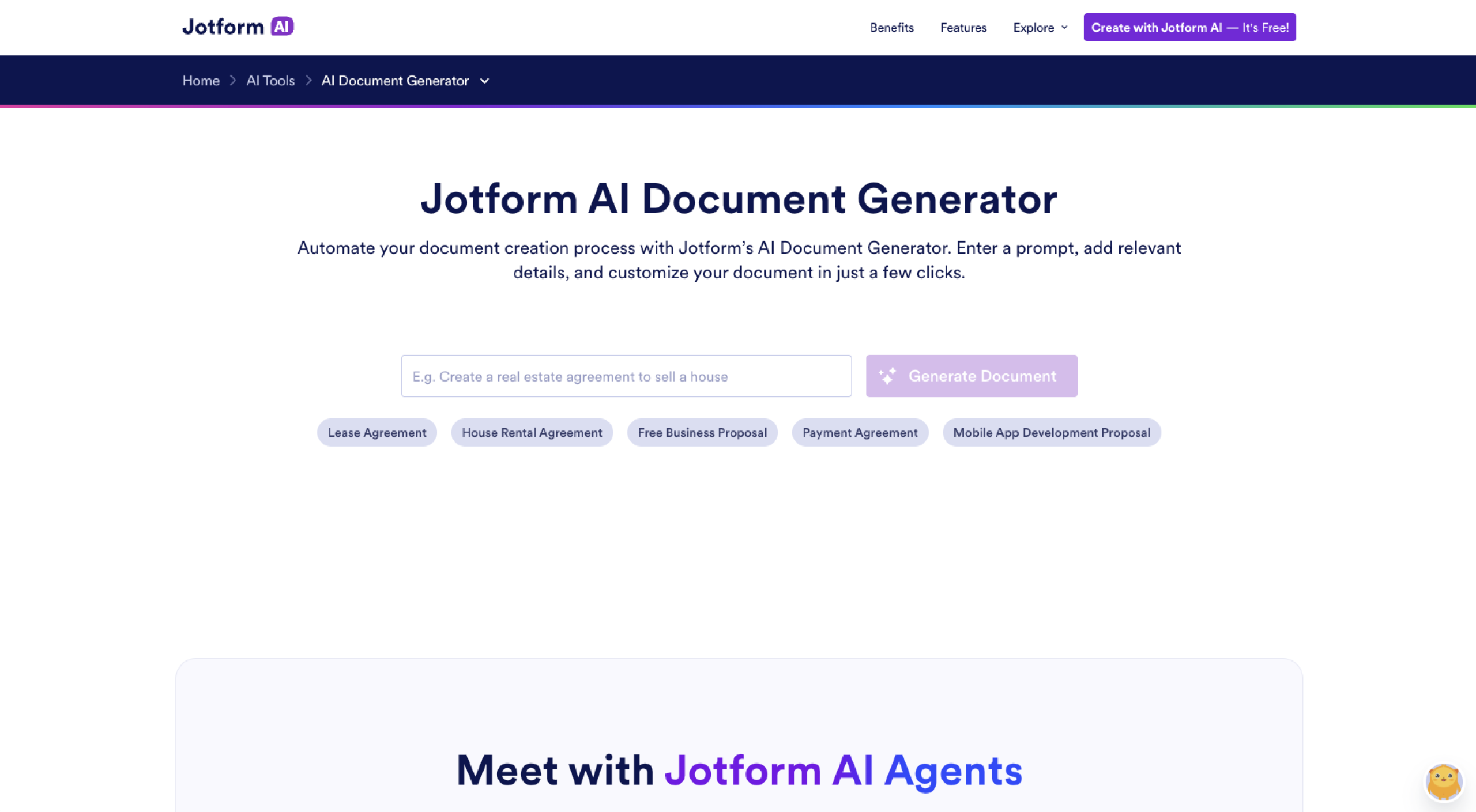
Best for: Complete document automation and workflows
Jotform AI Document Generator stands out as the most complete solution for businesses that want to automate workflows and work smarter. While Jotform excels at content generation, it also does much more.
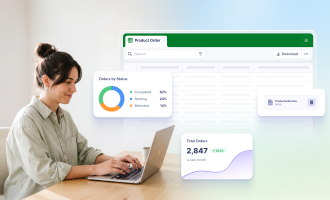
- One of the biggest differentiators is how Jotform builds your documents. Whereas most platforms rely on simple prompts, Jotform uses information from submitted forms. The integrated workflows simplify approvals and allow you to automatically generate contracts, reports, and agreements.
When someone fills out and submits a form, the document generation process begins. Jotform is all about making your life easier, which is why it integrates with
- Document management systems
- Jotform Sign for e-signatures
- Workflow automation tools
Build faster with Jotform AIDescribe what you need, and let Jotform AI build it for you instantly.
Get Started Now
You can drastically reduce how much time you spend on document creation and focus on more productive work. With Jotform, you’ll enjoy powerful features, such as
- AI-powered document creation from form inputs
- A built-in PDF editor
- Automated workflows and approvals
- E-signature support to finalize documents
To get the most bang for your buck, take advantage of Jotform’s powerful AI Agents. You can reduce friction from customer interactions and save time.
Jotform offers thousands of templates and AI Agent preset configurations so you can get up and running quickly. Just choose a document category, select the appropriate template, and get to work.
The Jotform PDF editor makes it easy to create and enhance documents. Jotform also supports document management via a centralized platform. Put all your documents in one place to create a single source of truth for your team.
- Key features:
- Lots of integrations
- User-friendly interface
- AI Agents for more dynamic support
- Form publishing and sorting
- Pros:
- Fully automated document workflows
- No coding, thanks to drag-and-drop tools
- Strong integrations across business processes
- Cons:
- Need for setup to maximize your ROI
- Time commitment for learning all the features
- Pricing:
- Free plan available
- Paid plans starting at $34 per month, billed annually
2. AI Doc Maker
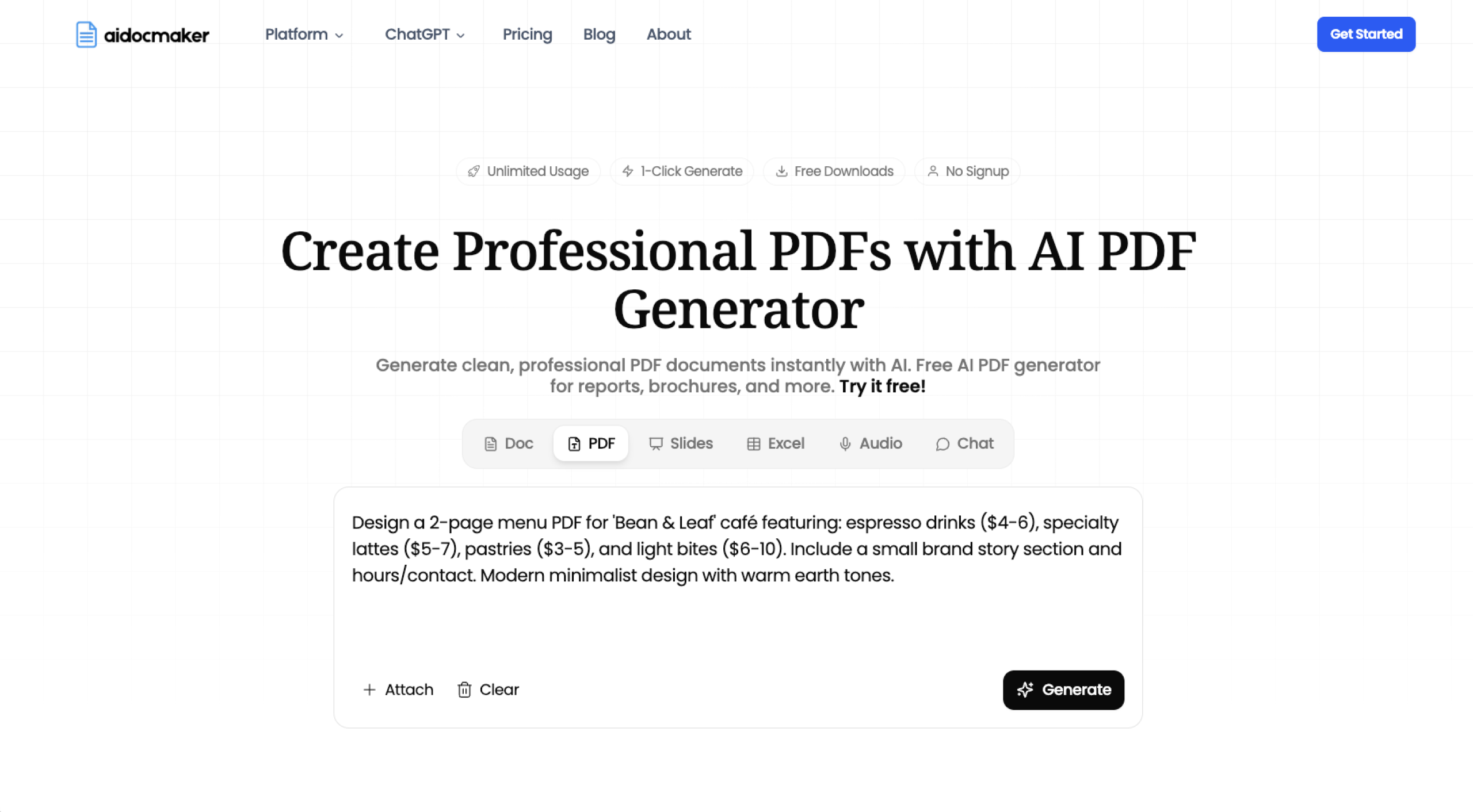
Best for: Fast, simple document generation
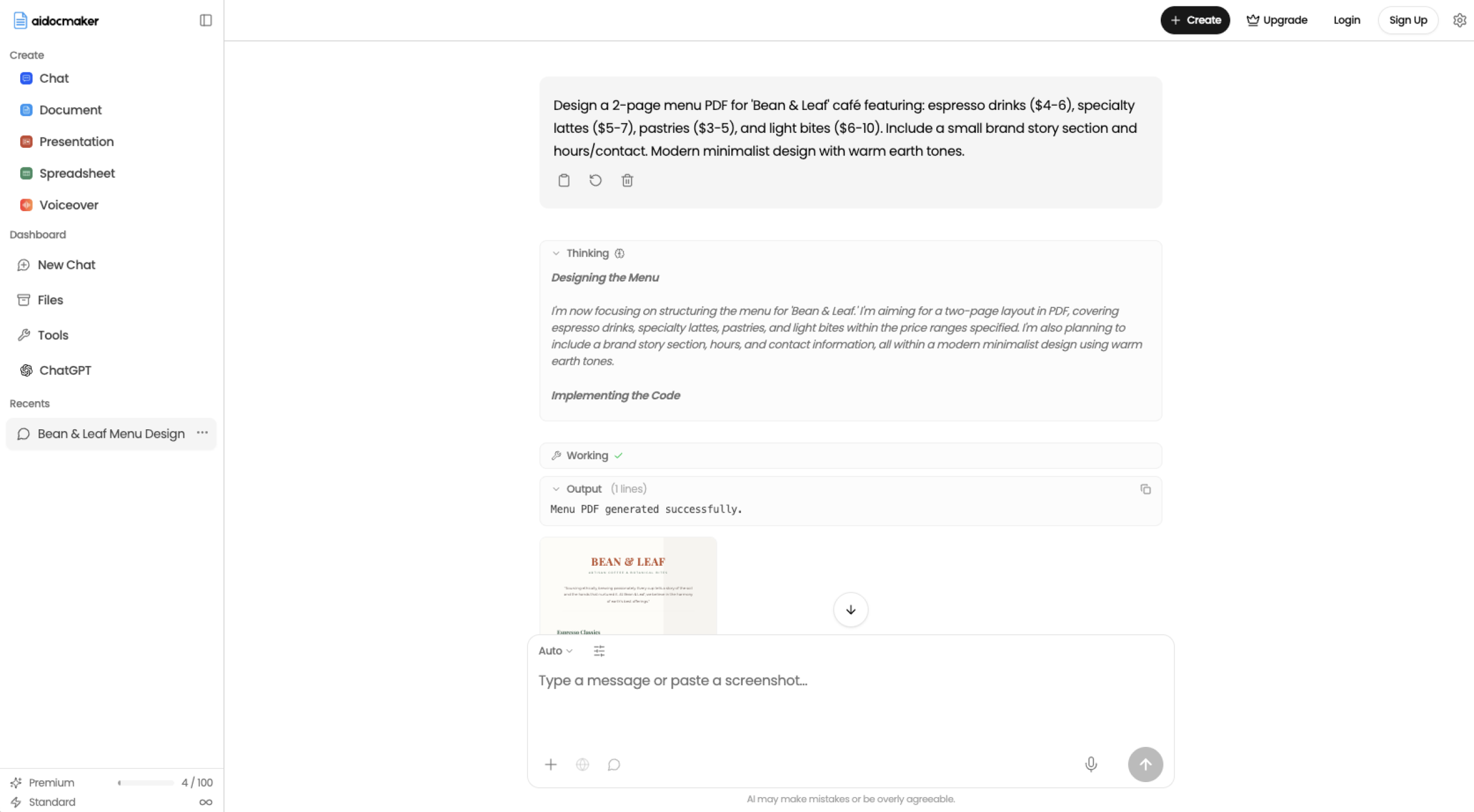
AI Doc Maker has a very simple interface, and it was built for speed. Once you create an account and get set up, you can start using the software right away. If you are working solo or running a small team, AI Doc Maker can be a great fit. You can use it to generate letters, agreements, summaries, and basic reports. Simply enter a prompt and provide a few details about the document you want to create. You can choose which AI model to use, such as ChatGPT or Claude. The AI will generate content, which you can download as a Word document or PDF.
When you need to complete a one-off task quickly, AI Doc Maker is tough to beat. There is almost no learning curve. Your team can generate documents in a few minutes.
The downside is that AI Doc Maker lacks automation features and integrations. There are no advanced formatting controls, so you’ll have to fine-tune your document’s layout after you export it to the correct file type.
While it doesn’t offer workflow automation or collaboration tools, AI Doc Maker fills an important niche, which is why we included it on our list. If you are new to AI document tools and want something a bit more specialized than ChatGPT, try this handy tool.
- Key features:
- Prompt-based AI document generation
- Export options that include PDF and .docx
- Clean, beginner-friendly interface
- Fast document creation with minimal input
- Pros:
- Extremely easy to use for beginners
- Fast turnaround for simple documents
- Affordable
- Cons:
- Limited customization and formatting options
- No integrations or workflow automation
- Pricing:
- Free plan available
- Paid plans starting at $7 per month
3. ChatGPT
Best for: Flexible document drafting and content creation
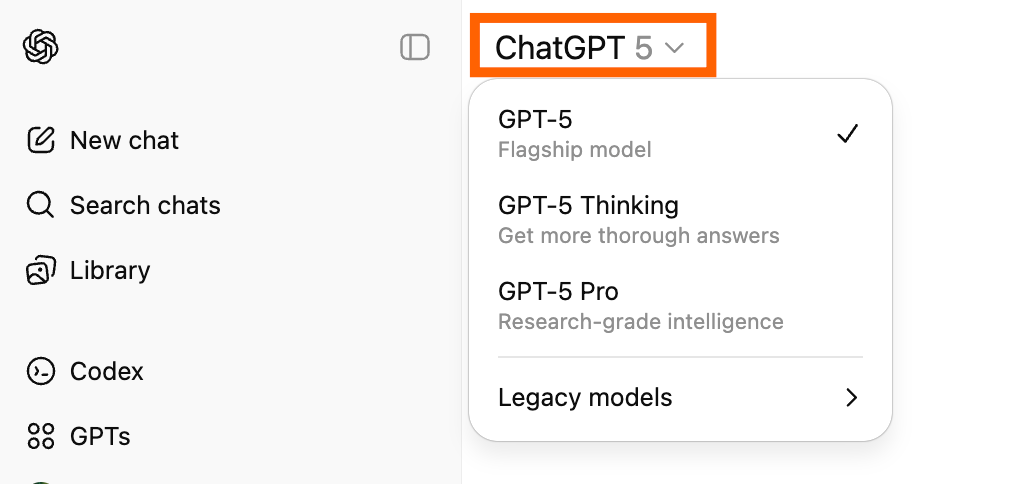
- If you are looking for an accessible generative AI tool, ChatGPT is a great place to start. It’s widely used for generating content for a range of industries. While ChatGPT isn’t a dedicated document generator, it excels at creating high-quality drafts. You can use ChatGPT to create contracts, policies, reports, and proposals.
The trick of ChatGPT is prompt creation. You need to give the generative AI tool enough information to build quality content. Brief prompts are going to give the AI too much latitude. Instead, set up some basic guardrails by including the following in your prompt:
- Tone
- Format
- Structure
- Length
- Intended use case
One of ChatGPT’s biggest strengths is that it’s adaptable. If an output doesn’t quite match what you need, ask the tool to refine the content. You may need a few revisions to get the document to look and feel how you want it. That’s normal, especially while ChatGPT gets to know your content preferences.
You can also automate tasks with ChatGPT and other tools like Jotform. Together, these tools save you time and eliminate redundant work.
Ready to create a prompt? Make an account and choose a model. Just remember, you’ll need to review the output and polish it before publishing. Be especially careful when vetting references and sources, because ChatGPT has been known to occasionally create fake references and URLs.
ChatGPT may not be the best free AI document generator, but both the free and paid versions are good all-around options, which is why we had to include it on our list.

- Key features:
- Natural language document generation from prompts
- Ability to customize tone and format
- Editing through conversational feedback
- Ability to export outputs in different document types
- Pros:
- Extremely flexible and adaptable
- High-quality, detailed content
- Suitable for nearly any document type
- Cons:
- Need for manual formatting and structuring
- No built-in workflow automation or document management
- Pricing:
- Free version available
- Paid plans starting at $20 per month
4. Gamma AI Document Generator
Best for: Creating visually engaging presentations
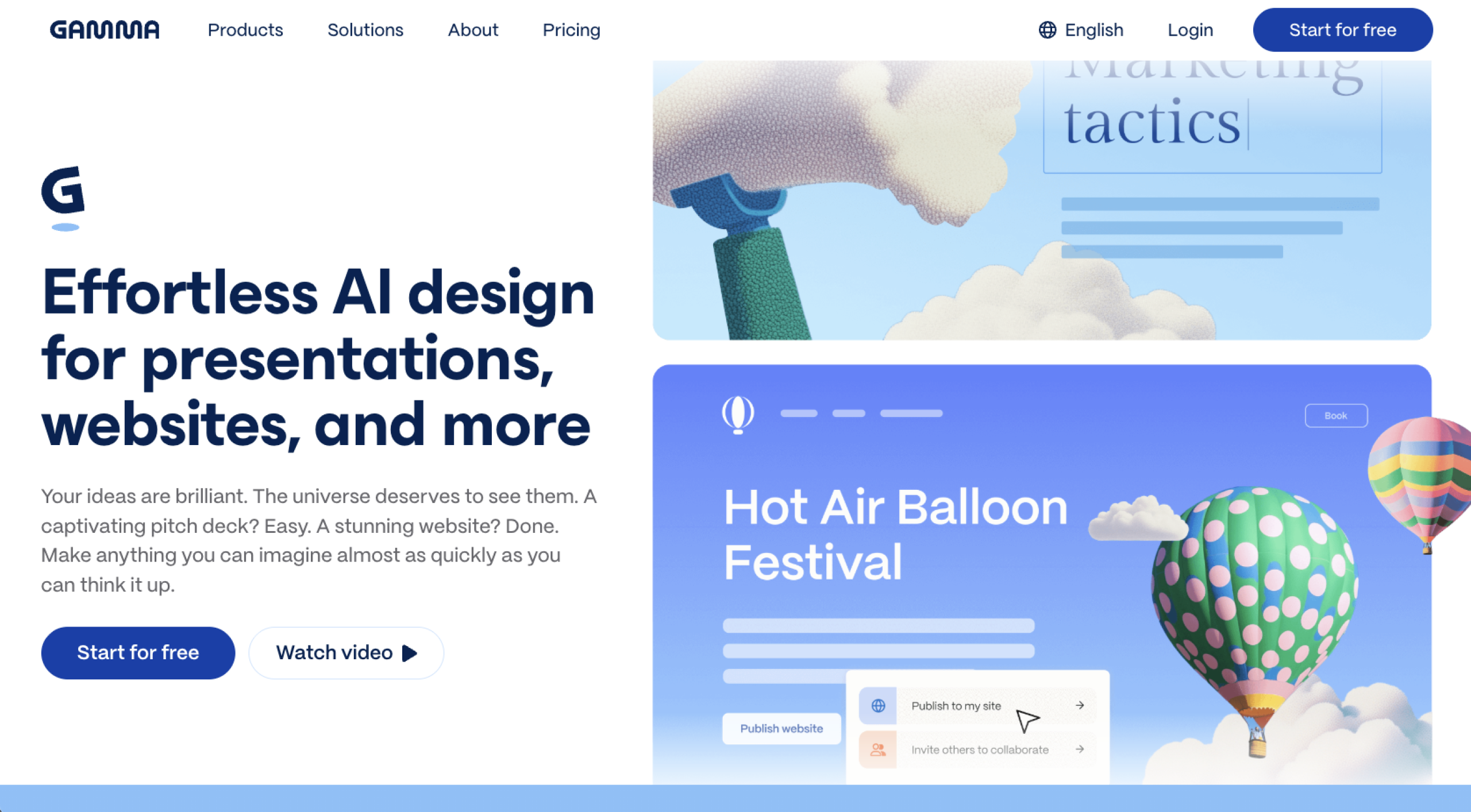
Gamma is an AI-powered tool that helps you transform ideas into visually polished documents and presentations. Whereas most document generators prioritize the written word, Gamma emphasizes design and layout. Outputs are structured into clean, modern formats designed to keep your audience’s attention.
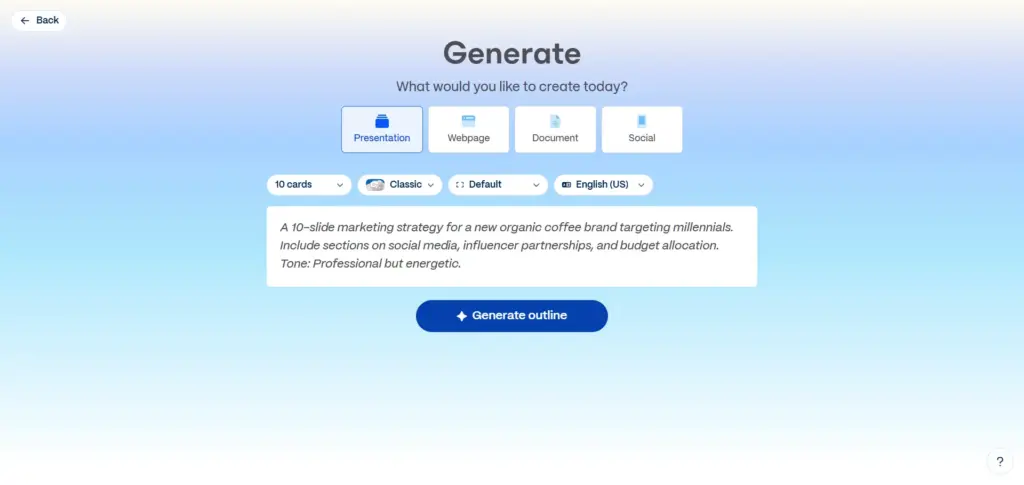
Like most generative AI tools, Gamma starts with prompt input. Select the type of content you want to create, such as a presentation, webpage, document, or social media post. Gamma will help you communicate ideas clearly and professionally without hours spent on presentation creation.
One of Gamma’s most appealing capabilities is its ability to blend content generation and visual storytelling. Content is grouped into engaging sections, making it a great tool for connecting with your clients.
Gamma’s primary shortcoming is that it is not technical enough to be used for compliance documents or contracts. The platform is geared toward audience engagement. If you need to protect your business’s interests and generate compliant documents, turn to a different tool.
Despite these limitations, Gamma makes a strong case for a place in your workflow, especially if client communications and presentations are big priorities. You can create great content that flows visually and requires minor polishing.
- Key features:
- AI-generated presentations
- Automatic layout
- Built-in templates
- Easy editing and content restructuring
- Pros:
- Visually polished outputs
- Great for presentations and client deliverables
- Less time spent on design and formatting
- Cons:
- Unsuitable for formal or legal documents
- Limited workflow automation capabilities
- Pricing
- Free trial available
- Paid plan beginning at $9 per seat, per month, billed annually
5. Visme AI Document Generator
Best for: Branded marketing documents
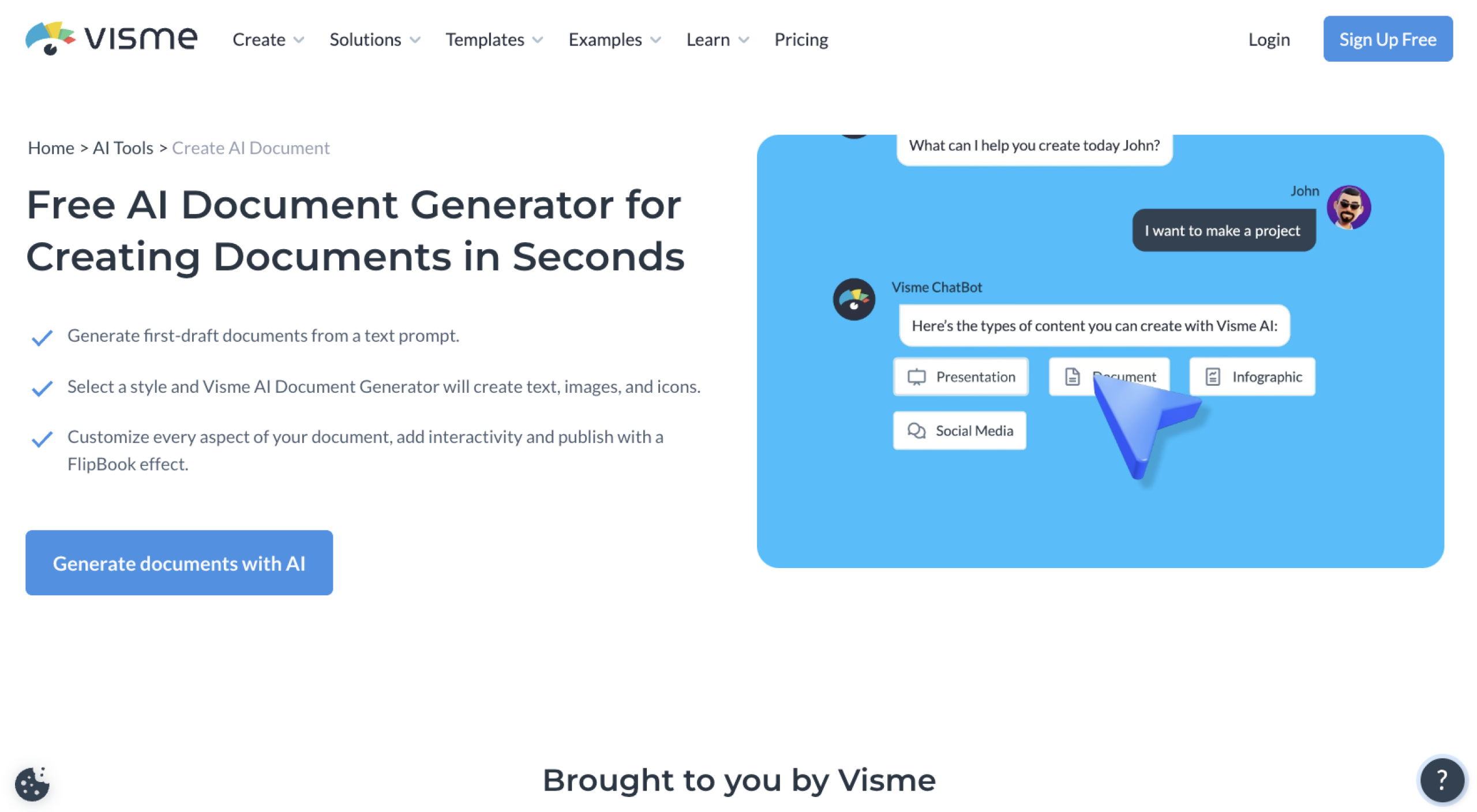
Visme is a design-focused AI document generator that helps you create visually engaging, brand-consistent documents. You can use the platform for marketing reports, presentations, and infographics. If nailing the design is among your top priorities, Visme is a great tool.
The platform combines AI content generation with a user-friendly drag-and-drop editor. You can quickly generate text and then customize the layout using branded colors, fonts, and visual elements. Visme is particularly useful for marketers and agencies that need to maintain a consistent visual identity.
Visme offers numerous templates to help you create polished documents quickly.
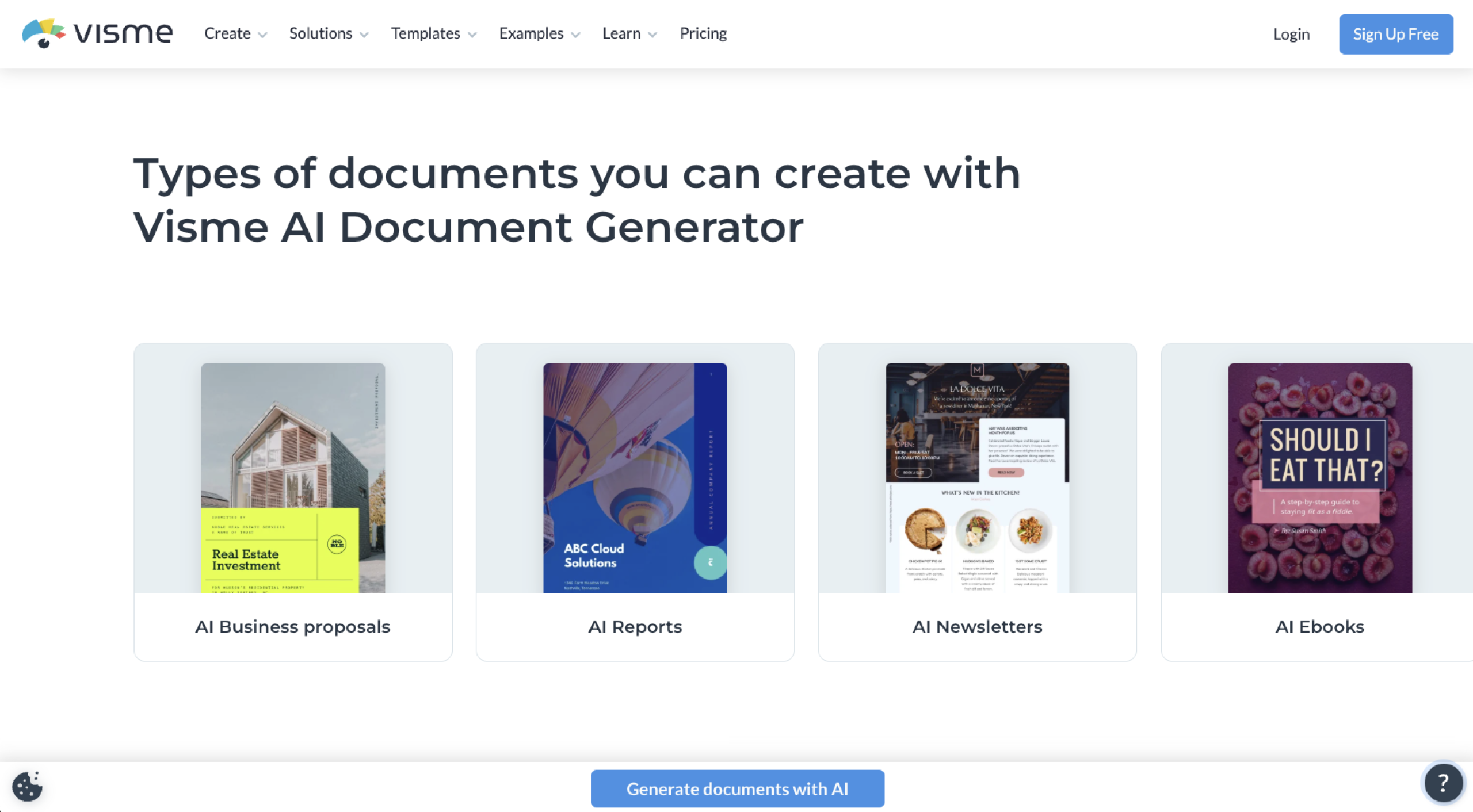
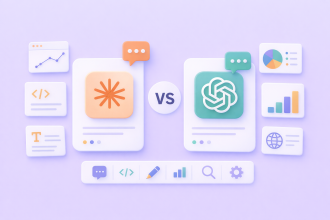
As you can see from the images, Visme is a visual-first solution. While it can create strong written content, the platform is not suited for creating technical documents such as contracts. Additionally, you won’t be able to automate workflows outside of the Visme platform.
Is Visme the right fit for your business? It can be, especially if presentation and branding are among your core tasks. The tool provides useful AI assistance while giving your team the flexibility to be creative.
- Key features
- AI-powered content generation for documents
- Advanced design and branding tools
- Extensive template library
- Drag-and-drop editor
- Pros:
- Excellent for branded and visual documents
- Strong design flexibility and control
- Easy creation of professional-looking outputs
- Cons:
- Not ideal for legal docs
- Limited workflow integration
- Pricing:
- Free plan available
- Paid plans starting at $12.25 per seat, per month, billed annually
6. Notion AI
Best for: Collaborative knowledge management
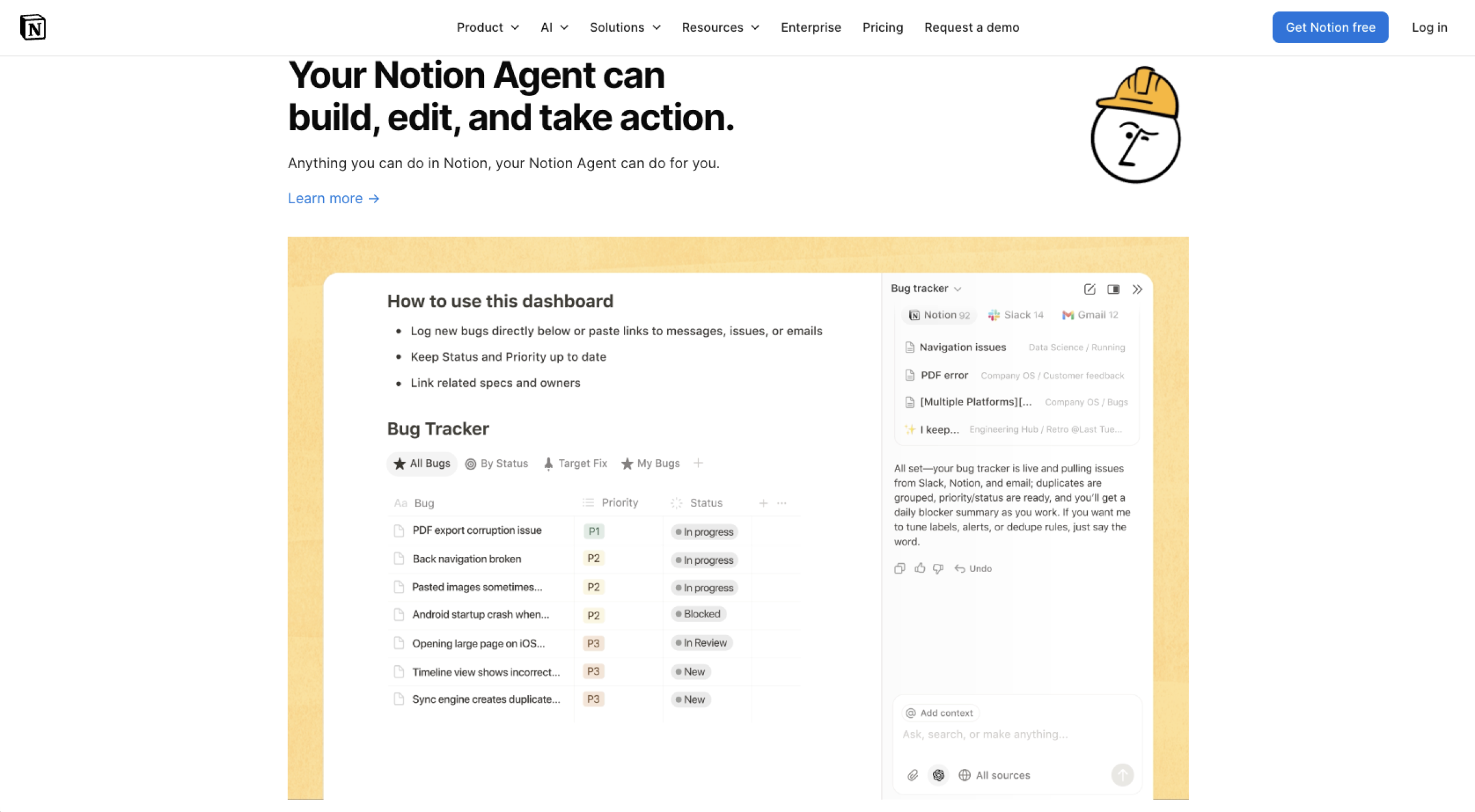
Notion AI is one of the best AI Word document generators that integrates right into your workflows. Notion’s dynamic workspace combines AI-powered writing and editing directly into living documents. The platform excels at team collaboration and knowledge management.
With Notion, you can generate content, summarize notes, and organize information within a shared workspace. Use it to create SOPs, summarize meeting notes, and build internal guides for your team.
One of Notion’s biggest advantages is that it provides you with a true collaborative space to get more done. Your team can work together in real time. However, it is not designed for generating formal documents with strict formatting requirements, such as contracts or PDFs.
If you are looking for a flexible solution that will help your team get more done and collaborate easily, Notion AI needs to be on your list. Despite being sophisticated and packed with features, Notion is surprisingly user-friendly and has a soft learning curve.
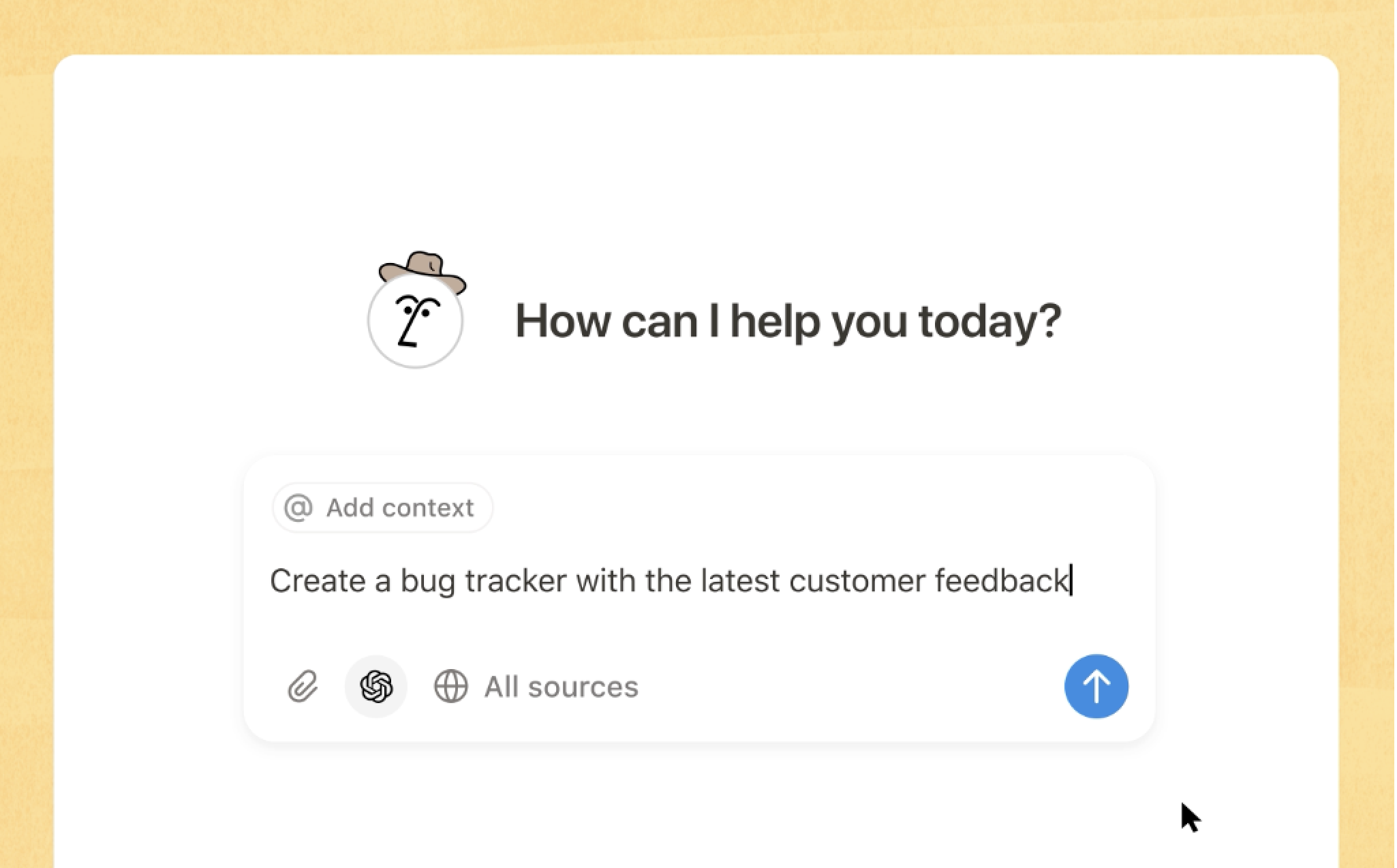
Notion AI can also provide status updates and summarize reports. It is one of the most flexible options for getting work done quickly and cutting through the noise created by data overload.
- Key features:
- AI-assisted writing, editing, and summarizing
- Real-time collaboration and sharing
- Flexible document organization
- Knowledge base and workspace integration
- Pros:
- Excellent for team collaboration
- Highly flexible document structure
- Strong for internal documents
- Cons:
- Limited export options
- Not suitable for compliance documents
- Pricing:
- Free plan available
- Paid plan at $20 per seat, per month for businesses
7. PandaDoc
Best for: Sales proposals and contracts
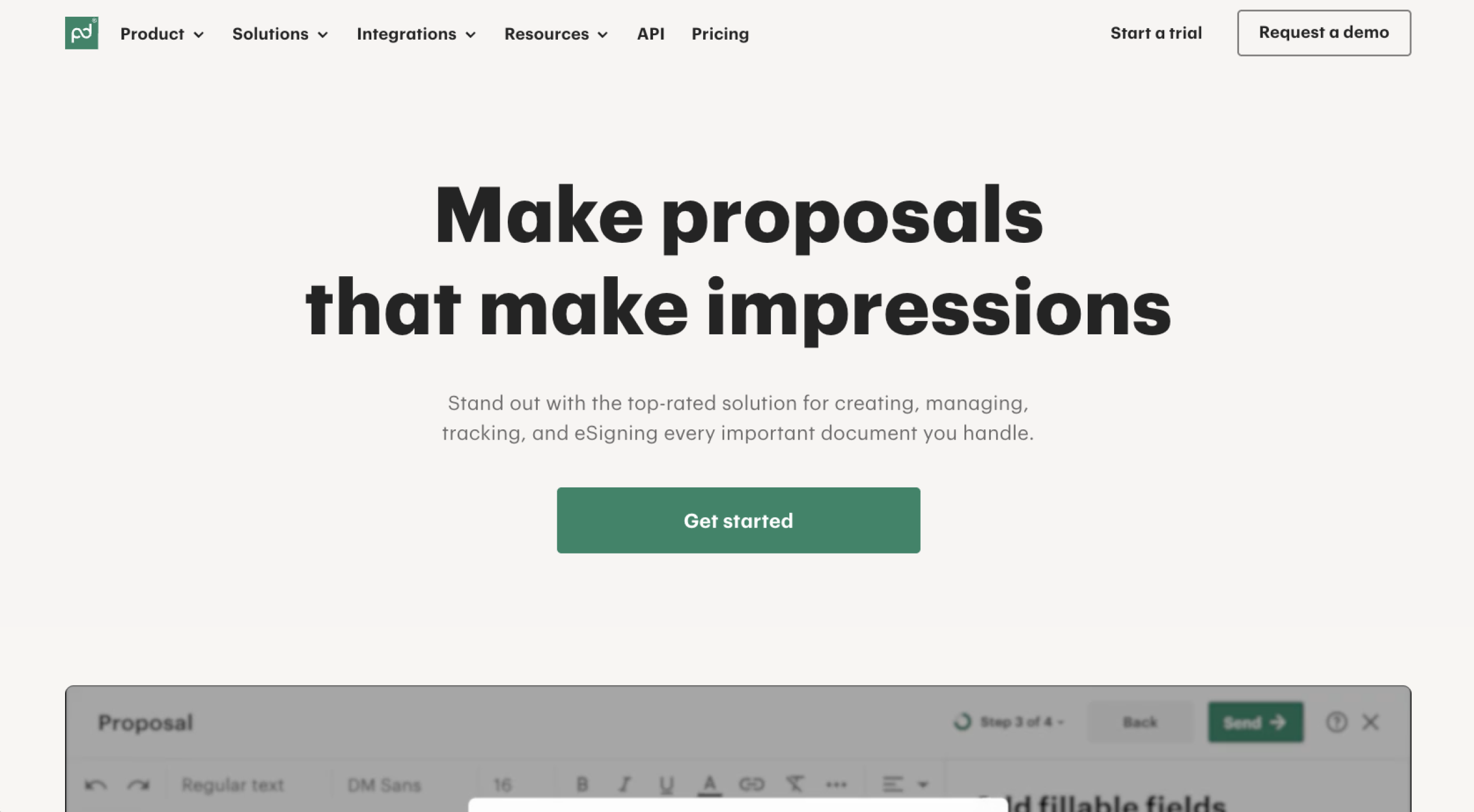
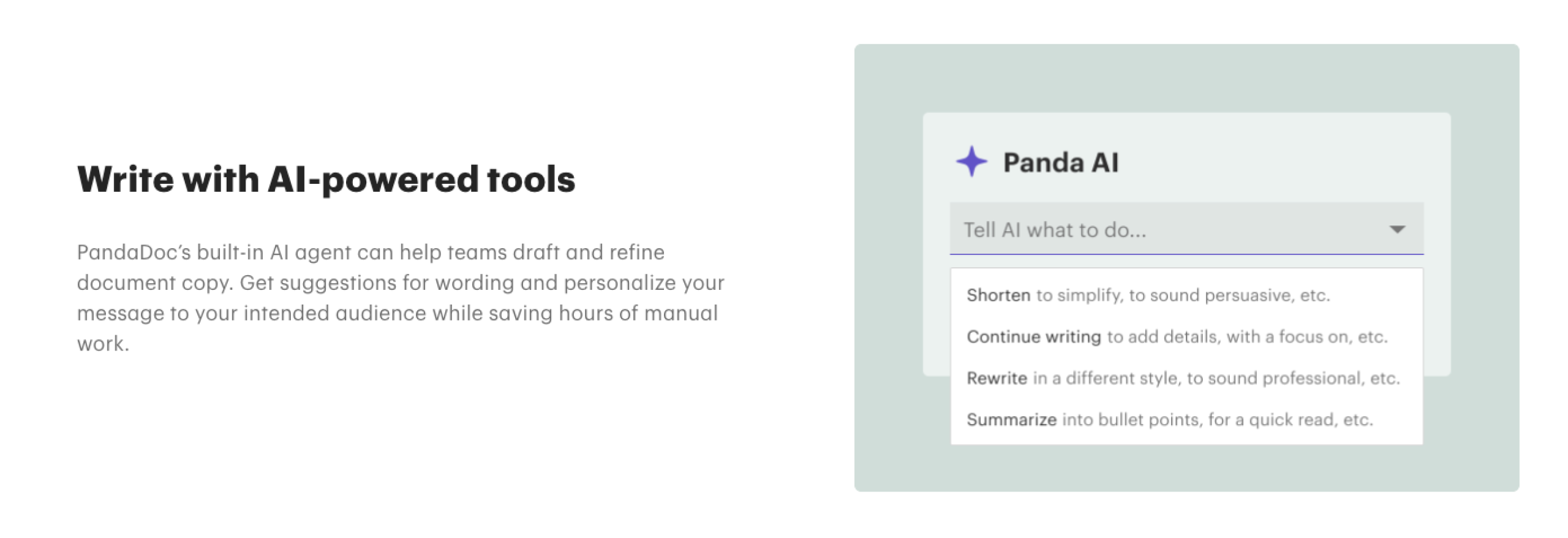
PandaDoc is a document automation platform built for sales teams and revenue operations. It combines AI-assisted document creation tools with templates and e-signatures. PandaDoc also integrates with several popular CRMs to make your entire sales document process smoother.
Your team can generate proposals and quotes with ease. You’ll also find AI-supported templates for contracts. Once you create a document, review it for accuracy and send it off for signatures. PandaDoc includes built-in tracking features so you know when a document is ready for final approval.
What we like most about PandaDoc is its customizable workflows. Once you integrate the platform with your CRM, your team can easily automate document generation. To save time, you can customize what triggers document generation by tapping into the customer data you already collect.
The downside is that these features have a sales focus, meaning they aren’t as useful for general document creation. But if your team mostly does sales work, PandaDoc can be a great addition to your workflow.
- Key features:
- AI-assisted document creation
- Built-in e-signature function
- CRM and sales tool integrations
- Document tracking and analytics
- Pros:
- Built for sales teams
- Strong automation
- Lots of integrations
- Professional templates
- Cons:
- Higher cost compared to simpler tools
- Limited use outside of sales functions
- Pricing:
- Starter plans at $19 per seat, per month, billed annually
- Business plans at $49 per seat, per month, billed annually
How we evaluated these AI document generators
When choosing the best AI document generator tools in 2026, we evaluated each platform based on
- Templates: Can you easily create multiple document types with templates?
- Automation capabilities: Does the tool save your team a meaningful amount of time and effort?
- Document quality: Are the outputs structured and professional?
- Brand consistency: Can you maintain formatting and branding?
- Collaboration features: Is the tool user-friendly, or will there be a steep learning curve?
- Integrations: Does the platform connect with other tools?
- Execution speed: How quickly can you generate documents?
While any tool is going to have a learning curve, the best document generator minimizes stress on your team so you realize the tool’s value quickly. If a tool was frustrating to use or didn’t offer enough value to justify adoption, it was cut from the list.
We also considered how well these solutions supported basic recurring business tasks . For example, ProcessMaker found that a typical office worker spends more than half their work time creating or updating documents. In that vein, for these reviews, we explored each tool’s features to see if you can easily add a signature to a PDF.
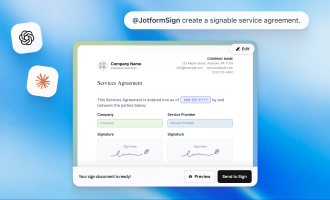
That’s where platforms like Jotform stand out, with its many add-on features and built-in tools. Jotform Sign makes it easy to add an e-signature, which simplifies collaboration with clients and vendors.
Depending on the scope of your business, you may want a simple, flexible tool, a niche solution, or a do-it-all platform like Jotform. In some instances, you may even adopt a few complementary tools to serve different departments and workflows.
The best approach is to test one tool at a time. Take advantage of free demo opportunities to see these solutions in action. Get feedback from stakeholders at each level of the organization so you can get a well-rounded perspective about the tool’s fit. The people who will be using the tool every day can provide the most valuable feedback.
Ready to upgrade how you create documents?
AI document generators are becoming a foundational part of how businesses work. Do they make your team more productive? According to Thomson Reuters, professionals using AI save 240 hours per year, which is about six work weeks, unlocking an average of $19,000 in annual value per person. Also, AI document generators can create a better customer experience and benefit your bottom line.
While tools such as ChatGPT and Notion AI offer you flexibility, they also require a lot of manual effort to turn content into usable documents. Jotform Workflows are some of the most intuitive and flexible, making them top document generator tools. You can automate entire workflows by
- Collecting data via forms
- Generating documents instantly
- Sending items for e-signatures
- Storing and managing files in one place
Ready to save time and reduce manual effort? Explore Jotform AI and Jotform AI Document Generator.
FAQs about AI document generators
Yes, business-facing AI tools are reliable enough to support a wide range of tasks and workflows. However, you should always review AI-generated content before publishing or distributing it. Vetting the content is especially important if it will be customer facing.
Jotform is one of the premier AI document generators, largely due to its versatility and abundance of add-on features. Explore Jotform and other document generators to identify the best option for your company’s needs.
Jotform, PandaDoc, and Visme can generate PDFs. Jotform also allows you to edit and sign PDFs within the platform, which results in a more cohesive experience for your team. Other AI tools can convert files into PDFs, but be wary of formatting or compatibility issues.
This article is for professionals, small business owners, marketers, and teams searching for the best AI document generator or best free AI document generator to quickly create structured, professional documents using AI tools.































































































Send Comment: