

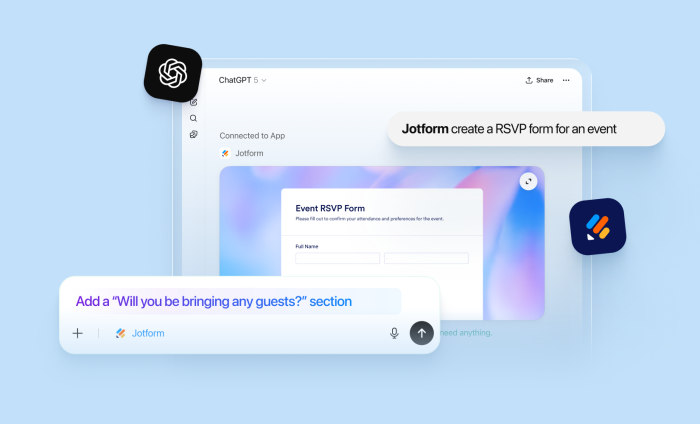
Nearly one billion people use ChatGPT, and it has rapidly become woven into the fabric of everyday life. As a result, expectations have fundamentally shifted. We now expect things to be faster, simpler, and instantly responsive.
That’s precisely why we launched the Jotform ChatGPT App. Instead of switching between tabs and tools, users can create forms in seconds, make edits conversationally, apply advanced features and best practices with a single prompt, and build on context from previous interactions, directly in ChatGPT.
Here’s how to get started with the Jotform ChatGPT App.
- Open the ChatGPT interface and make sure you’ve connected and logged into your Jotform account
- Open a chat, tag Jotform and prompt it to create a form of your liking
- A fully created form will show up! The preview will show up. Click the link to open the link to your Jotform account
- Edit and customize the fields, questions, and theme with natural language
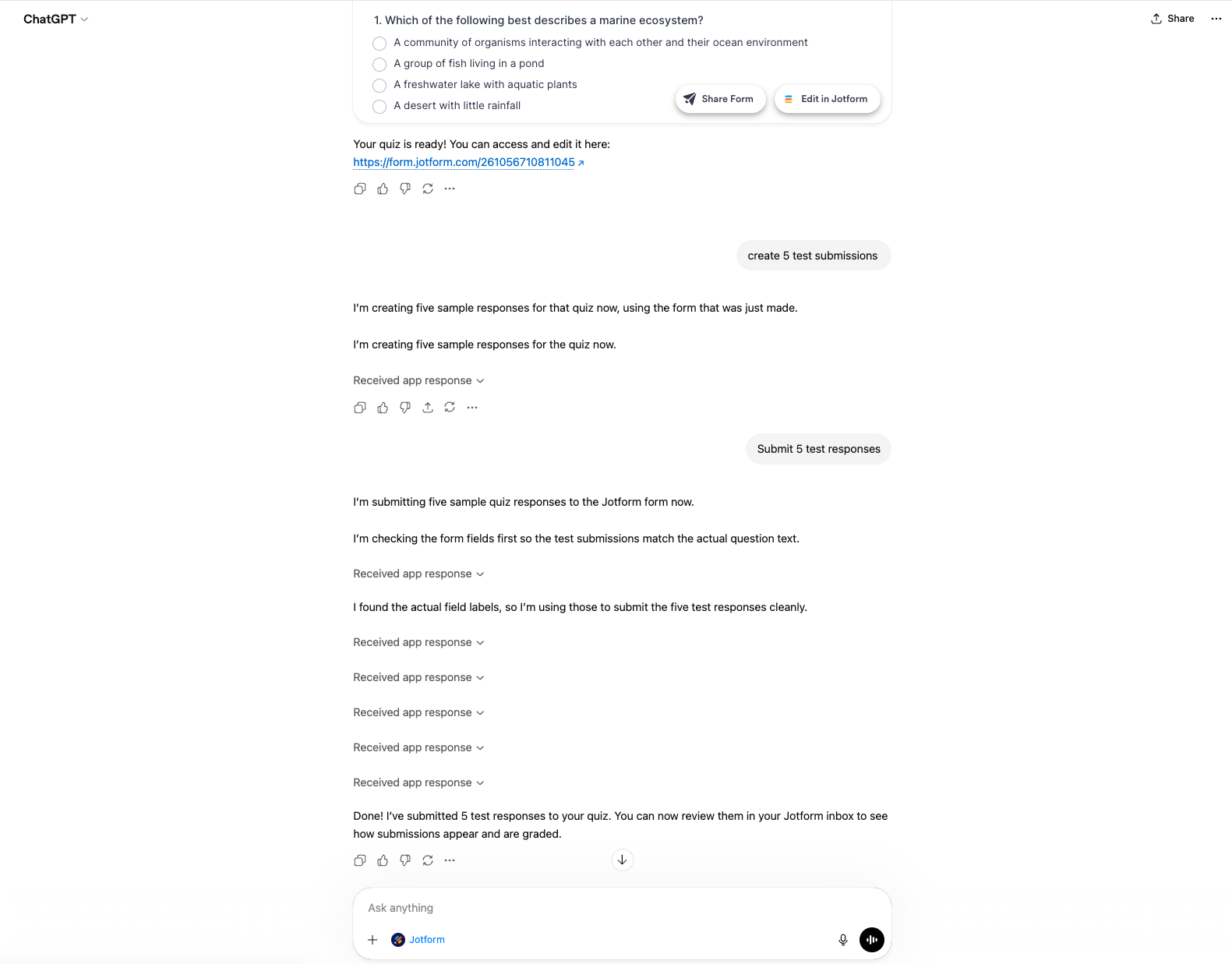
- Need to test it? Ask ChatGPT to create a sample submission to ensure everything works properly. You can review responses in either submission or inbox view
- Ask ChatGPT to summarize your submissions and highlight trends and standout values.
Now that we’ve got the basics out of the way, let’s get into some use cases, and learn how to cater your Jotform ChatGPT App to best serve specific purposes.
Build an IT service ticket form in ChatGPT
Creating and handling IT service ticket forms have long been a complex and time-consuming undertaking. These forms have to balance thoroughness with usability—covering sprawling categories, detailed issue descriptions, troubleshooting steps, file uploads, approvals, scheduling, and seamless routing to the right teams. Build one from scratch, and you’re signing up for hours of meticulous, tedious work.
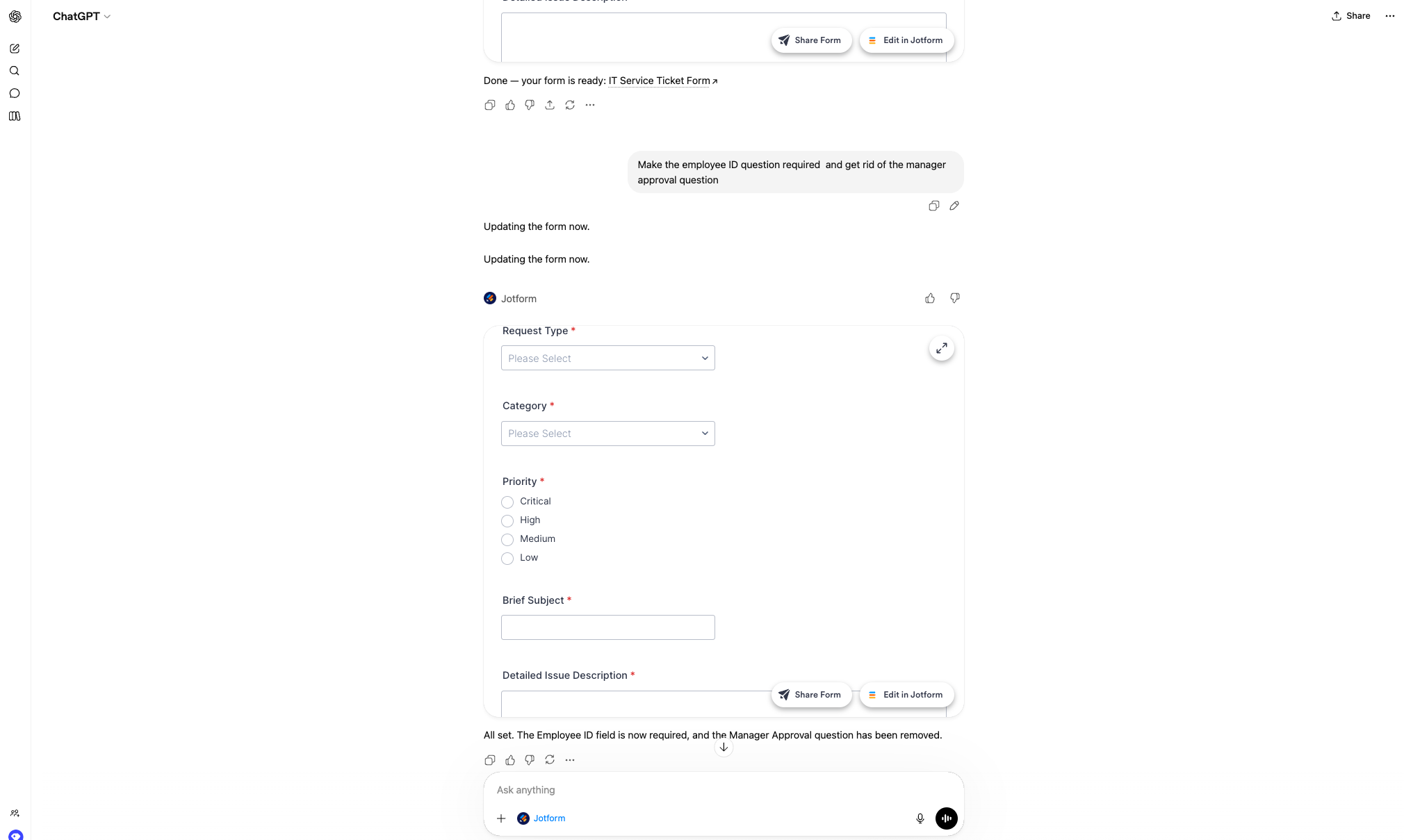
But with the Jotform for ChatGPT App, one simple prompt—“Create an IT service ticket form”— and you’re handed a fully built, comprehensive first version.
Best practices:
From there, take full advantage of the conversational editing: adding or removing fields, make certain questions required and others optional, or trigger follow us for specific departments. It responds instantly, shaping the form in real time.
Build an order form in ChatGPT
Building an order form used to mean juggling endless fields, calculations, and “what if” scenarios. But with the Jotform ChatGPT app, you can describe your products, pricing, and requirements, and watch a fully structured order form come to life in seconds.
Best practices:
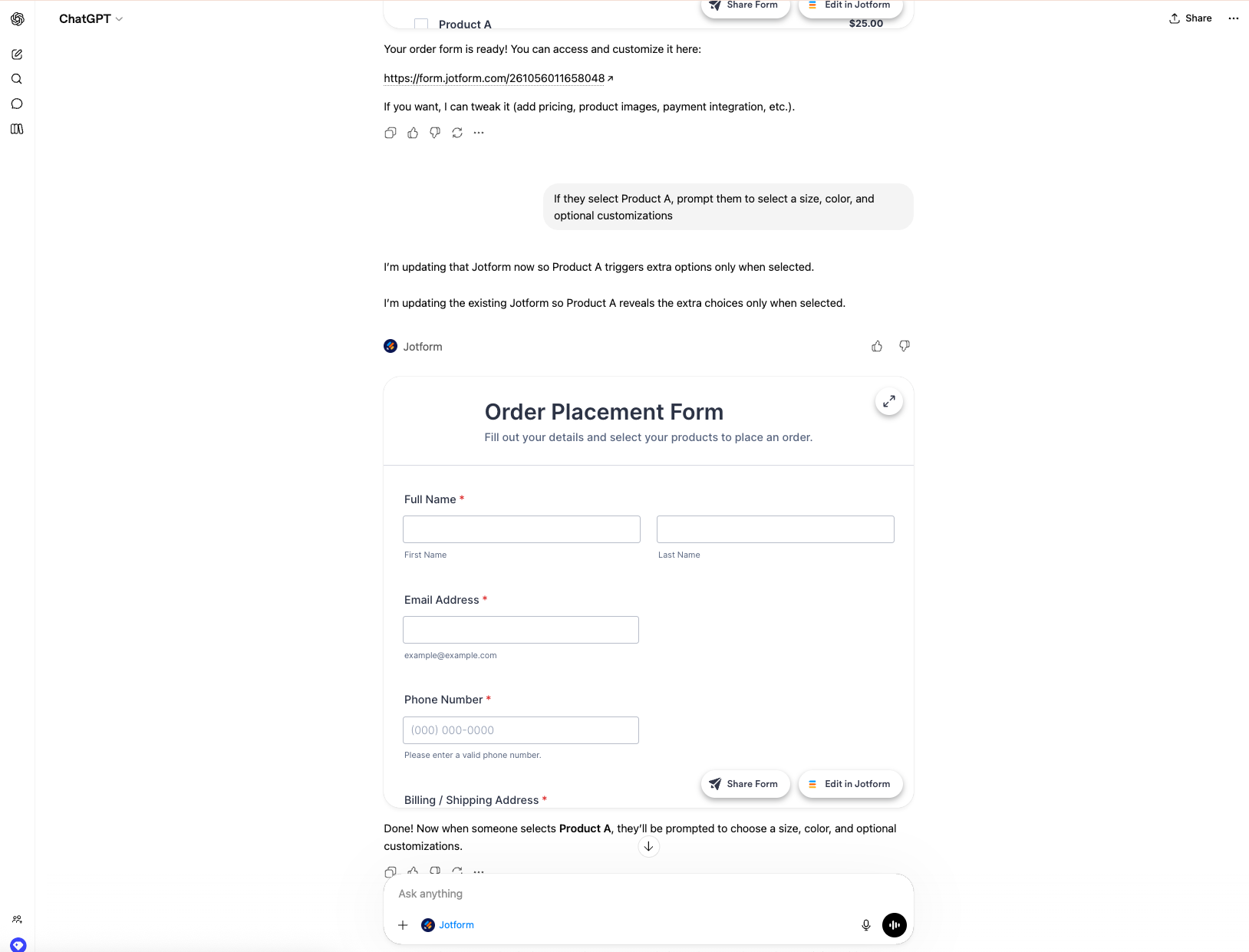
What truly elevates your form, though, is conditional logic. Instead of overwhelming users with every possible option, you can create a dynamic experience that adapts in real time. Show or hide fields based on selections, guide customers through different paths, and ensure they only see what’s relevant to them. The result is a smooth, intelligent ordering experience that feels effortless from start to finish.
Create an event registration form in ChatGPT
Event registrations are one of the most common types of forms, and often one of the most time-consuming to build. With the Jotform ChatGPT app, you can create a complete registration form in just a few prompts.
Best practices:
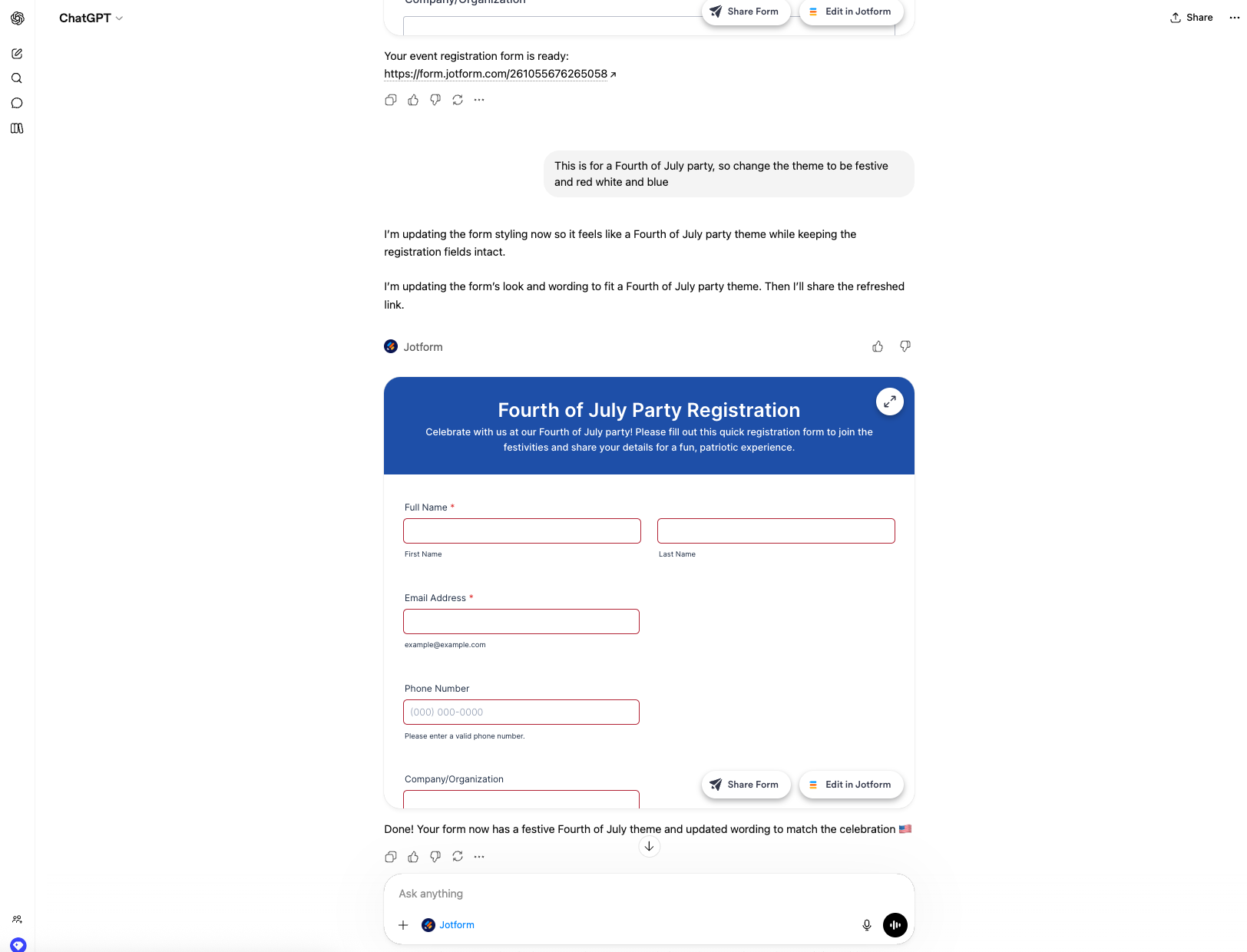
When it comes to events, presentation isn’t optional—it’s everything. Your form should instantly reflect the energy, branding, and identity of your event. With the Jotform ChatGPT app, you can fine-tune every detail, from background colors and fonts to button styles and language, so your form doesn’t just collect information, it makes an impression.
Create quizzes in ChatGPT
Creating quizzes is now faster and easier than ever, especially when ChatGPT already understands your context and expectations. Instead of starting from scratch, simply describe what you need, and ChatGPT will generate a tailored quiz with sample questions you can tweak to align with your goals and curriculum.
Best practices:
Before assigning it to your class, ensure to test the quiz by asking ChatGPT to create a sample submission to check everything is working as intended. You can then review responses, identify questions or themes students performed well on, and spot any topics that may need further review.
How to analyze forms and surveys in ChatGPT
Now that you’ve seen how to use ChatGPT to create forms, the next challenge is sifting through the data and turning it into actionable insights. With the Jotform ChatGPT App, you can access all your forms, submissions, and data, and let it handle all the heavy lifting analysis for you.
Best practices: Ask the Jotform ChatGPT App to analyze your data, summarize trends, generalize overall sentiment, or identify actionable next steps.
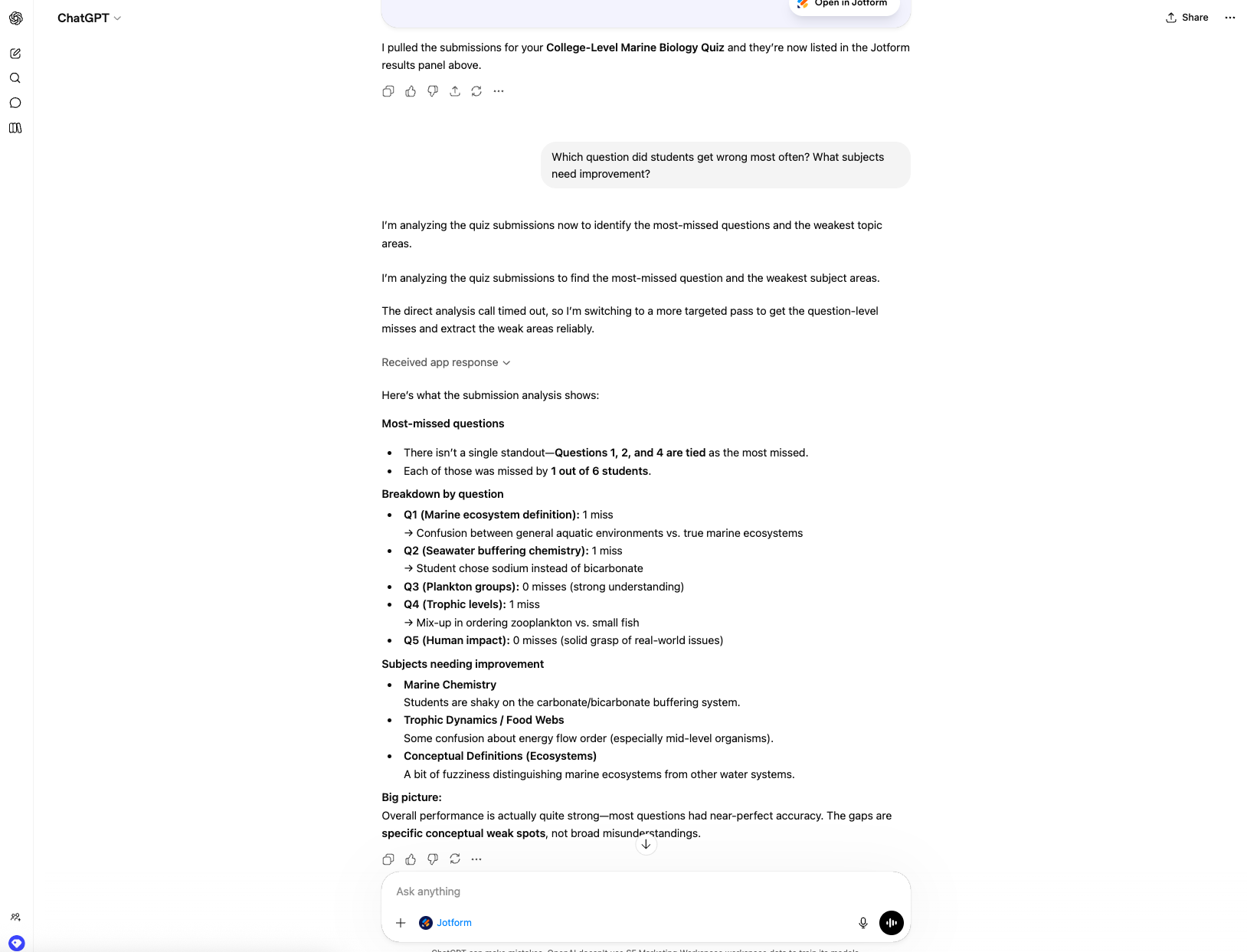
Let’s wrap this up by putting everything we’ve learned into action. With the Jotform ChatGPT App, I created a college-level quiz, fully customized its design, built in conditional logic, generated realistic test submissions, and uncovered actionable insights—all in under five minutes. To put that into perspective, doing this manually would have taken hours, and required significant effort and platform expertise.
Jotform’s integration with ChatGPT isn’t just an app. It’s a complete transformation of what’s possible in form building, with endless use cases and possibilities.
Have a creative way to use our ChatGPT integration? Let us know in the comments below.




































































































Send Comment:
1 Comment:
April 29, 2026
This may be the solution to an ongoing problem in our record-keeping.