
The Business Name Voting App gives founders, internal teams, consultants, and community groups a central place to gather proposed business names and choose a preferred option. Participants can submit a proposal, browse available suggestions, cast a vote, and view voting results through a clear, transparent experience. It is useful during new venture planning, rebranding projects, team workshops, and collaborative naming exercises. By keeping suggestions and votes together, the app reduces scattered feedback, encourages participation, and helps decision-makers compare audience preferences before selecting a name.
Jotform App Templates make it easy to adapt this app template to a specific naming project without writing code. With Jotform’s no-code app builder and drag-and-drop interface, teams can update pages, buttons, visual styling, and voting workflows while connecting forms for data collection. The finished app can be shared by direct link or QR code, giving contributors convenient mobile access wherever they are. Automated notifications and organized records can further support collaboration, while flexible branding creates a polished self-service destination for proposals, voting, and results.
Related templates
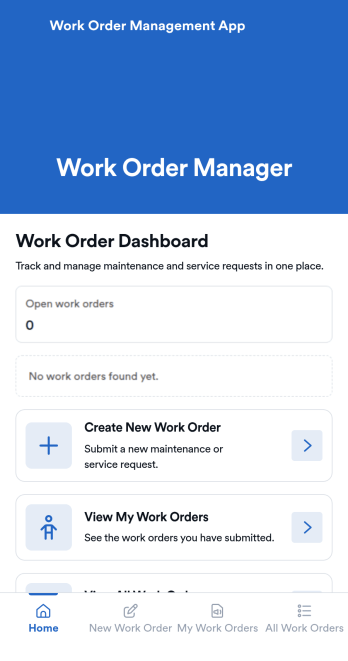
Work Order Management App
Work Order Management App is an app template designed to streamline the process of creating, assigning, and tracking work orders. Designed for maintenance teams, operations managers, service providers, and organizations, this ready-to-use template facilitates efficient task management, timely task completion, and improved operational visibility. This app template aids in the collection of essential data related to work orders, such as task details, assigned personnel, expected completion time, and status updates, providing a comprehensive overview of all ongoing tasks. It's an invaluable aid for service providers and organizations that require a centralized system for managing service requests and tasks.With Jotform's intuitive interface, customizing the Work Order Management App is a breeze. You can modify the template to suit your organization's specific needs, all without writing a single line of code. The drag-and-drop feature allows for easy adjustments and additions, ensuring that your work order management system is tailored just for you. One standout feature is the capability to collect electronic signatures, making it easier to authorize work orders digitally. This combined with the ease of use, allows for a more streamlined and efficient workflow. The data collected can be conveniently converted into sheets and reports, providing a tangible snapshot of ongoing tasks and their statuses. Harness the full potential of Jotform’s Work Order Management App to optimize your work order management process.
Go to Category:Management Apps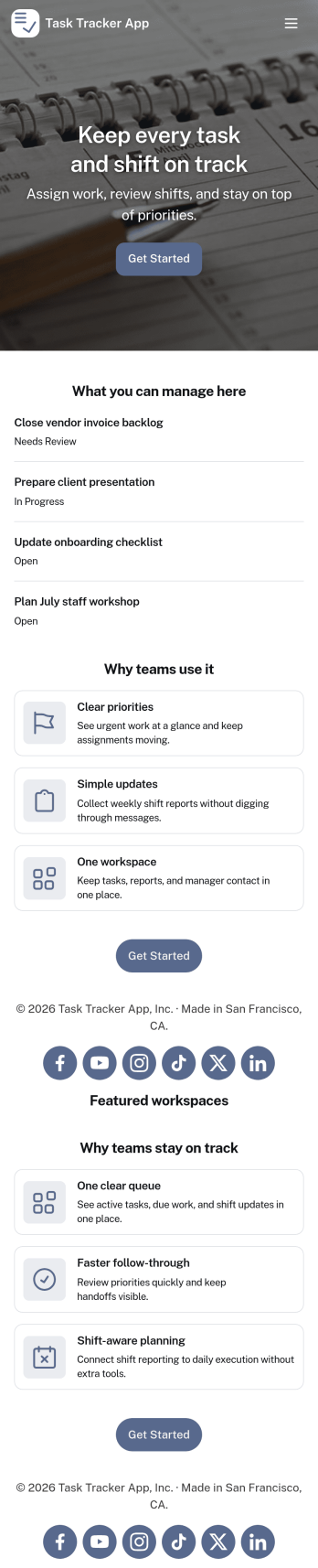
Task Tracker App
A task tracker app is used to keep track of tasks on any device. No matter which industry you work in, Jotform’s free Task Tracker App lets you log and manage task details and even assign tasks to employees or teammates! The app is downloadable onto any smartphone, tablet, or computer, and all submissions are stored securely in your Jotform account — ready to access whenever you need them.Want to make changes to this free app? Add or remove forms, include your company logo, change fonts and colors, and personalize other elements with our drag-and-drop builder. No coding is necessary! Once you’ve got your app looking perfect, share it with a link for others to download directly onto their devices. Track tasks more efficiently with the help of a free Task Tracker App from Jotform.
Go to Category:Organization Apps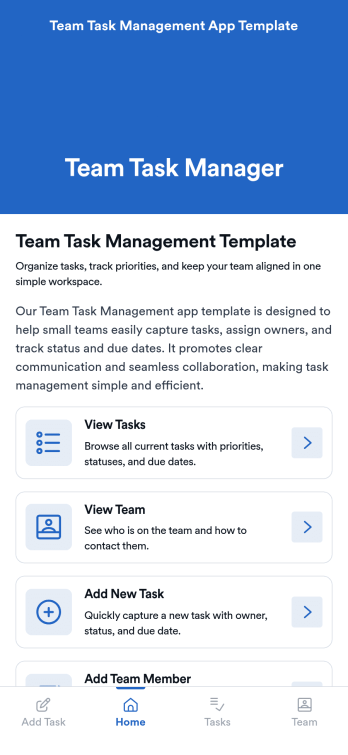
Team Task Management App Template
Team Task Management App Template is an app template designed to streamline the process of collecting and organizing patient appointment requests. It is perfect for healthcare providers, clinics, medical offices, and healthcare organizations seeking a reliable and efficient system for managing their scheduling requests. This template optimizes data collection, providing clarity and consistency in capturing essential details such as patient name, contact information, preferred appointment dates, and reasons for the visit. Notably, it excels in settings where efficient scheduling and coordination of healthcare services are paramount. The Team Task Management App Template is commonly used for handling a high volume of appointment requests and is best suited for service providers and administrators that need a unified system for managing patient scheduling requests.With Jotform's intuitive interface, customizing the Team Task Management App Template is as easy as a few clicks. You can adapt it to your unique operational needs, reflecting your brand's specific aesthetic and functional requirements. Through Jotform, you can effortlessly collect e-signatures from patients, providing a seamless and straightforward way for them to confirm their appointment requests digitally. Whether you're generating reports, creating custom sheets for data tracking, or managing your overall appointment requests, Jotform's Team Task Management App Template brings a level of simplicity and ease of use to your operations, making the often daunting task of managing high volumes of appointment requests manageable and efficient.
Go to Category:Task Management Apps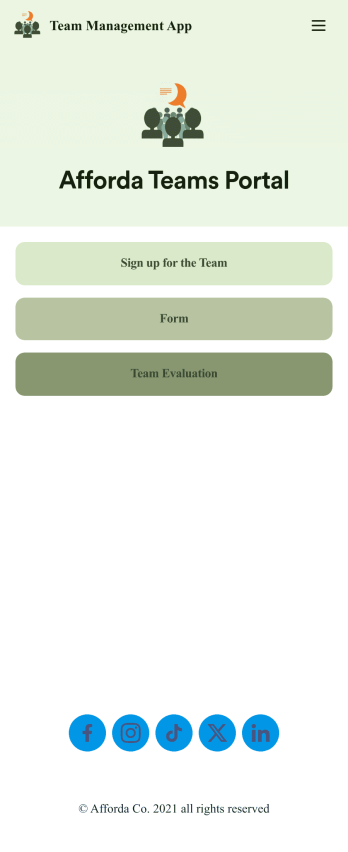
Team Management App
Whether you’re in charge of a sports team, school club, or remote office team, get everyone organized with our free Team Management App! This ready-made app is easy to share and works on any device, so every member of your team can readily access your forms no matter where they are. Teammates can sign up for your team, register for training, and submit evaluations directly through your app.Customize this Team Management App for your team in just a few clicks. No coding required — just drag and drop to create new forms, embed links, upload images, update text, and change app settings to match your team’s needs and requirements. When it’s ready to use, embed the app link in your website or share it with teammates to download the app to their smartphone, tablet, or computer. Bring your teammates closer together with an efficient Team Management App built just for your team!
Go to Category:Management Apps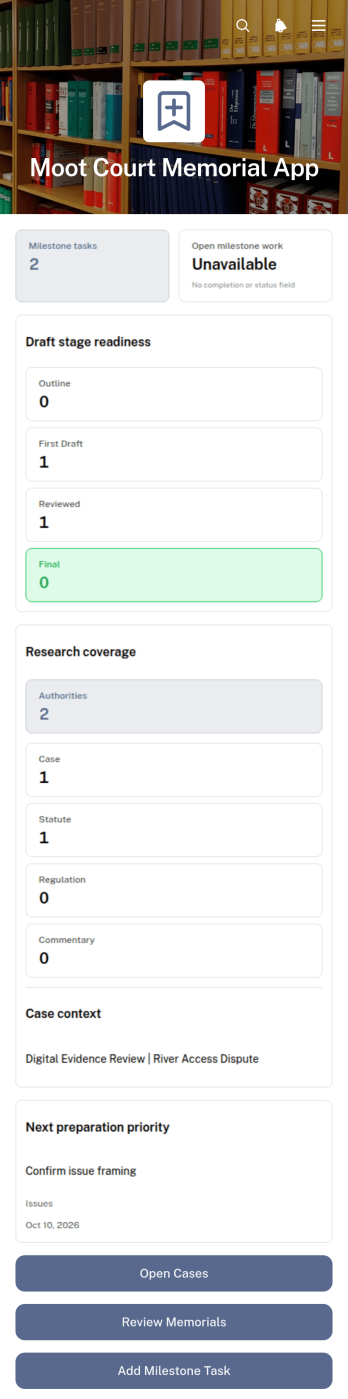
Moot Court Memorial App
The Moot Court Memorial App is an organized workspace for law students, moot court teams, coaches, and faculty advisers preparing written memorials for competitions or classroom exercises. Teams can maintain case records and legal authorities, assign milestone tasks with due dates, and review memorial drafts by stage from one accessible location. This structure helps participants connect research with written arguments, monitor drafting progress, and keep essential competition context visible throughout the preparation period. It is especially useful for teams handling several issues, authorities, deadlines, or draft versions while working toward a complete memorial.Jotform Apps makes this app template easy to adapt without coding. Using the drag-and-drop app builder, organizers can adjust pages, navigation, cards, buttons, colors, and typography to suit a course or competition workflow. Connected forms support data collection for new cases, authorities, tasks, and drafts, while organized records give team members a consistent self-service resource. Once ready, the app can be shared through a direct link or QR code for convenient access on phones, tablets, and computers.
Go to Category:Legal Apps
Multiplayer Drawing Game App
The Multiplayer Drawing Game App is an interactive app template for hosting creative drawing and guessing rounds among friends, students, coworkers, event attendees, or online communities. Participants can view open rounds, submit artwork in response to a prompt, and enter guesses for drawings shared by other players. Organizers can also create new rounds and review drawing and guess records from one place. It works well for classroom activities, team socials, community challenges, virtual gatherings, icebreakers, and casual competitions, giving groups a simple way to encourage participation without scattering game activity across multiple channels.Jotform App Templates make it easy to adapt this experience to different groups and occasions. Using Jotform’s no-code app builder and drag-and-drop interface, organizers can update pages, instructions, colors, buttons, and navigation without programming. Connected forms and tables support data collection and keep each gameplay workflow organized, while mobile-friendly access helps players join from nearly any device. The finished app can be shared through a direct link or QR code, creating a convenient self-service destination for rounds, drawings, guesses, and game information.
Go to Category:Entertainment Apps