Canteen Queue Management App helps canteens and food service teams organize waiting lines in a simple, visible way. Guests can join the queue from one place, staff can add a queue entry on behalf of walk-ups, and everyone can check waiting lines to understand their position before approaching the counter. It’s a practical fit for school canteens, workplace cafeterias, hospitals, event concessions, and any high-traffic food station that needs calmer peak hours and fewer line disputes.
With Jotform, you can turn this app template into a branded self-service experience using a no-code app builder and a drag-and-drop interface. Connect the queue form and the live list to your workflow so updates stay consistent across devices, then share the app by link or QR code for fast access at the entrance. As needs change, you can adjust what you collect, refine the layout, and keep queue data organized for smoother daily operations.
Related templates
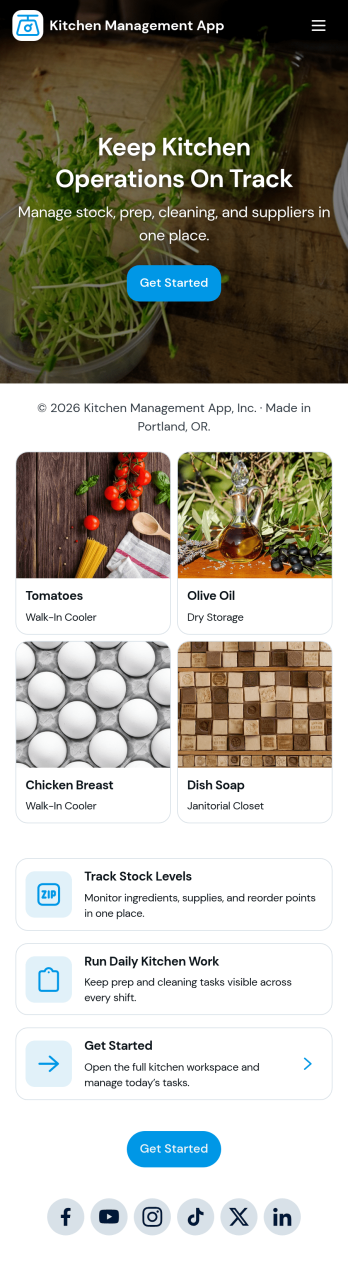
Kitchen Management App
Kitchen Management App brings daily kitchen operations into one place so teams can stay organized during busy shifts. Use it to track inventory items, assign and follow prep tasks, run cleaning checks by area, and log issues as they come up. It’s a practical fit for restaurants, cafés, catering teams, and food trucks that need clearer handoffs between managers, cooks, and opening or closing staff without relying on scattered notes or messages.Jotform makes it easy to turn this kitchen workflow into a shareable, mobile-friendly experience with a no-code app builder and a drag-and-drop interface. Connect the app to forms for fast data collection, keep records organized for your team, and build simple workflow steps around restocking, prep planning, sanitation routines, and issue reporting. With Jotform App Templates, you can customize pages, branding, and navigation, then publish and share the app with the people who need it most.
Go to Category:Restaurant Management Apps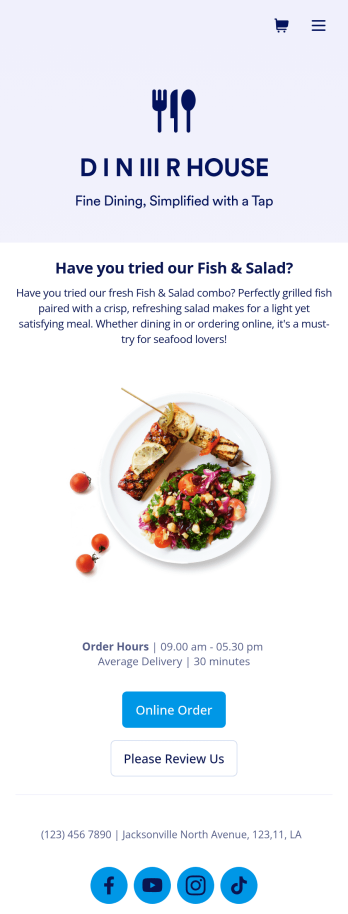
Food Delivery App
A food delivery app is used by food delivery services to communicate with customers, and drivers, while also providing an enhanced customer experience. This template is ideal for restaurants, food trucks, or anyone who may deliver the food ordered by their customers. Wondering how to sell food deliveries online? Whether you've got a restaurant, diner, or small cafe, our Food Delivery App is the perfect way to take online delivery orders and payments. This app template comes readymade with a product list where customers can view your menu and input their delivery address and payment information. You can even showcase signature and seasonal dishes, run promotional campaigns, and gather feedback. Customers can open and download your app on any smartphone, tablet, or computer.Want to make this Food Delivery App your own? Our drag-and-drop interface allows you to add forms, change fonts and colors, upload your logo and thumbnail images for menu items, and completely customize the look of your app icon — with no coding necessary. After that, simply share the link on your website or social media and you’re off and running. Start taking online delivery orders today to sell food deliveries online with this free Food Delivery App!Please refer to our article for further tips on creating a food ordering and delivery app.
Go to Category:Delivery Apps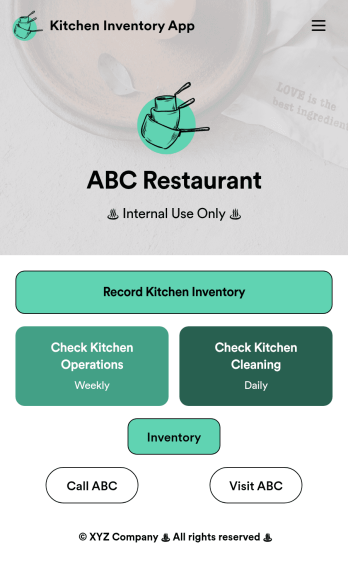
Kitchen Inventory App
Tracking inventory in your kitchen is the key to success for your restaurant. Make inventory a breeze with our free, customizable Kitchen Inventory App! It lets you bundle multiple forms in one app, so you can access our Restaurant Inventory Template and other kitchen forms from anywhere. Supervisors or employees can open the app on any smartphone, tablet, or computer to record stock inventory, report on kitchen operations, and track daily cleaning.This Kitchen Inventory App is ready to use as is, but feel free to make any modifications if necessary. Without any coding, you can add forms, text, images, links, and more. You can even change the name, icon, and splash page for your app for a fully-custom design! Monitor food usage and keep track of your inventory more efficiently with a custom Kitchen Inventory App for your restaurant.
Go to Category:Inventory Apps
Restaurant Mobile App
You’ve got your hands full trying to run a busy restaurant — so the last thing you want to learn is how to sell food online. Make it easier on yourself with Jotform's free Restaurant Mobile App. With this ready-to-use template, customers can reserve a table, place orders for pick-up or delivery, pay ahead with credit card or through PayPal, and leave reviews for your restaurant. You can upload images to use for the online menu, and even showcase signature dishes on your splash page! Just share a link to your app on your website or social media, and customers can access and download it on any smartphone, tablet, or computer.Want to customize your Restaurant Mobile App to match your restaurant’s branding? Our drag-and-drop interface makes it easy to add or change forms, choose fonts and colors, upload your logo, update the app name or text, and more — all with zero coding. Take your restaurant digital to sell food online and make reservations and orders a breeze with this Restaurant Mobile App.
Go to Category:Booking Apps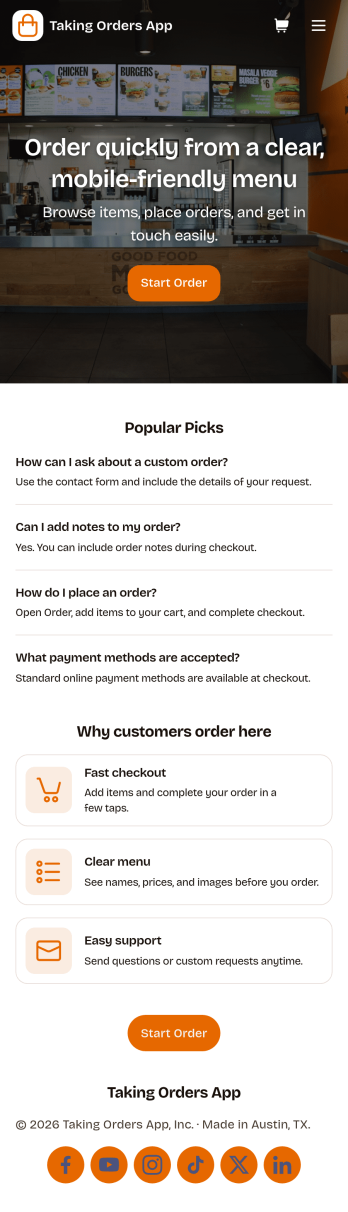
Taking Orders App
Taking Orders App helps food and beverage teams capture customer orders in a clean, mobile-friendly experience. Use it to highlight popular picks, guide customers into starting an order from a product list, and offer a simple way to reach your business through the contact page. It’s a great fit for cafés, food trucks, bakeries, pop-up kitchens, caterers, and small restaurants that need a lightweight ordering flow for pickup or pre-orders without juggling messages across multiple channels.With Jotform, you can turn this app template into a branded ordering hub using a no-code app builder and a drag-and-drop interface. Connect the app to a form for reliable data collection, keep requests organized, and build a smoother workflow for your team from order intake to fulfillment. Share the app with a link or QR code, update menus and content in minutes, and provide customers with convenient self-service ordering from any device.
Go to Category:Order & Shipping Portal Apps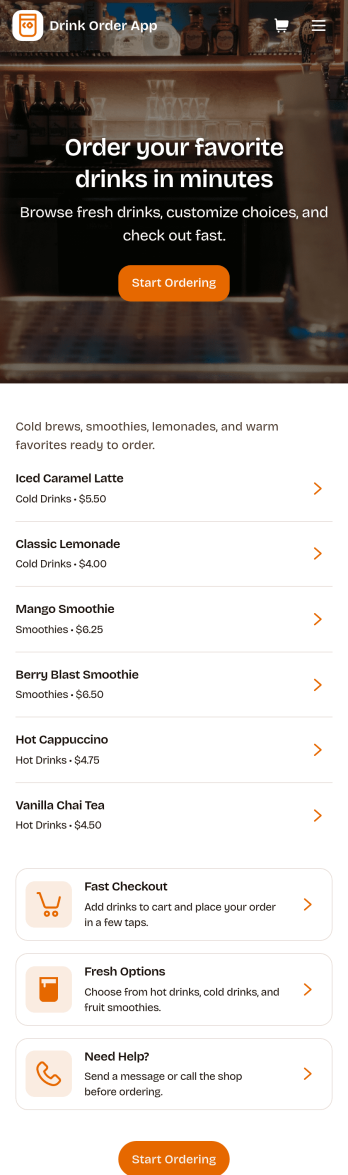
Drink Order App
Drink Order App helps cafés, juice bars, coffee kiosks, concession stands, and pop-up beverage vendors take drink requests in one simple place. Guests can start a quick order, pick items from a product list, and send their request without waiting in line, while staff can keep tabs on what’s coming in through an easy order tracking area. It also supports lighter-touch service moments such as sharing contact options like calling the shop or sending an email message, which is useful for special requests and follow-ups.With Jotform, you can turn this drink ordering flow into a polished self-service experience using App Templates and a no-code app builder. Customize pages with a drag-and-drop interface, connect your order form to workflows that route requests to the right team, and keep data collection organized so orders are easier to review and manage. Publish and share your app through a link or QR code, then update the menu and ordering experience anytime without coding.
Go to Category:Food & Beverage Apps