
The Content Release Feedback App is a centralized review experience for marketing teams, editorial groups, creative departments, product marketers, and agencies evaluating material before or after publication. Reviewers can browse release entries, submit feedback, and assess key details such as issue type, readiness, review notes, and suggested resolutions without scattering decisions across messages and documents. It supports campaign launches, website updates, newsletters, educational resources, media releases, and recurring content programs where teams need clear input from editors, stakeholders, or subject experts. By keeping each release and its feedback easy to find, the app helps owners spot blockers, prioritize revisions, preserve review context, and move content toward a confident publishing decision.
With Jotform, teams can adapt this app template through a no-code app builder and a flexible drag-and-drop interface. Update pages, branding, navigation, and review prompts to fit the way your organization manages releases, then connect forms, tables, approvals, and notifications to support data collection and workflow automation. The Content Release Feedback App can be shared by direct link or QR code for convenient mobile access, giving contributors a consistent self-service path to review content wherever they work. Starting from Jotform App Templates reduces setup time while leaving room to evolve the experience as review roles, release volumes, and publishing processes change.
Related templates

Multiplayer Drawing Game App
The Multiplayer Drawing Game App is an interactive app template for hosting creative drawing and guessing rounds among friends, students, coworkers, event attendees, or online communities. Participants can view open rounds, submit artwork in response to a prompt, and enter guesses for drawings shared by other players. Organizers can also create new rounds and review drawing and guess records from one place. It works well for classroom activities, team socials, community challenges, virtual gatherings, icebreakers, and casual competitions, giving groups a simple way to encourage participation without scattering game activity across multiple channels.Jotform App Templates make it easy to adapt this experience to different groups and occasions. Using Jotform’s no-code app builder and drag-and-drop interface, organizers can update pages, instructions, colors, buttons, and navigation without programming. Connected forms and tables support data collection and keep each gameplay workflow organized, while mobile-friendly access helps players join from nearly any device. The finished app can be shared through a direct link or QR code, creating a convenient self-service destination for rounds, drawings, guesses, and game information.
Go to Category:Entertainment Apps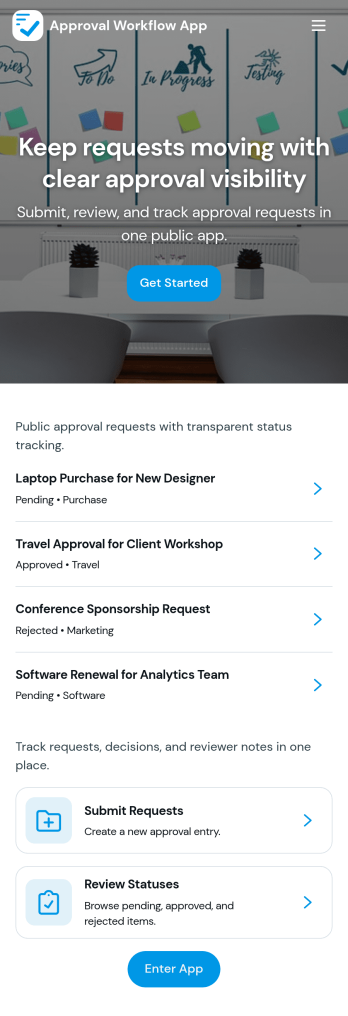
Approval Workflow App
An Approval Workflow App helps teams route requests to the right reviewers, track decisions, and keep work moving without losing context in email threads. Use it for purchase requests, policy exceptions, creative reviews, time-off approvals, access requests, vendor onboarding steps, and any situation where a requester needs a clear outcome from an approver. With entry points for New Request and a centralized Review Queue, reviewers can quickly open items, check key details, and move each request from submit to review to decide while maintaining consistency across departments.Jotform makes it easy to publish this type of self-service experience using App Templates built with a no-code app builder. With a drag-and-drop interface, you can tailor the app’s pages, connect the request form to your workflow, and keep a searchable Decision History for visibility. Share the app with a link or QR code, control who can access the queue, and connect the process to the rest of your operations so request handling stays organized from start to finish.
Go to Category:Company Portal Apps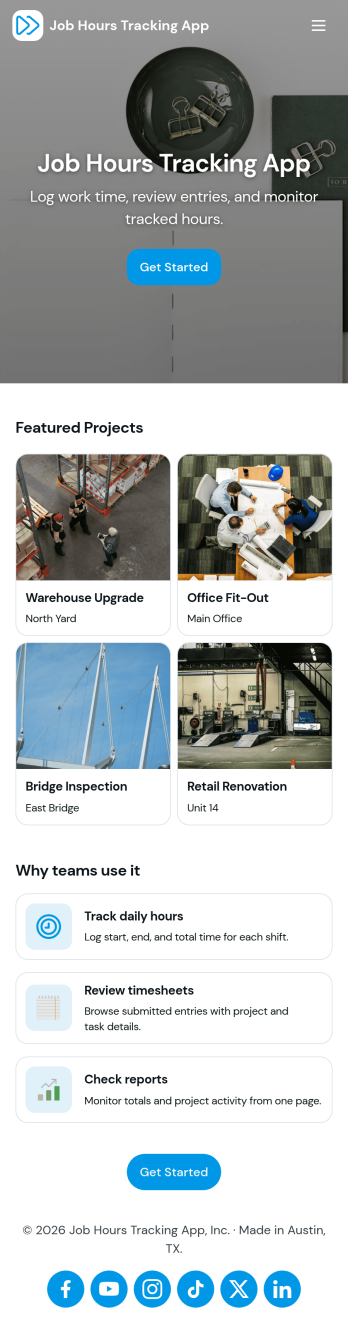
Job Hours Tracking App
Job Hours Tracking App helps teams record shift time in one place, so payroll prep and time reviews don’t depend on scattered notes or messages. Employees can quickly log a shift, add another shift when they’re done, and review My Entries to confirm what they’ve submitted. It’s a practical fit for small businesses, agencies, field service crews, and hourly teams that need a clear timesheet view by employee and a consistent way to capture work hours across roles.Jotform makes it easy to turn this app template into a polished, self-service experience without coding. With a drag-and-drop interface, you can adjust pages, buttons, and the connected form that collects shift details, then share the app as a simple link for your staff. As entries come in, you can keep your workflow organized for approvals, reporting, and ongoing operations while maintaining a single source of truth for job hours tracking.
Go to Category:Activity Tracking Apps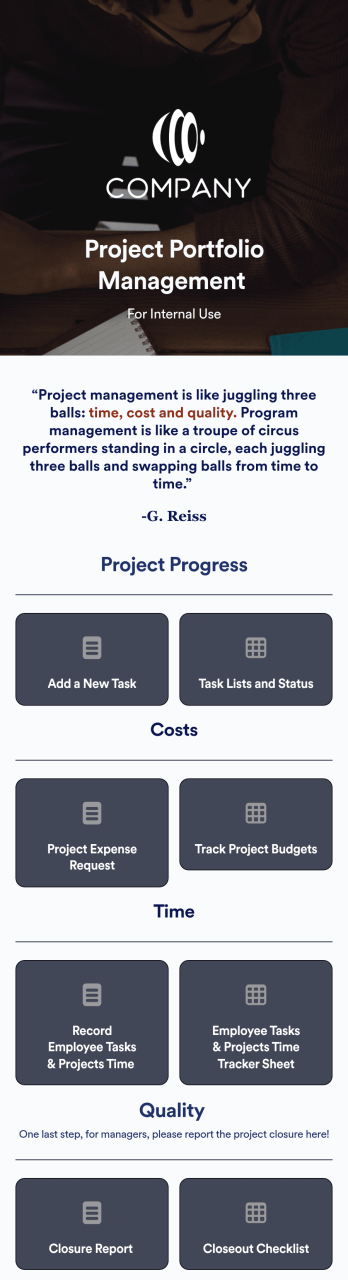
Project Portfolio Management App
A project portfolio management app is used by employees to seamlessly track and manage company projects. For businesses big or small, this ready-made Project Portfolio Management App from Jotform makes it easy to keep projects on track for success. Add project deadlines, create tables with form data, generate visual reports, and more depending on what your team needs to succeed.Personalizing this Project Portfolio Management App is a breeze with our online drag-and-drop app builder. Enrich your app by uploading personal branding assets, adding project images or videos, integrating with helpful payment or scheduling widgets, and picking fonts and colors you like. Set your team up for success with this free app from Jotform.
Go to Category:Company Portal Apps
Secure Messaging App
Secure Messaging App helps teams and organizations share sensitive updates, quick instructions, and internal notes in one private place, especially when email threads and public chat tools feel too exposed. Use it for employee communications, client check-ins, on-call announcements, incident coordination, or confidential project discussions where clarity and controlled access matter most. It fits HR teams, IT and operations groups, healthcare and nonprofit staff, and any distributed team that needs a simple, focused channel for protected communication.With Jotform, you can build and publish a branded, mobile-friendly experience using a no-code app builder and a drag-and-drop interface. Start from this app template, tailor the content to your workflow, and share it by link or QR code for fast self-service access. As your needs grow, you can connect the app to Jotform forms and workflows to support structured data collection, internal requests, and organized follow-ups without adding complexity.
Go to Category:Customer Engagement Apps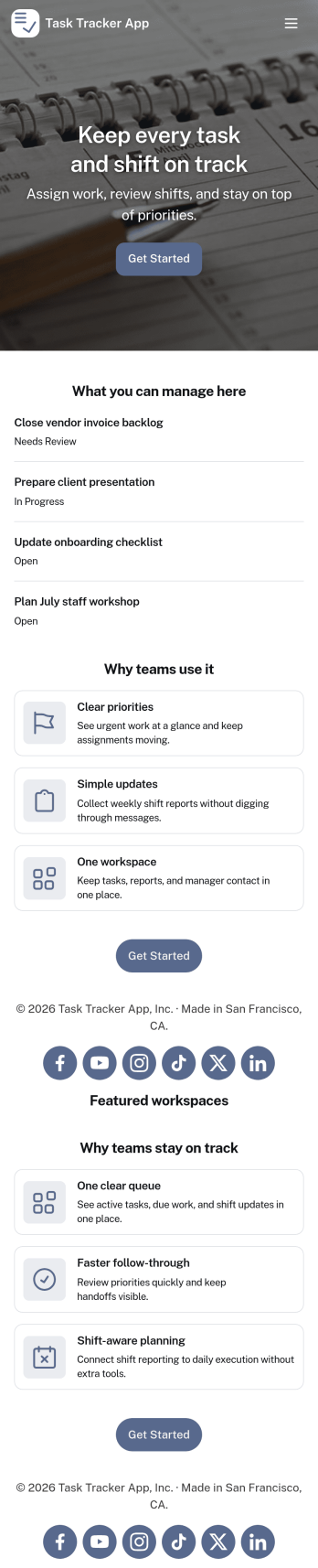
Task Tracker App
A task tracker app is used to keep track of tasks on any device. No matter which industry you work in, Jotform’s free Task Tracker App lets you log and manage task details and even assign tasks to employees or teammates! The app is downloadable onto any smartphone, tablet, or computer, and all submissions are stored securely in your Jotform account — ready to access whenever you need them.Want to make changes to this free app? Add or remove forms, include your company logo, change fonts and colors, and personalize other elements with our drag-and-drop builder. No coding is necessary! Once you’ve got your app looking perfect, share it with a link for others to download directly onto their devices. Track tasks more efficiently with the help of a free Task Tracker App from Jotform.
Go to Category:Organization Apps