
The Field Installation Management App gives contractors, field service companies, construction teams, and installation coordinators a central place to manage on-site work. Teams can maintain an installation register, record site visits and inspections, and track materials through completion reporting. It is well suited to equipment fitting, infrastructure projects, property upgrades, system deployment, and other jobs that require technicians to work across customer locations. Clear records of customers, site addresses, assigned technicians, and schedules help office staff and field crews stay aligned while reducing missing updates, scattered paperwork, and delays in confirming completed work.
With Jotform, this app template can be adapted to match each organization’s processes and branding without coding. The drag-and-drop app builder makes it easy to adjust pages, navigation, buttons, and visual elements while connecting forms, tables, notifications, approvals, and other workflow steps. Teams can organize data collection in one mobile-friendly experience and give technicians convenient self-service access from the field. Once customized, the Field Installation Management App can be published quickly and shared by direct link or QR code, helping businesses create a consistent installation process as workloads and service areas grow.
Related templates
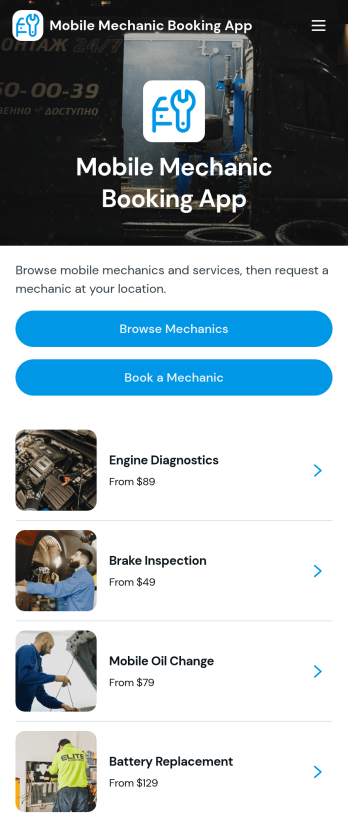
Mobile Mechanic Booking App
The Mobile Mechanic Booking App helps independent mechanics, roadside service providers, automotive repair businesses, and field service teams connect drivers with vehicle repair services at a convenient location. Customers can browse mechanic profiles, review service areas and availability, explore repair options, and submit a booking request from one mobile-friendly destination. This app template reduces the effort involved in finding a suitable professional while giving businesses a clear way to present experience, service details, typical duration, and starting prices. It is useful for scheduled maintenance, minor repairs, diagnostics, emergency assistance, and other services performed at homes, workplaces, or roadside locations.Jotform makes it easy to adapt the Mobile Mechanic Booking App to your brand and operating process without writing code. Use the no-code app builder and drag-and-drop interface to update pages, reorganize navigation, add mechanic information, and connect booking forms to your workflow. Requests and data collection can be managed through connected Jotform tools, helping teams coordinate appointments and provide customer self-service. Like other Jotform App Templates, this ready-made app template can be shared through a direct link or QR code, giving customers convenient access from phones, tablets, and computers.
Go to Category:Appointment & Booking Apps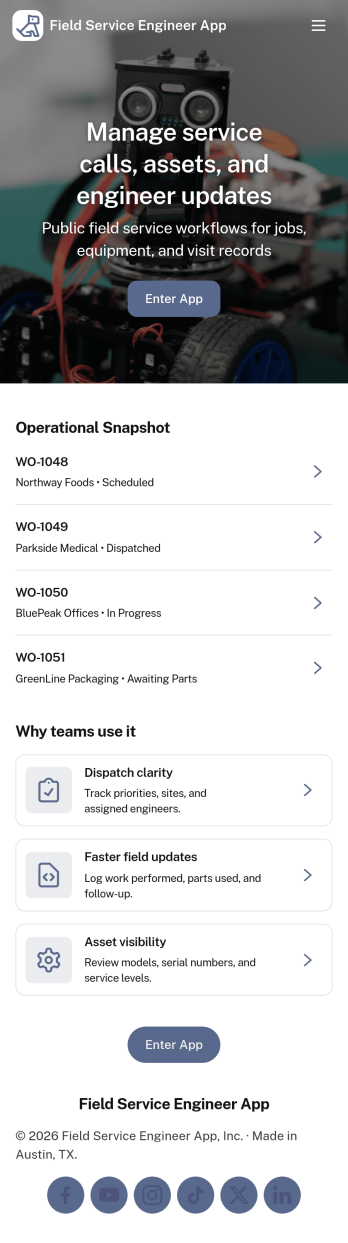
Field Service Engineer App
Field Service Engineer App helps field engineers manage daily site work by organizing today’s jobs, keeping work orders easy to browse, and providing a clear path to close out completed jobs. It’s a practical fit for service and maintenance teams, engineering contractors, and operations groups that need a simple way for technicians to check what’s next, open a job to review details, and finish work in the field without digging through messages or paperwork.With Jotform, you can turn this app template into a branded, self-service experience for your team using a no-code app builder and a drag-and-drop interface. Connect job closeout to a form for consistent data collection, keep work order records organized, and refine the workflow as your processes evolve, then share the app with a link or QR code so engineers can access it on any device.
Go to Category:Engineering Apps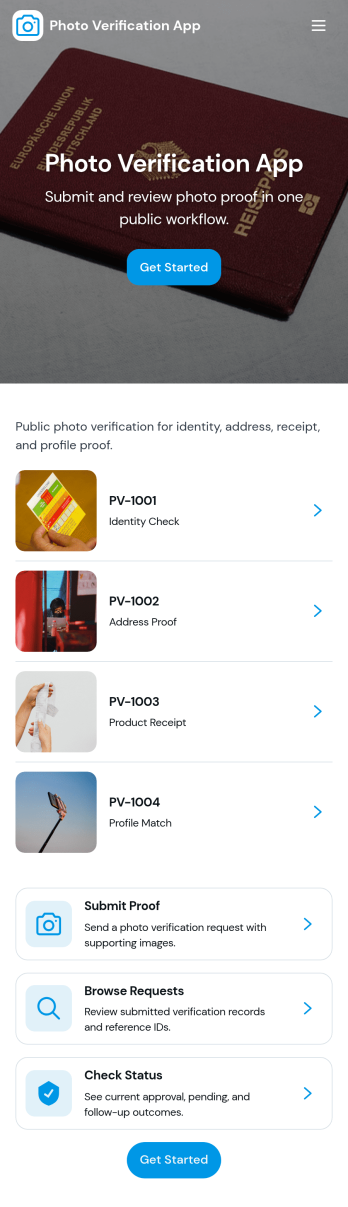
Photo Verification App
Photo Verification App helps teams collect photo-based proof and review it in one organized flow, making it easier to confirm identity, condition, or completion before moving work forward. It fits field service companies validating completed jobs, property managers confirming move-in or move-out conditions, event teams checking credential photos, and operations groups that need quick visual confirmation without relying on scattered messages. With a clear start verification entry point and a dedicated review queue, reviewers can sort what needs attention, open individual records, and keep photo checks consistent across staff.Jotform makes it simple to publish this app template and adapt it to your process using a no-code app builder and a drag-and-drop interface. Connect your verification form to a central list for tracking, route entries to the right reviewers, and keep data collection structured as volume grows. Share the app through a link or QR code so submitters can send photos from mobile, while your team stays focused on approvals, follow-ups, and keeping the workflow moving.
Go to Category:Inspection Apps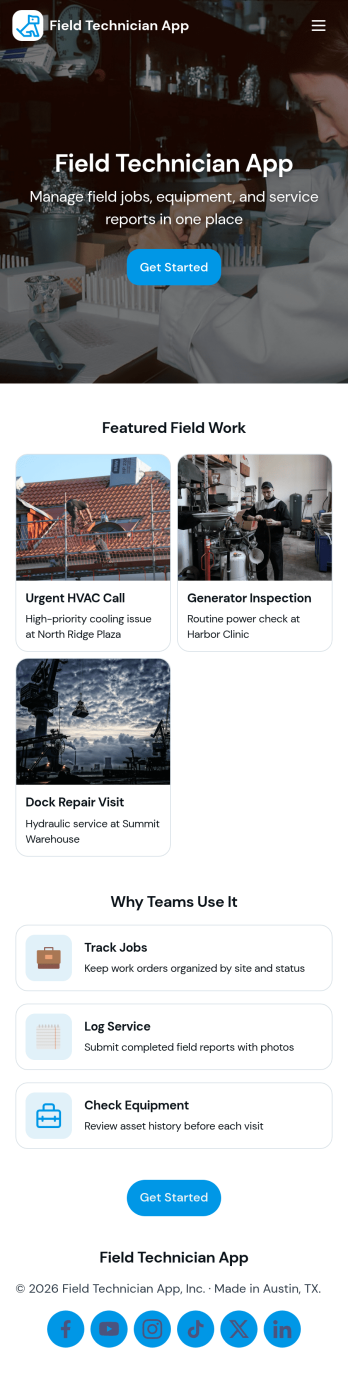
Field Technician App
Field Technician App brings open jobs, job details, and on-site visit logging into one mobile-friendly place for teams that work in the field. It’s built for service managers and coordinators who need technicians to see assigned work, review customer and asset information, and record what happened on a visit without chasing updates through calls or scattered notes. With pages for Open Jobs and job records, plus a simple Log Visit action, this app helps keep day-to-day service work organized while technicians move from site to site.Jotform makes it easy to publish this kind of self-service experience using App Templates and a no-code app builder with a drag-and-drop interface. Connect the app to your existing workflow for data collection, route field updates into the same records your office team relies on, and keep information current with quick refresh actions. You can customize navigation, add your branding, and share the app with your team using a link or QR code so everyone stays aligned from dispatch to completion.
Go to Category:Home Services Apps
TV Repair Tracking App
The TV Repair Tracking App gives television repair shops, independent technicians, electronics service teams, and field service managers a central place to manage repair work from intake through completion. Staff can log a repair, review open jobs, and generate repair reports without relying on scattered notes or spreadsheets. Each request can preserve essential service context such as the television model, customer details, preferred contact method, reported issue, diagnosis, required parts, estimated cost, and completion notes. This clearer view of repair progress helps teams prioritize active work, prepare customer updates, coordinate parts, and maintain consistent service records across workshop and on-site jobs.Jotform makes this app template easy to adapt with a no-code app builder and drag-and-drop interface. Teams can adjust pages, navigation, branding, and connected workflows to reflect their repair process, then organize data collection and self-service access in one mobile-friendly experience. The app can connect with forms, tables, notifications, approvals, and other operational tools so repair information stays accessible as work advances. Publish it with a shareable link or QR code to give authorized technicians and service staff convenient access from a phone, tablet, or computer.
Go to Category:Equipment Maintenance Software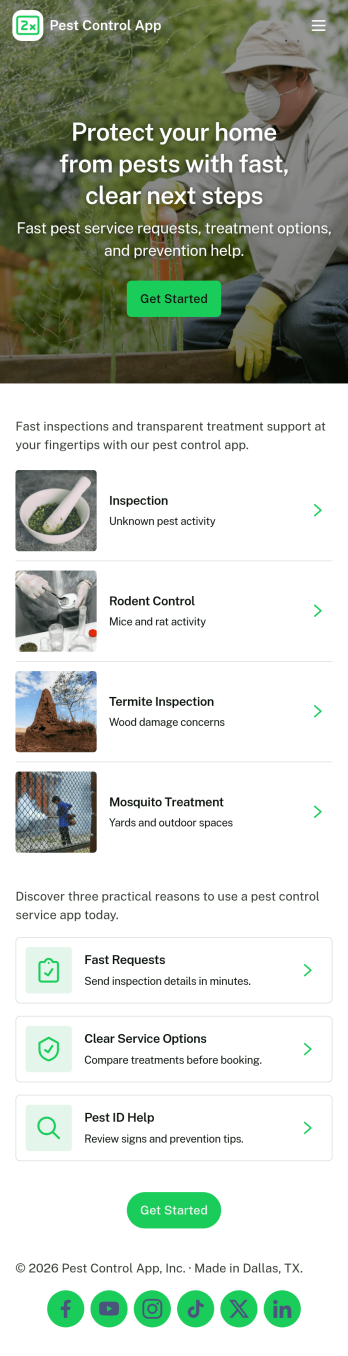
Pest Control App
Pest Control App helps pest control businesses and home service teams offer a simple, customer-friendly way to request treatment, explore common pests, and understand pricing before booking. Visitors can submit a service request, browse pest information to identify what they’re dealing with, and quickly reach your team using built-in contact options like phone, email, and a website link. It’s a practical fit for local exterminators, property managers, and facilities teams who want to reduce missed calls, standardize intake details, and guide customers to the right service faster.With Jotform, you can customize this app template using a no-code app builder and a drag-and-drop interface, then connect it to your forms for consistent data collection. Update service offerings, adjust pricing details, and route requests to the right workflow without rebuilding your process. Share the app through a link or QR code so customers can self-service from any device while your team stays organized with a central place for requests and updates.
Go to Category:Customer Portal Apps