
Food Service Daily Operations App gives restaurant managers, kitchen supervisors, shift leaders, and food service teams one mobile-friendly place to coordinate routine operational work. Staff can complete daily checks, report incidents that may require follow-up, and update inventory quantities and reorder levels. Submitted operations records remain easy to review, helping managers spot incomplete tasks, low-stock items, recurring issues, and areas requiring attention. The app template suits restaurants, cafés, catering teams, cafeterias, and other food and beverage operations seeking clearer accountability across locations or shifts.
Jotform makes this app template easy to adapt without coding. Use the drag-and-drop app builder to adjust pages, navigation, buttons, colors, fonts, and other branded elements while keeping the experience simple for staff. Connected forms and tables support data collection and organized recordkeeping, while notifications and workflows can help teams respond to new updates. Publish the app with a shareable link or QR code so employees can access daily tools from a phone, tablet, or computer. Jotform App Templates provide a practical starting point for building a self-service operations resource that can evolve with changing procedures.
Related templates
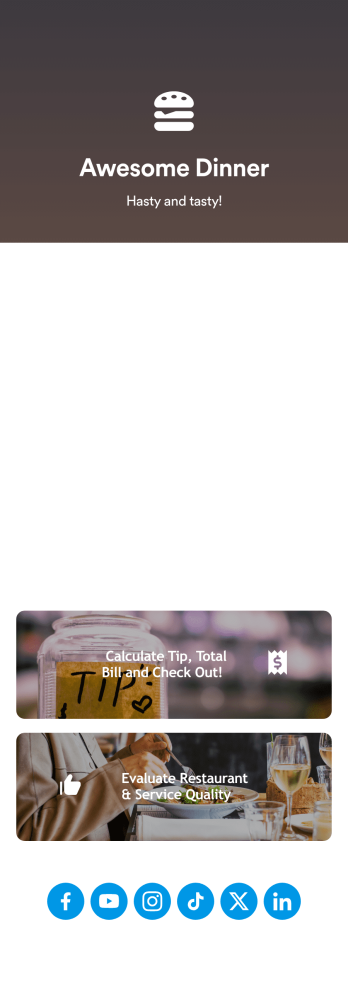
Tip Calculator App
Help your customers checkout and calculate the right tip with Jotform’s free Tip Calculator App. No matter what type of business you run, it’s always a nice touch to add a tip calculator at checkout. Customers can easily download your business’ custom app on any Android or iOS device. All receipts and payments will be automatically saved to your Jotform account — making for a convenient and secure way to store records.Match your app to your business’ branding and customize to your heart’s content. Change up how your app looks with Jotform’s no-code drag-and-drop app builder by uploading your restaurant or cafe’s logo, integrating with your payment collector of choice, and more. You can share your app by embedding it in your website, linking it in direct messages, or by generating a scannable QR code. Go contactless and paperless with Jotform’s free Tip Calculator App.
Go to Category:Restaurant Apps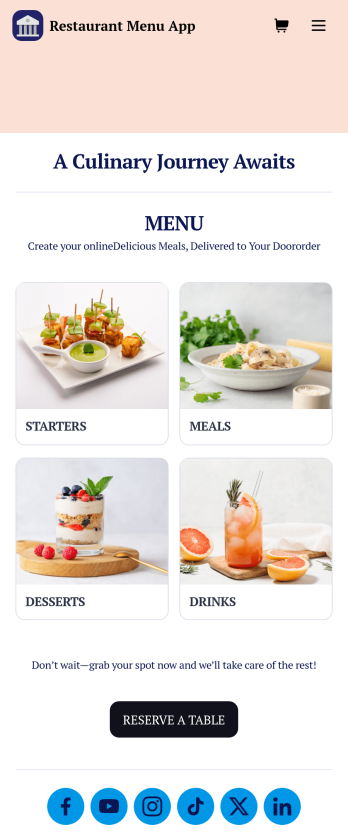
Restaurant Menu App
Need to know how to sell restaurant food online? A restaurant menu app is used by restaurants, cafes, and diners for managing table reservations and taking food and drink orders. This Restaurant Menu App contains three forms which allow customers to reserve tables and order from separate food and drink menus. Customers can place orders before they get to the restaurant, or specify orders for pick-up or delivery. Submissions are instantly synced to your Jotform account, which you and your staff can access from any device.Customize this app template to match your restaurant’s branding using Jotform’s no-code form builder. Just drag and drop to add or change form elements, choose fonts and colors, upload your logo, create a custom app icon, and more. You can also include thumbnail images for menu items and showcase popular dishes on your app’s splash screen. After you’re done, simply share a link on your website or social media, and customers can access and download your app on any smartphone, tablet, desktop. Manage reservations and sell restaurant food online from one convenient app with this Restaurant Menu App.
Go to Category:Food & Beverage Apps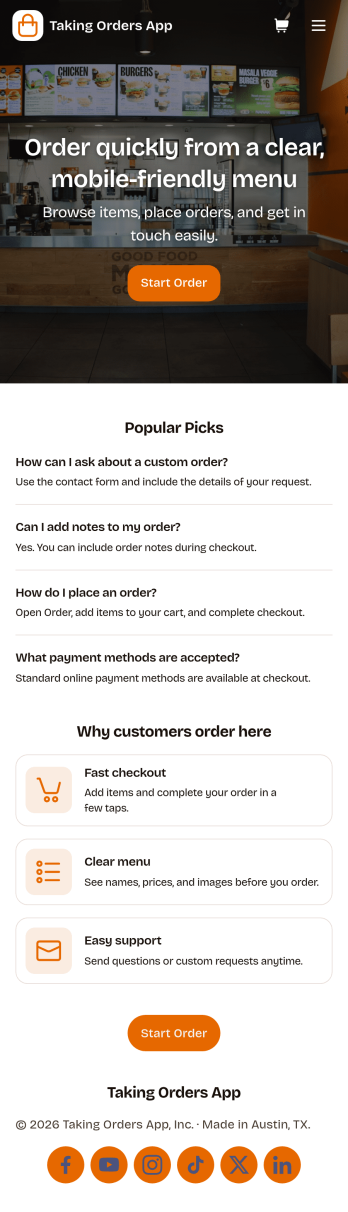
Taking Orders App
Taking Orders App helps food and beverage teams capture customer orders in a clean, mobile-friendly experience. Use it to highlight popular picks, guide customers into starting an order from a product list, and offer a simple way to reach your business through the contact page. It’s a great fit for cafés, food trucks, bakeries, pop-up kitchens, caterers, and small restaurants that need a lightweight ordering flow for pickup or pre-orders without juggling messages across multiple channels.With Jotform, you can turn this app template into a branded ordering hub using a no-code app builder and a drag-and-drop interface. Connect the app to a form for reliable data collection, keep requests organized, and build a smoother workflow for your team from order intake to fulfillment. Share the app with a link or QR code, update menus and content in minutes, and provide customers with convenient self-service ordering from any device.
Go to Category:Order & Shipping Portal Apps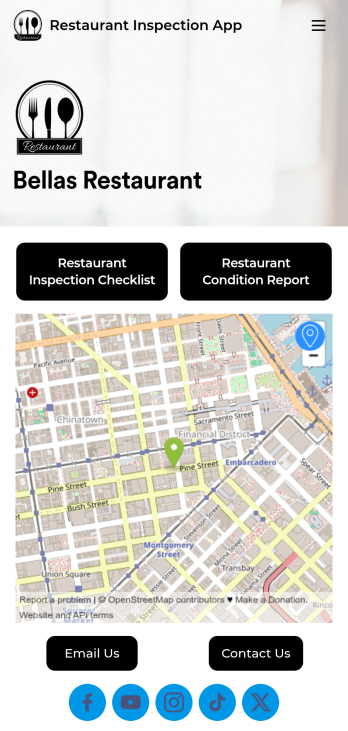
Restaurant Health Inspection App
A restaurant health inspection app is used by restaurant owners and managers to record the overall condition of a restaurant. This Restaurant Health Inspection App includes two forms for conducting inspections. The restaurant inspection checklist is for documenting food and safety compliance, while the restaurant condition report is for documenting the condition of the interior and exterior of the building. Both forms include a digital signature box for managers to sign upon completing the inspection. Form data is compiled in an easy-to-read table in your account, and can be viewed and managed from any device. You can also share and export reports with just a few clicks.Customizing your app is easy. No coding necessary — just use our drag-and-drop form builder to add form elements, edit checklists, choose fonts and colors, and upload your own logo. When you’re finished, you can share your app via link, where it can be downloaded on any smartphone, table, or desktop. Keep detailed inspection reports of your restaurant in one convenient location with this free Restaurant Health Inspection App.
Go to Category:Inspection Apps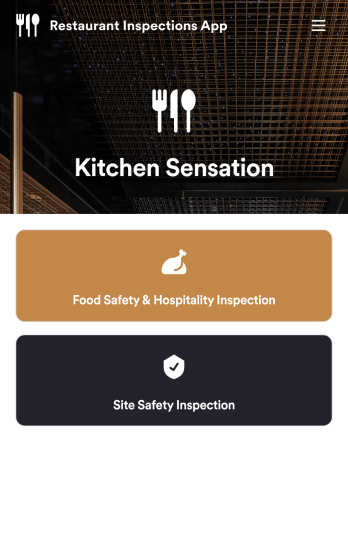
Restaurant Checklist App
A restaurant checklist app is used by restaurant owners and managers to document the condition of a restaurant by filling out inspection forms. This Restaurant Checklist App includes two forms: a food safety and hospitality inspection checklist for recording the cleanliness of the restaurant interior, and a site inspection checklist for recording the safety and cleanliness of the kitchen and service areas. Both checklists allow restaurant inspectors to date and sign inspections using an e-signature field. Reports are instantly synced and stored in your secure Jotform account for ease of access.Customize this app template to match your restaurant’s branding with Jotform’s no-code app builder. Simply drag and drop to add form elements, edit checklist items, personalize your app icon and splash screen, and more. After you’re done, you can share your app by sending a link in an email invite, and employees can then download it onto any smartphone, tablet, or computer. Ensure your restaurant is compliant with health and safety standards by creating your own fully-customizable Restaurant Checklist App.
Go to Category:Checklist Apps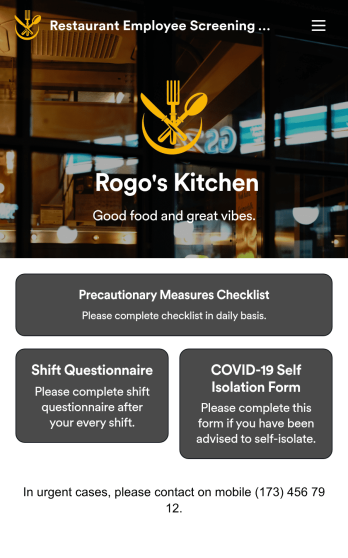
Restaurant Employee Screening App
A restaurant employee screening app is used by restaurant managers to screen employees for COVID-19 before shifts. With Jotform’s Restaurant Employee Screening App — which includes a COVID-19 Self Isolation Form, Staff Shift Questionnaire, and Precautionary Measures Checklist — you can collect all the information and e-signatures you need to ensure a safe environment for both your employees and your customers.Need to make changes to this free app? Add or remove forms, include your branding, and personalize other design elements to make this app work better for you. Employees can then download your app onto any device in a few quick clicks! All form responses are stored securely in your Jotform account and can be protected with HIPAA friendly features. Ditch messy paper forms and get organized with this Restaurant Employee Screening App.
Go to Category:Healthcare Apps