
The Golf Course Chemical Tracking App is a centralized recordkeeping tool for superintendents, grounds crews, turf managers, and course operations teams that oversee chemical use across golf course areas. Staff can log chemical applications, update inventory quantities, and document course inspections or chemical incidents from one accessible location. Clear records help teams monitor what was applied, where it was used, and how much remains in storage. This supports better purchasing decisions, follow-up planning, shift coordination, and day-to-day accountability while reducing reliance on scattered spreadsheets, paper logs, and verbal updates.
Jotform makes this app template easy to adapt with a no-code app builder and an intuitive drag-and-drop interface. Teams can adjust pages, navigation, buttons, visual styling, and connected forms to reflect their own operational workflow. Submitted information can be organized with Jotform Tables, while notifications and connected approval steps can keep relevant staff informed. Publish the app with a shareable link or QR code to give authorized crew members mobile-friendly access in the office, storage area, maintenance facility, or field. Jotform App Templates help organizations build practical self-service experiences for consistent data collection without writing code.
Related templates

Lesson Planner App
Create and manage your classroom lesson plan with this free Lesson Planner app from Jotform. Download this app onto any device and start adding courses, start and end dates, lesson titles and objectives, tasks, resources, and more. There are also separate forms for entering student information and creating daily assignment checklists. Submissions are aggregated and stored in a color-coded and easy-to-understand spreadsheet using Jotform Tables.Want to make changes to this Lesson Planner App? No problem! With Jotform’s no-code app builder, you can build a custom app that meets your classroom’s needs in seconds. Simply drag and drop to add or change form elements, edit text fields and checklist items, install integrations and widgets, change fonts and colors, and more. When you’re done, you can access and download your app onto any smartphone, tablet, or desktop and start using it right away. Manage all your lesson plans and assignments from a single location with this mobile-friendly Lesson Planner App.
Go to Category:Daily Planner Apps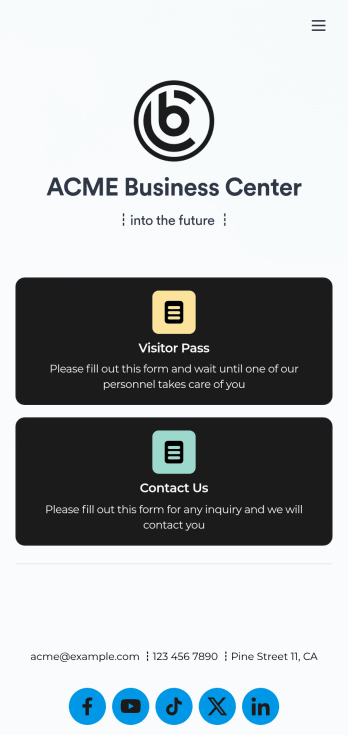
Visitor Sign In App
A visitor sign in app is used by businesses or organizations to log and track sign ins for their building. With this free Visitor Sign In App that downloads instantly onto any device — such as your building’s tablet or computer — you can collect, track, and manage sign-ins with ease. The app also includes a contact form so visitors can quickly get in touch if they encounter any issues, and connects to a Visitor Approval Process Template so you can approve or deny visitors instantly.Feel free to add more forms, upload your logo, update the background image, and make other changes with our drag-and-drop builder. All responses collected through the app are stored securely in your Jotform account and protected with advanced security measures. Switch from paper sign in sheets to an online Visitor Sign In App to collect information more efficiently — no messy paperwork required.
Go to Category:Tracker Apps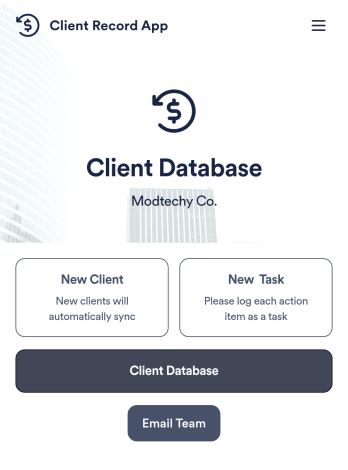
Client Record App
A client record app is used by companies to keep track of clients in a Jotform Tables database. With our Client Record App, you can add general contact information for new clients and view a list of existing clients. There is also a separate task form for employees to log projects. Submissions are stored securely in your online account and can be accessed directly through your app from any smartphone, tablet or computer.This Client Record App can be easily customized without any coding. Our drag-and-drop builder allows you to add and change forms, upload your logo, choose fonts and colors, create a custom app icon and splash screen, and more. When you’re finished, your team can access and download your app on any device with a share link. Keep all your business contacts in one convenient location with this Client Record App!
Go to Category:Freelancer Apps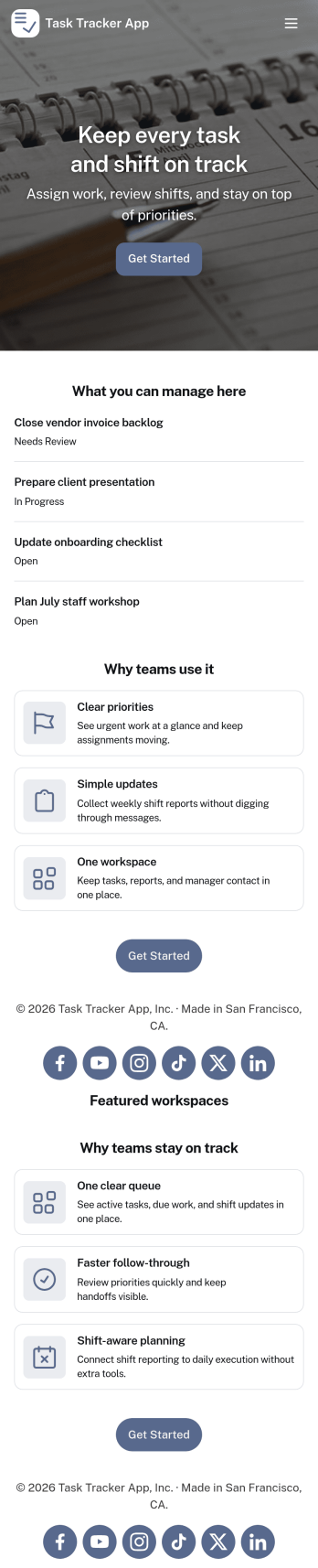
Task Tracker App
A task tracker app is used to keep track of tasks on any device. No matter which industry you work in, Jotform’s free Task Tracker App lets you log and manage task details and even assign tasks to employees or teammates! The app is downloadable onto any smartphone, tablet, or computer, and all submissions are stored securely in your Jotform account — ready to access whenever you need them.Want to make changes to this free app? Add or remove forms, include your company logo, change fonts and colors, and personalize other elements with our drag-and-drop builder. No coding is necessary! Once you’ve got your app looking perfect, share it with a link for others to download directly onto their devices. Track tasks more efficiently with the help of a free Task Tracker App from Jotform.
Go to Category:Organization Apps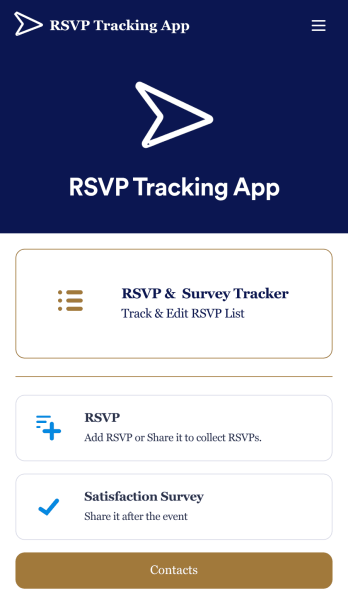
RSVP Tracking App
An RSVP tracking app is a type of mobile application used to track and manage RSVPs. This type of app is great for those planning events, parties, or other sorts of gatherings. Build your own with this free RSVP Tracking App from Jotform Apps. Add RSVP forms, post-event satisfaction surveys, and ticket payment forms to your app to manage all aspects of your event from one centralized app. Customize this RSVP Tracking App to match your needs with our no-code builder. Drag and drop to add or remove forms, upload images and videos, You can also opt to integrate the forms with 200+ platforms like Calendly, Square, and Google Drive for added convenience. Make your RSVP process seamless for everyone with this free RSVP Tracking App.
Go to Category:Event Planner Apps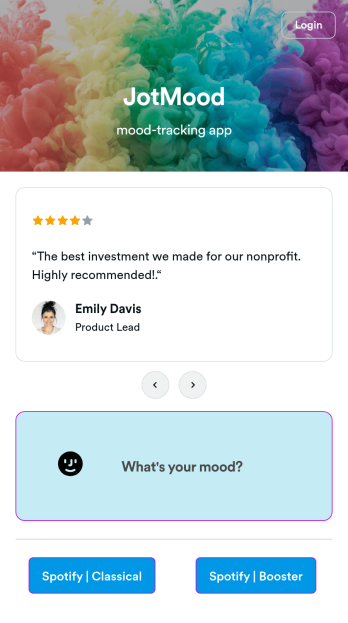
Mood Tracker App
Tracking your mood is a great way to learn how to manage your emotions and understand triggers. Start tracking your moods or help patients track theirs with our free Mood Tracker App you can customize in just a few clicks! This ready-to-use app provides a single place for users to add their moods through a form and view all their submissions at once in order to see any recurring patterns. You can use this app yourself, or share it with patients to help them monitor their progress in therapy.Want to customize your Mood Tracker App? With our drag-and-drop interface, you can create and add more forms to your app and even change its icon, name, splash screen, and background. Feel free to upload images, include links, update the text, and more. You’ll be able to access and download your app from any smartphone, tablet, or desktop. Make it easier to keep track of how you’re feeling with a custom Mood Tracker App you can easily use from any device.
Go to Category:Entertainment Apps