
The Hospice Job Application App gives hospice providers a clear, accessible way to present openings and receive applications from nurses, aides, counselors, administrative professionals, and other care-focused candidates. Applicants can explore available roles, review qualifications and care-setting details, and submit an application from one convenient location. Hospice organizations, healthcare recruiters, and human resources teams can use this app template to create a consistent hiring experience, reduce incomplete applications, and help candidates understand each position before applying. It is especially useful for ongoing recruitment, team expansion, and filling specialized patient-support roles.
Jotform makes it easy to adapt this Hospice Job Application App without writing code. Use the drag-and-drop app builder to update content, adjust navigation, apply your organization’s visual style, and connect forms to a practical recruitment workflow. Application data can be organized with Jotform tools, while notifications help hiring teams respond to new candidates promptly. Like other Jotform App Templates, the finished app can be shared through a direct link or QR code for mobile-friendly access and a convenient candidate self-service experience.
Related templates
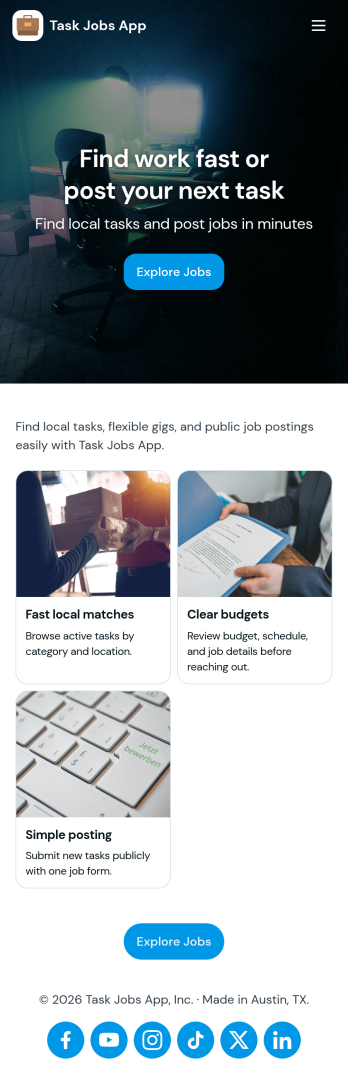
Task Jobs App
Task Jobs App helps teams capture new work requests and stay on top of active and completed jobs in one easy place. It fits field service crews, small contractors, operations teams, and any business that juggles multiple assignments and needs a clear view of what is open, what is in progress, and what is finished. With quick actions to add a new task and jump into open tasks, the app supports day-to-day coordination without scattering details across messages or spreadsheets.Built with Jotform, this app template combines a simple, mobile-friendly interface with connected forms and organized task lists so work updates stay consistent. Using Jotform’s no-code app builder and drag-and-drop interface, you can tailor pages, buttons, and task views to match how your team works, then share the app for self-service updates and smoother workflow tracking as jobs move from intake to completion.
Go to Category:Operations & Logistics Portal Apps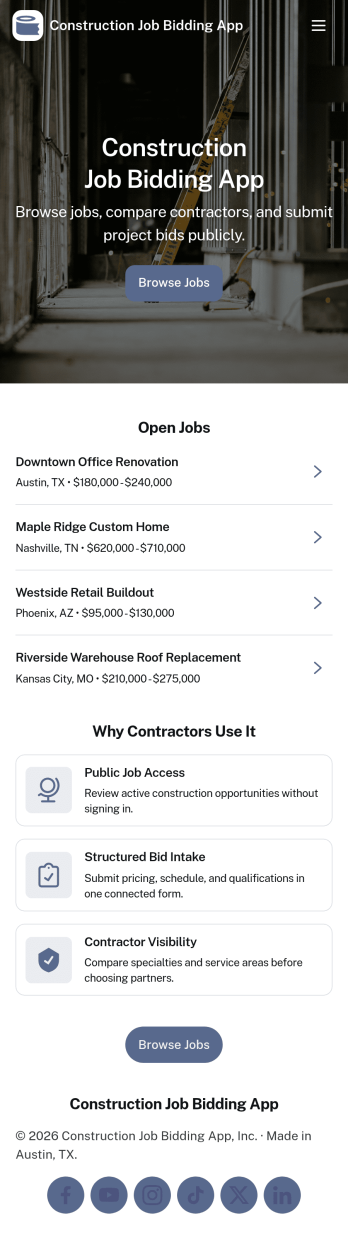
Construction Job Bidding App
Construction Job Bidding App helps contractors, subcontractors, and construction teams manage bidding in one place, from starting a new bid to reviewing open opportunities and keeping projects moving. Use it to collect bid requests, compare incoming responses, and stay on top of what is ready to submit next, especially when multiple projects are in play and timelines are tight. With clear navigation for new bids, open bids, and a bid pipeline view, this app fits general contractors coordinating multiple trades, specialty subcontractors bidding on packages, and small firms that want a consistent process for every estimate.Built with Jotform App Templates, this app template is easy to tailor using Jotform’s no-code app builder and drag-and-drop interface. Connect pages to forms and tables for reliable data collection, then share a self-service experience with your team so everyone knows where to add a bid request, submit a bid, and review bid activity. As your workflow evolves, you can update the layout, refine what gets captured in the connected form, and keep your bidding operations organized without adding complexity.
Go to Category:Construction Apps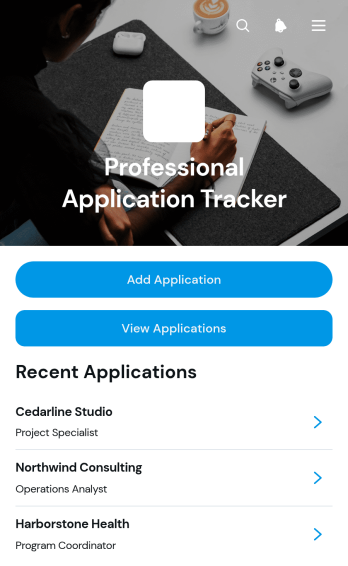
Professional Application Tracker App
Professional Application Tracker App gives job seekers, career changers, students, freelancers, and career advisers a central place to organize professional applications. Users can add an application, browse existing records, and review essential details such as the company, role, status, application date, follow-up date, notes, and outcome. This app template replaces scattered documents and reminders with a clear tracking experience, helping users monitor progress, plan timely follow-ups, compare opportunities, and maintain an accurate history throughout an active search. It is equally useful for individuals managing their own applications and advisers supporting multiple candidates.With Jotform Apps, this Professional Application Tracker App can be adapted through a no-code app builder and an intuitive drag-and-drop interface. Customize its pages, visual style, navigation, and connected data collection workflow without writing code. Jotform App Templates also make it easy to connect forms and tables, organize records for self-service access, and share the finished app through a direct link or QR code. The mobile-friendly experience keeps application information accessible wherever users prepare for interviews, contact prospective employers, or update an opportunity’s outcome.
Go to Category:Job Apps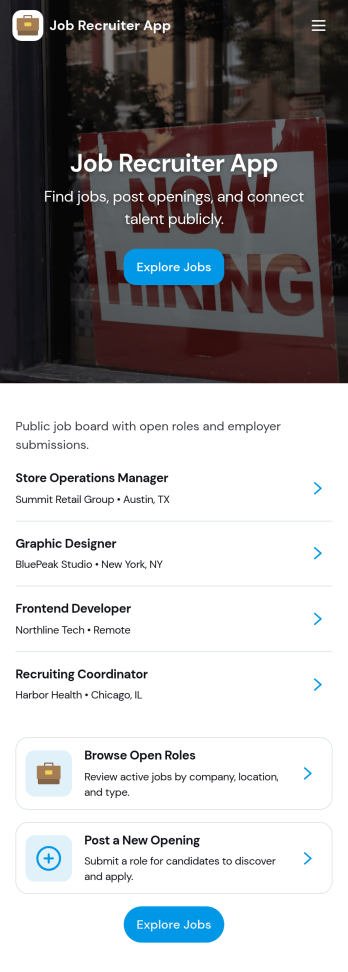
Job Recruiter App
Job Recruiter App brings key recruiting activities into one place so hiring teams can move faster from requisition to offer. Use it to browse open roles, keep candidate records organized, and monitor where applicants sit in the pipeline, all from a simple set of pages built for day-to-day recruiting. It’s a strong fit for internal recruiters, staffing coordinators, HR teams, and growing businesses that need a consistent way to track roles and candidates without juggling spreadsheets or scattered notes.With Jotform, you can turn this app template into a branded, self-service recruiting workspace using a no-code app builder and a drag-and-drop interface. Connect forms for data collection like adding candidates or managing requisitions, surface lists for quick browsing, and keep your workflow moving with navigation buttons and shareable access. Update the layout as your hiring process evolves and publish the experience so your team can manage recruiting work from anywhere.
Go to Category:HR Portal Apps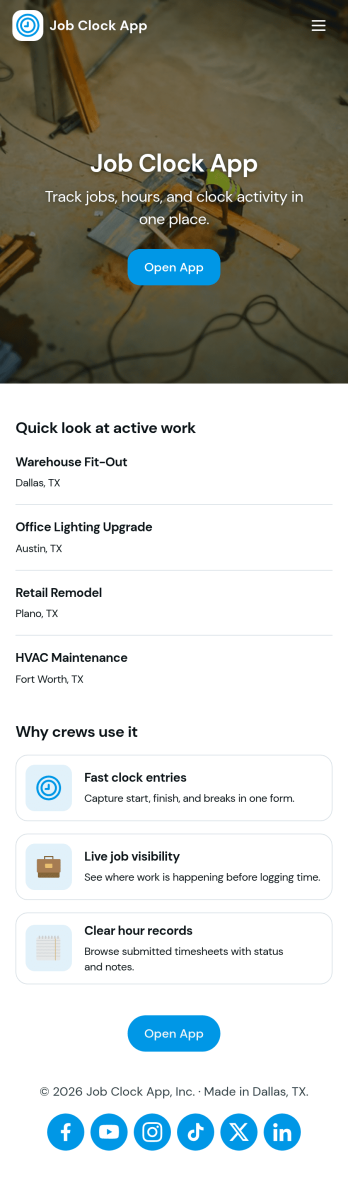
Job Clock App
Job Clock App helps teams track time across different jobs from a single, easy-to-use hub. Employees can clock in as they start work, jump to a Jobs area to choose what they’re working on, and review Timesheets so hours stay clear for payroll and job costing. It’s a practical fit for field services, construction crews, agencies, and any business that needs consistent time entries tied to specific work without chasing texts, emails, or paper notes.Built with Jotform, this app template turns time tracking into a simple self-service experience you can share in minutes. Use Jotform’s no-code app builder and drag-and-drop interface to adjust navigation, add guidance text, and connect the app to your time entry form and job list data collection. As your workflow evolves, you can keep everything organized in one place and make it easy for managers to review entries while employees focus on getting started fast.
Go to Category:Activity Tracking Apps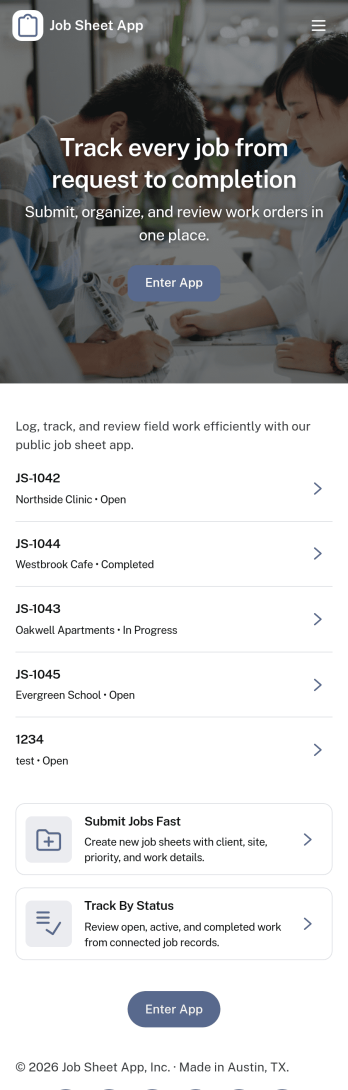
Job Sheet App
A Job Sheet App gives field teams and service businesses a clear place to view open jobs, capture progress updates, and keep work details consistent from start to finish. Use it to reduce missed steps on site visits, standardize job notes across technicians, and keep everyone aligned on what’s next. With quick navigation to Open Jobs and a simple Submit Update path, it works well for contractors, maintenance crews, home services teams, and operations managers who need job information to stay current while work is happening.Jotform makes it easy to publish this kind of job tracking experience without coding using its no-code app builder and drag-and-drop interface. Connect the app to a form for fast data collection, organize job records in a connected workflow, and share a self-service link with your team so updates can be submitted from anywhere. As your process grows, you can adjust pages, add new steps, and keep insights accessible in one mobile-friendly place with Jotform App Templates.
Go to Category:Operations & Logistics Portal Apps