
The Incoming Goods Receiving App helps warehouse teams, inventory coordinators, receiving clerks, and operations managers document deliveries as goods arrive. It provides a central place to create receiving records, review delivery details, and record item quantities, packaging condition, receiving status, and relevant notes. Warehouses, distribution centers, retailers, manufacturers, and procurement teams can use this app template to replace scattered paperwork, improve handoffs, investigate delivery discrepancies, and maintain an accessible history of received goods.
Jotform App Templates make it easy to adapt this workflow without writing code. Using Jotform’s no-code app builder and drag-and-drop interface, teams can update pages, reorganize navigation, apply their branding, and connect forms with tables, approvals, notifications, and other operational processes. The app can be shared by link or QR code for mobile-friendly access, giving authorized staff a convenient way to enter data and find receiving information from the warehouse floor. Customize the Incoming Goods Receiving App to support internal self-service, clearer data collection, and more consistent receiving procedures.
Related templates
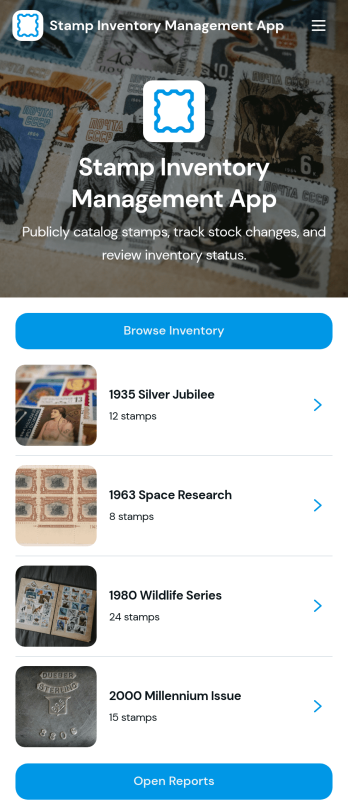
Stamp Inventory Management App
Stamp Inventory Management App helps collectors, dealers, museum archives, and hobby clubs keep a clear record of stamp holdings across storage locations. Use it to browse inventory by stamp name, open a stamp record to review quantity and condition, and quickly navigate to location-based views when you need to find items fast. With an easy way to add new stamp records and adjust stock, this app supports day-to-day catalog upkeep, trades, show prep, insurance documentation, and periodic collection audits without relying on scattered notes or spreadsheets.Jotform makes it simple to turn your process into a mobile-friendly self-service experience using app templates and a no-code app builder. With a drag-and-drop interface, you can tailor pages, navigation, and visuals to match how you organize your collection, then connect the app to your data collection workflows and reporting needs. Share the app with collaborators, keep information centralized, and maintain an up-to-date stamp inventory that’s easy to review and manage from anywhere.
Go to Category:Inventory Management Apps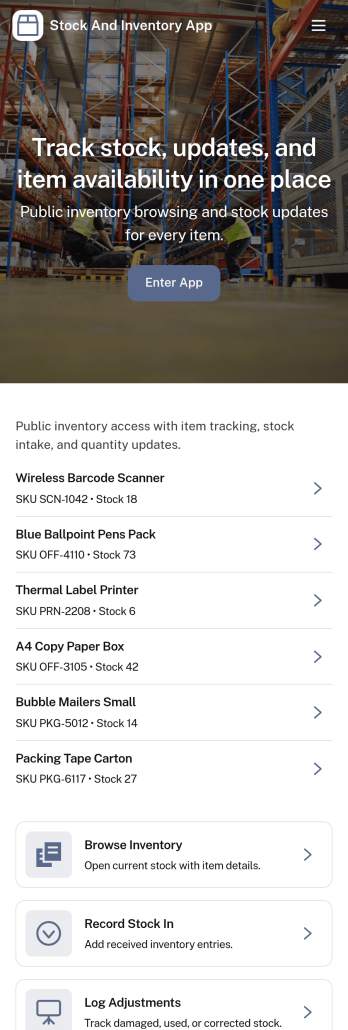
Stock and Inventory App
Stock and Inventory App helps teams track items, monitor stock levels, and document inventory movement in one place. Use it to browse item lists, open item details, add new items, and keep a clear history of stock changes over time. It’s a practical fit for retail shops, warehouses, field operations, studios, and small manufacturers that need a shared source of truth for what’s on hand, what’s running low, and what has recently moved.Built with Jotform App Templates, this app template can be tailored to match your workflow without code. With Jotform’s no-code app builder and drag-and-drop interface, you can connect forms and tables to support data collection, create a self-service experience for staff, and keep inventory workflows organized across pages. Share the app with a link so teammates can review items, record stock in, and check movement history from desktop or mobile.
Go to Category:Inventory Apps
Material Request Management App
The Material Request Management App is an app template for collecting, organizing, and reviewing internal requests for supplies and materials. Employees can submit a request, browse available materials, and view organized request records from one location. Procurement, warehouse, construction, facilities, and operations teams can use it to capture requester details, department information, quantities, required dates, and the purpose of each request. Centralizing these details reduces incomplete requests, improves visibility into material needs, and helps teams plan purchasing and distribution.Jotform App Templates make it easy to create a branded experience without coding. Customize this Material Request Management App with the no-code app builder and drag-and-drop interface, then connect forms, tables, notifications, and workflows to support data collection and follow-up tasks. Teams can adjust pages, navigation, colors, and content to match their processes. Once published, the app can be shared by direct link or QR code, giving employees convenient mobile-friendly self-service access wherever requests originate.
Go to Category:Inventory Management Apps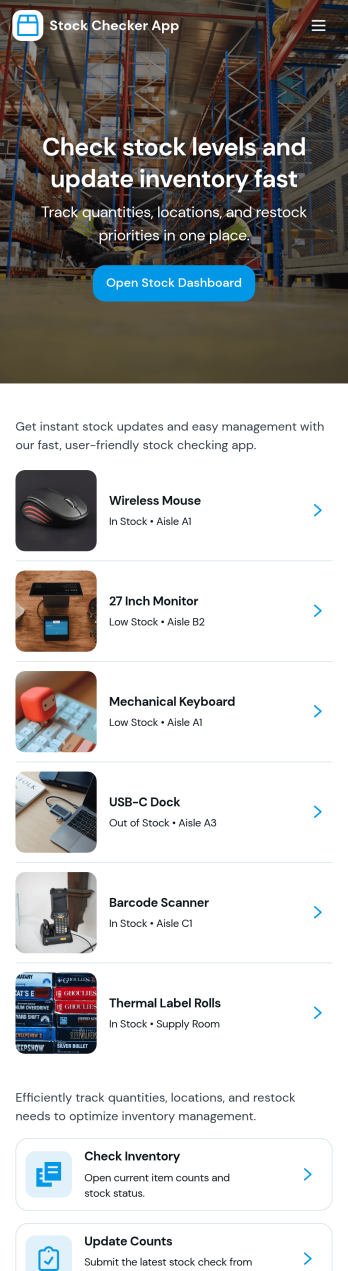
Stock Checker App
Stock Checker App helps teams quickly verify inventory levels, spot low-stock items, and keep day-to-day stock records consistent across locations or shifts. It’s a practical fit for retail stores, e-commerce operations, storerooms, restaurants, and small warehouses where staff need a simple way to check stock, review an inventory list, and flag items that require attention. With dedicated areas to check stock and review low-stock, the app supports faster decisions on reordering, restocking, and internal handoffs without relying on scattered notes or separate spreadsheets.Jotform makes it easy to turn this Stock Checker App into a branded self-service experience using an app template and a no-code app builder with a drag-and-drop interface. Connect buttons to forms for stock updates, keep all stock records organized in one place, and share the app by link so your team can access the right inventory information on desktop or mobile. As your workflow evolves, you can adjust pages, add steps, and keep data collection aligned with how your operation actually runs.
Go to Category:Inventory Apps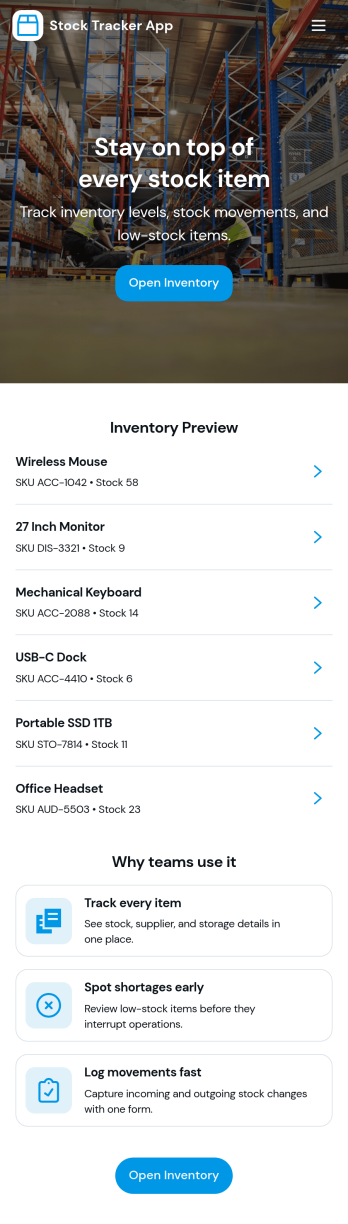
Stock Tracker App
Stock Tracker App helps teams monitor inventory levels, spot low-stock items early, and keep a clear record of stock activity in one place. It’s built for retailers, warehouse teams, small manufacturers, office managers, and anyone responsible for keeping products or supplies available without overordering. With an inventory summary dashboard, an inventory list you can browse, and dedicated actions for adding stock and adjusting stock, the app supports day-to-day stock control while keeping item details easy to access when questions come up.Jotform makes it simple to turn this Stock Tracker App into a branded, mobile-friendly experience using its no-code app builder and drag-and-drop interface. Connect your app to forms and tables for ongoing data collection, keep inventory updates consistent across your team, and share the app as a self-service destination for internal users. As your workflow evolves, you can refine pages, permissions, and connected processes so your inventory tracking stays organized and dependable.
Go to Category:Inventory Apps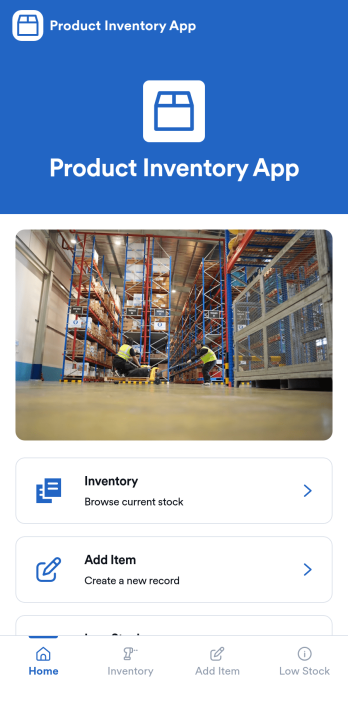
Product Inventory App
Product Inventory App helps teams track stock levels, add new products, and quickly spot items that need replenishing. It fits retail stores, warehouses, e-commerce operations, field teams carrying parts, and any business that wants a clear view of what is on hand without digging through spreadsheets. With inventory browsing, an Add Item flow, and a dedicated Low Stock area, staff can check quantities, keep product details up to date, and trigger restock actions at the right time, whether they are working the sales floor, receiving deliveries, or managing stockrooms.Built with Jotform, this app template gives you a flexible way to organize product data collection and everyday inventory workflow in one place. Use Jotform’s no-code app builder and drag-and-drop interface to adjust pages, navigation, and branding, then connect your inventory form to keep records consistent as your catalog grows. Share the app with your team for self-service access, keep information centralized, and make inventory updates easier to complete from any device.
Go to Category:E-commerce Apps