
The Janitorial Staff Scheduling App helps cleaning companies, facilities teams, property managers, and janitorial supervisors coordinate recurring and one-time work across multiple locations. This app template brings shift scheduling, staff availability collection, and completion reporting into one accessible experience. Managers can review assigned staff, shift times, locations, and current statuses, while cleaners can check their responsibilities and report completed work. It reduces reliance on scattered messages and spreadsheets, gives teams a clearer view of coverage, and supports better accountability for daily cleaning operations.
Jotform App Templates make it easy to adapt this scheduling experience to fit changing team structures and service routines. With Jotform’s no-code app builder and drag-and-drop interface, users can update pages, navigation, buttons, colors, and branding without programming. Connected forms support data collection and workflow steps, while tables can help organize shift, availability, and completion information. Publish the Janitorial Staff Scheduling App through a direct link or QR code to give office and field teams mobile-friendly, self-service access from almost any device.
Related templates
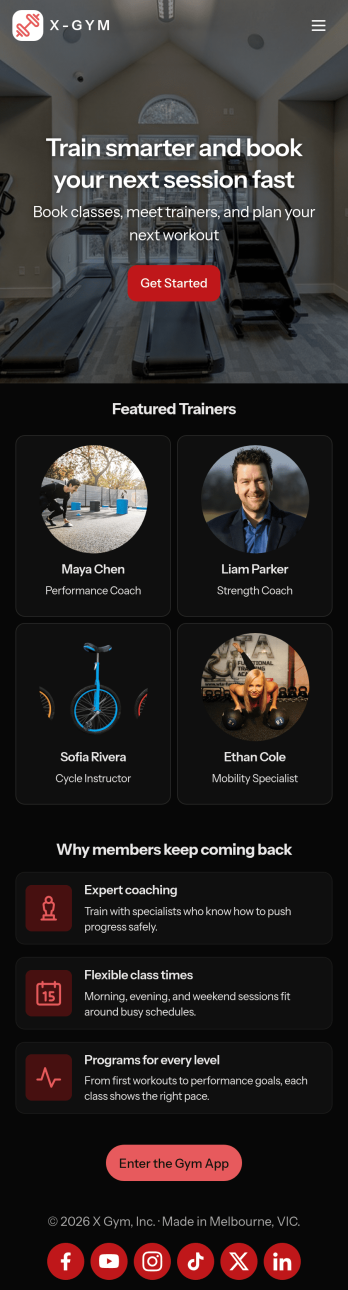
Gym Schedule App
A gym schedule app is used by gyms and personal trainers to allow gym members to directly manage training schedules and evaluations from any device. This Gym Schedule App contains three forms for filling out general contact information, scheduling appointments with personal trainers, and recording post-workout evaluations. Submissions are instantly synced and stored in your Jotform account, where you can manage all your members’ data from one location.Customize this app template to match your gym’s branding with Jotform’s no-code form builder. Just drag and drop to add or change various form elements, create a custom app icon and splash screen, upload your logo, and more. Once you’re done, share a link on your website or in a welcome email and gym members can then access and download your app on any device. Connect gym members with personal trainers and help them achieve their fitness goals with this Gym Schedule App from Jotform.
Go to Category:Sports Apps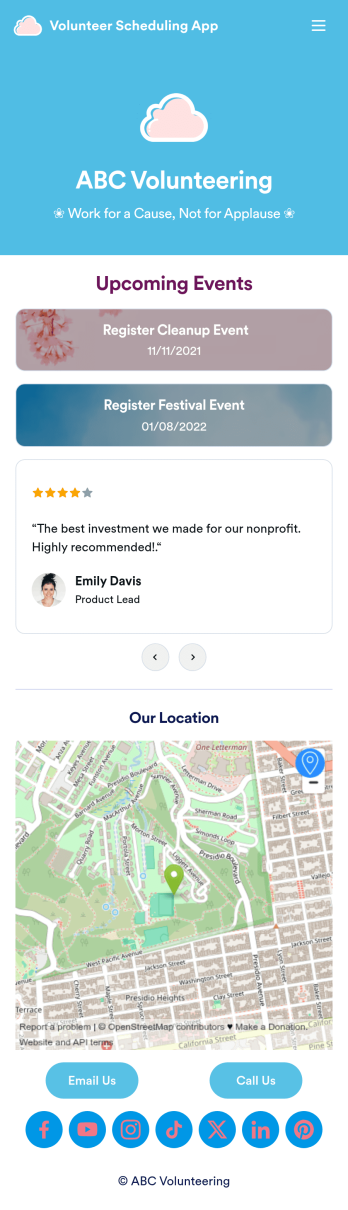
Custom Volunteer Scheduling App
A volunteer scheduling app is used by communities and organizations for recruiting volunteers. Our Volunteer Scheduling App allows individuals to volunteer for upcoming activities and events by filling out a form with their general contact information, availability, areas of interest, and any helpful talents they may have. This app template also includes an interactive event calendar and an event request form. Volunteer registrations are organized in an easy-to-read spreadsheet in your secure Jotform account, where you can sort and filter volunteers by name and availability.Jotform’s drag-and-drop app builder makes it easy to customize this app template to suit your needs. You can add and swap out form elements, choose fonts and colors, upload your organization’s logo, use your splash screen to include testimonials and photo slideshows of past events, and more — all without any coding. When you’re done, share your app by attaching it to an email newsletter, or include a link in your website or social media bio, and volunteers can download your app on any device. Start making real change in your community with this fully-customizable Volunteer Scheduling App.
Go to Category:Nonprofit Apps
Work Schedule App
A work schedule app is used by employees for logging work shifts and completed tasks. With this Work Schedule App, employees can log their shifts by filling out a form with their name, scheduled hours, and hourly wage. A separate task tracking form allows employees to log individual tasks they’ve completed throughout the week. Submissions are stored in two easy-to-read spreadsheets in your Jotform account, which you can sort, filter, and search from any smartphone, tablet, or computer.Want to customize this app template to match your company’s branding? No problem — just use our drag-and-drop builder to add or change form elements, choose fonts and colors, change your app icon or splash screen, and more. Once you’re finished, share your app by sending email invites to employees, or by embedding a link in your company’s HR portal. Employees will be able to access and download your app on any device, making it easy to log shifts and tasks from anywhere. Streamline employee scheduling with this Work Schedule App from Jotform.
Go to Category:Human Resources Apps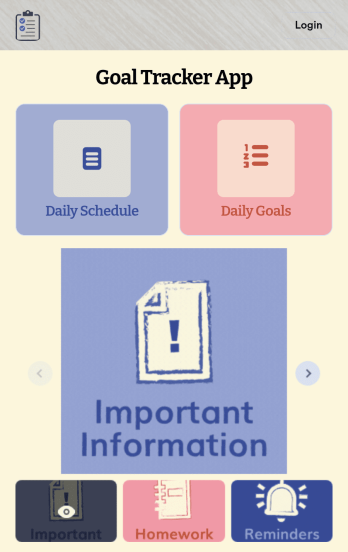
Customizable Goal Tracker App
Need an easier way for your clients to track their goals? With Jotform’s Goal Tracker App, you can build an online goal tracking app in minutes. Start creating your app from scratch or choose one of our ready-made app templates to get your creativity flowing. Add a contact form, let your customers create a schedule that works for them, showcase past client reviews, and more. Once you’ve customized your app to your liking, share with clients — downloadable onto any computer or iOS or Android device.Personalize your Goal Tracker App with Jotform’s easy-to-use app builder. Just drag and drop to change the look and feel of your app, add powerful app elements, install helpful app widgets, and integrate with one of our 25+ payment processors, including Stripe and Square. Share your customized app via email or embed it directly into your own website for easy access. Help your clients reach their goals with your very own Goal Tracker App — free on Jotform.
Go to Category:Activity Tracking Apps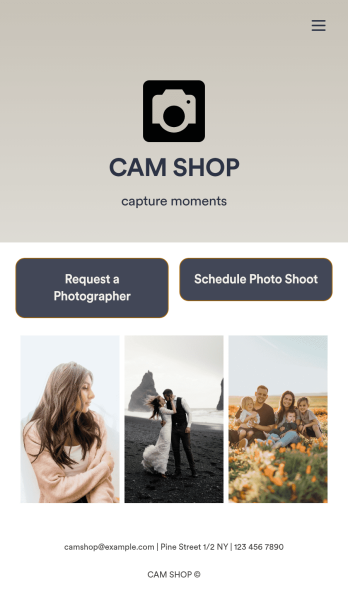
Photography Booking App
Whether you’re an independent photographer or run a photo studio, booking jobs is a crucial part of your trade — so why not make it as simple a possible? This free Photography Booking App allows customers to easily hire photographers and schedule photoshoots all from one location. Customers can fill out general contact information, specify media type and event dates, and include any special instructions about their shoot. Once a photographer is assigned to an event, customers can use a separate scheduling form to specify photograph sizes, add à la carte items, and choose appointment times based on your availability. You can accept form payments directly from your app via credit card, PayPal, Stripe, and more.Need to customize this app to match your studio’s branding? With our drag-and-drop form builder, it’s easy to add or change forms, choose fonts and colors, and upload your logo — all without any coding. You can also showcase your work by adding photographs to your fully customizable splash page. When you’re done, share your app with a link or embed it in your website and customers can start booking appointments right away from any device. Empower your photography business with this Photography Booking App from Jotform.
Go to Category:Booking Apps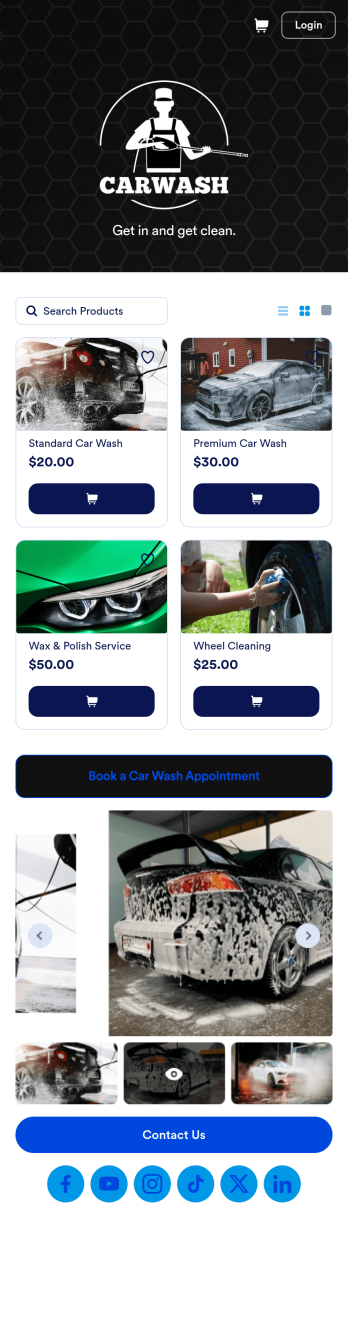
Custom Mobile Car Wash App
Wondering how to sell car washes online? Create a downloadable app for your mobile car wash customers with a free Mobile Car Wash App from Jotform. This app includes a Car Wash Appointment Form so customers can select their preferred date from a calendar and provide other booking details like name, phone number, and their car’s make and model. Also it includes a product list that customers choose a car wash service and make payments. All submissions are sent to your company Jotform account, ready to view instantly on any device.Add your logo, include other forms to collect additional info like e-signatures or payments, and make other design changes by dragging and dropping elements in our intuitive no-code app builder. Once your app is ready to be shared, copy and paste the link or invite people via email so they can download it onto their devices. Stop spending time on phone or email bookings and enjoy a more efficient booking process with this Mobile Car Wash App.
Go to Category:Appointment & Booking Apps